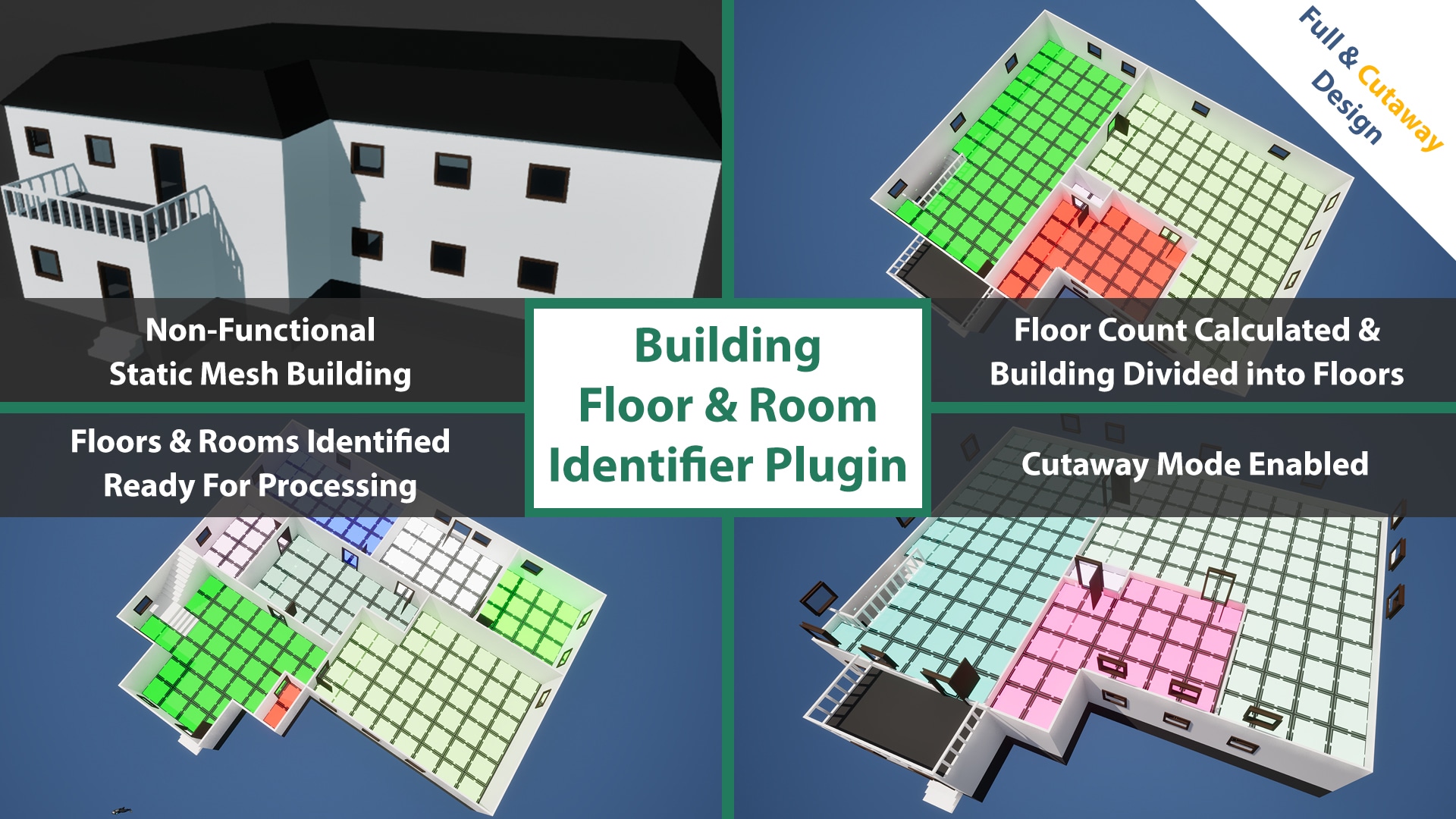
Building Floor & Room Identifier Plugin
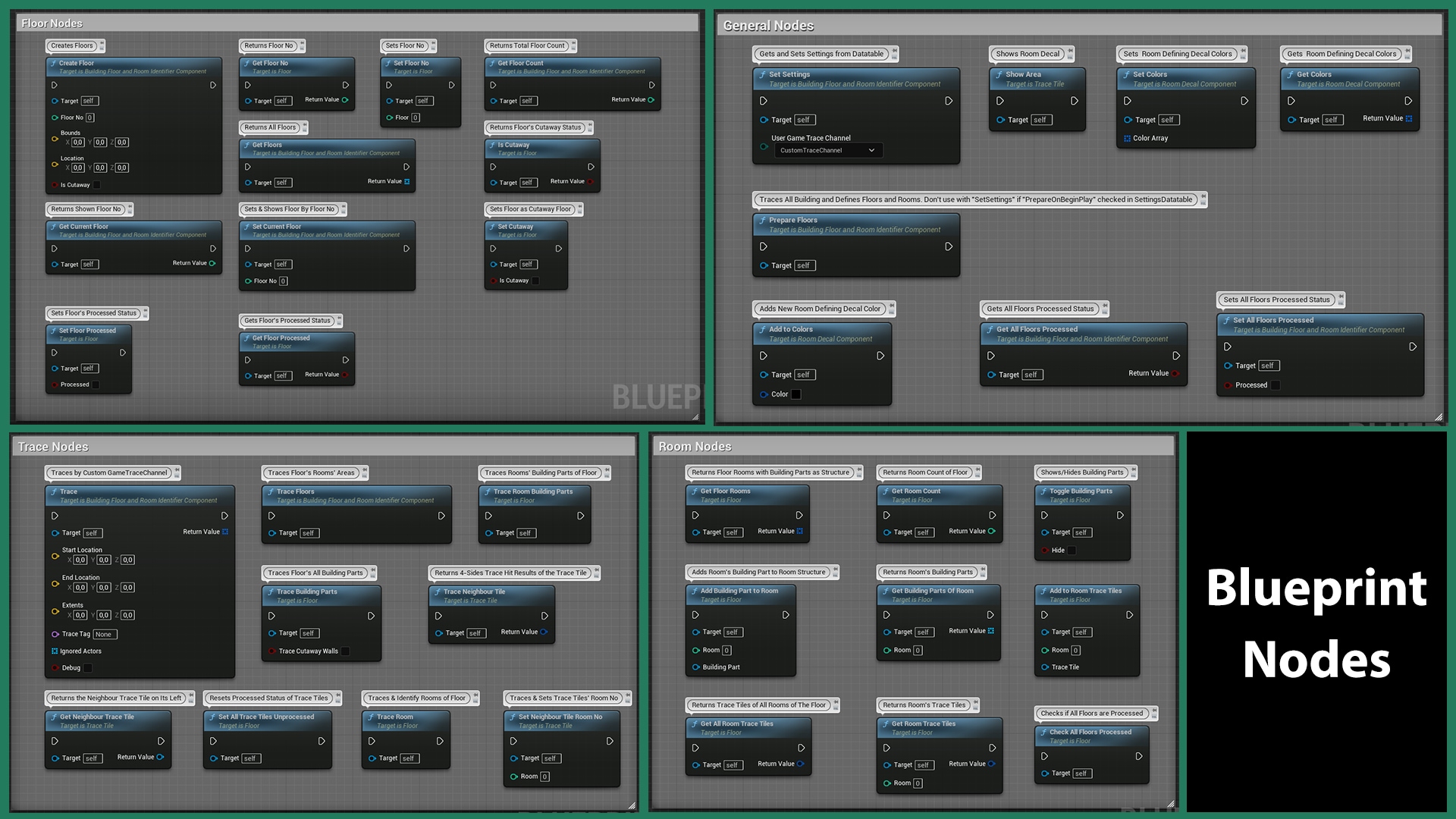
Makes the buildings processable by automatically identifying floors and rooms and returning building parts such as walls, windows, doors and stairs.
- Supported Platforms
- Supported Engine Versions5.1 - 5.4
- Download TypeEngine PluginThis product contains a code plugin, complete with pre-built binaries and all its source code that integrates with Unreal Engine, which can be installed to an engine version of your choice then enabled on a per-project basis.
Description
Reviews
Questions
You can find this product within the Isometric Wall Fading & Sight-Based Advanced Object Detection System with special price for limited time.
Discord | Documentation | Quick Demo Video | To use this plugin, you don't need C++ knowledge.
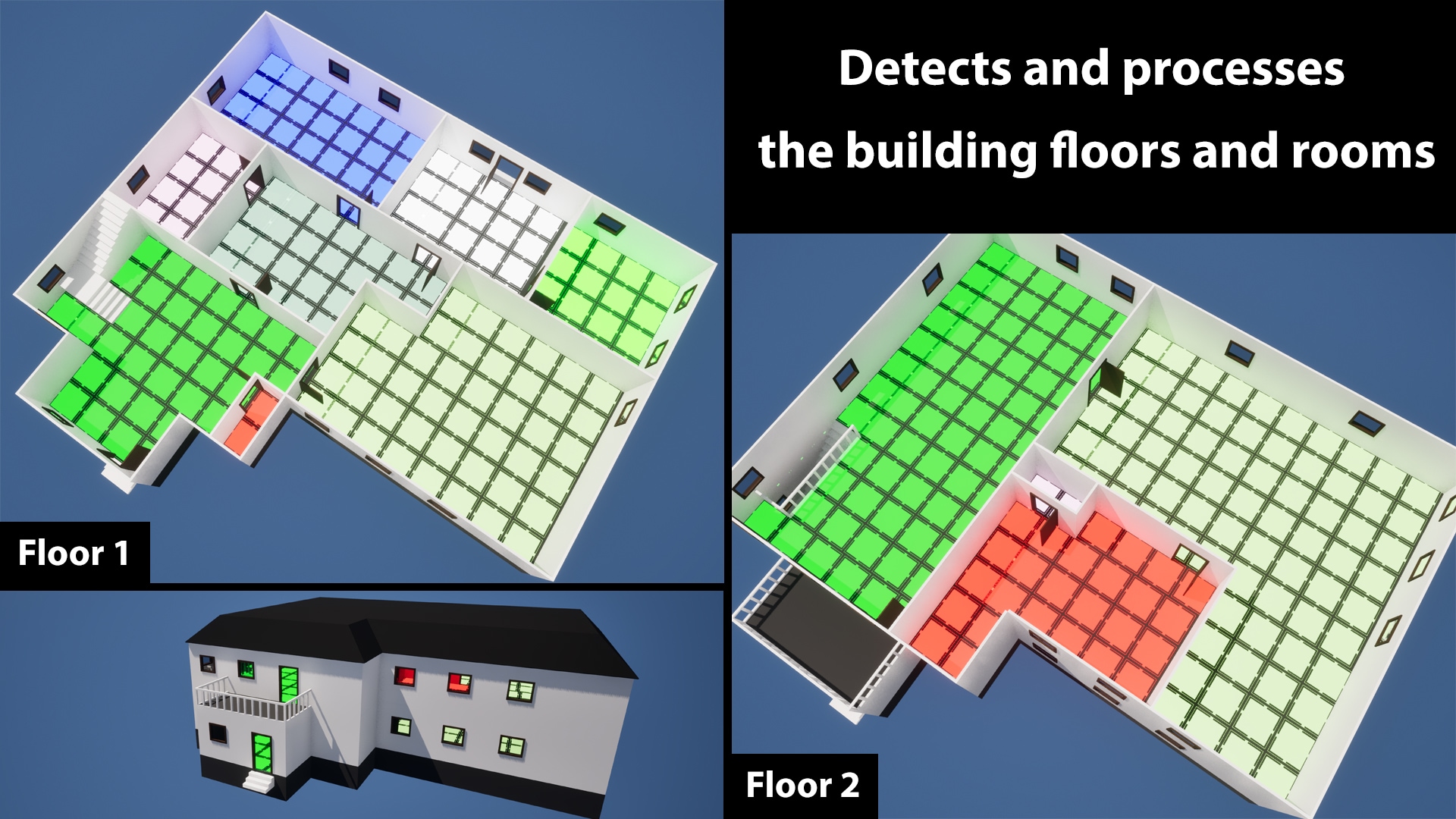
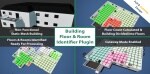
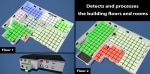
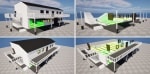
The Building Floor & Room Identifier is a plugin that automatically detects and divides buildings into floors and marks rooms it's added to. This component enables transitions between the floors of the buildings. It makes the buildings' floors and rooms processable by identifying and returning building parts such as walls, windows, and stairs. All of these functions are performed using a few generic values. The dimensions of the processing area and the building parts to be detected are defined customarily. Thus, different settings can be applied to various buildings, allowing for diverse outcomes simultaneously.
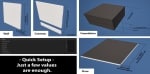
It's ready with a few simple steps:
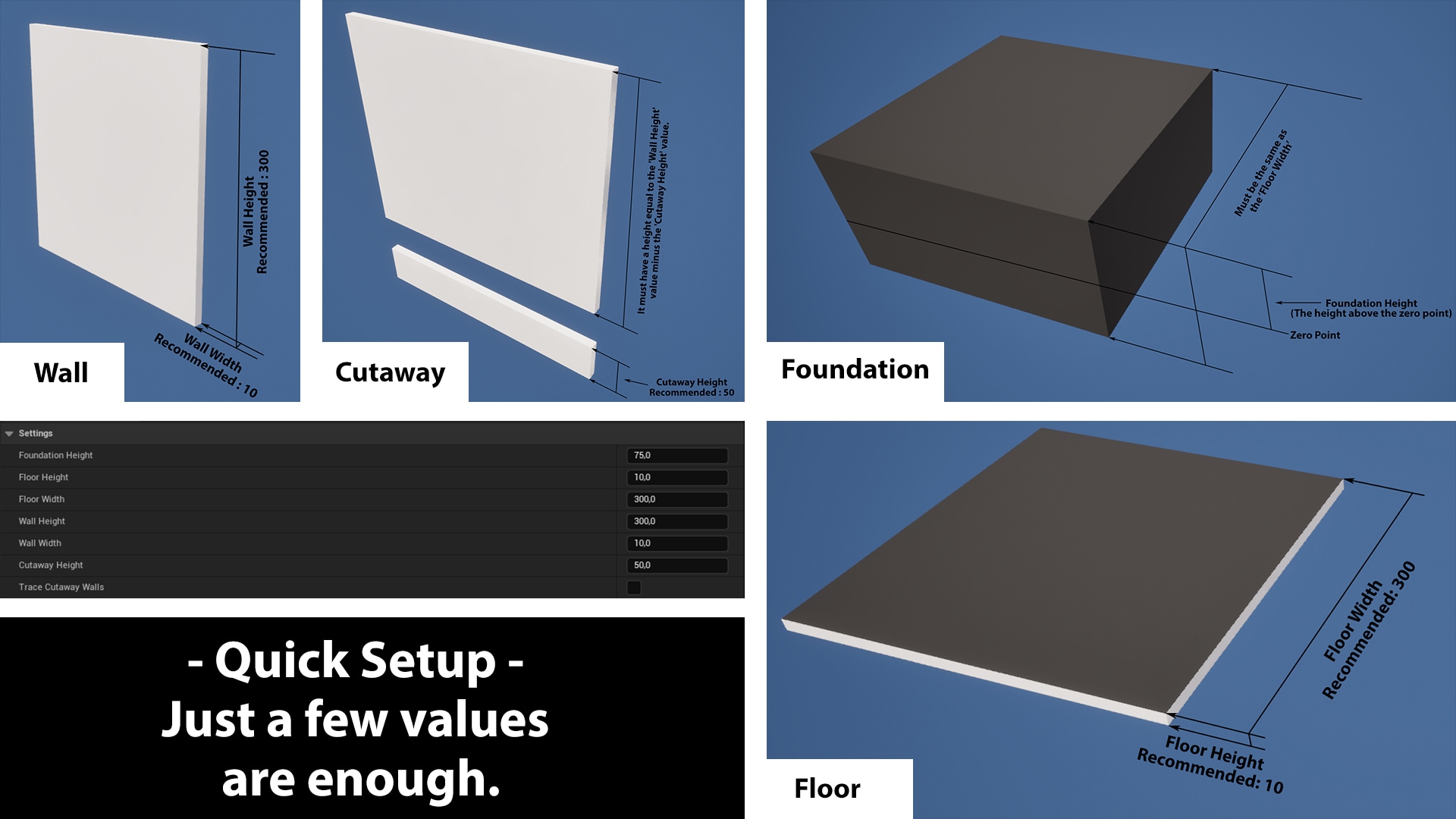
- Define a few desired dimensions and building part component tags to the plugin.
- Add component tags to the building parts.
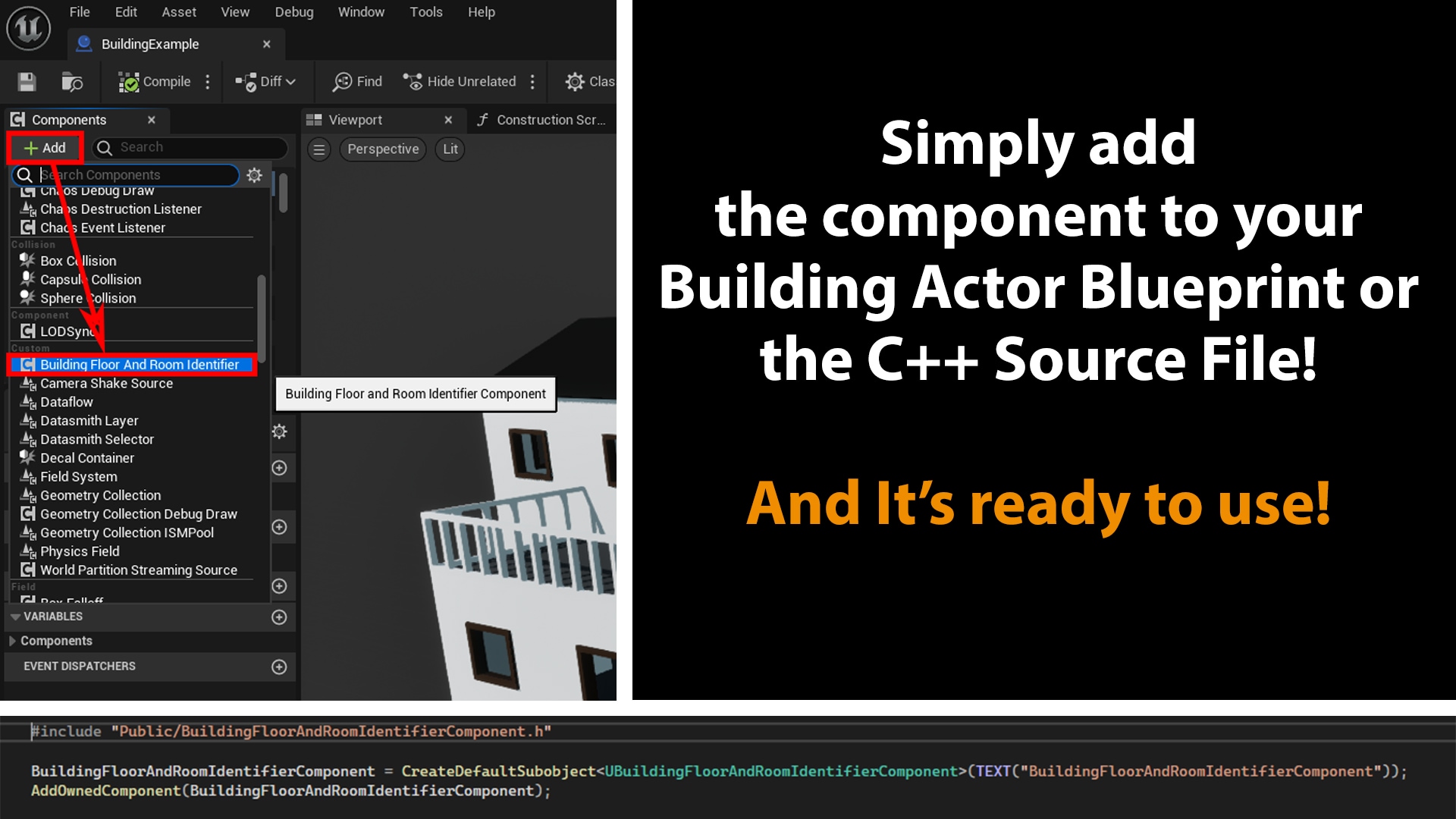
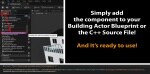
- Add the Building Floor & Room Identifier Component to your building actors.
- Initiate the analysis after your building have been created/generated.
- That's all!
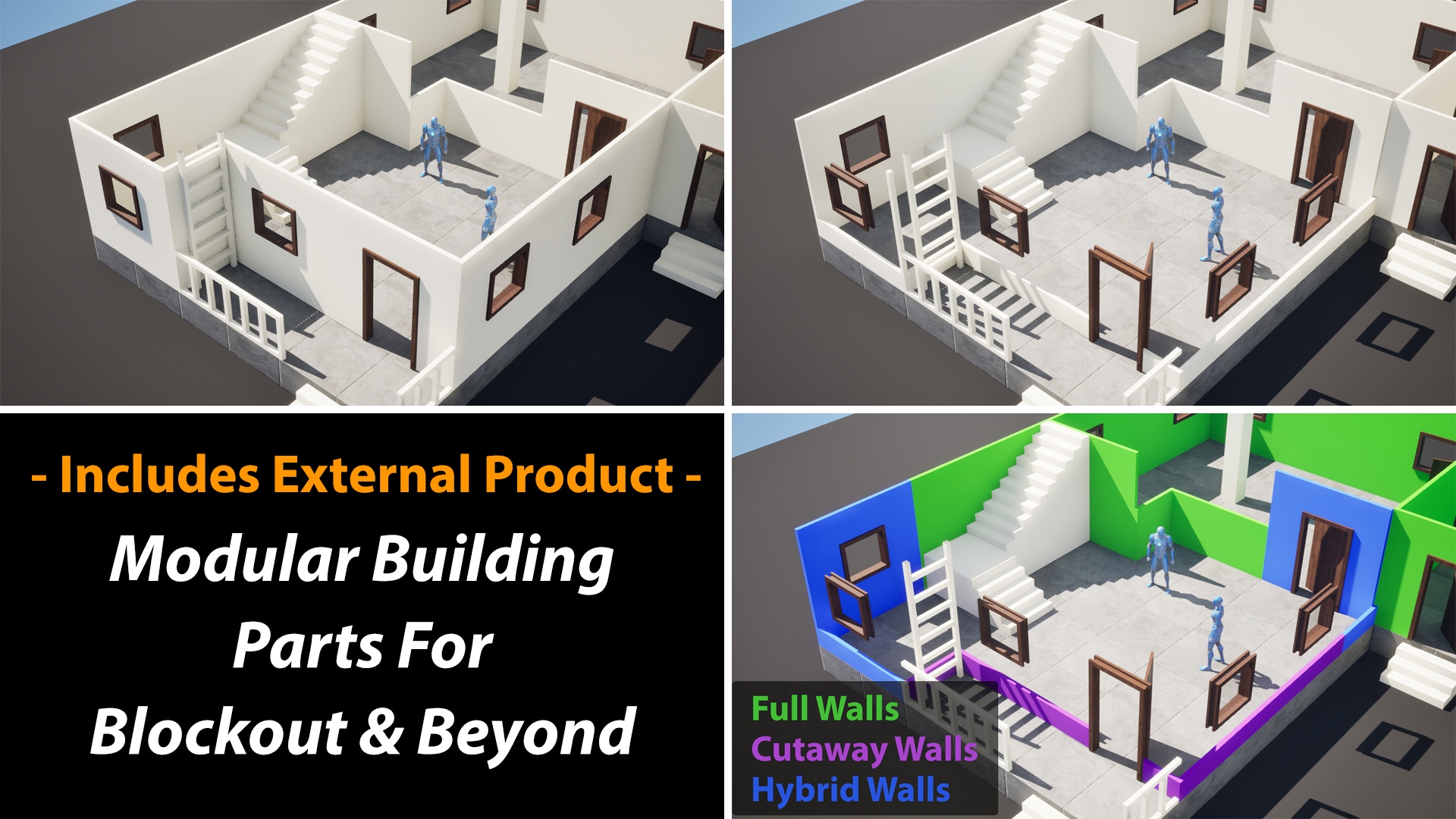
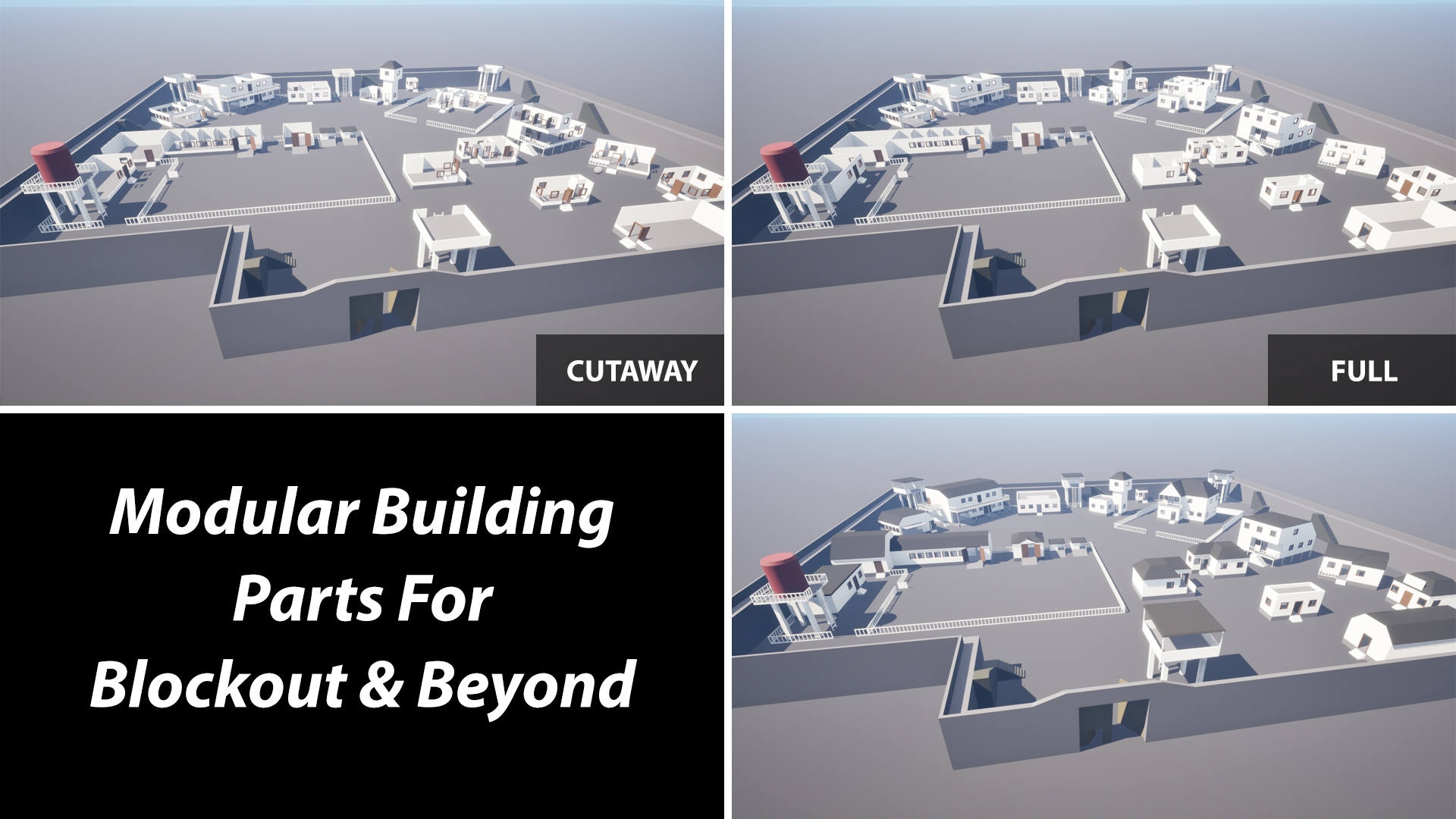
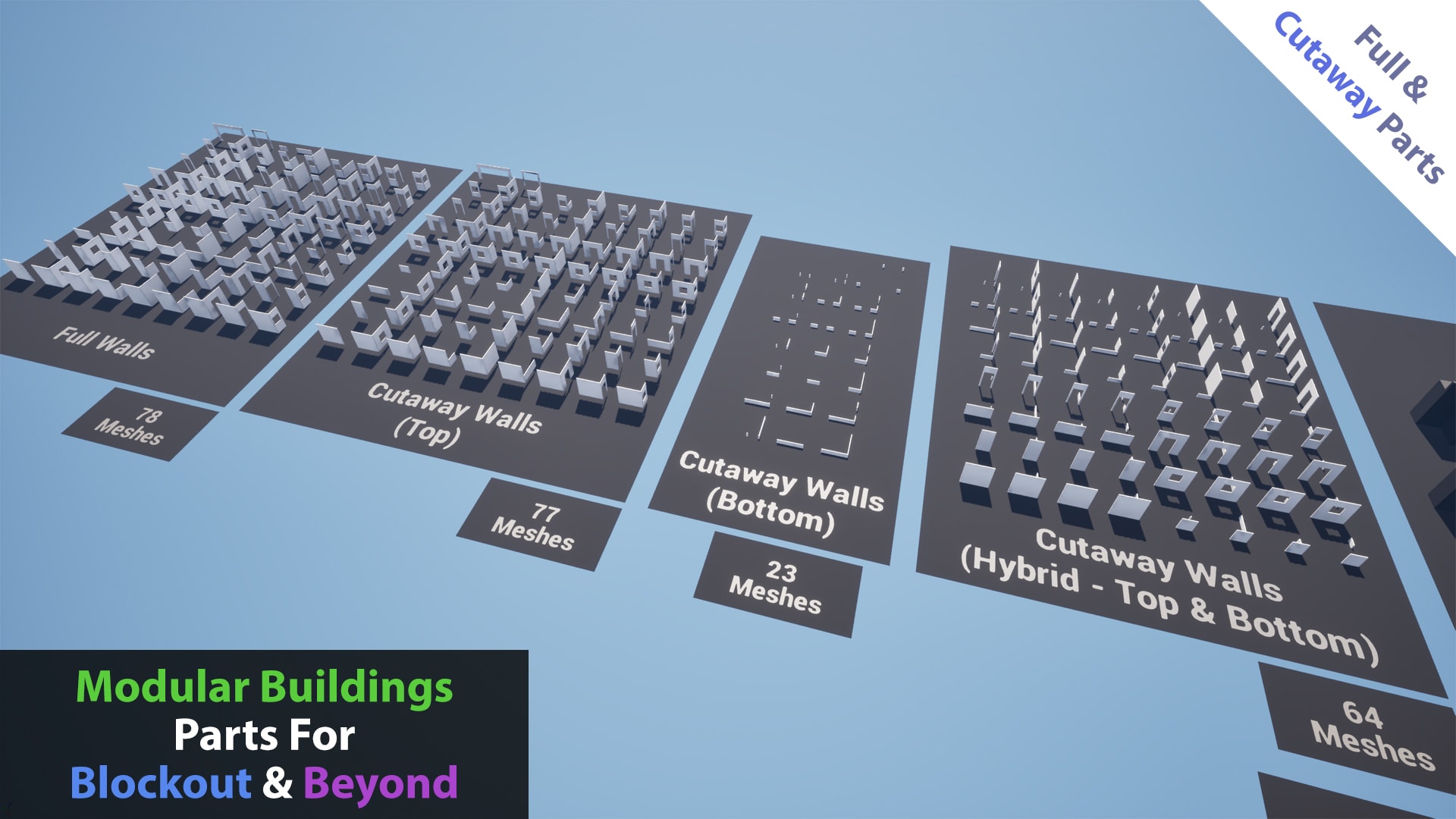
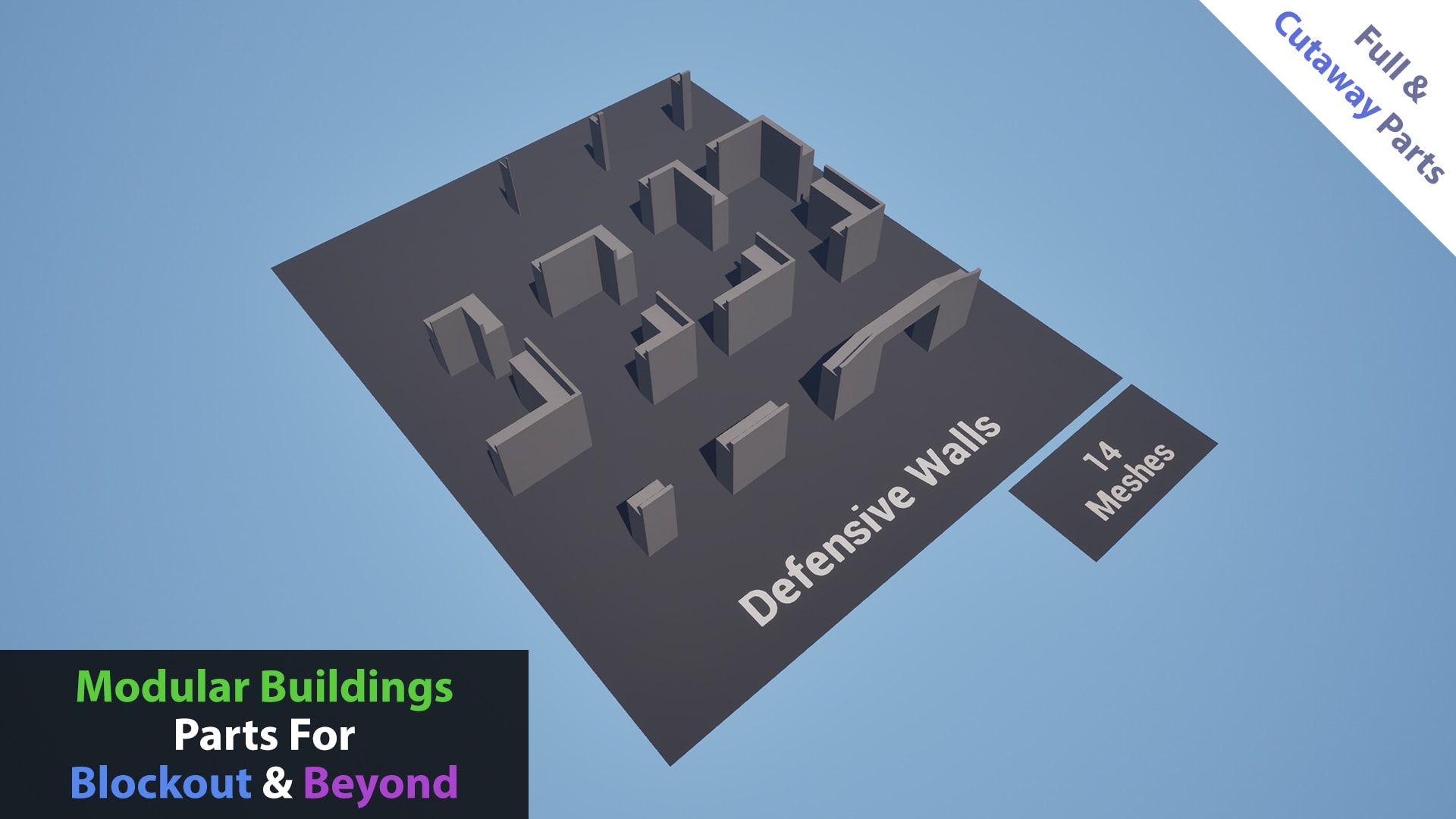
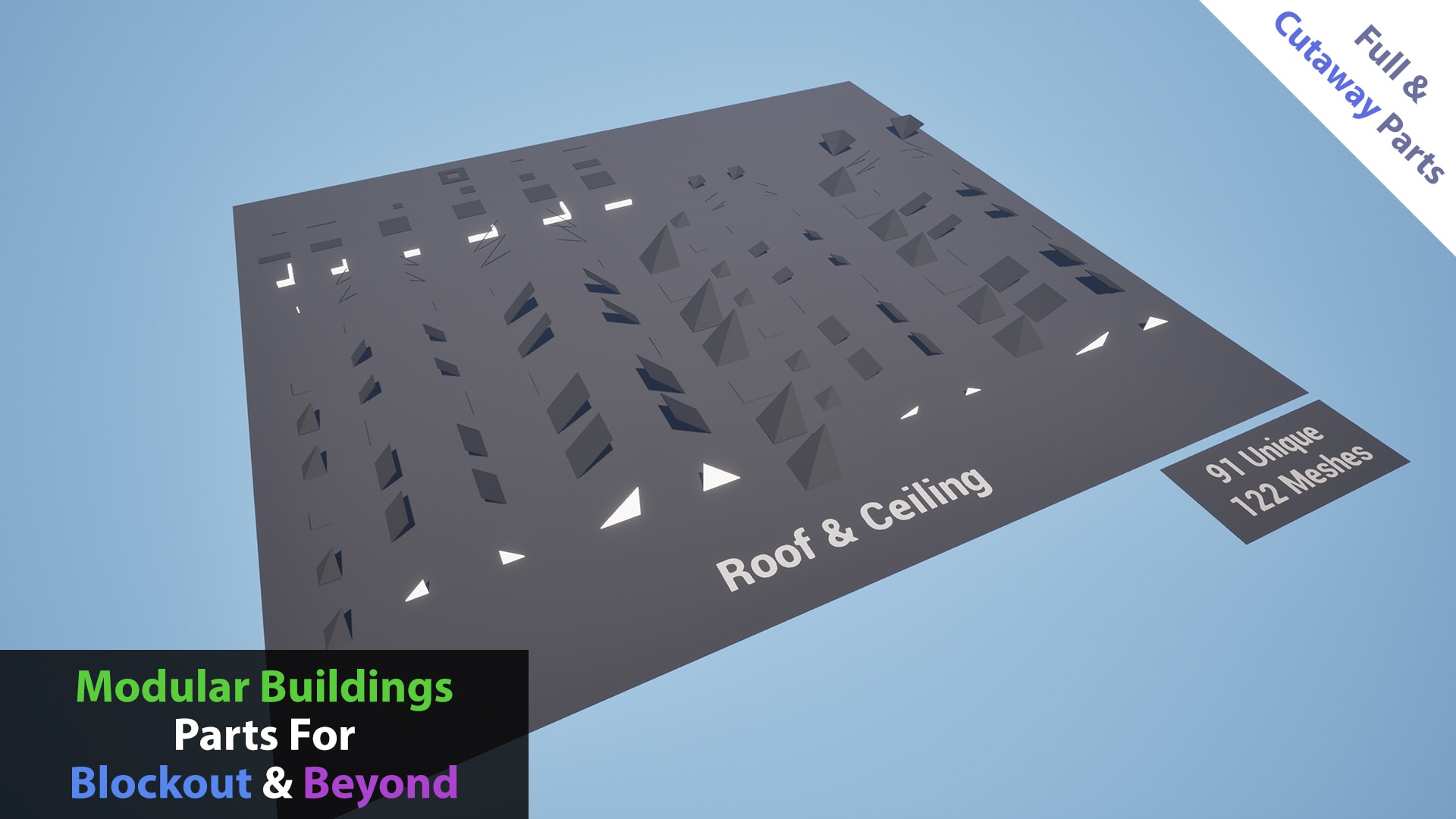
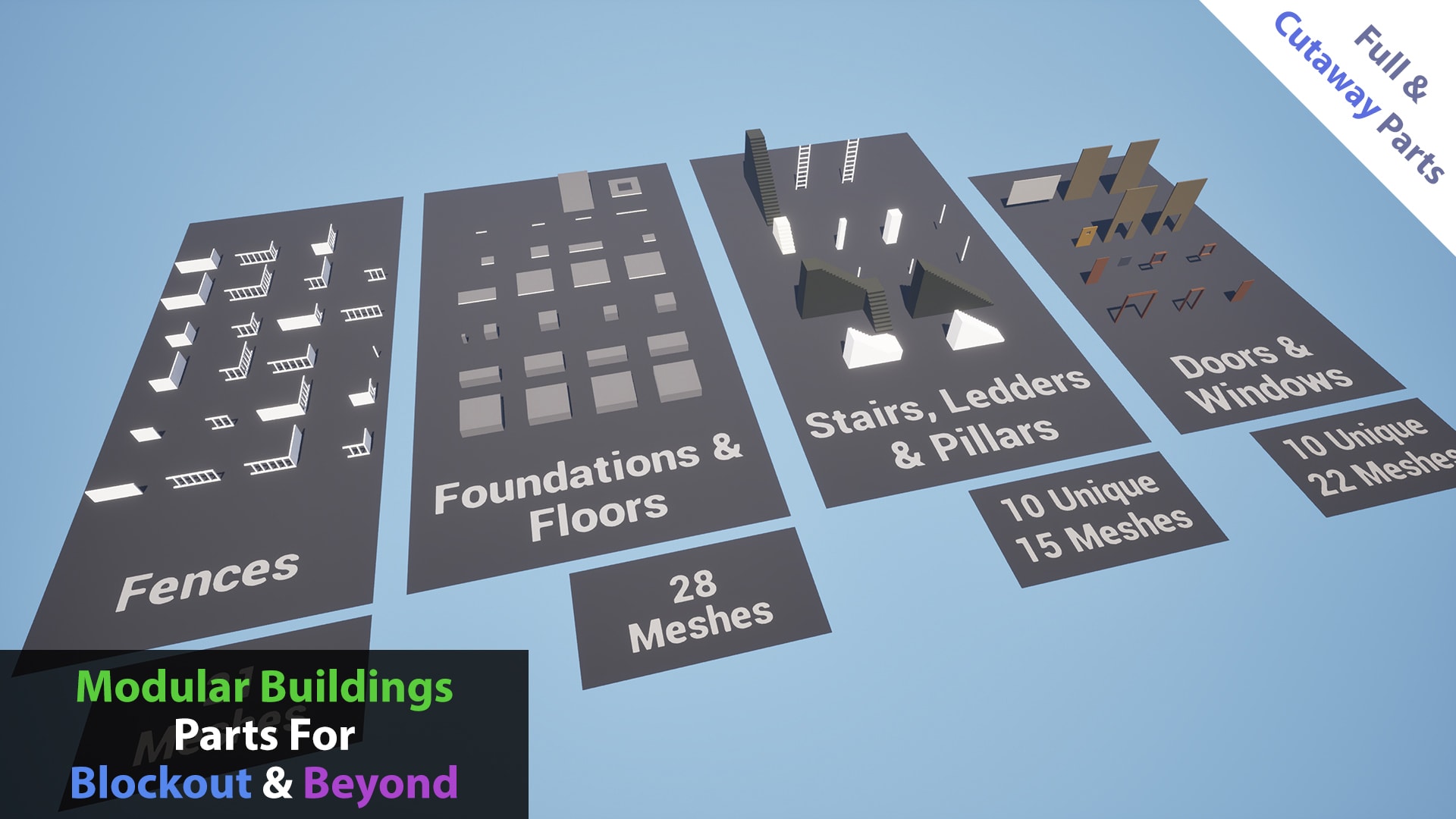
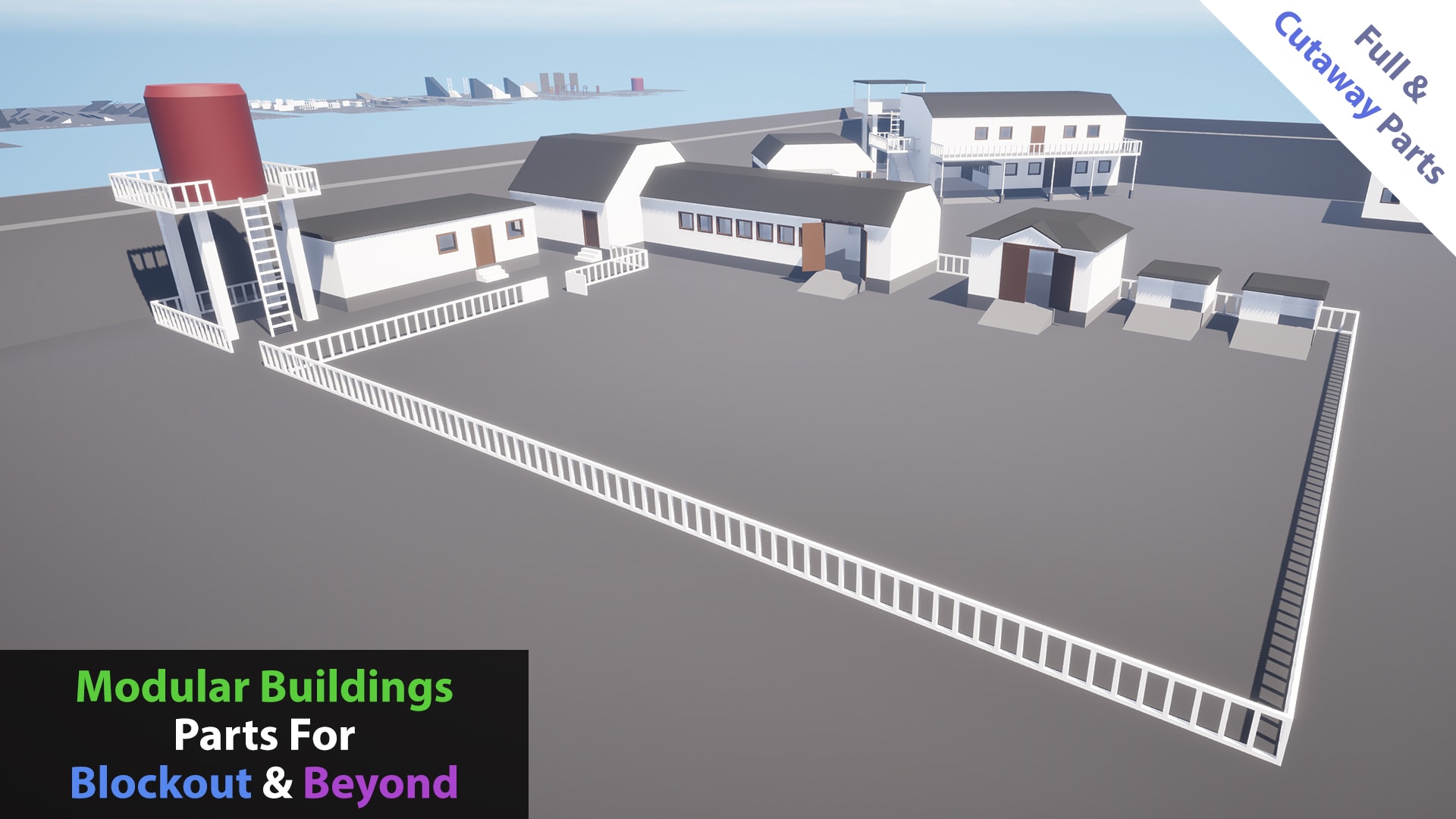
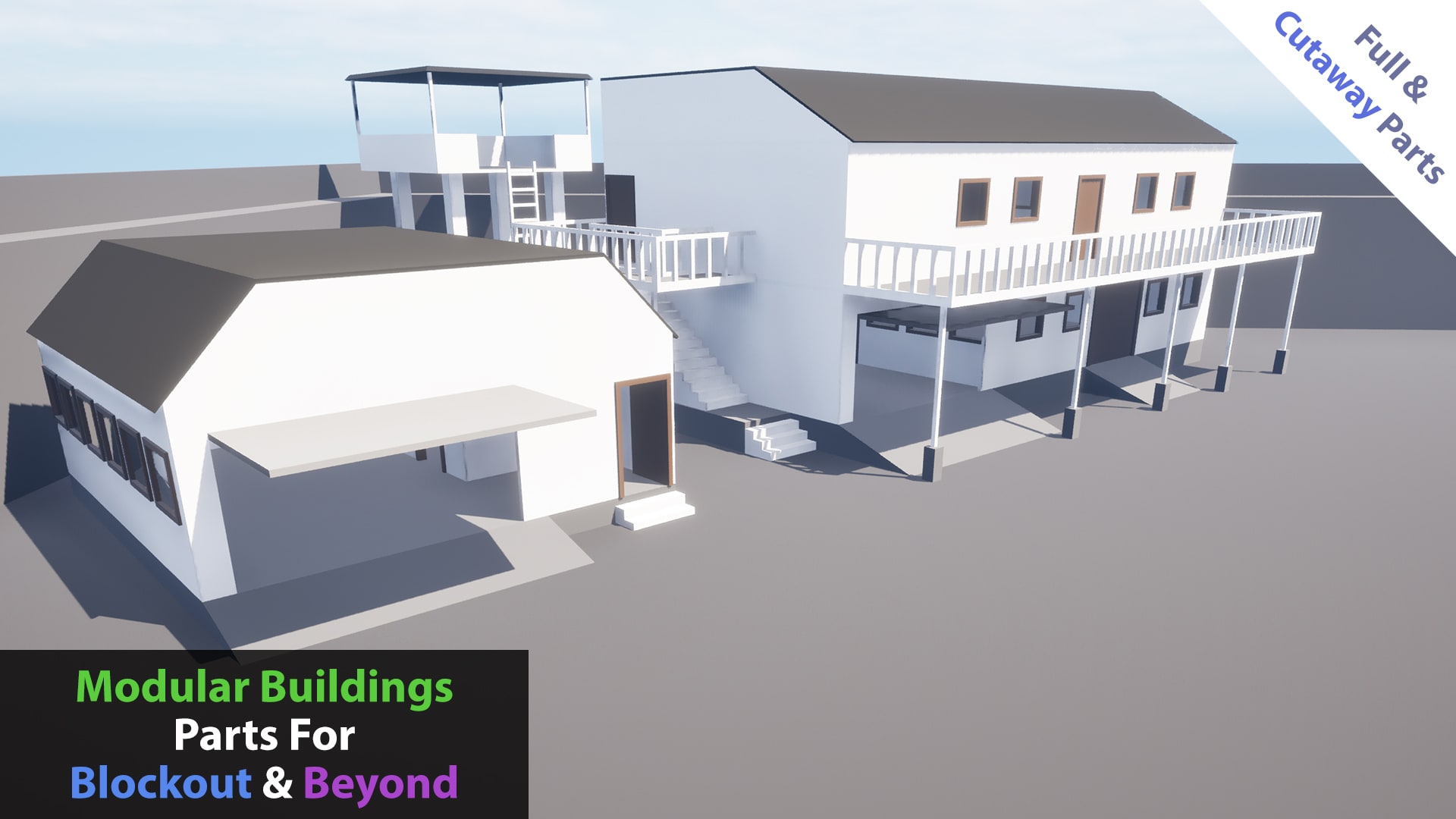
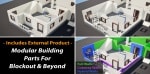
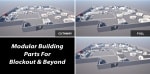
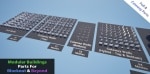
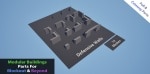
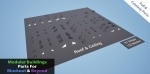
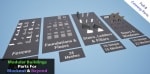
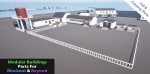
This product includes the '450+ Modular Building Parts For Blockout & Beyond'.
Technical Details
Features:
- Easy Integration: Ready to use by adding it to your building actor and making a few simple settings.
- Automatic Recognition and Analysis: Automatically recognizes and analyzes the floors and rooms of buildings.
- Inter-Floor Transitions: Allows transitions between floors of the building.
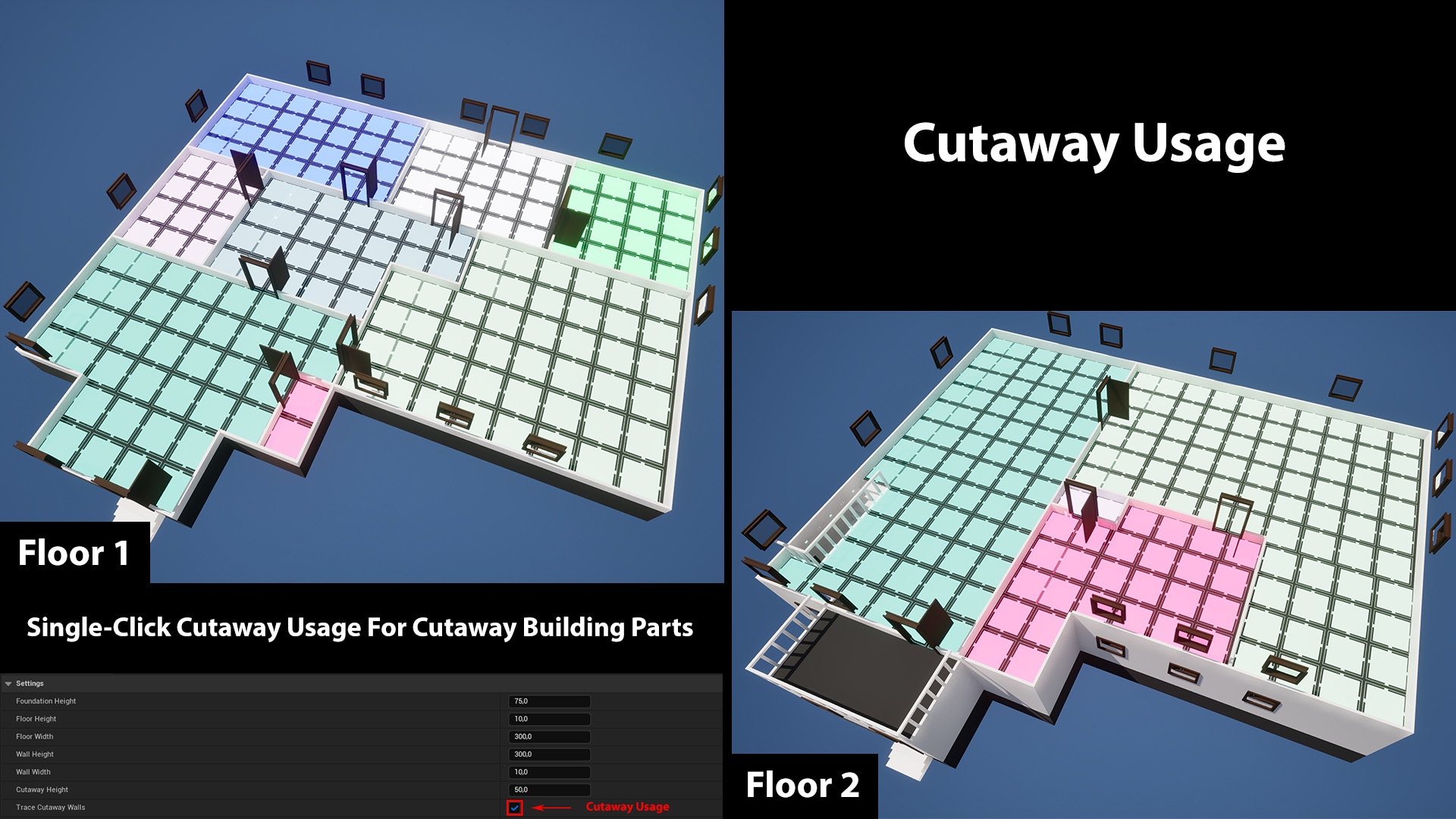
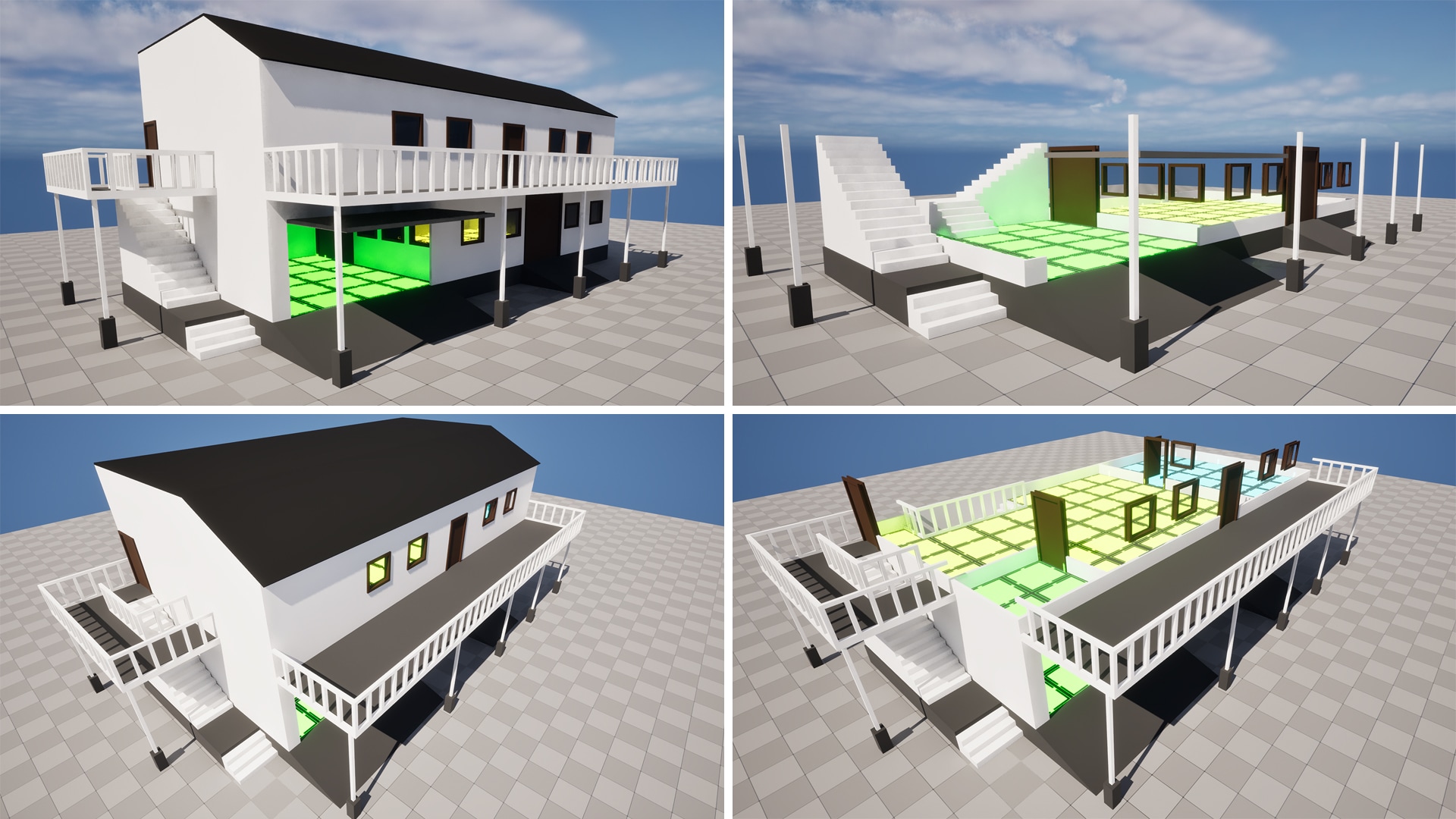
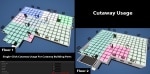
- Compatibility: Compatible with both Full walls and Cutaway walls, thus meeting different design and display needs.
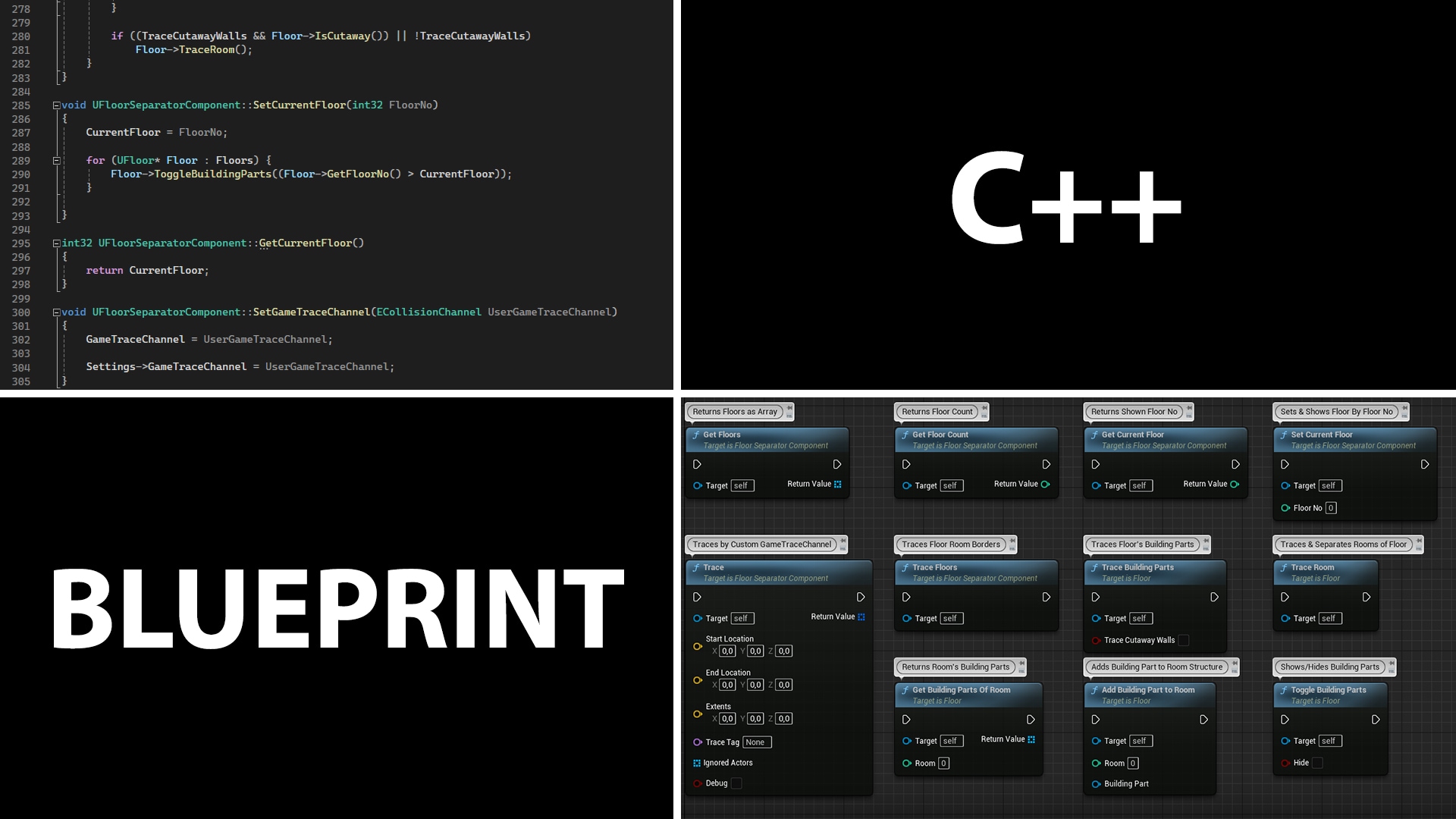
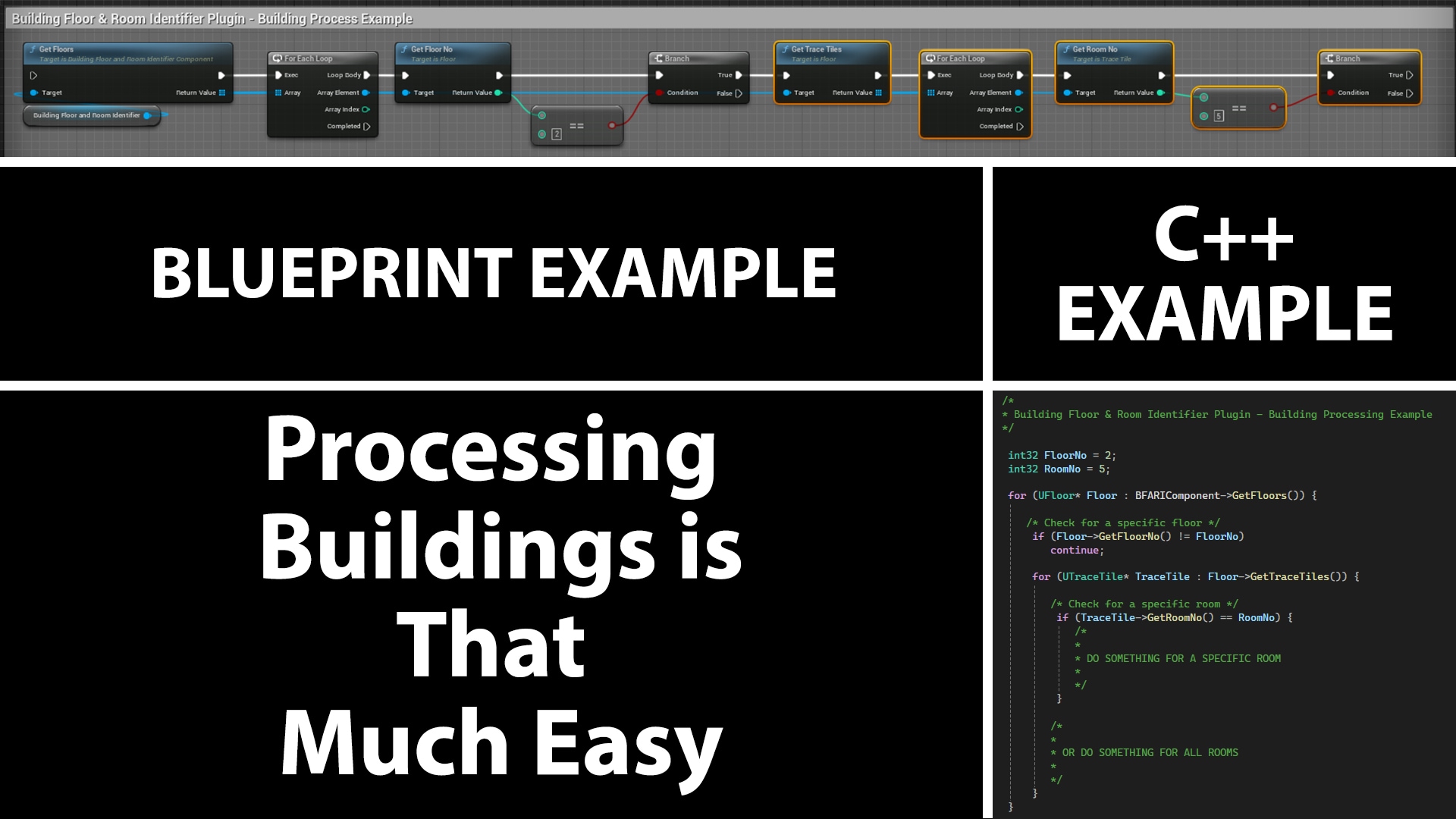
- Building Processability: Returns building's modular parts such as walls, windows, and stairs at both floor and room, makes buildings processable.
- Configuration with Generic Values: Executes all processes through a few generic values.
- Custom Settings: The dimensions of the processing area and the building parts to be detected are defined customarily.
- Flexible Application: Different settings can be applied to different buildings, allowing for various results at the same time.
- Includes External Product: 450+ Modular Building Parts For Blockout & Beyond.
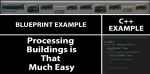
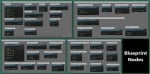
Number of Blueprints: 2 Example Blueprints & 1 Example Widget
Number of C++ Classes: 5 Main Classes & 3 Example Classes
Network : No
Supported Dev & Platforms: All without mobile