





Topographic Map 3D Terrain Generator
Topographic Map Editor that Renders Custom Heightmaps
- 支持的平台
- 支持的引擎版本4.23 - 4.26
- 下载类型引擎插件此产品包含一款代码插件,含有预编译的二进制文件以及与虚幻引擎集成的所有源代码,能够安装到您选择的引擎版本中,并根据每个项目的需求启动。
描述
评价
提问
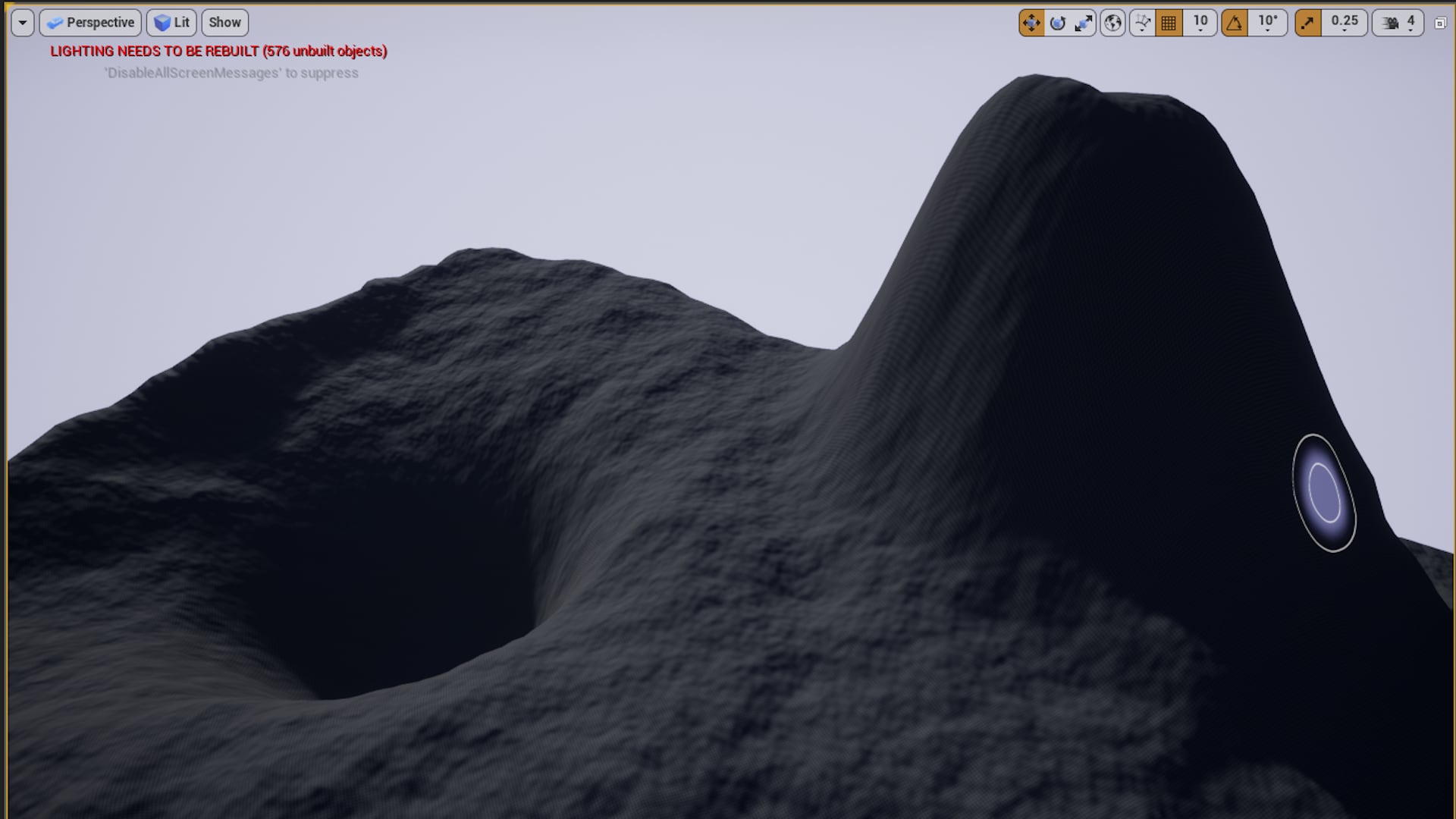
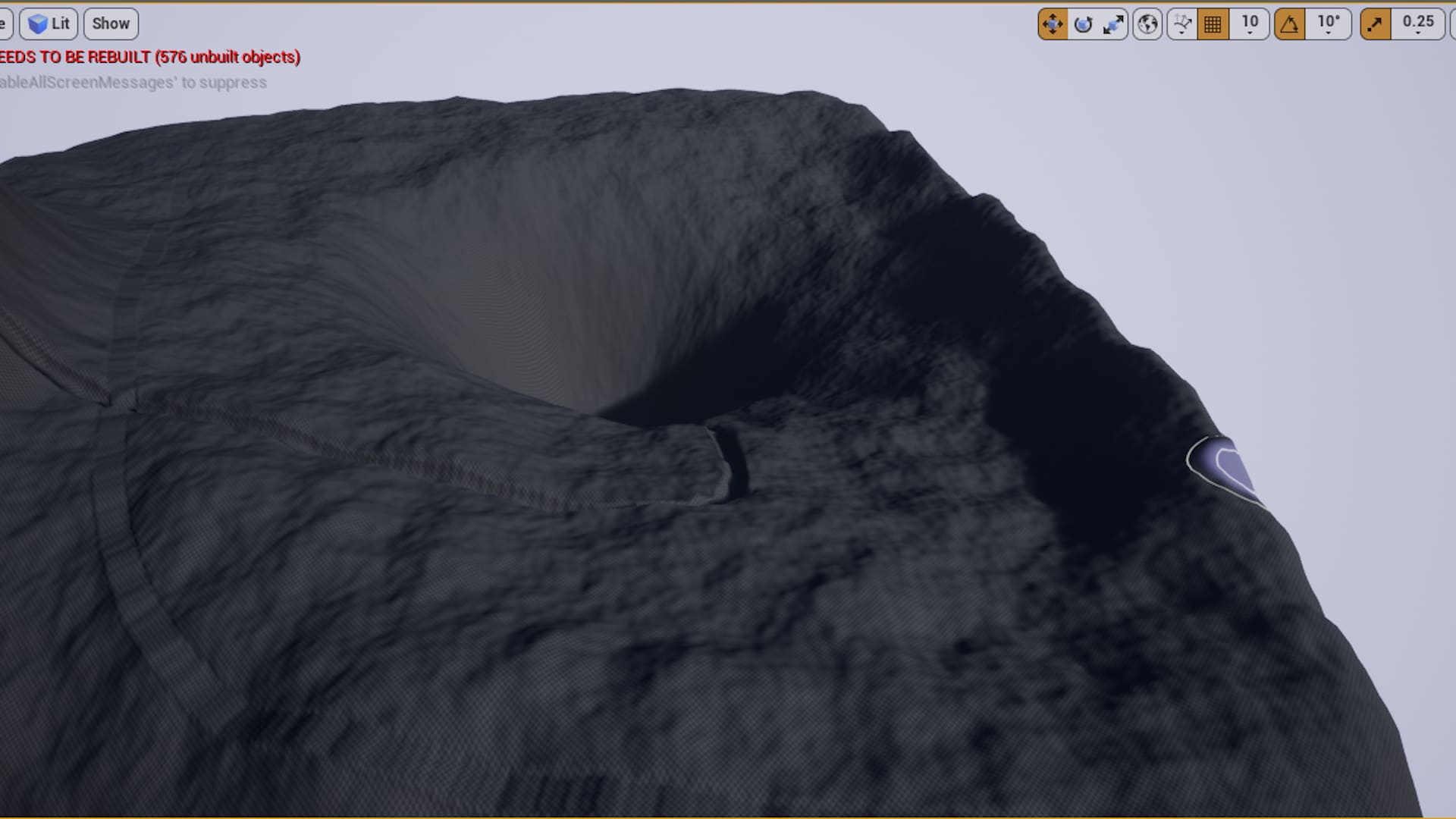
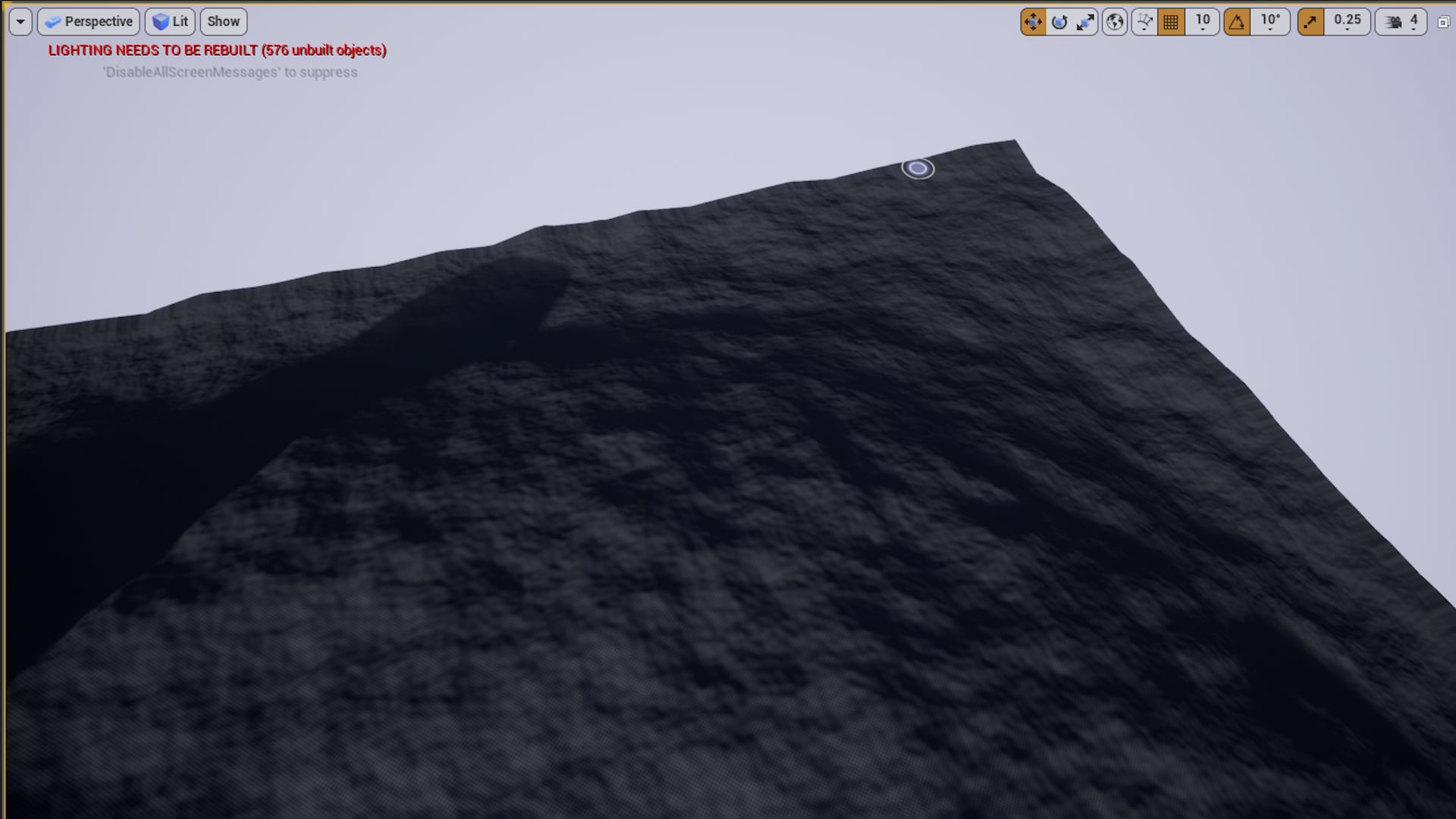
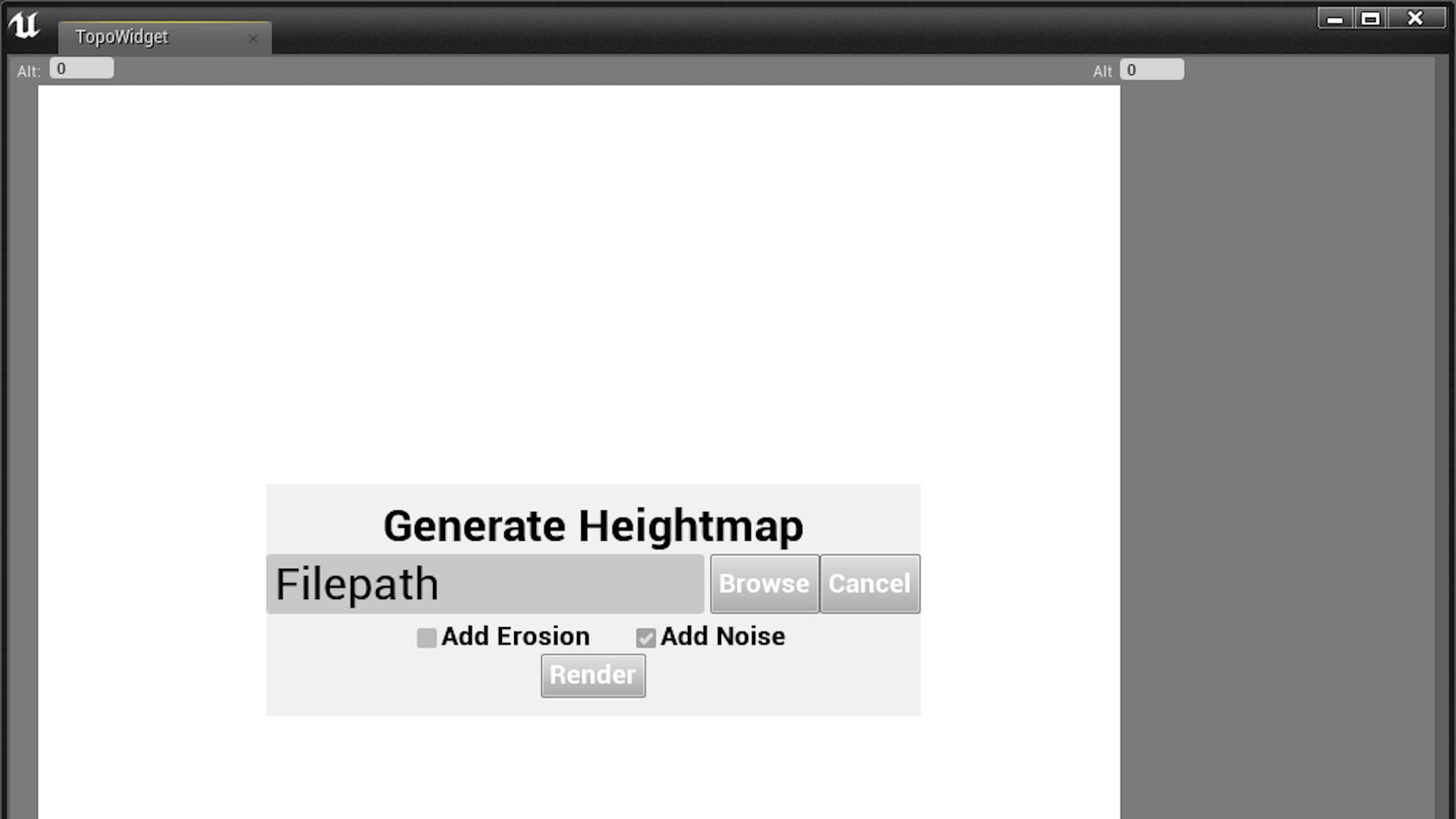
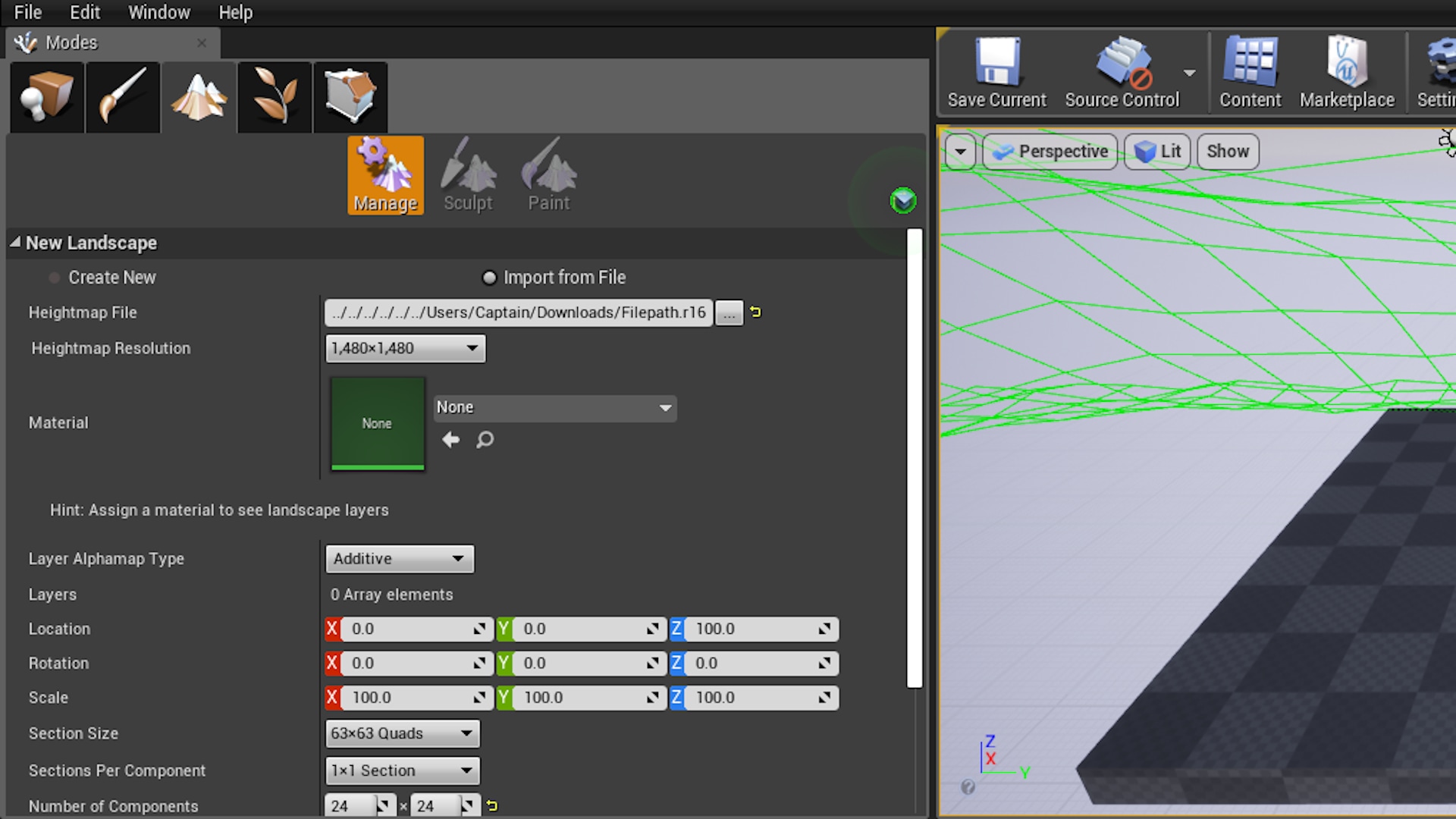
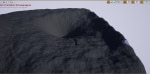
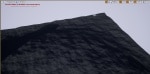
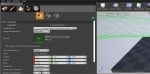
The TopoTool takes your topographic map inputs, drawn via splines on the Editor Utility Widget, and renders them into a binary heightmap file. That heightmap file (extension .r16) can then be loaded into the Unreal Engine Landscape Tool for creation as a fully editable landscape geometry.
The Tool provides inputs for peaks and valleys, topographic lines, rivers, and roads.
On Render, the Tool gives the user the ability to add realism via Perlin Noise and Hydraulic Erosion.
Promo Video: https://youtu.be/MYtW8a5nyUU
Features:
- Topographic Lines
- Roads
- Rivers
- Peaks/Valleys
- Altitude specification for Peaks/Valleys and Topographic Lines
- Width specification for Roads and Rivers
- Depth specification for Rivers
- Catmull-Rom Spline implementation for drawing the Topography, Rivers, and Roads
- Ability to load a background image for tracing
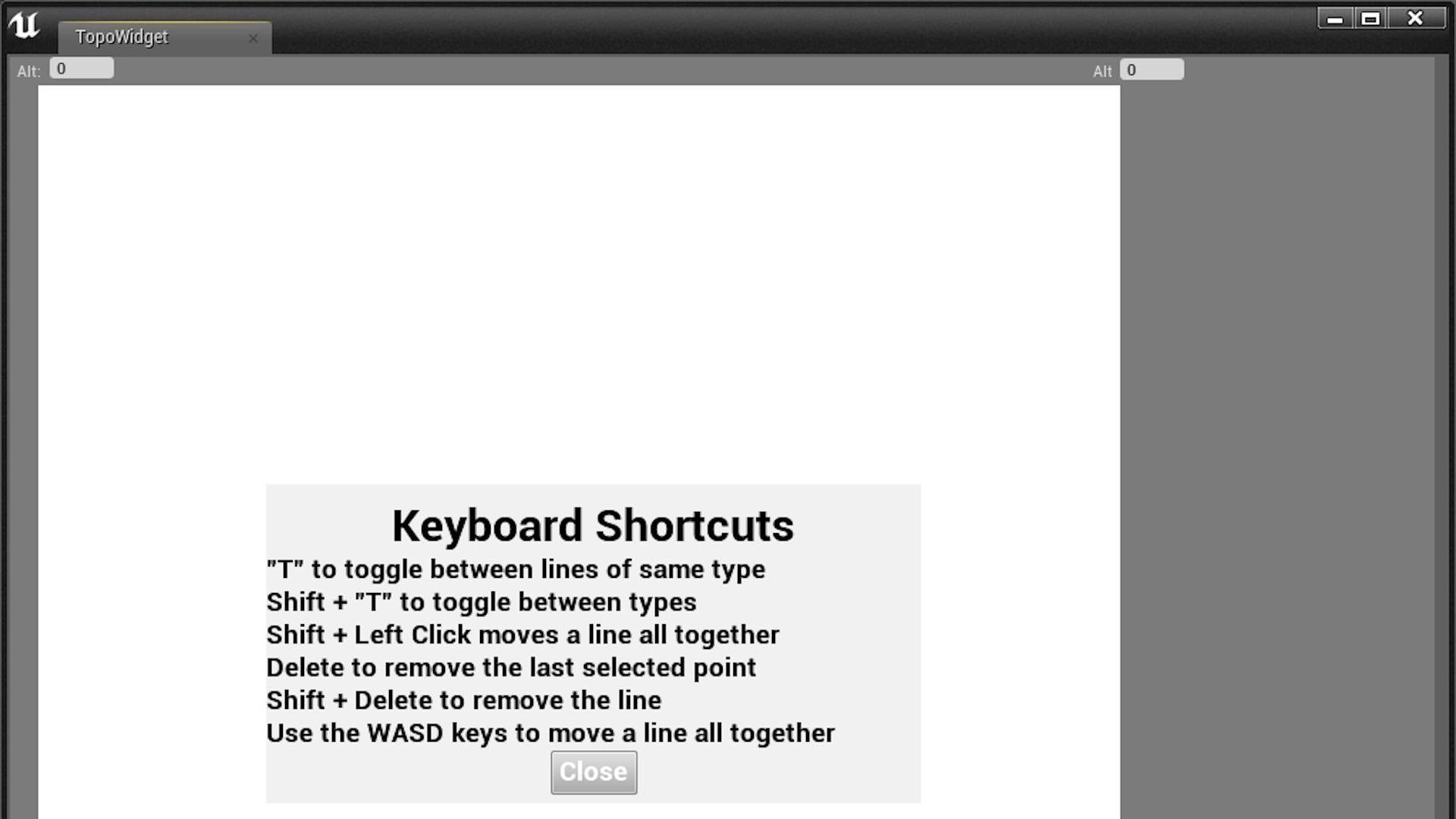
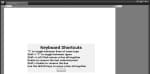
- Keyboard shortcuts to ease use
- Perlin noise algorithm on render
- Erosion algorithm on render
- Heightmap generated from render in .r16 format for full 16 bit height depth
- Save and Load heightmaps using built-in Unreal Engine save game blueprints
- Undo functionality
- Click and drag points
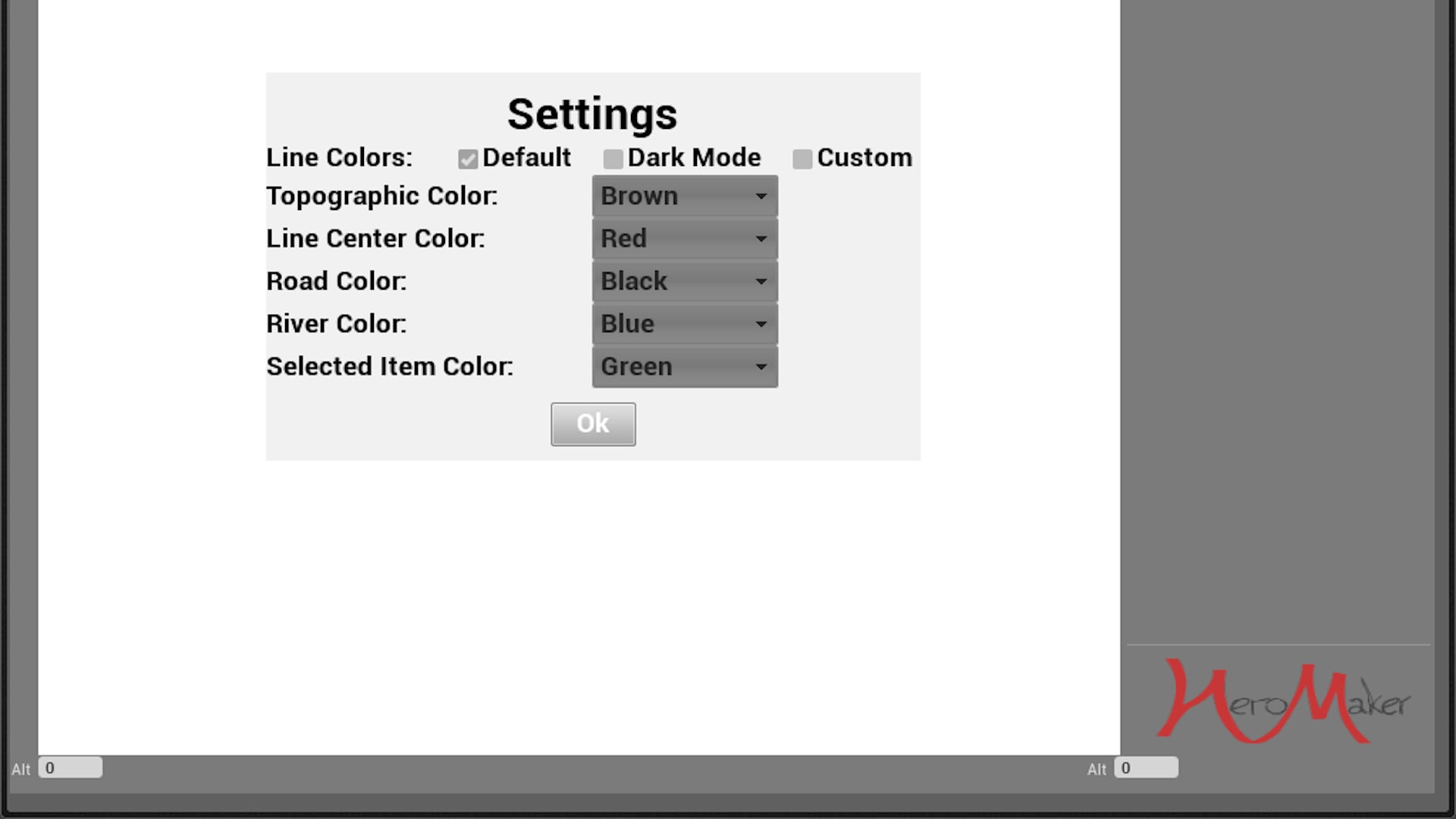
- Color specification for use on dark and multicolored backgrounds
- Copy and Paste features
- Resize whole feature using keyboard shortcut and mouse drag
技术细节
Updates:
- 4.4 Added Copy and Paste, Scale whole feature, optimized base interpolation method 2/18/20
- 4.5 (only UE4.25+): Ability to scale down resolution of lines
Features in the Future:
- UI updates
- Process improvements
- Erosion memory usage (16gb RAM recommended for using erosion)
Code Modules:
- TopoToolPlugin -- Editor Plugin with Content
Number of Blueprints: 1
Number of C++ Classes: 3
Network Replicated: No
Supported Development Platforms: Windows 64 bit Desktop
Documentation: Tutorial Video: https://youtu.be/3vN1z32PsgU
Advanced Options: https://youtu.be/WkcOuoTlpks
Updated video coming soon
Notes:
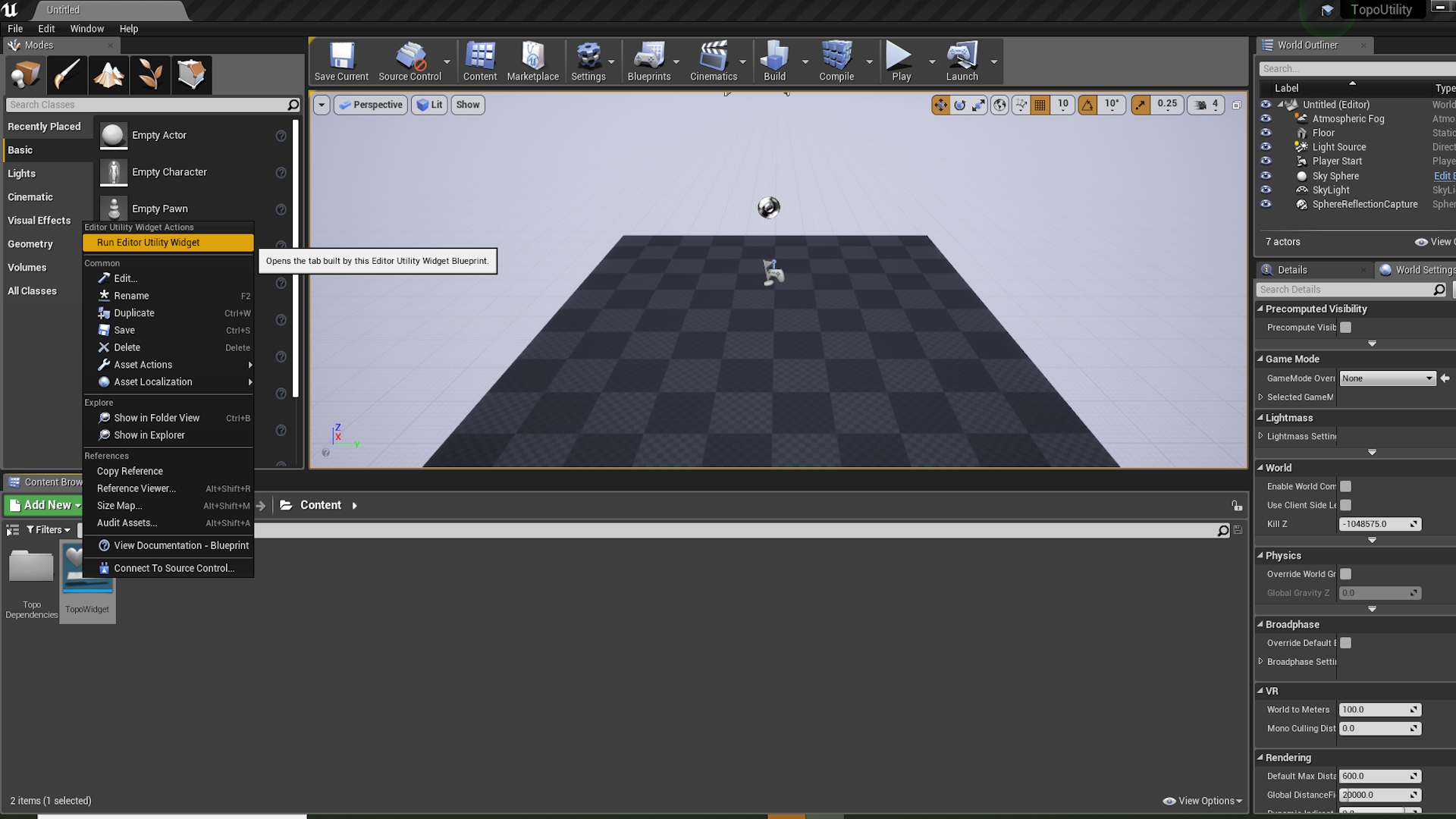
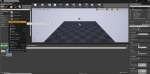
To begin, right click the TopoWidget and select "Run Editor Utility Widget".
This is a tool that is run in the native Unreal environment and does not need to have a game or level active to use.
Settings and Help provide options for color changing and keyboard shortcuts.
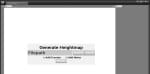
Generate is the button to bring up the render window to choose where the file is saved.
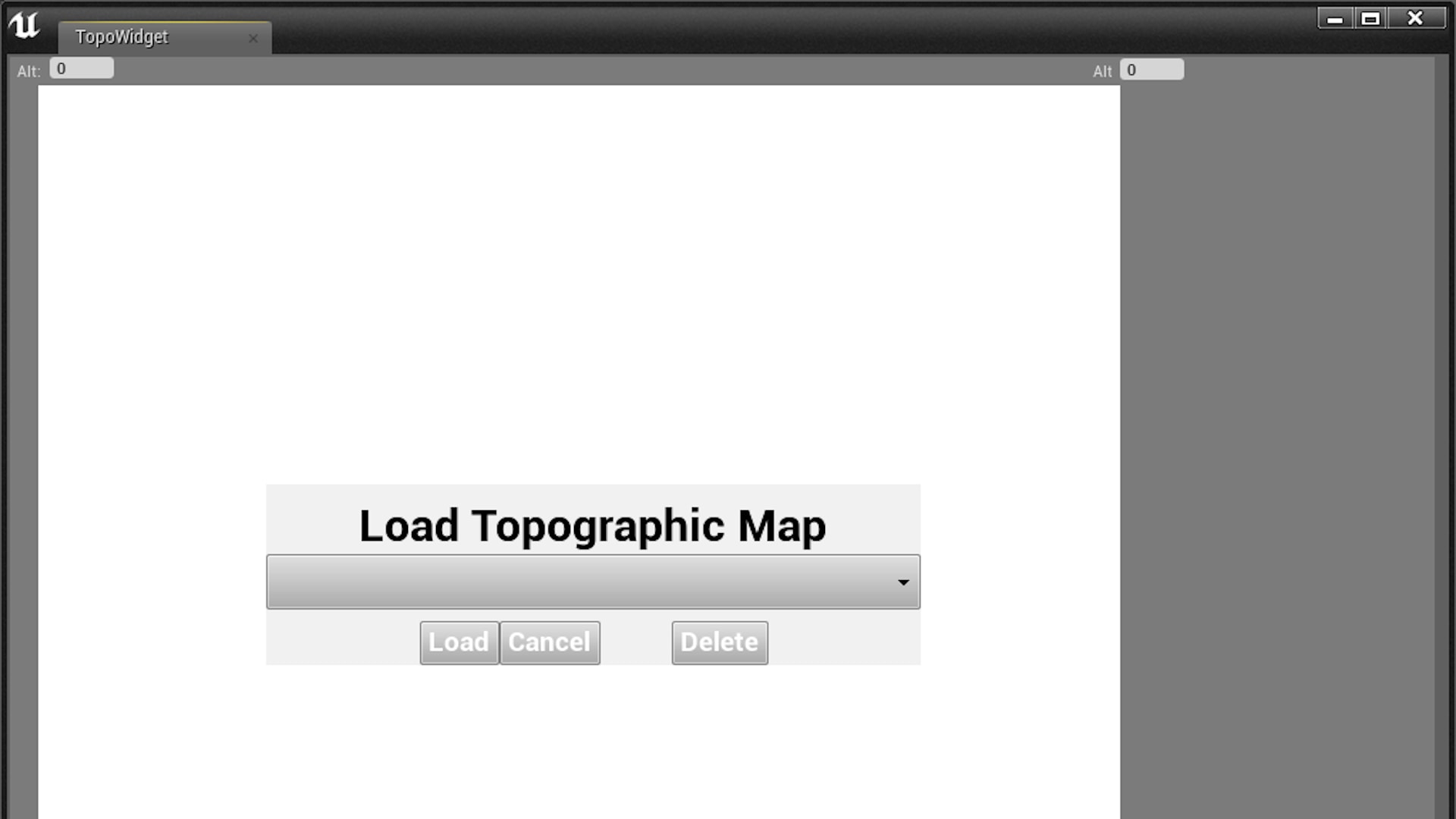
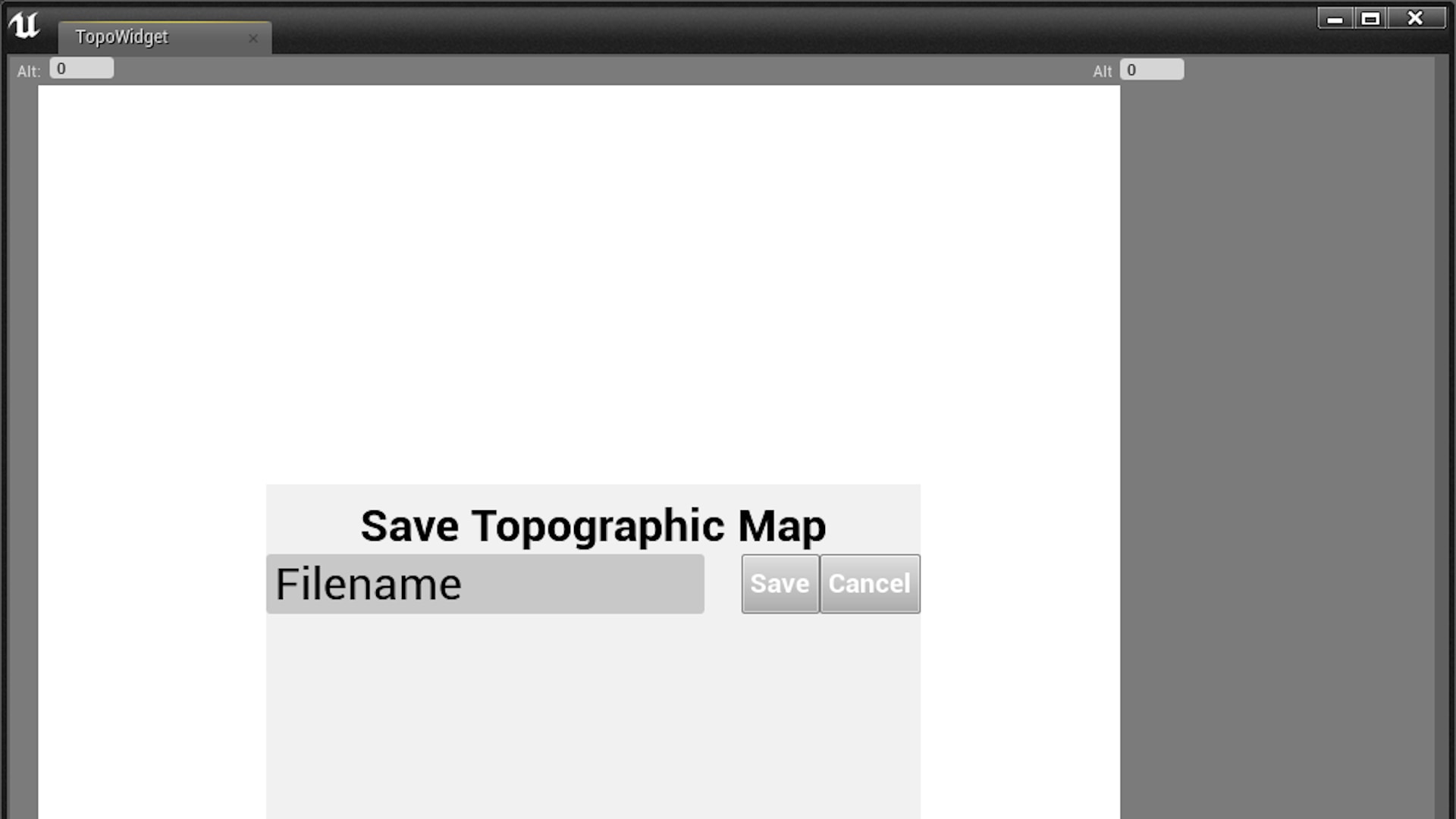
Topography can be saved and loaded later, as it utilizes Unreal's save game functions.
Thumbnail Photo by Muhammad Haikal Sjukri on Unsplash