
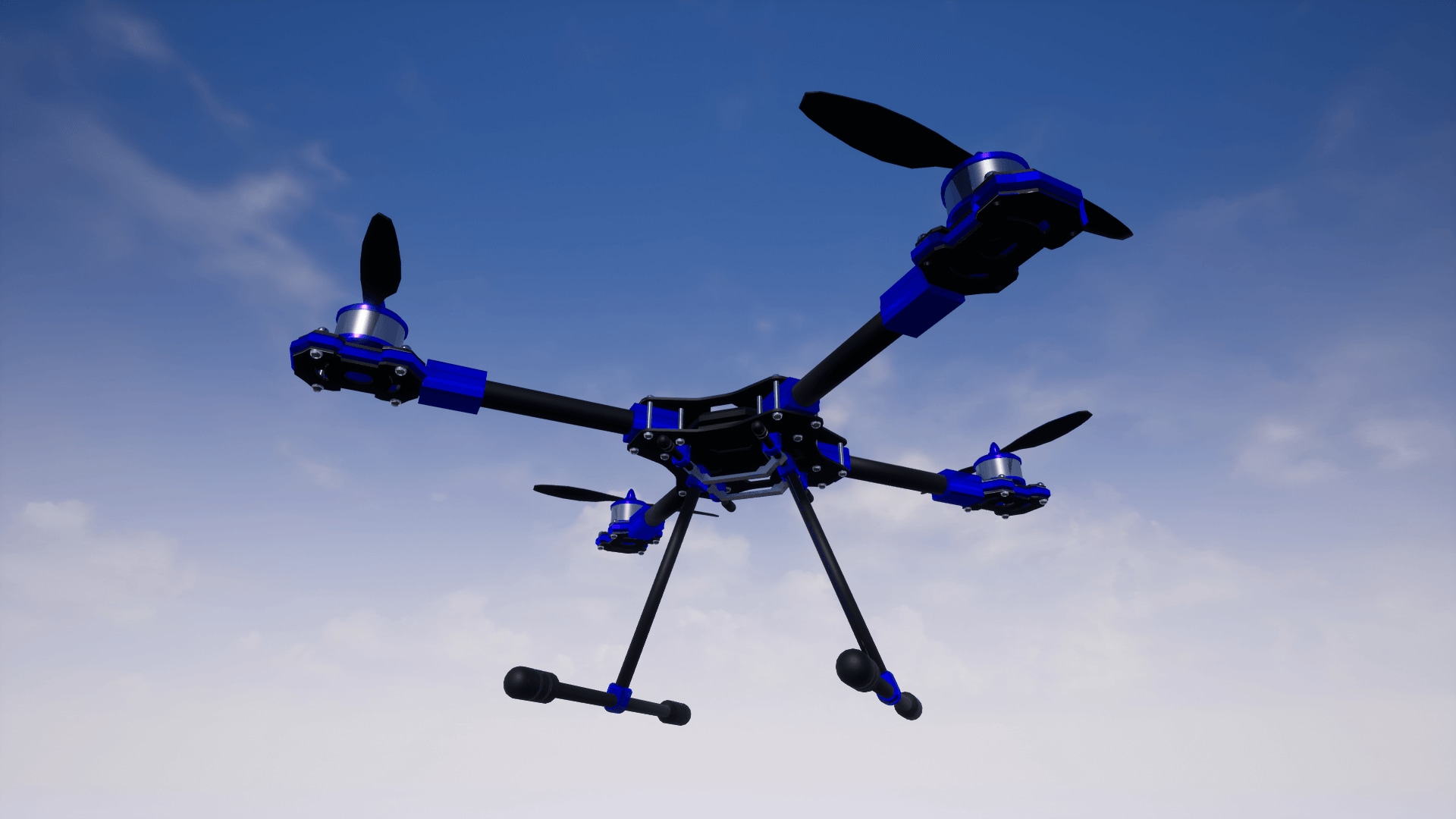
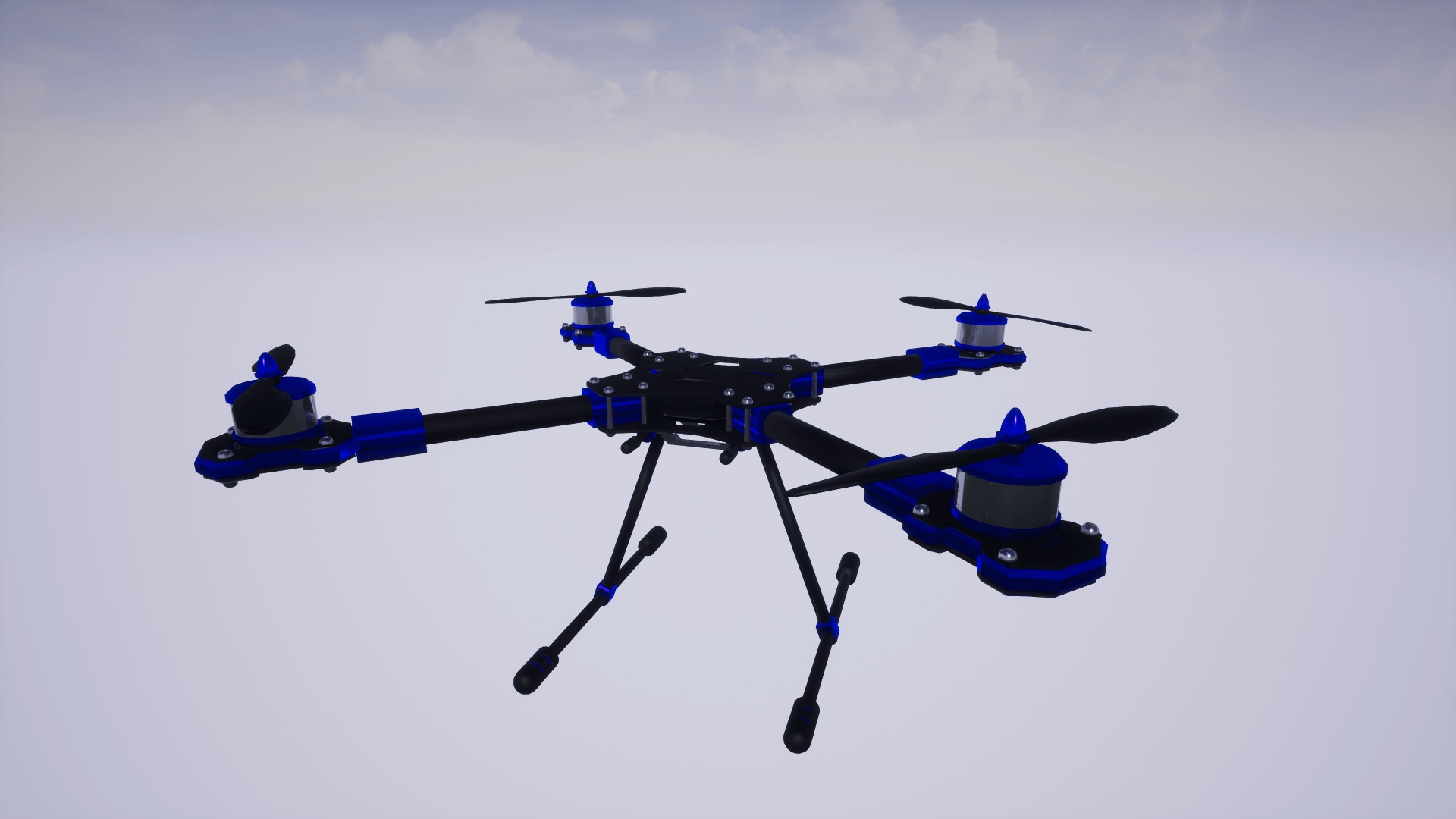
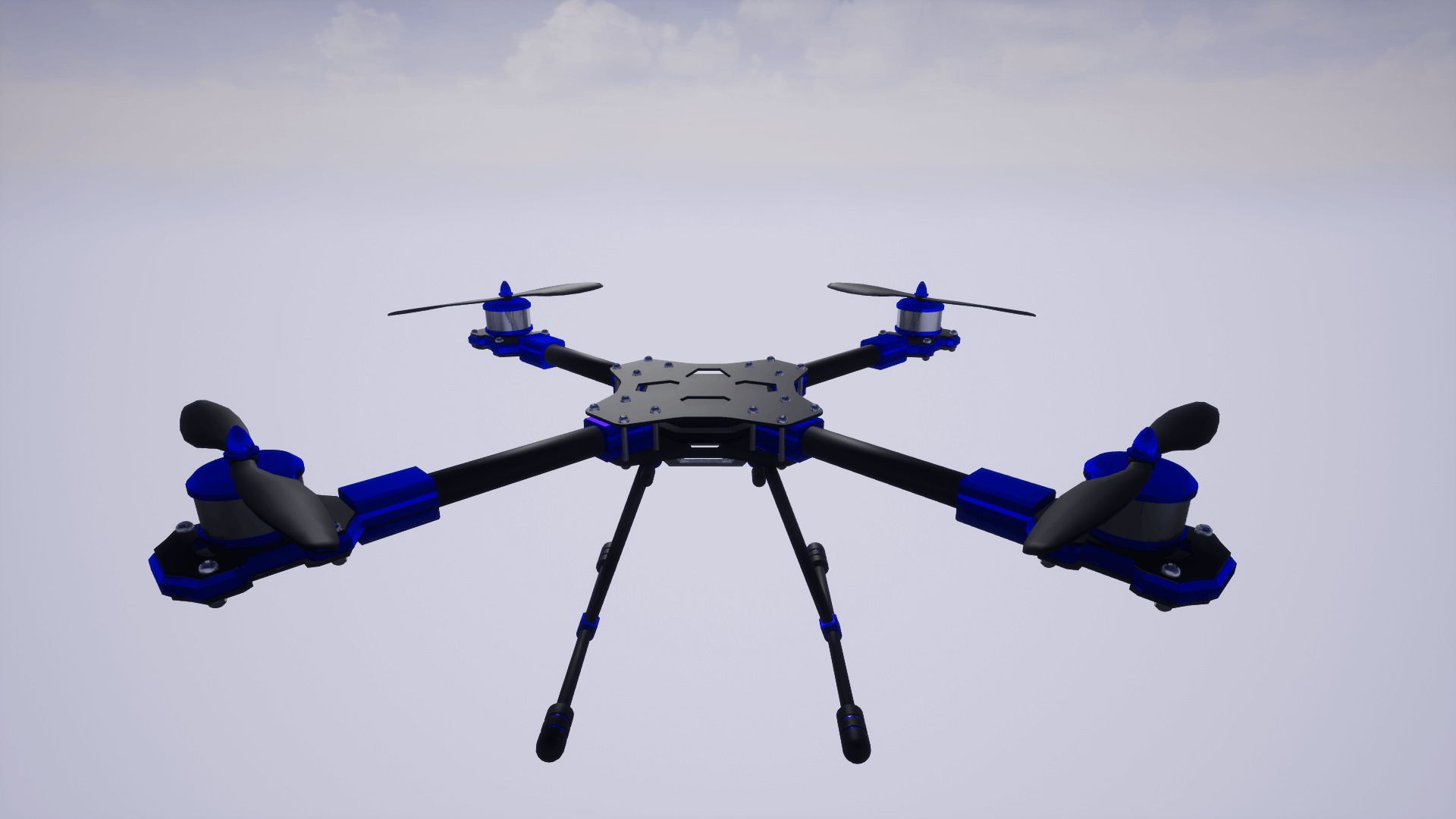
Quadcopter Control System
This blueprint system features a comprehensive physics based quadcopter control system. It includes 4 flight modes typical of real world quadcopter flight systems. Learn to fly a quadcopter!
- 支持的平台
- 支持的引擎版本4.16 - 4.20
- 下载类型完整项目此产品包含一个完整的虚幻引擎项目文件夹,含有配置文件、内容文件和.uproject文件,可以作为创建新项目的模板使用。
描述
评价
提问
Preview: https://www.youtube.com/watch?v=nMGbgE1F5pw
Documentation: https://protospace.wordpress.com/2018/03/22/quadcopter-control-system-docs/
This control system simulates quadcopter physics using PID Controllers connected to physics thrusters which permit access to the PID gain values allowing you to tune the quadcopter flight modes based on your personal preferences. This system mimics quadcopter controls. The 4 flight modes are:
- Manual Mode: This flight mode uses no stabilization algorithms. It gives you direct control over the quadcopter. This is an expert flight mode.
- Acrobatic Mode: This flight mode features complete stabilization of quadcopter attitude (Yaw, Pitch and Roll) But allows for 360 degrees of motion in each axis. This is an advanced flight mode.
- Stabilized Mode: This flight mode keeps the quadcopter stable horizontally but leaves the throttle control free. This is an intermediate flight mode.
- Stabilized Hover Mode: This flight mode keeps the quadcopter stable horizontally and controls the throttle to maintain the altitude of the quadcopter for a “hover” mode. This is a novice flight mode. Also, great for cinematography.
This system relies on gamepad control input.
技术细节
Number of Blueprints: 6
- BP_Quadcopter_Base
- BP_Quadcopter_Acrobatic
- BP_Quadcopter_Manual
- BP_Quadcopter_Stabilized
- BP_Quadcopter_Stabilized_Hover
- PIDController
Input:
- Action Mappings:
- Camera Mode
- Gamepad Left Thumbstick Y-Axis
- Keyboard V
- Axis Mappings:
- Throttle
- Gamepad Left Thumbstick Y-Axis
- Yaw
- Gamepad Right Thumbstick X-Axis
- Pitch
- Gamepad Right Thumbstick Y-Axis
- Roll
- Gamepad Left Thumbstick X-Axis
Important/Additional Notes:
Swaping the quadcopter mesh can be done easily. The quadcopter skeletal mesh has one root bone and 4 child bones, one for each propeller. Replace the skeletal mesh in the BP_Quadcopter_Base class.