This listing has not been migrated to FAB by the seller. It is only available to use from your Vault in the Epic Games Launcher.Learn more about Fab
Save Game in Profiles 2021
Project designed to save several player profiles in the game, able to create and exclude them.
- Supported Platforms
- Supported Engine Versions4.9 - 4.26
- Download TypeComplete ProjectThis product contains a full Unreal Engine project folder, complete with Config files, Content files and .uproject file, which can be used as a template to create a new project.
Description
Reviews
Questions
Video: youtu.be/27IooWfrPAk
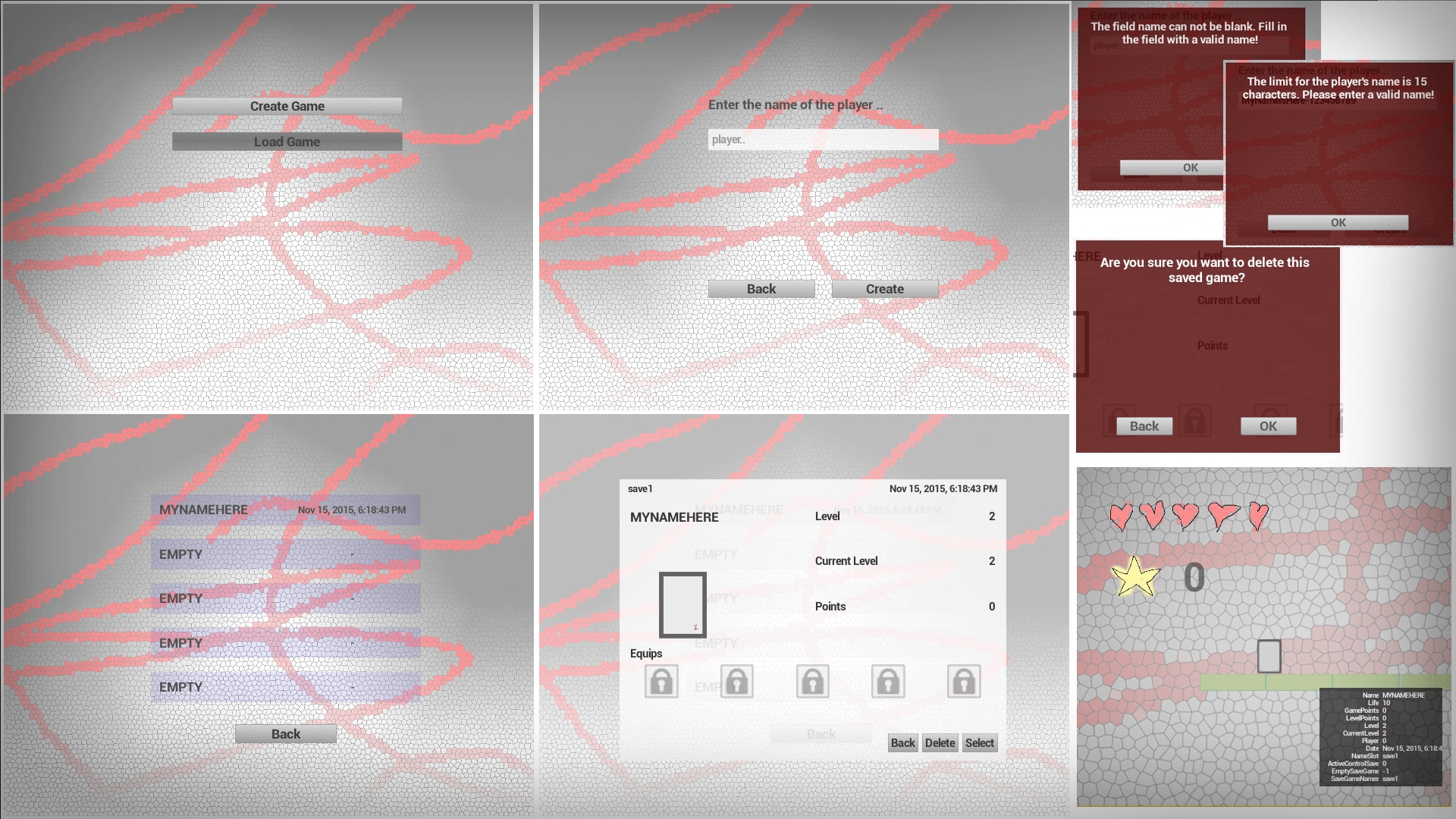
The "Save Game Slots" is a project designed to add to your game the functionality. Its main objective is to be able to have up to 5 (default) saved and independent games in your project. Thus creating the Possibility of the player having more player profiles in your game. By default the project was Implemented for Windows platform using the 2DSideScroller, but applies to anyone.
Main programs:
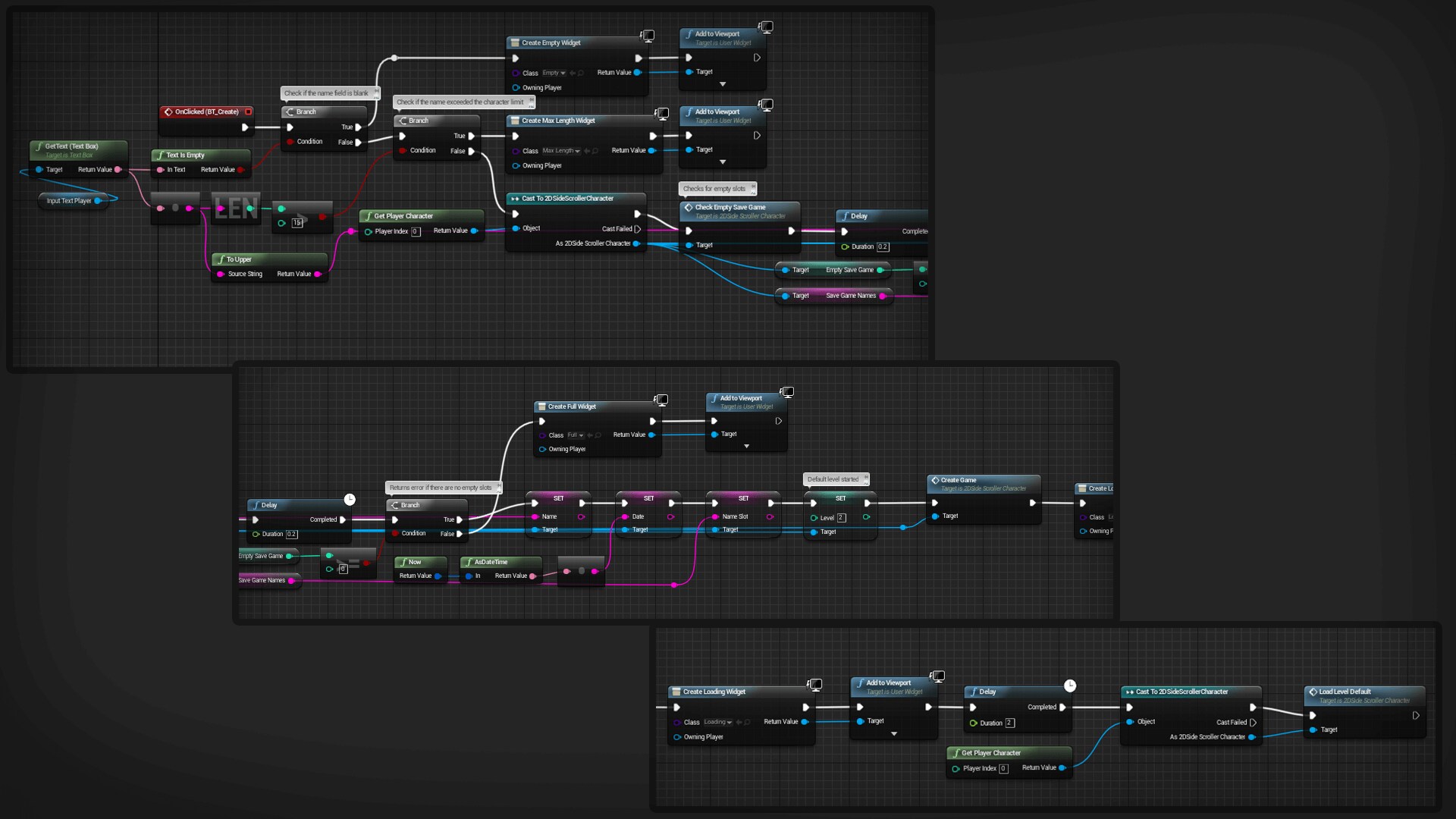
• Hudson for character creation, with the validation error
• 5 slots to save your games
• List of saved games
• Player Profile Display selected before loading the game
• Delete gamer profile
Functions:
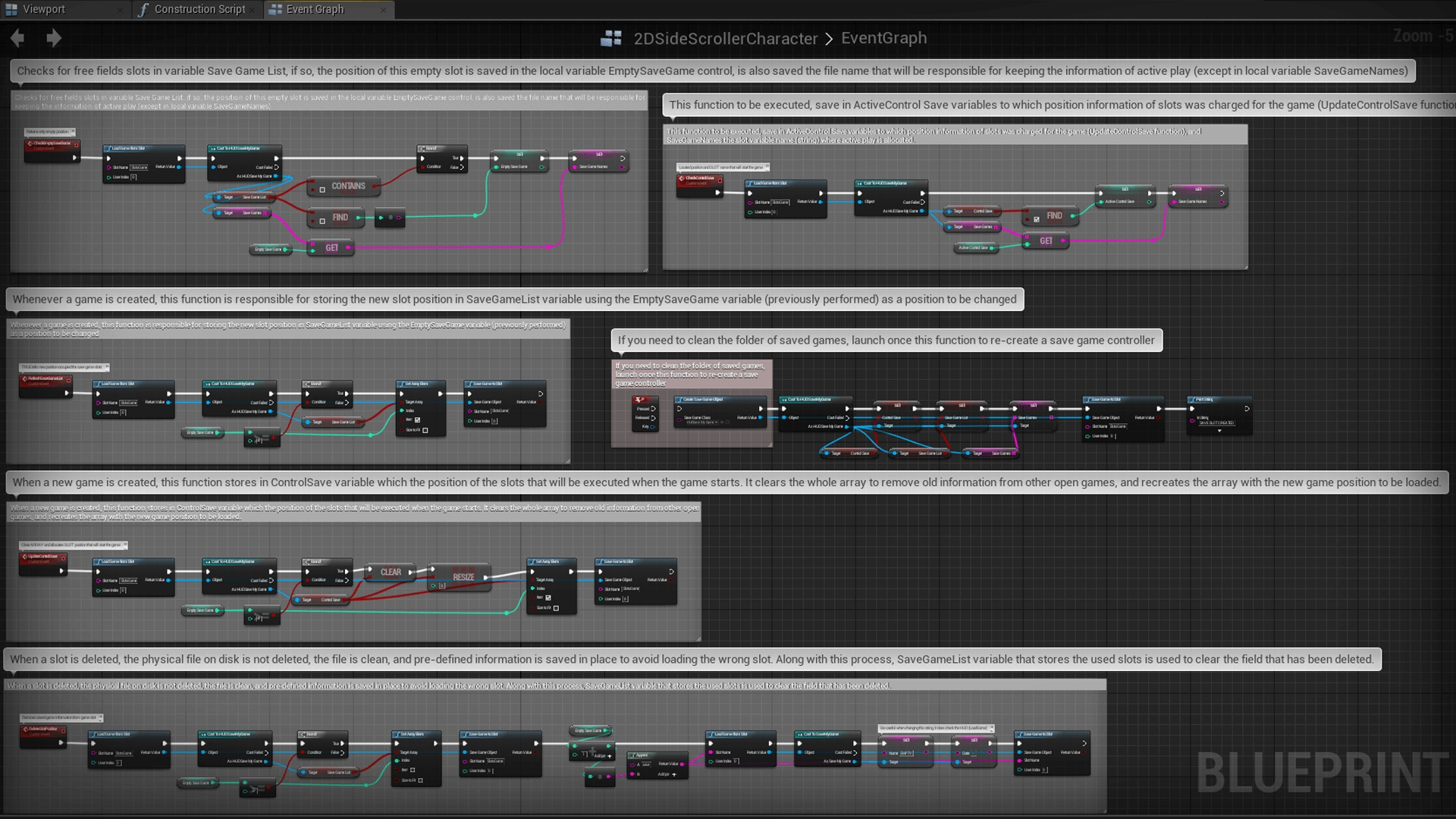
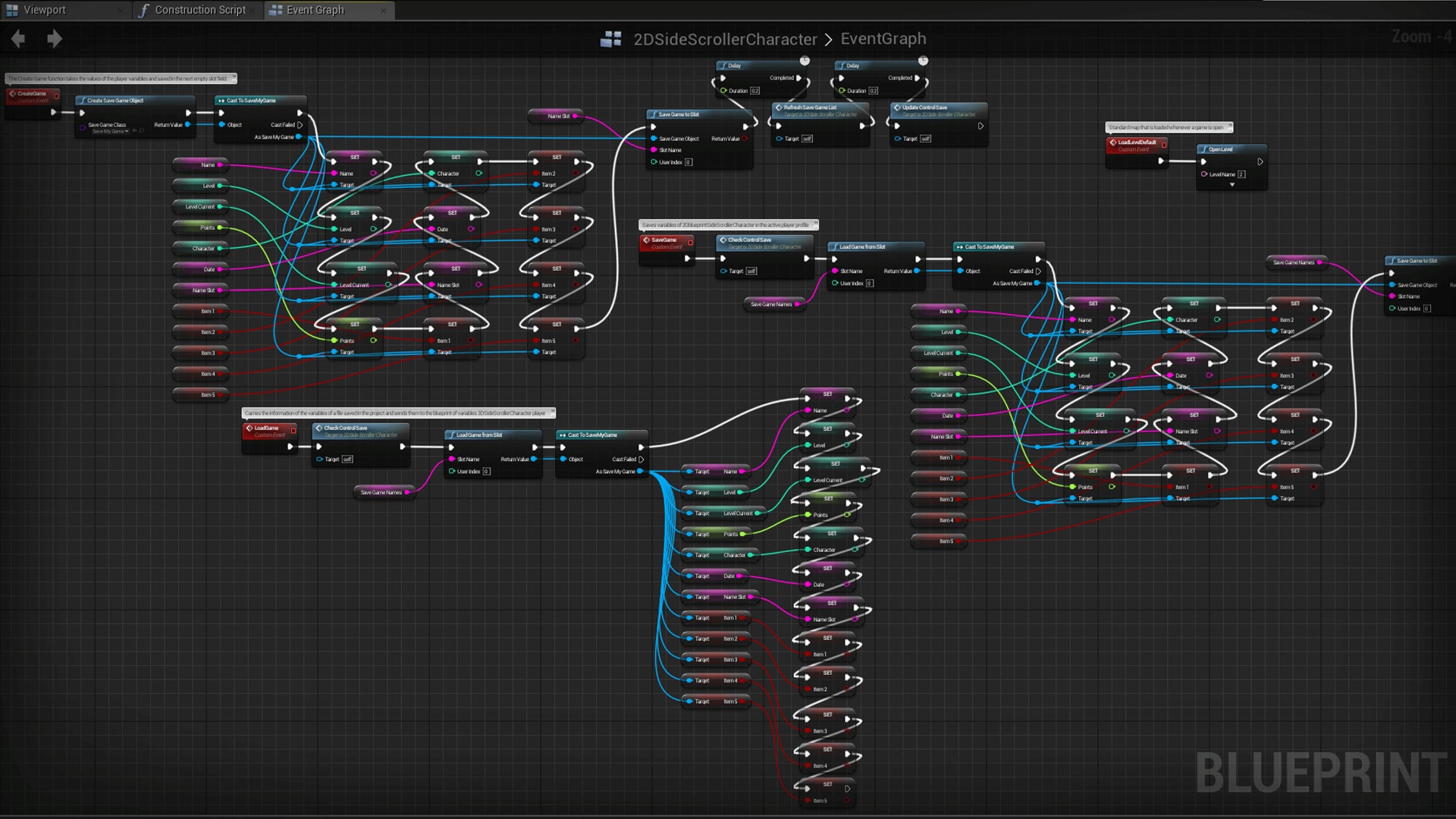
• CreateGame function saves all the fields or defined a new set of empty profile
• LoadGame function When Selecting the profiles list created the function is Responsible for loading the player date
• SaveGame function, used to pergar the current status of the game and saves it into the Appropriate slot.
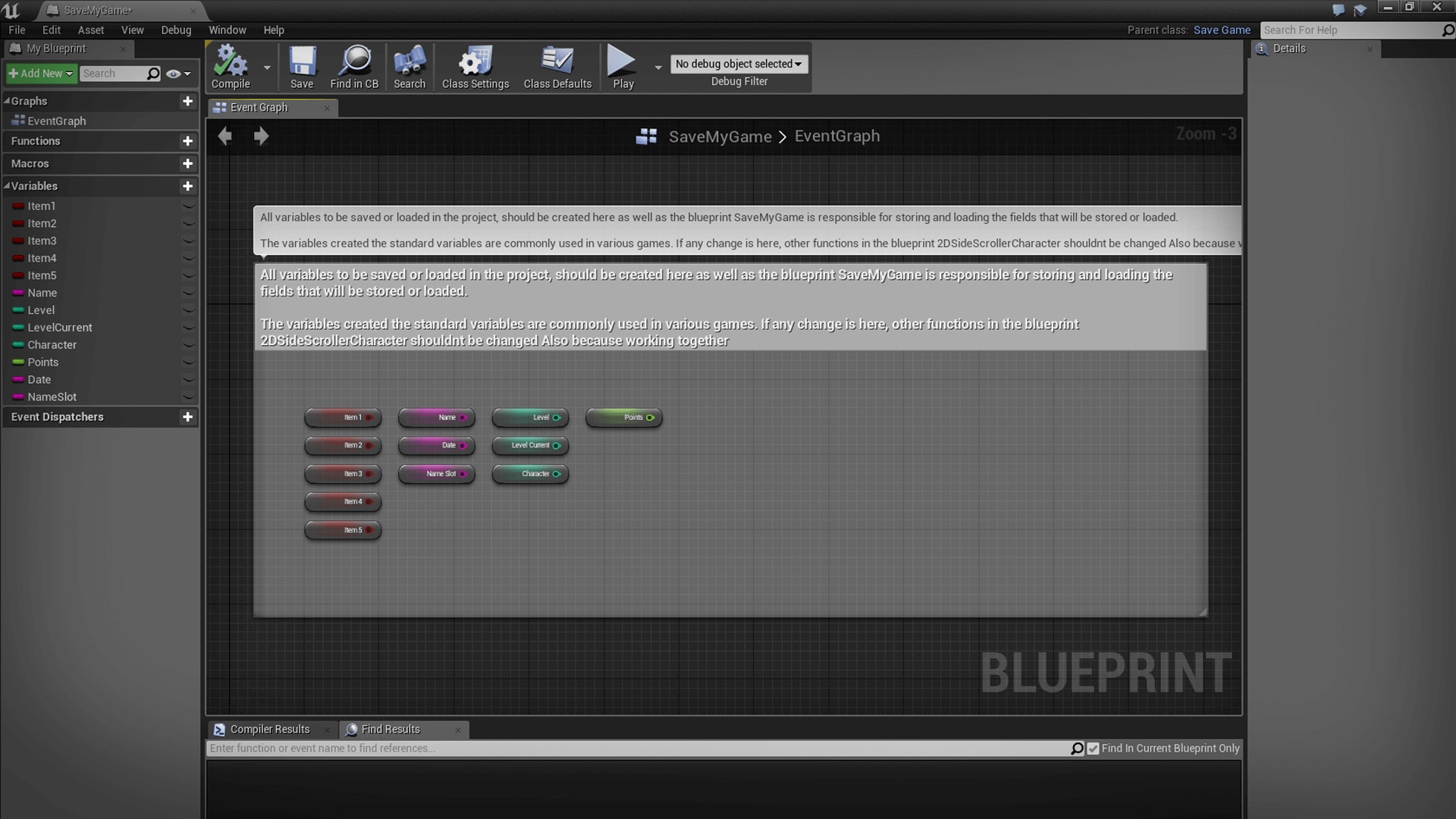
This module is designed and tested, its exceptions Have Been treated to Prevent bugs. Its programming Has Been developed in all Blueprint to Ensure best editing and customization. Each function was created with the concept of object orientation, where the main blueprint is the player, Thus Facilitating the understanding and editing.Extra functions Have Been Implemented for testing and understanding of others, but do not interfere in the main module. All code is documented and commented, navigate to the project you can follow every step of execution to the detailed explanations in the fields.
The "Save Game Slots" is a project designed to add to your game the functionality. Its main objective is to be able to have up to 5 (default) saved and independent games in your project. Thus creating the Possibility of the player having more player profiles in your game. By default the project was Implemented for Windows platform using the 2DSideScroller, but applies to anyone.
Main programs:
• Hudson for character creation, with the validation error
• 5 slots to save your games
• List of saved games
• Player Profile Display selected before loading the game
• Delete gamer profile
Functions:
• CreateGame function saves all the fields or defined a new set of empty profile
• LoadGame function When Selecting the profiles list created the function is Responsible for loading the player date
• SaveGame function, used to pergar the current status of the game and saves it into the Appropriate slot.
This module is designed and tested, its exceptions Have Been treated to Prevent bugs. Its programming Has Been developed in all Blueprint to Ensure best editing and customization. Each function was created with the concept of object orientation, where the main blueprint is the player, Thus Facilitating the understanding and editing.Extra functions Have Been Implemented for testing and understanding of others, but do not interfere in the main module. All code is documented and commented, navigate to the project you can follow every step of execution to the detailed explanations in the fields.
Technical Details
Number of Blueprints: 2 top blueprints
Intended Platforms: All
Platforms Tested: Windows
Documentation Included: Yes
Important\Additional Notes: The project will not with the saved game files (.sav), you must perform the function highlighted in the blueprint player to generate the driver of save lists.
Intended Platforms: All
Platforms Tested: Windows
Documentation Included: Yes
Important\Additional Notes: The project will not with the saved game files (.sav), you must perform the function highlighted in the blueprint player to generate the driver of save lists.