
Runtime Home Decoration Blueprint
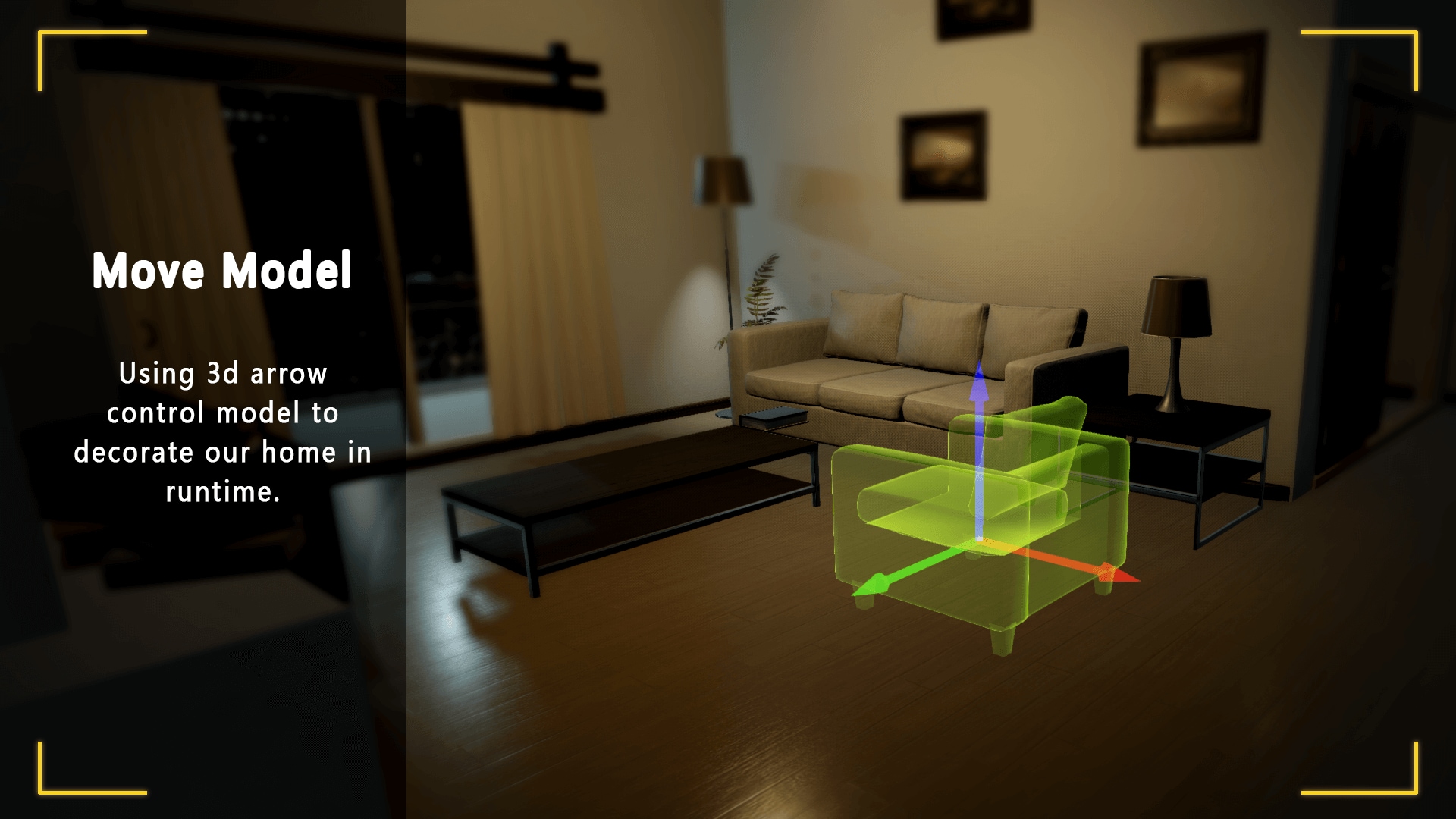
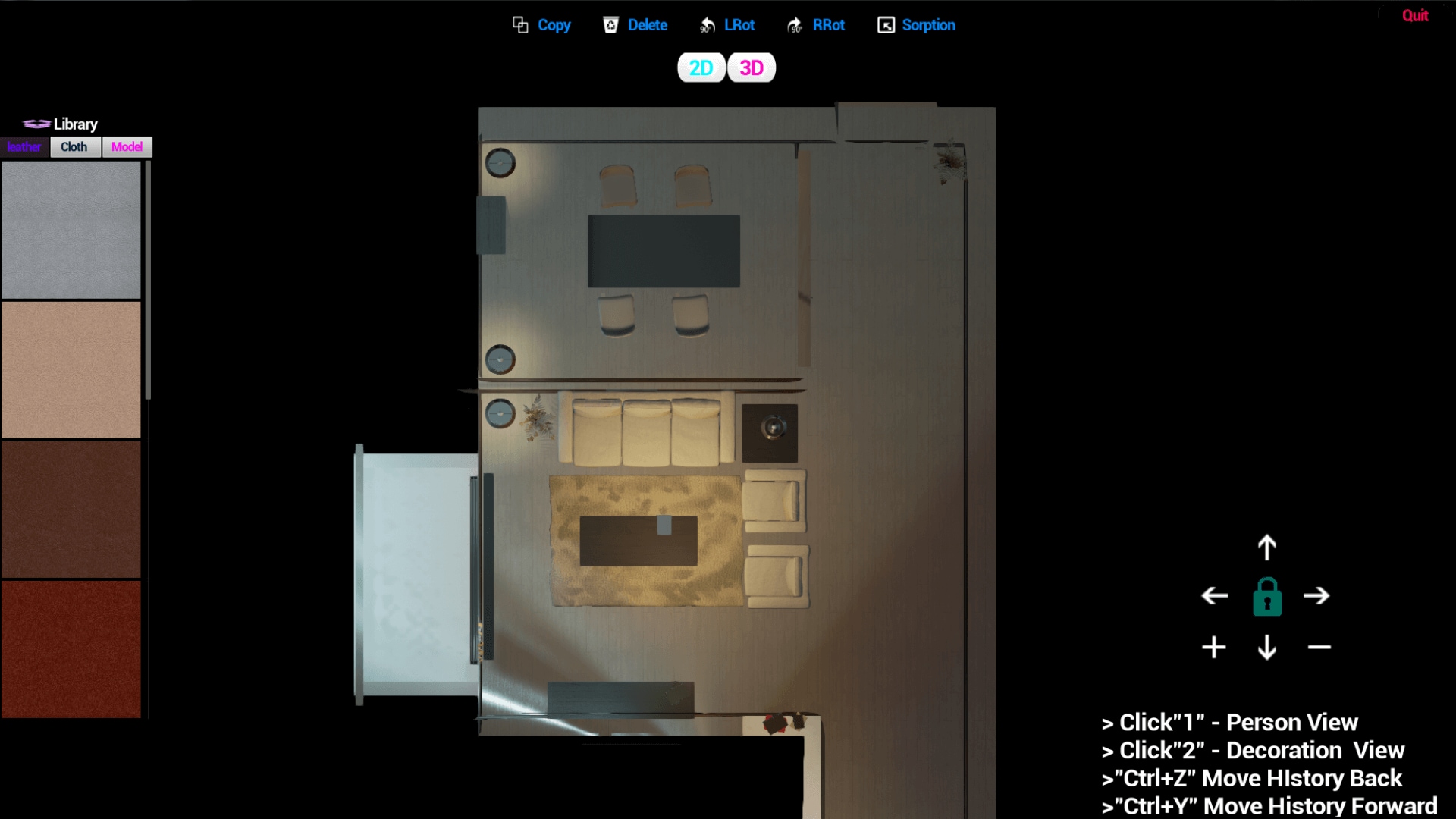
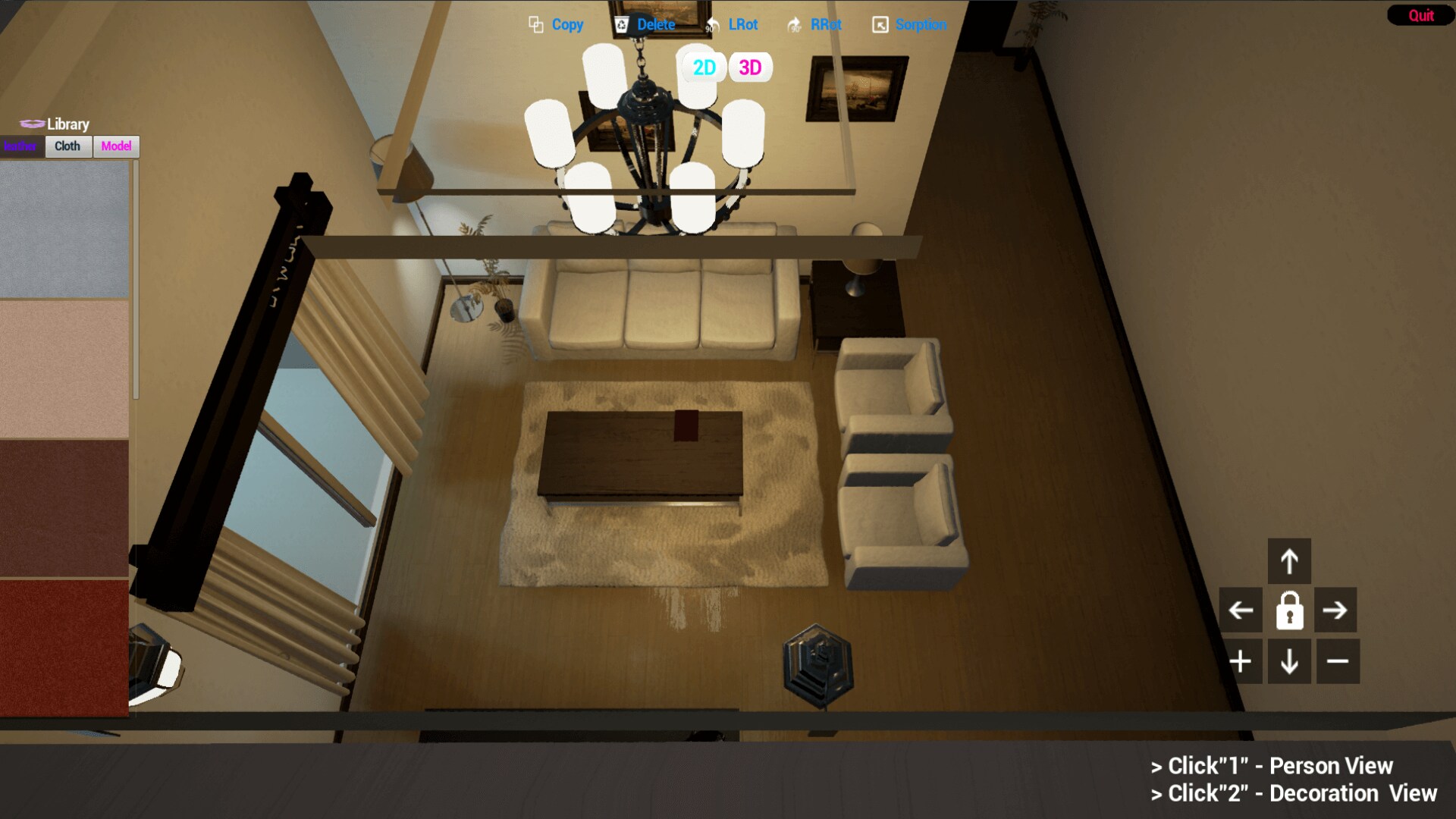
With this blueprint, you can control furniture moving, rotating, delete, copy, absorption, replacement material that use 3D arrow at runtime. You also can switch view modes (2D or 3D) to control it.
- Supported Platforms
- Supported Engine Versions4.22
- Download TypeComplete ProjectThis product contains a full Unreal Engine project folder, complete with Config files, Content files and .uproject file, which can be used as a template to create a new project.
Description
Reviews
Questions
With this blueprint, you can control furniture moving, rotating, delete, copy, absorption, replacement material that use 3D arrow at runtime. You also can switch view modes (2D or 3D) to control it.
Features:
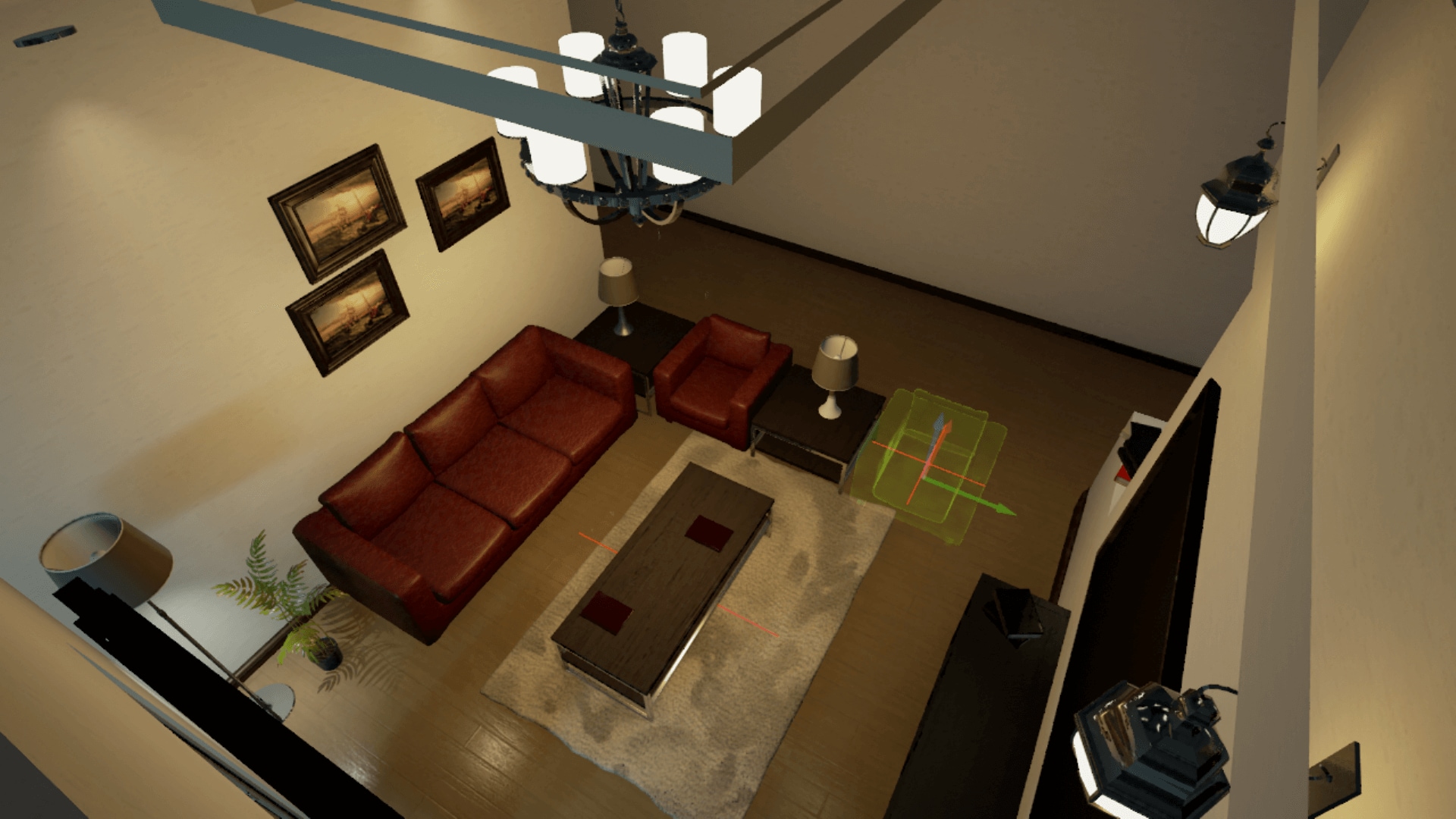
• Every furniture model have 3D arrow, can click 3D arrow to control it.
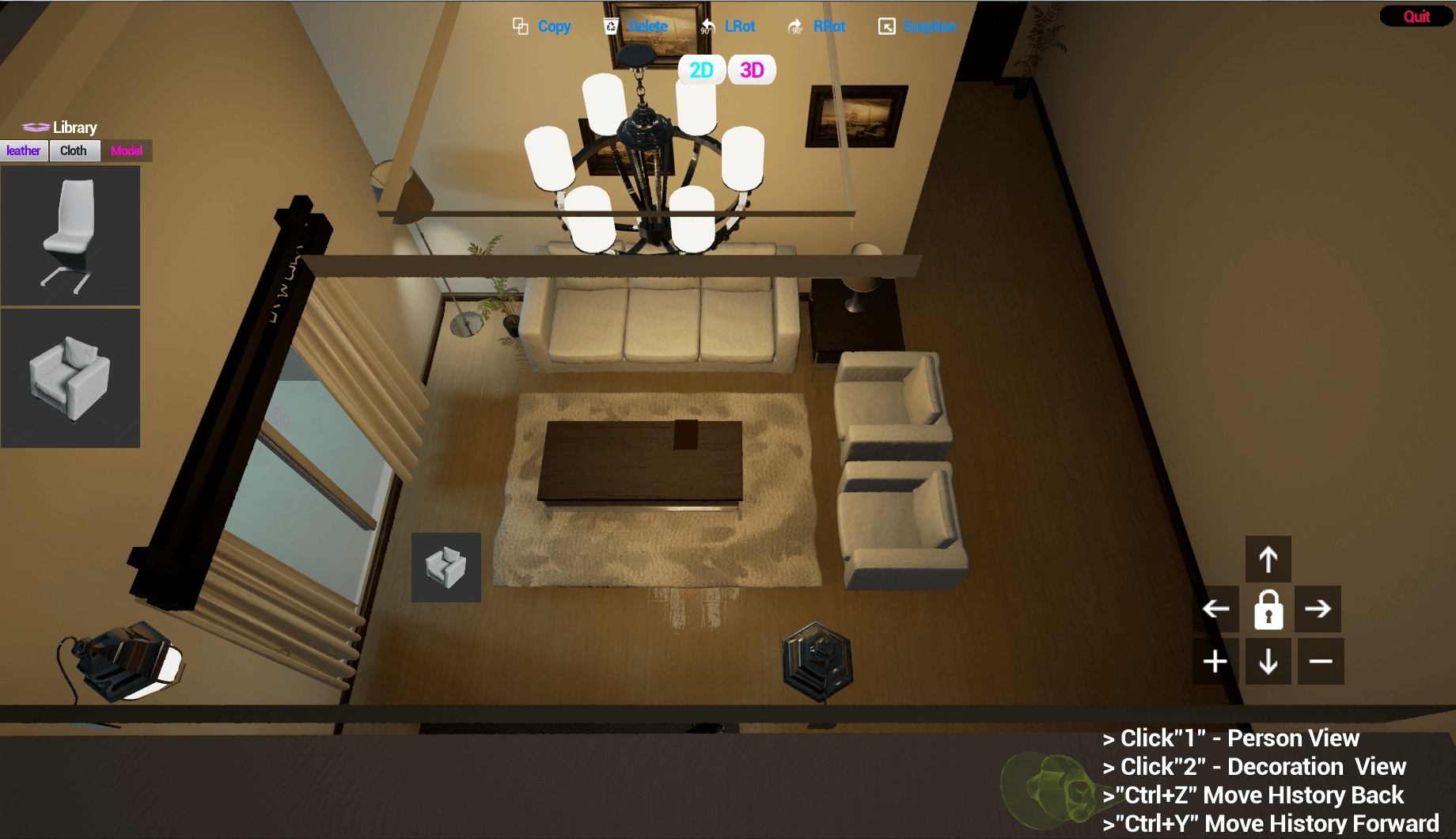
• Can user mouse to operating furniture model, replace material(double click texture in HUD when selected model or drag icon to model).
• If have selected the furniture model, the material will be default material(opacity), and displays the 3D arrow.
• You can click 3D arrow to move model, and same time will record it’s moving history, you can retreat and former(Ctrl+C and Ctrl+Y).
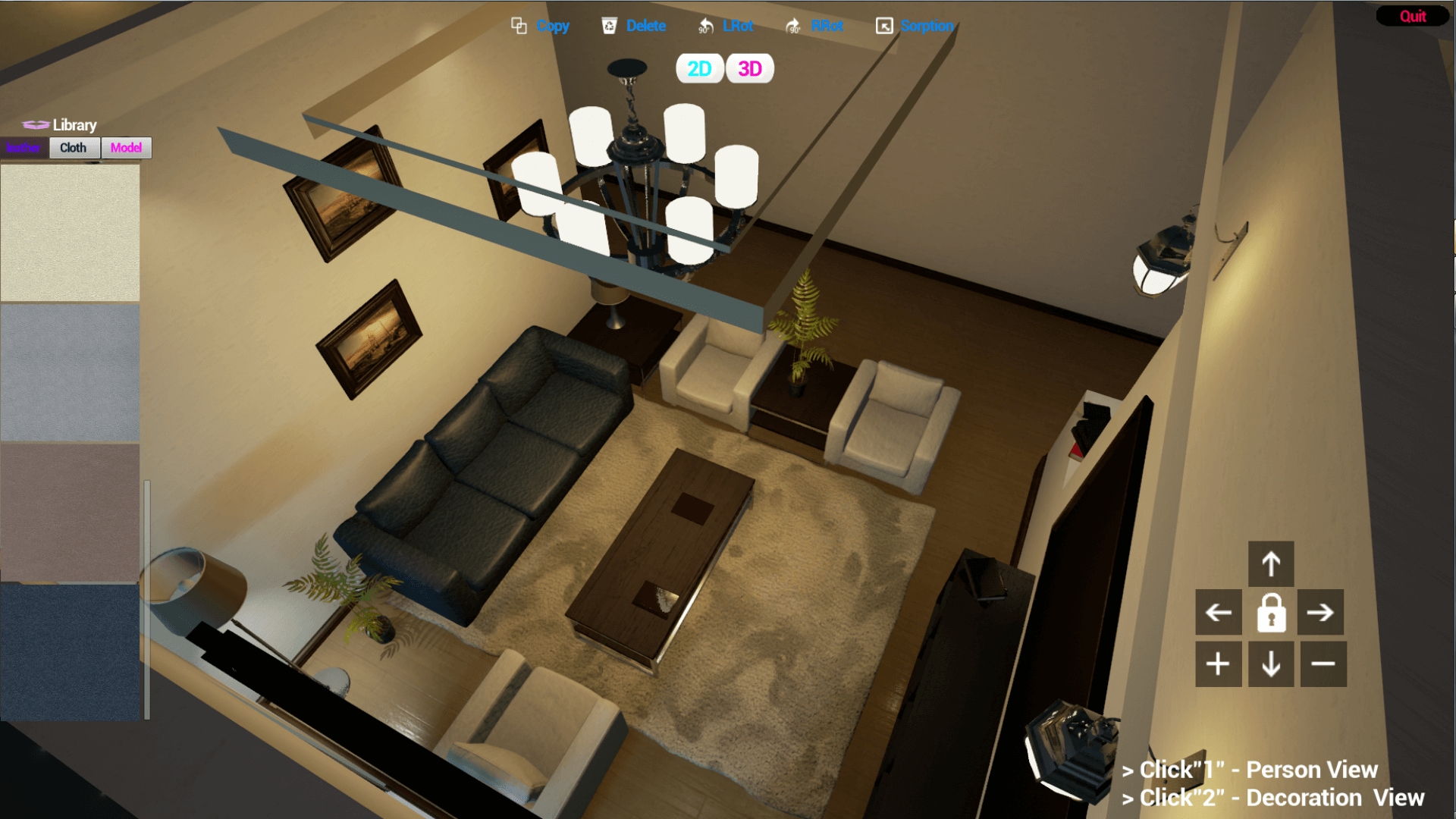
• You can control model rotating, delete, copy, spin, adsorption (using X-ray absorption can automatically align the near other furniture model) in UMG.
• You also can move 3D camera forward and back off by button in UMG.
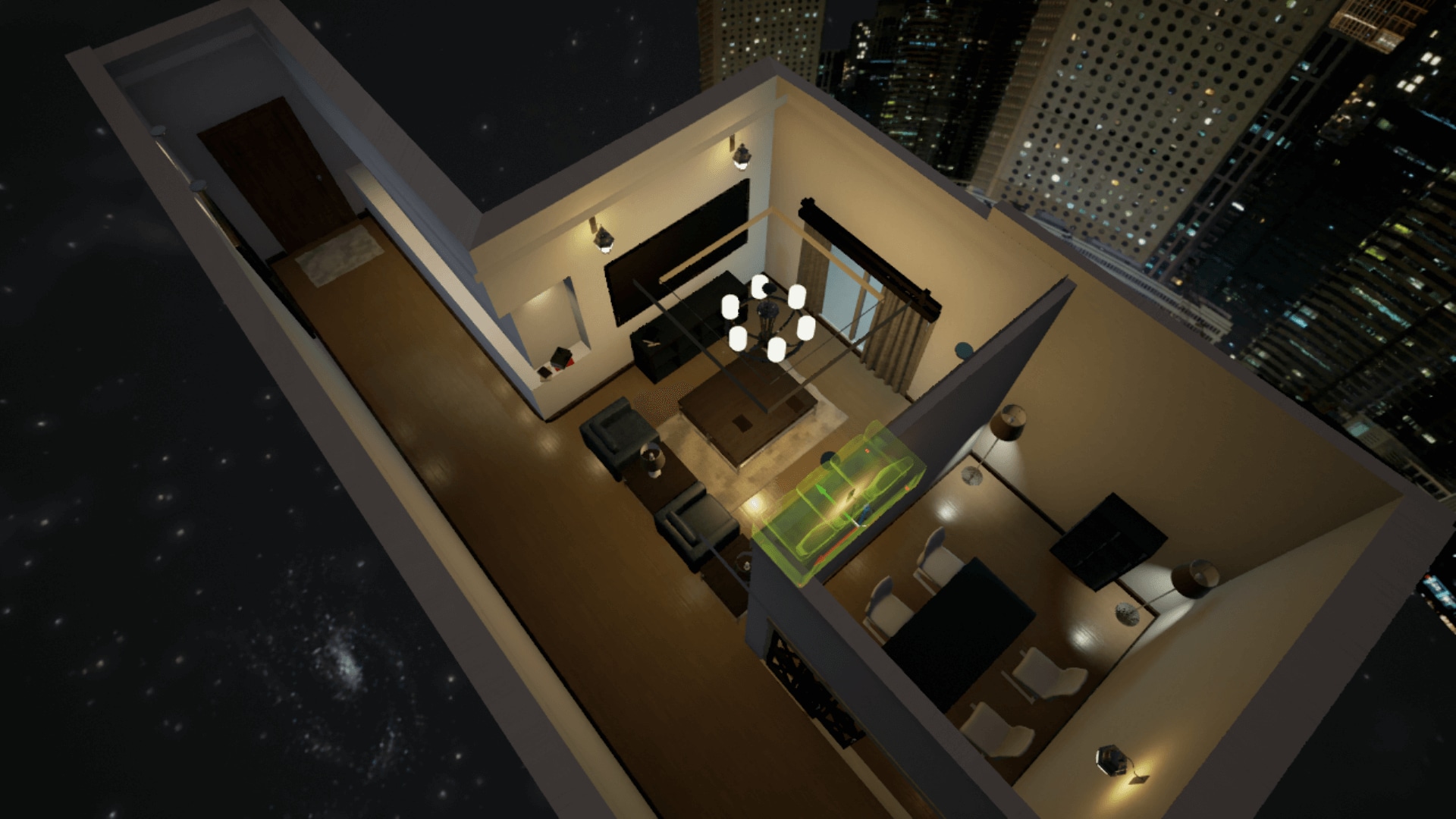
• There are two mode views: 2D(top view operation mode), 3D (full view operating mode)
• You can change model’s material that drag material on it or double click material to change model’s material in UMG.
• You can drag model’s texture to level viewport that create model, and control to do.
• Save change message to local will update in next version.
Technical Details
Technical Features:
• 3D arrow in model bp:arrow model to receive mouse click event to change state that material and other function(set opacity,set collision and so on).
• 2D and 3D camera bp: mouse to control events.
• HistoryDataStruct bp:model move’s data struct.
• MaterialTypeStruct bp:change model’s material to use.
• MyPlayerController bp:some common function write in.
• OperationManager bp: ray function to control model,selected model’s depth show and some handle mouse clicks to model.
• Create Collision presets and channels by yourself to ignore other static mesh an lock static mesh.
Intended Platform: Desktop
Documentation: https://drive.google.com/file/d/0BwlqsH9wMk_pY1h2U1hmeW1GZEU/view?usp=sharing