This listing has not been migrated to FAB by the seller. It is only available to use from your Vault in the Epic Games Launcher.Learn more about Fab
Radial Main Menu
A Radial Main Menu that can be used on any project.
- Supported Platforms
- Supported Engine Versions4.9 - 4.10
- Download TypeAsset PackThis product contains an assortment of Unreal Engine assets which can be imported into a pre-existing project of your choice.
Description
Reviews
Questions
Video: youtube.com/watch?v=z8yWeinNYU4
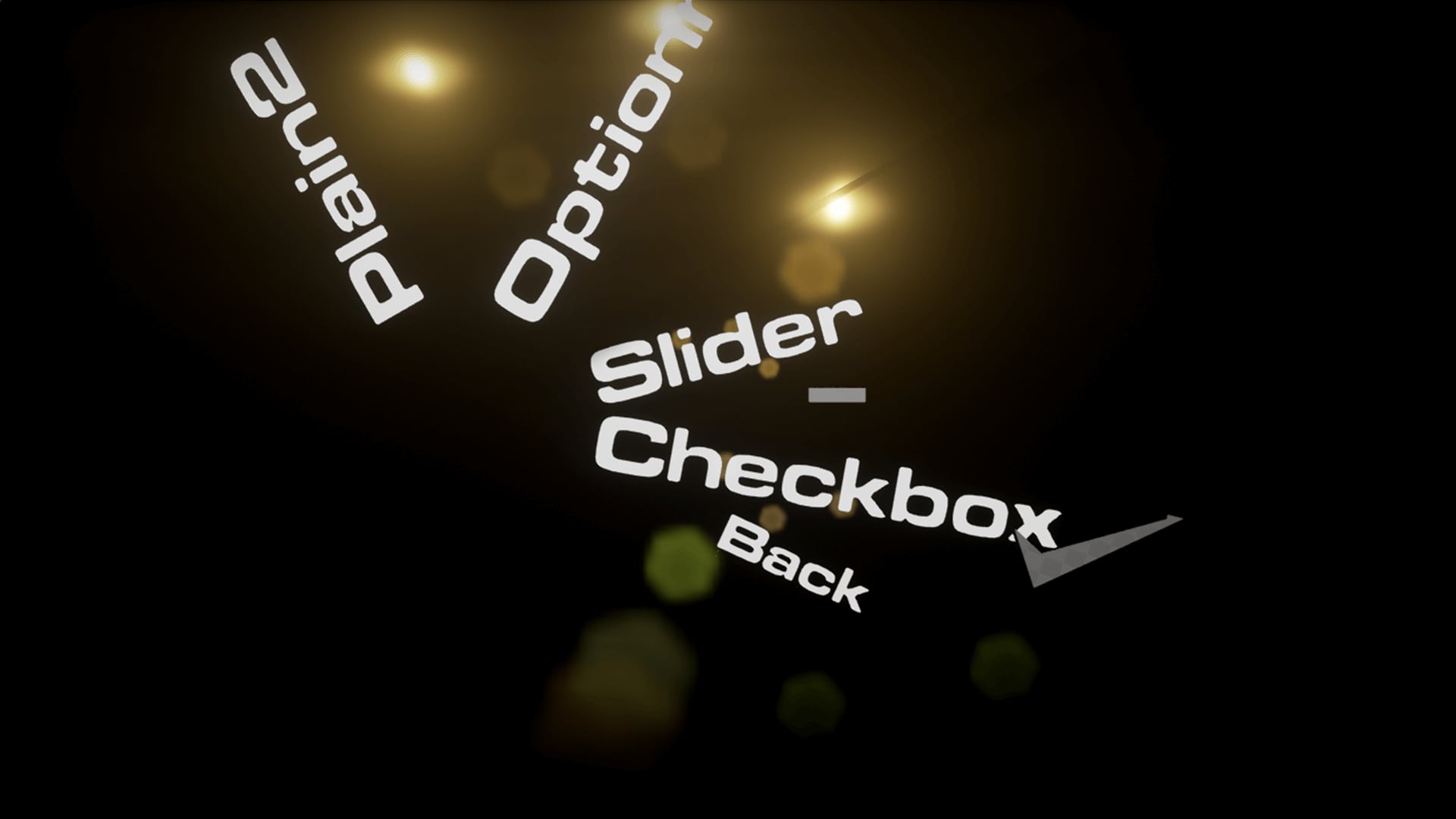
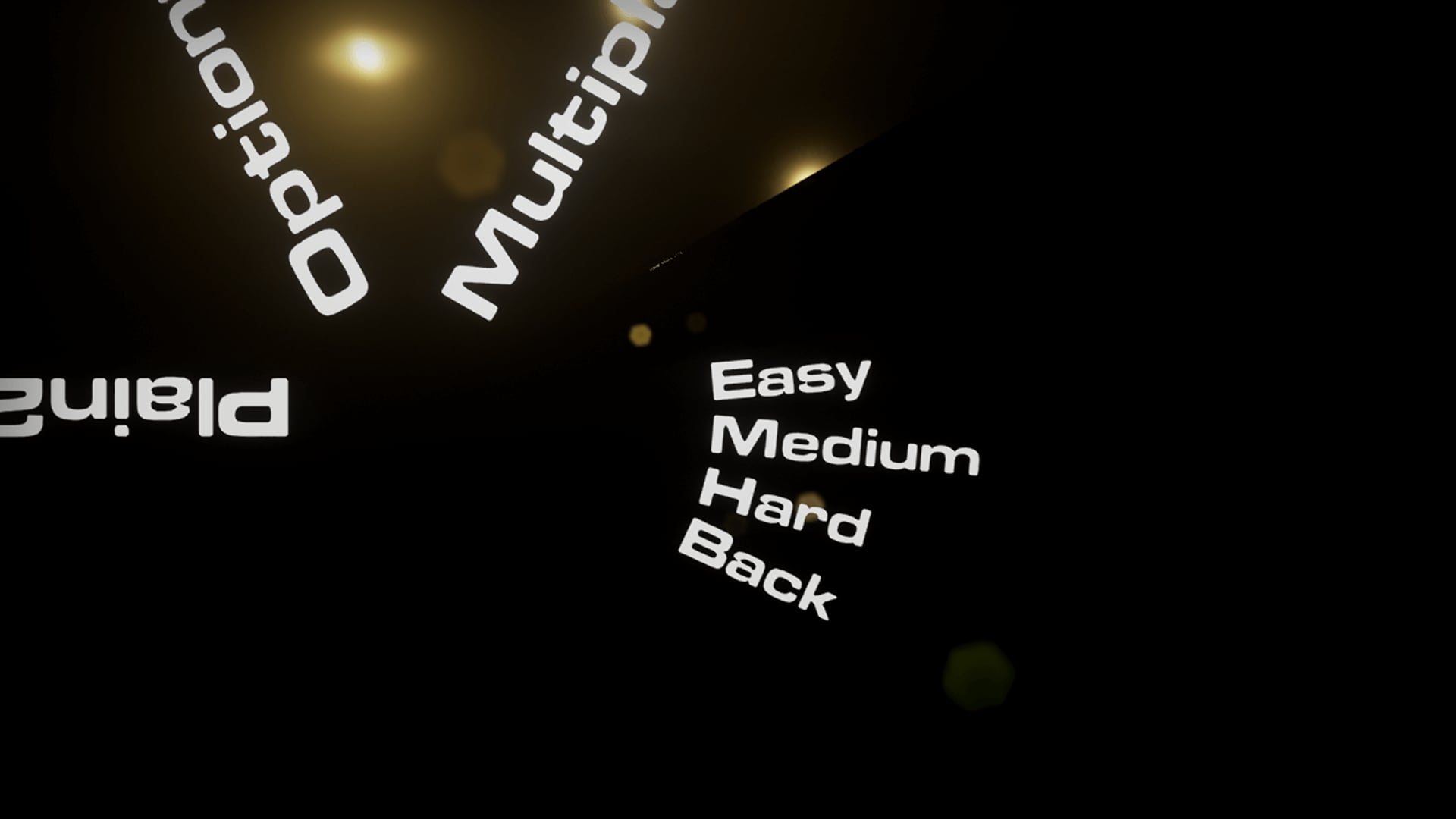
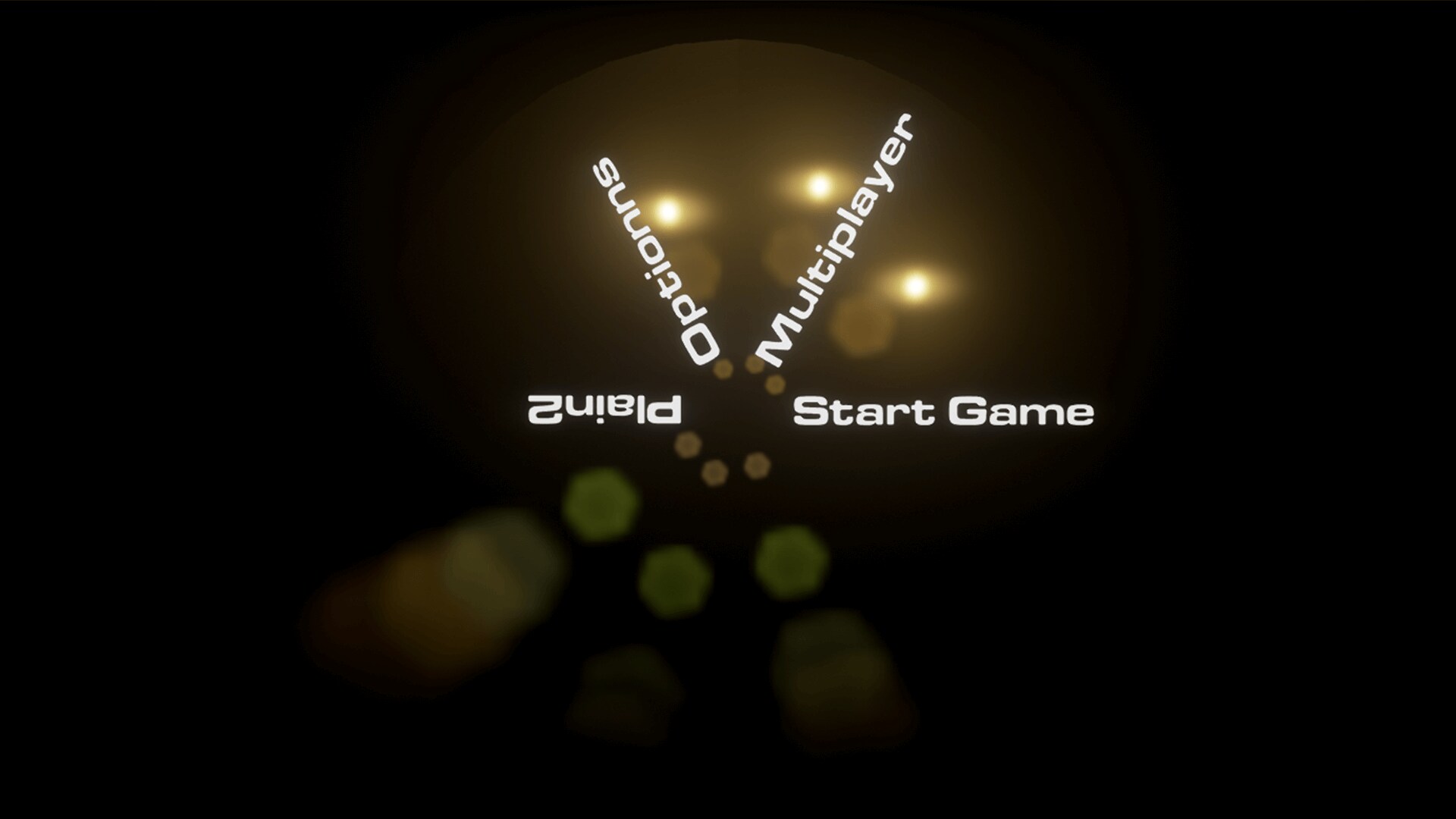
A Radial Main Menu that can be used on any project. It is made by 6 static meshes and used by blueprints.
The menu items have the following categories for main items:
• Openable (When clicked, exposes new sub-items)
• Plain (Executes an action when clicked)
For sub items:
• Slider (A slider for adjusting values)
• Checkbox (A checkbox)
• Plain (Executes an action when clicked)
After adjusting the menu from the exposed blueprint options, the execution nodes should be bound to the actions you would like to have. Almost everything is organized and commented so that buyers can easily modify the asset.
You can contact me for any questions or requests for upgrades on the asset pack.
A Radial Main Menu that can be used on any project. It is made by 6 static meshes and used by blueprints.
The menu items have the following categories for main items:
• Openable (When clicked, exposes new sub-items)
• Plain (Executes an action when clicked)
For sub items:
• Slider (A slider for adjusting values)
• Checkbox (A checkbox)
• Plain (Executes an action when clicked)
After adjusting the menu from the exposed blueprint options, the execution nodes should be bound to the actions you would like to have. Almost everything is organized and commented so that buyers can easily modify the asset.
You can contact me for any questions or requests for upgrades on the asset pack.
Technical Details
Number of Blueprints: 1
List of Features:
A radial main menu with two levels.
The parent menu items can be
- Openable (Exposing child menus)
- Plain (Executes action upon clicking)
The child men items can be
- Plain (Executes action upon clicking)
- Checkbox
- Slider
Each menu contains a slice of a circle and the plates have sizes (Referred as subdivisions in blueprint) 1-2-3-4-6. Each number indicates the amount of 10 degrees the menu item should have. So a menu item with size 4 is a circle slice of 40 degrees. This value is modifiable for each of the menu items (Both for parents and children).
The text fonts/materials, the checkbox, slider and the base plate materials are changeable through details panel. Also size and positioning of such items can be adjusted to support better looks and customization.
The blueprints are commented, meaning the customization is flexible and the content can be used as a learning material.
Usage is fairly simple, just place the menu pawn into the level/Spawn it and possess.
To bind the actions to the menu items, simply navigate to the node breakdown section in the blueprints (Shown on the video) and connect your action to the corresponding execution node.
Engine Compatibility: 4.9/4.10
Intended Platform: Any platform with mouse compatibility
Platforms Tested:Windows 7/8/10
Documentation Included: Yes youtube.com/watch?v=z8yWeinNYU4
Important\Additional Notes: This content pack will be updated. I will implement any extra features (Depending on feasibility/amount of work) when a feature suggestion is made on marketplace comments and receives 20+ upvotes.
List of Features:
A radial main menu with two levels.
The parent menu items can be
- Openable (Exposing child menus)
- Plain (Executes action upon clicking)
The child men items can be
- Plain (Executes action upon clicking)
- Checkbox
- Slider
Each menu contains a slice of a circle and the plates have sizes (Referred as subdivisions in blueprint) 1-2-3-4-6. Each number indicates the amount of 10 degrees the menu item should have. So a menu item with size 4 is a circle slice of 40 degrees. This value is modifiable for each of the menu items (Both for parents and children).
The text fonts/materials, the checkbox, slider and the base plate materials are changeable through details panel. Also size and positioning of such items can be adjusted to support better looks and customization.
The blueprints are commented, meaning the customization is flexible and the content can be used as a learning material.
Usage is fairly simple, just place the menu pawn into the level/Spawn it and possess.
To bind the actions to the menu items, simply navigate to the node breakdown section in the blueprints (Shown on the video) and connect your action to the corresponding execution node.
Engine Compatibility: 4.9/4.10
Intended Platform: Any platform with mouse compatibility
Platforms Tested:Windows 7/8/10
Documentation Included: Yes youtube.com/watch?v=z8yWeinNYU4
Important\Additional Notes: This content pack will be updated. I will implement any extra features (Depending on feasibility/amount of work) when a feature suggestion is made on marketplace comments and receives 20+ upvotes.