


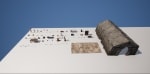
Main-Menu Game-Ready Package
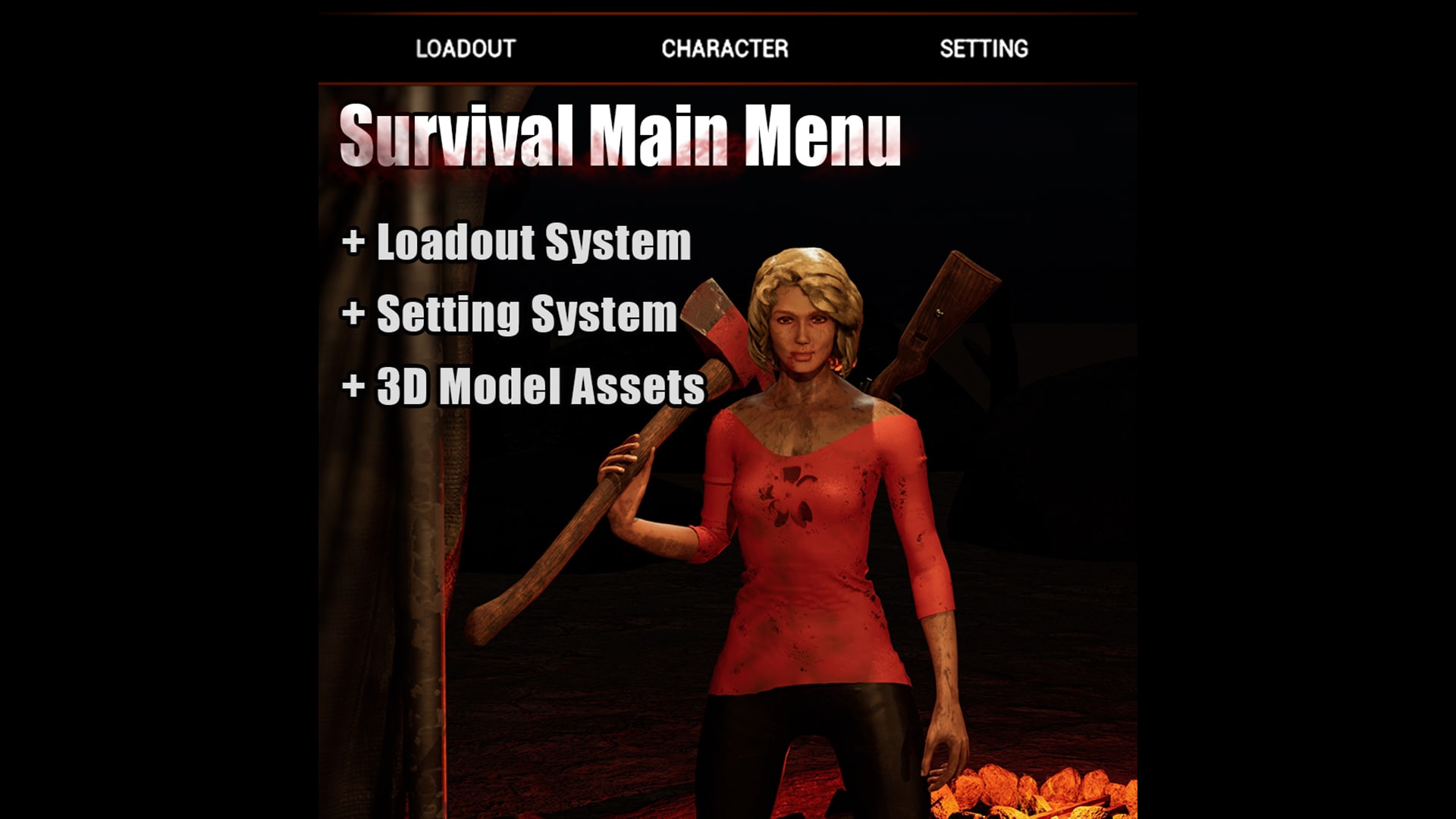
Main Menu for your Game that comes with mainstream Game Settings, two Characters with Clothing options, Weapons and Weapon Loadout system and Chapter Select system.
- サポートされたプラットフォーム
- サポートされたエンジンバージョン5.1 - 5.2
- ダウンロードのタイプ完全なプロジェクトこの製品には、Unreal Engine プロジェクトの完全なフォルダが含まれており、Config ファイル、コンテンツのファイル、.uproject ファイルが完備されています。新規プロジェクトを作成するためのテンプレートとして利用することができます。
説明
レビュー
質問
Menu Tutorial:
Showcase:
Demo:
Timestamp for the Tutorial Video:
00:36 Play Tab and Chapter adjustments
02:28 Map show during Play Mode
02:53 Animation Speed for Mouse Hovering
03:22 Camera Angle adjustments for the Main Menu
03:49 Camera Transition Movement Speed adjustments
04:23 Adding new Tabs for the Main Menu plus the Camera adjustments
10:23 Loadout and Weapons and Weapon Storing
10:50 Adding Weapons
11:50 Skeletal Mesh and Static Mesh of Guns
12:16 Positioning Weapons on the Loadout Table
13:14 Camera Positioning for the Loadout Table
13:47 Character and Clothing adjustments
14:44 Changing the Outfit Colors
15:07 Adjustments for the Settings
15:50 Default Key bindings
16:05 Adding new Inputs Key binding.
17:01 Default Setting adjustments
17:30 Adding new Sliders and Elements in the Settings
18:19 Adding Static and Skeletal Items
Overview:
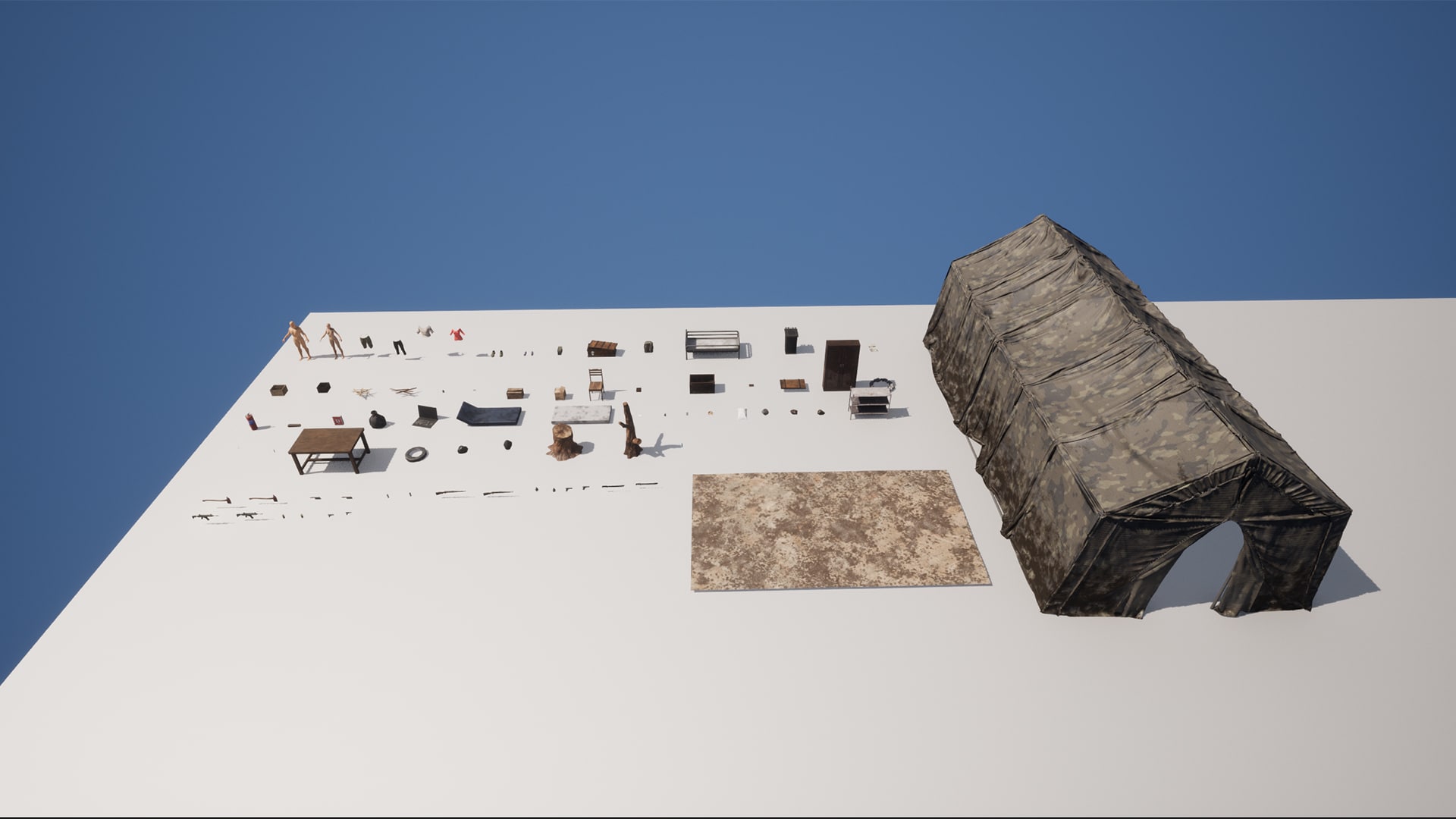
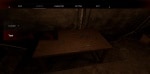
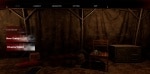
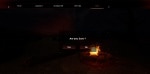
This project is primarily a Game Main Menu, offering a highly adaptable and engaging menu experience. The main menu is set in a spacious tent environment, complete with 50 props and 10 weapons to enhance its visual appeal. The main menu boasts dynamic camera movement as users transition between menu components, which can be controlled by using mouse clicks or intuitive keys ('Q' to go back, 'E' to move forward).
1) Play Settings:
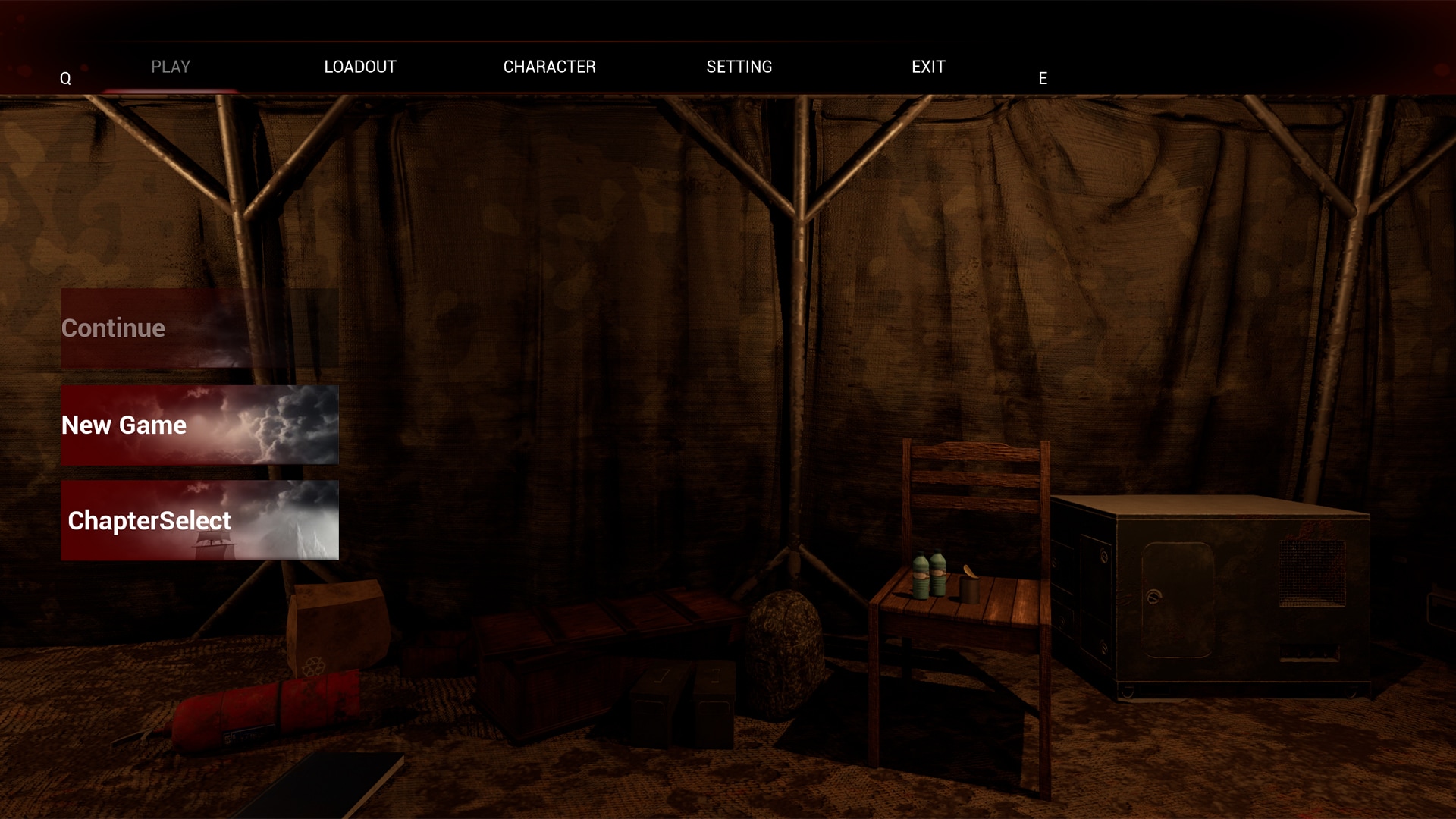
Upon selecting "Play," users are presented with three distinct options: "New Game," "Continue," and "Chapter Select." Trigger points have been thoughtfully integrated to enable chapter selection, unlocking as specific chapters are completed. While in play mode, players can choose their loadout before embarking on their adventure, with the added functionality of cycling through stored weapons using keyboard keys 1, 2, 3, and 4.
2) Loadout System:
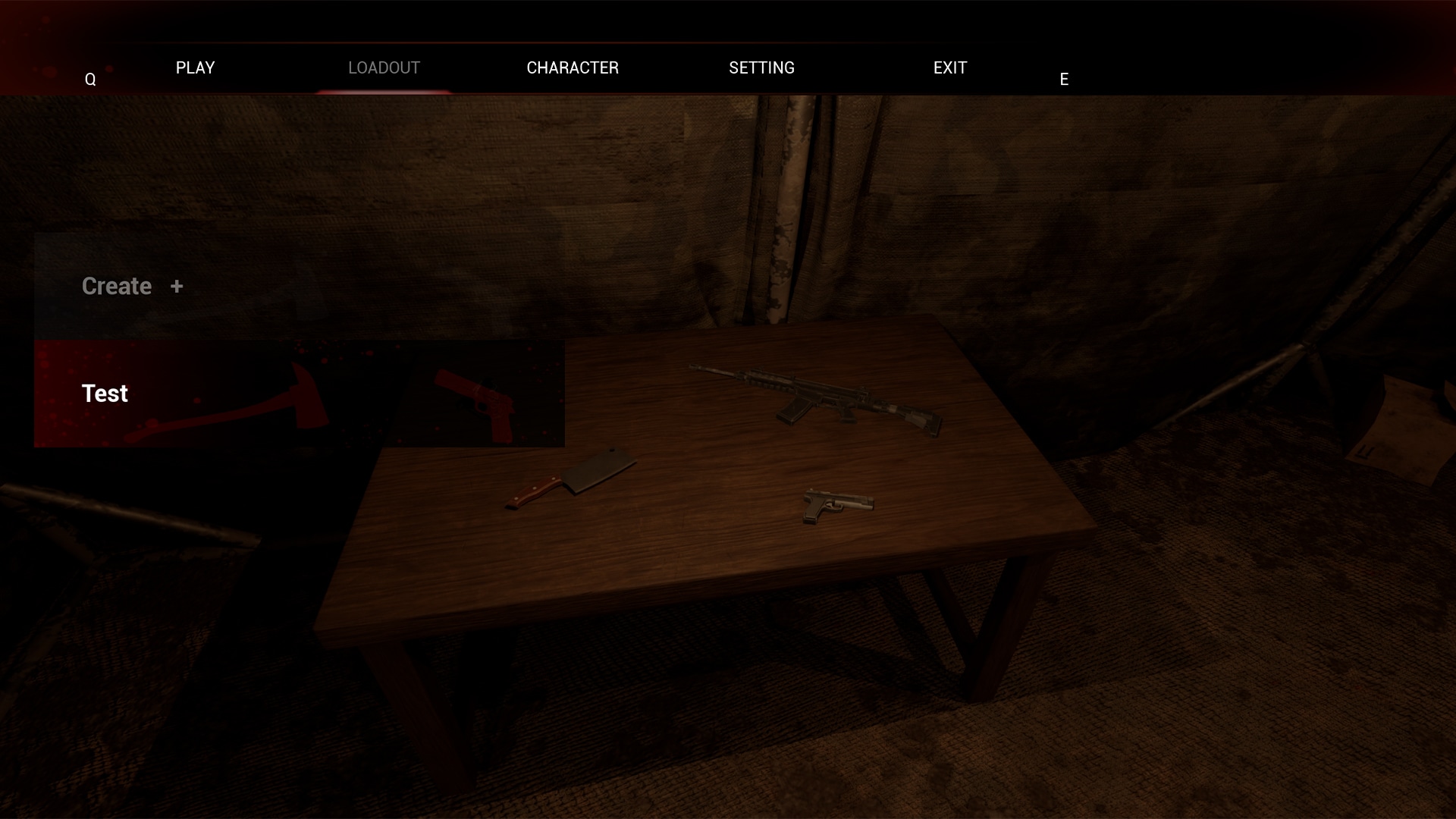
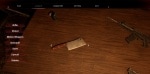
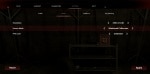
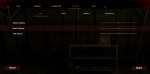
A highly adaptable loadout system allows users to effortlessly add or remove weapons. A comprehensive tutorial guides users on transforming static mesh assets into game-ready skeletal mesh assets. This system supports the creation of new loadouts with customized names, providing a choice of four weapon categories: rifle, pistol, melee weapon, and grenades. These loadouts can be saved, edited, or deleted, with scrollable options for viewing assigned formats.
3) Character Selection:
Players can choose between two distinct characters and personalize their appearance. Options for clothing selection include choosing from pre-assigned upper body and lower body garments, as well as shoe selections.
4) Weapons:
The project boasts an arsenal of 4 distinct weapon types, including 2 rifles, 2 pistols, 3 melee weapons, and 3 types of grenades.
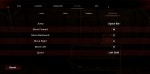
5) Settings Include:
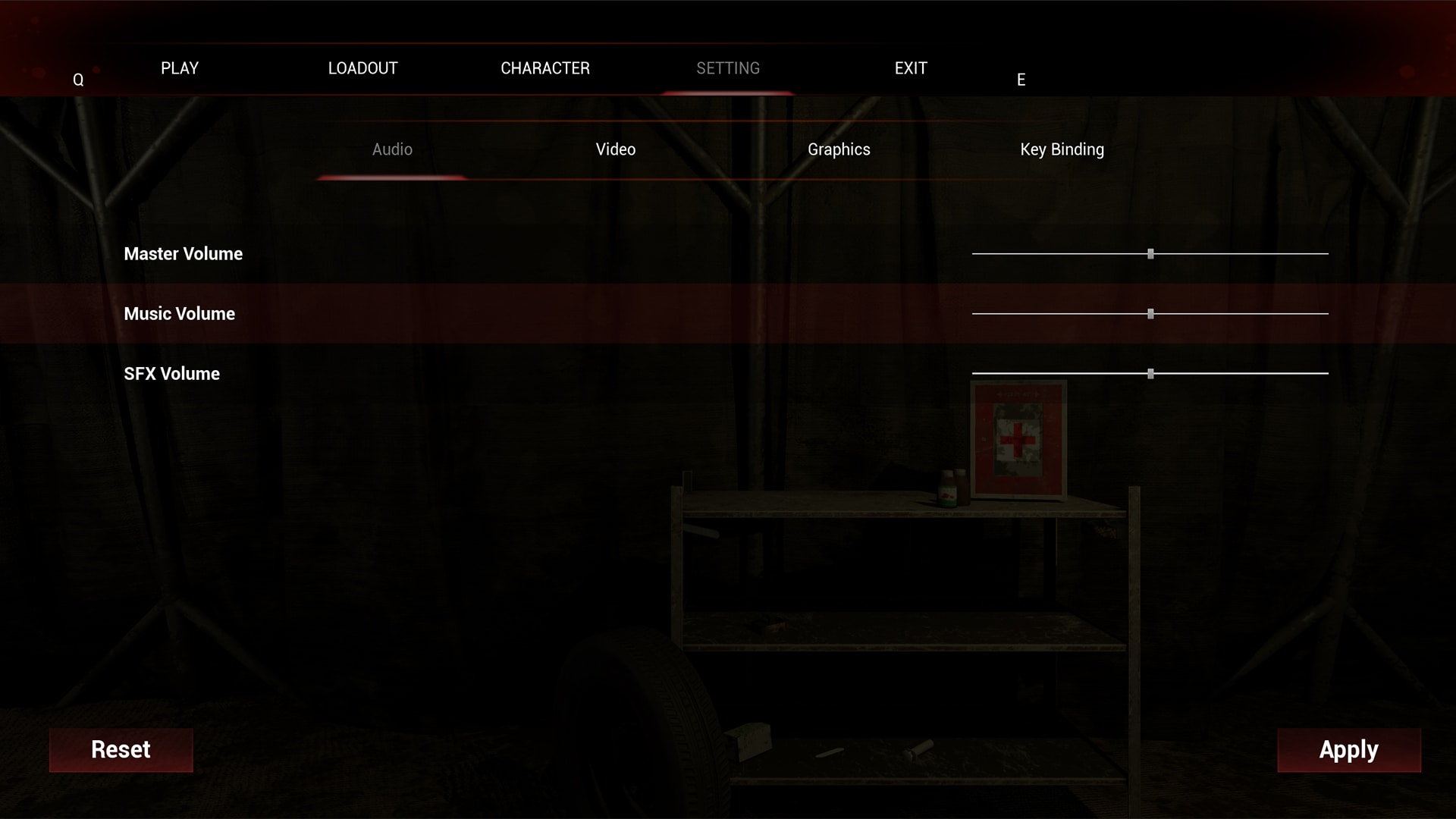
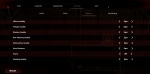
Audio: Access the main audio settings.
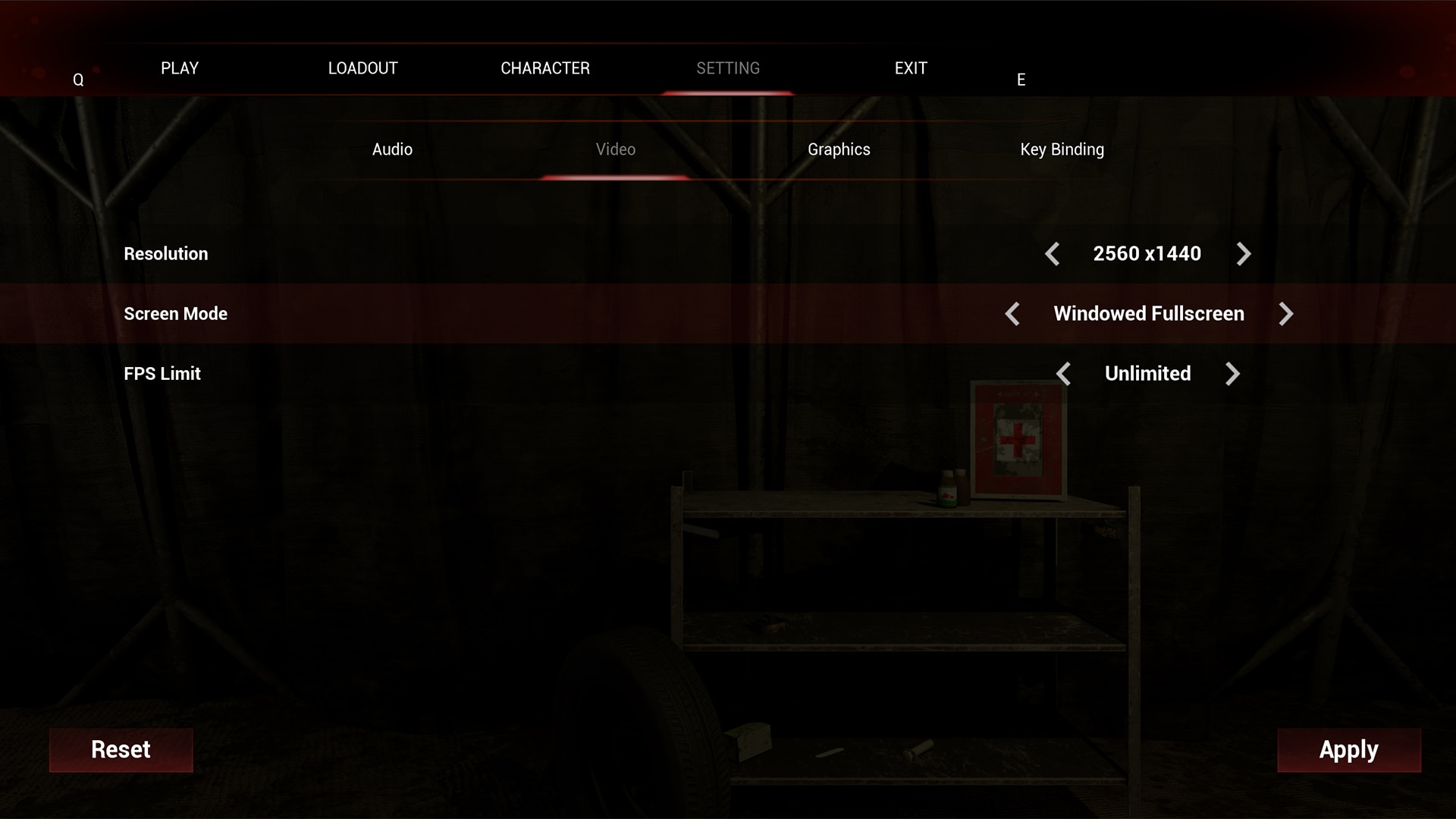
Video: Customize resolution, screen mode, and set FPS limits.
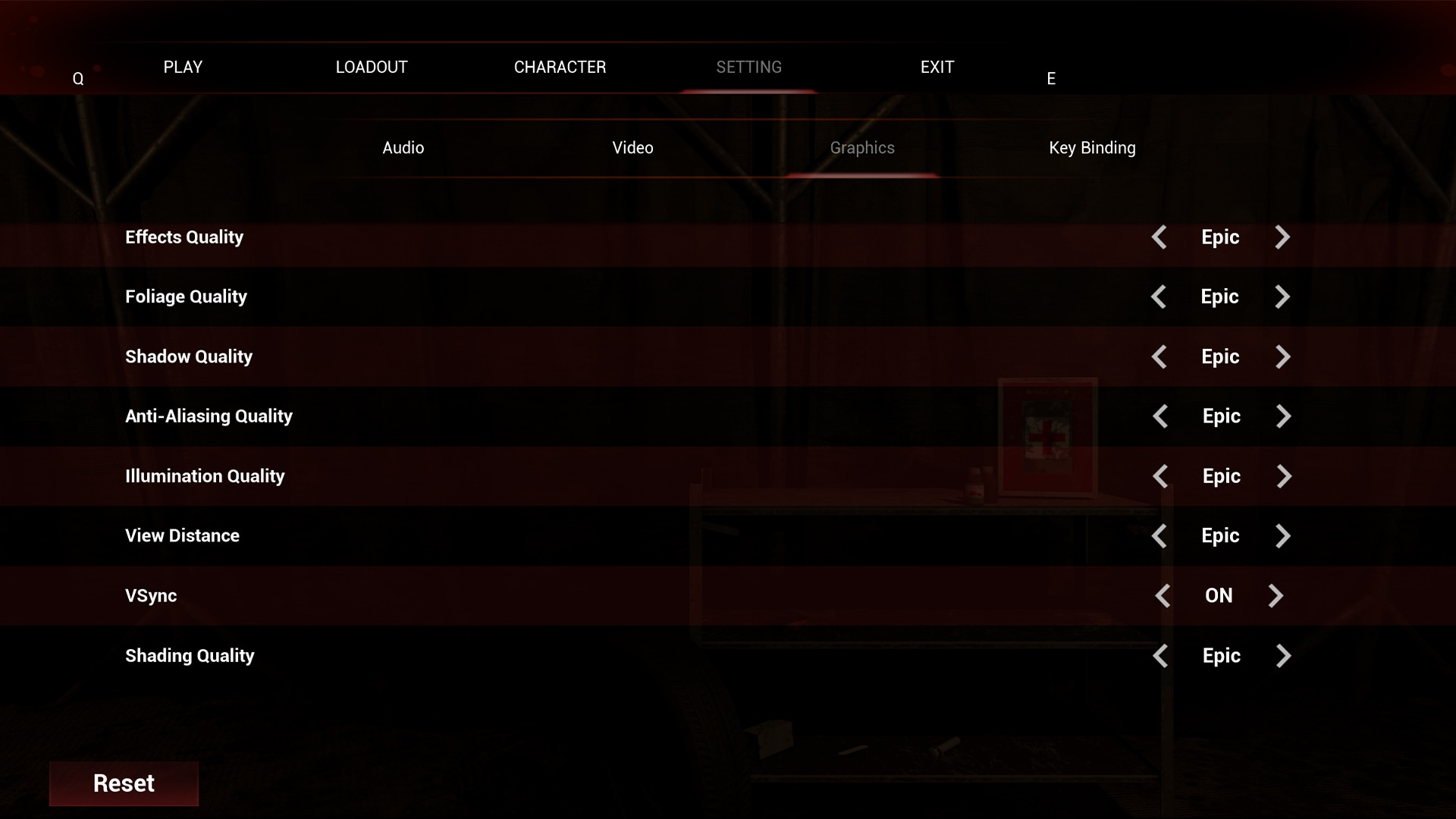
Graphics: Adjust graphical settings, optimizing the visual experience from low to cinematic.
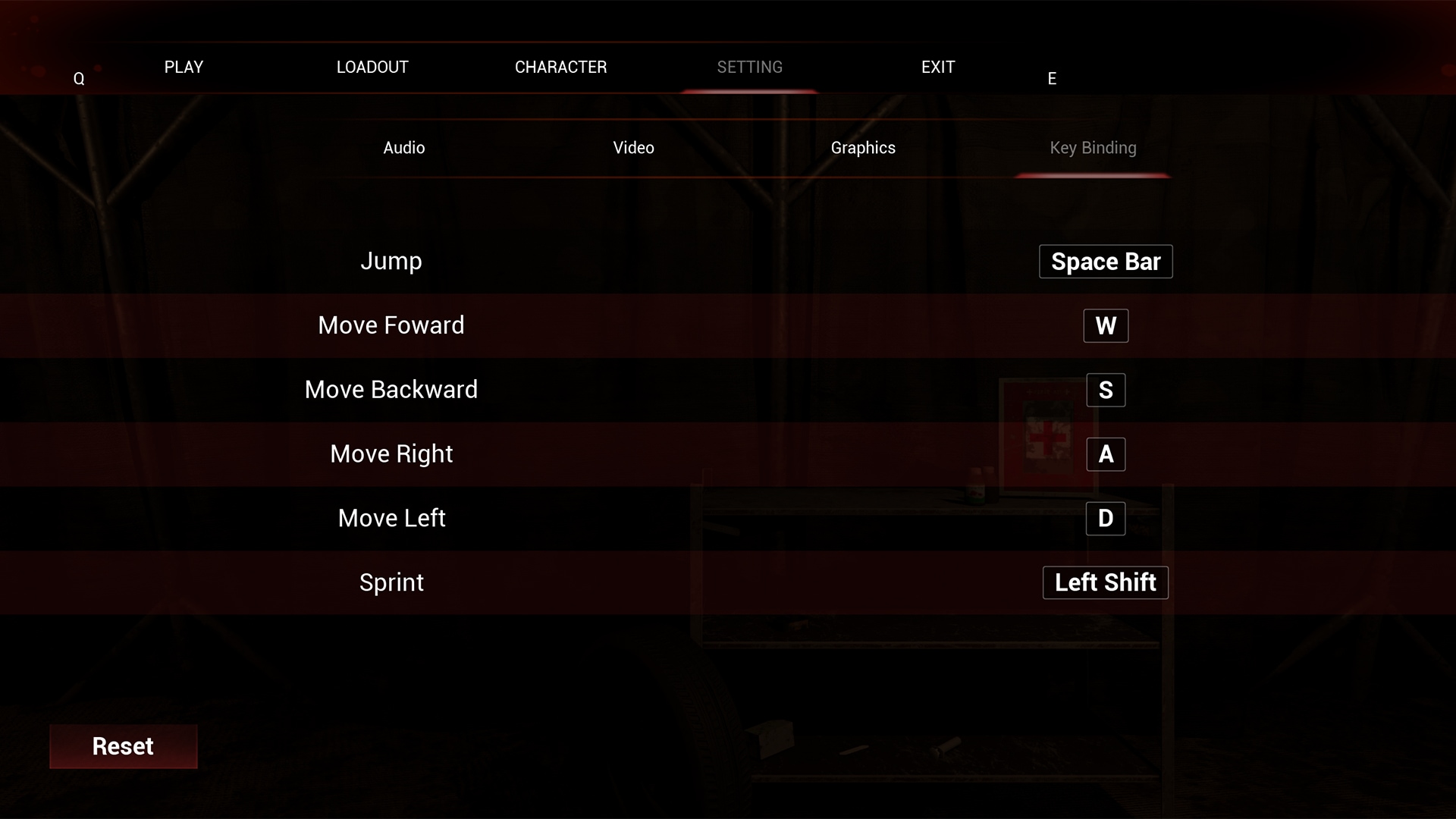
Key Binding (Button Configuration): Alter button and mouse configurations, including jump, movement, and sprint controls (the mentioned actions that can be set in key binding are elements that are already set for the characters).
*Default options are available for resetting configurations.
Tip for hair creation:
Character hairs are on Alembic format and are made using Maya software.
I've imported my Alembic file by using Groom Plugin.
We set the Hair for the Character by using Groom Binding.
Maya made to create the Hair.
I've exported it using Alembic format.
Afterwards, I've enabled the Hair Strands plugin and import Hair Strands.
I've imported this on Unreal.
Then right click on the desired file (the imported Groom file)
Then select then Groom Binding
Then set the desired Skeletal Mesh of the Character
Use the created Binding for the Character
テクニカルノート
Plugins Required: Hair Strands
Inputs include Mouse and Keyboard
Menu function include the following tabs:
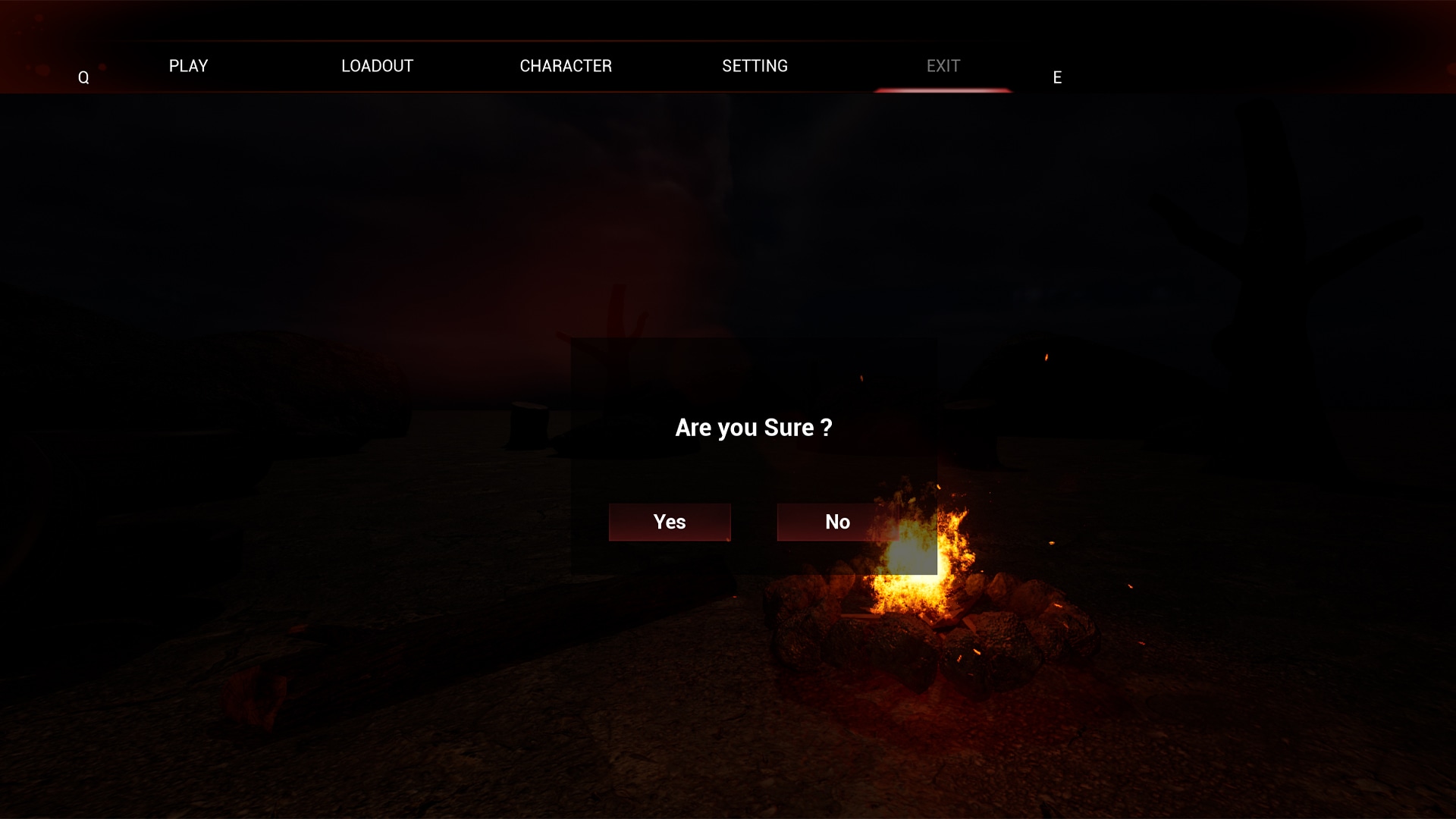
Play, Loadout, Characters, Setting and Exit
- 3 Enums
- 4 Structures
- 11 Blueprints
- 244 Textures
- 12 Master Material
- 80 Instance Materials
- 49 Unique Props
- 18 Skeletal Meshes
- 62 Static Meshes
- Fire Particle Systems
- Background and Switch (Click) Sounds
- Physical assets for all SK Mesh
- Rigged: Yes
- Rigged to Epic skeleton: Yes
- Animated: Mannequin basic animation
2 Game-Ready Characters:
- One Male and one Female Character
- Rigged using Mannequin Skeleton
- Everything is separated, and all meshes are optimized for use with each other.
- Comes with Clothing and Outfits
- 2 Upper body (Top), 2 lower Body (Pants) Clothing and 2 pair of Shoes.
- Fully detailed Clothing with Body-Weight