



Horizon VR Plugin
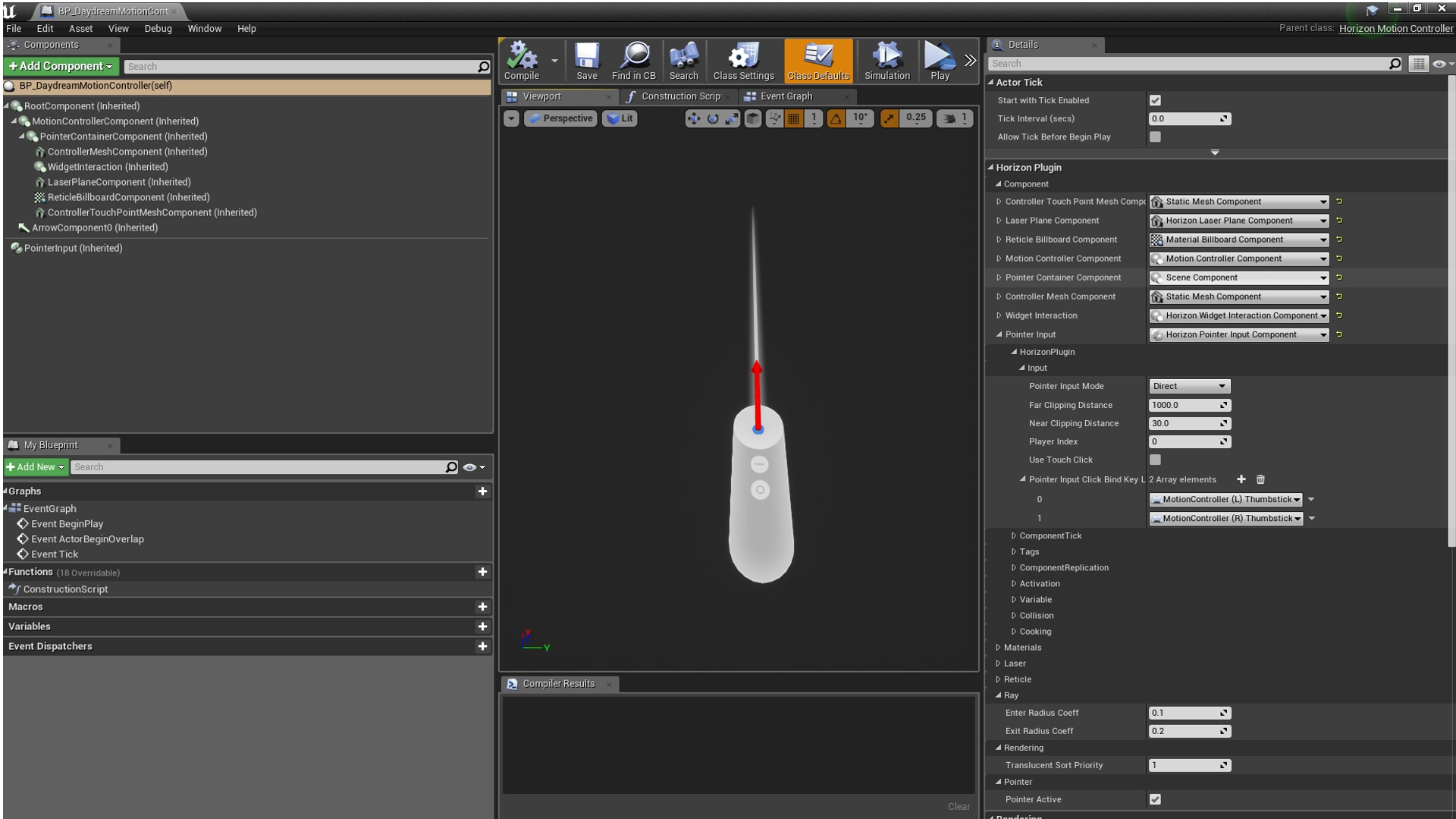
The goal of this plugin is to provide a unified VR Character and MotionController functions for support different VR device at same time, ex: HTC Vive, Oculus Rift and Google Daydream.
- Supported Platforms
- Supported Engine Versions4.17 - 4.27, 5.0
- Download TypeEngine PluginThis product contains a code plugin, complete with pre-built binaries and all its source code that integrates with Unreal Engine, which can be installed to an engine version of your choice then enabled on a per-project basis.
Description
Reviews
Questions
Demo Video: https://youtu.be/5qoL7fktCXk
This Plugin ports the functions from [GoogleVRController Plugin](https://docs.unrealengine.com/latest/INT/Platforms/GoogleVR/Daydream/) in the engine and make sure the controller features also works in HTC Vive, Oculus Rift, Google Daydream. (Didn't test on other devices.)
Technical Details
Features: (Please include a full, comprehensive list of the features of the product)
- GoogleVRController's laser and reticle feature for HTC Vive and Oculus Rift
- Auto detect current HMD device and spawn corresponding MotionControllerActor
- Support laser pointer input callbacks: OnPointerEnterActorEvent, OnPointerEnterComponentEvent, OnPointerExitActorEvent, OnPointerExitComponentEvent, OnPointerHoverActorEvent, OnPointerHoverComponentEvent, OnPointerClickActorEvent, OnPointerClickComponentEvent, OnPointerPressedEvent, OnPointerReleasedEvent
Code Modules: (Please include a full list of each Plugin module and their module type (Runtime, Editor etc.))
- HorizonVR (Runtime)
Number of Blueprints: 6
Number of C++ Classes: 11
Network Replicated: No
Supported Development Platforms: Windows, Mac
Supported Target Build Platforms: Windows, Android
Example Project & document: https://github.com/dorgonman/HorizonVRDemo (Follow install note in github, you will be able to download editor build from nuget, so you don't need to pay for trying this plugin.)