



Animate - Curve-Driven Animations
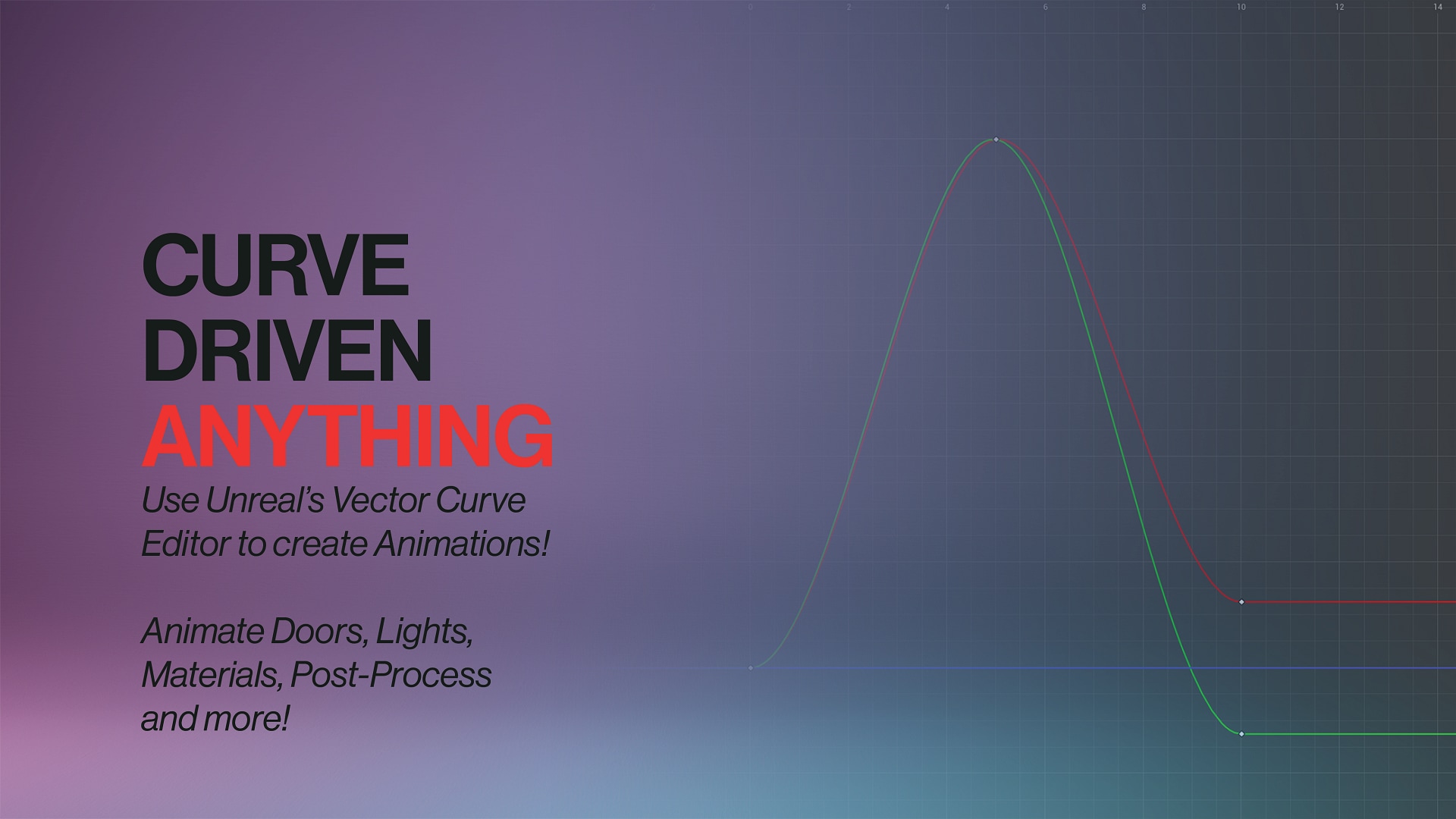
Animate anything using Vector Curves! Create curves, assign them and run animations within minutes !
- Supported Platforms
- Supported Engine Versions5.0 - 5.4
- Download TypeEngine PluginThis product contains a code plugin, complete with pre-built binaries and all its source code that integrates with Unreal Engine, which can be installed to an engine version of your choice then enabled on a per-project basis.
Description
Reviews
Questions
Works great together with Motion, a true-first-person character template!
🎬 Made With Animate: Watch on YouTube!
📝 Installation & Quick-Start: Read the guide!
📚 Documentation: Click here to open the Documentation!
💬 Discord: Click here to join the Discord!
____________________
Why did I create Animate?
Creating and managing timelines for individual actors is annoying. They're deep in code, hard to organize and require lots of manual work to copy similar functionality across multiple actors.
That's why I created Animate! Animate makes it easy to quickly animate any Actor and any property of it in your scene and rapidly adjust & update curves to figure out perfect animations for your project.
What is Animate?
🌊 Animate is a simple yet powerful plugin for Vector-curve-driven animations. Create one or more Vector Curves using the built-in editor, plug it to a mesh, door or anything else and run the animation! Create deeper and more dynamic environments or enrich your existing blueprints with more natural movement by adding Animate to it!
⚡ Incredibly powerful. Animate ships with various examples that you can instantly use or swap out for your own meshes! For more advanced and bigger ideas you can create custom Animate components and use the animation data however you wish! The built-in events also allow other blueprints and actors to get notice on when animations start, update and end!
💬 Got a Question?
Join our Discord! Or send me an e-mail to [email protected]. I'm happy to help!
Technical Details
Features
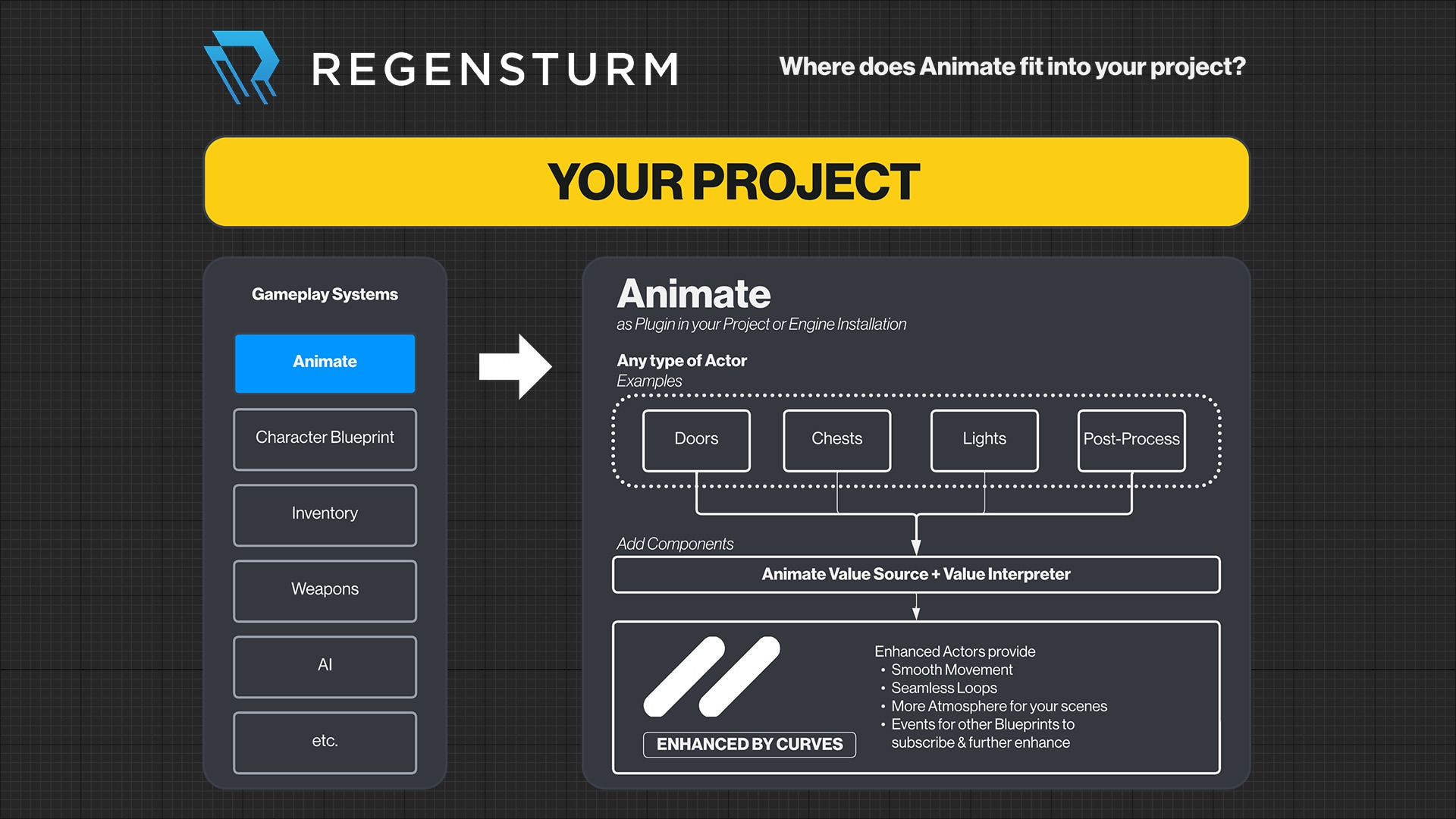
Animate Value Source:
- Read configured Curve Vector.
- Generate and save current curve value at current time.
- Progress curve each tick, based on current state (reversing, looping etc.).
- Parse and save current value of curve at current time.
- Call curve events (Curve Minimum, Maximum, Updated & Deleted)
Animate Value Interpreter:
The Value Interpreter listens to the events provided by the Value Source and then implements custom behaviour to make use of the value provided by the Value Source.
The implemented behaviour can be fully customized. Example implementations include:
- Setting an Actors relative rotation, location or scale.
- Updating the brightness of a light source.
- Manipulating values of a post-process volume.
Code Modules:
- Animate (Runtime, LoadingPhase: Default)
Number of Blueprints: 14
Number of C++ Classes: 7
Network Replicated: Yes
Supported Development Platforms: Windows, macOS
Supported Target Build Platforms: Windows, macOS (Do you need additional targets? Please send us an email via [email protected])
Documentation: https://kia.dev/animate-docs