Custom Bullets & Damage Handling with Multiplayer
Custom bullet trajectories and damage handling. Done with 3 components, 1 main Data Table and a few Curves
- Supported Platforms
- Supported Engine Versions4.21 - 4.27
- Download TypeAsset PackThis product contains an assortment of Unreal Engine assets which can be imported into a pre-existing project of your choice.
Description
Reviews
Questions
Setup video: https://youtu.be/wwCkBiHeyDI
Showcase video: https://youtu.be/Gi3_tGq4TOw
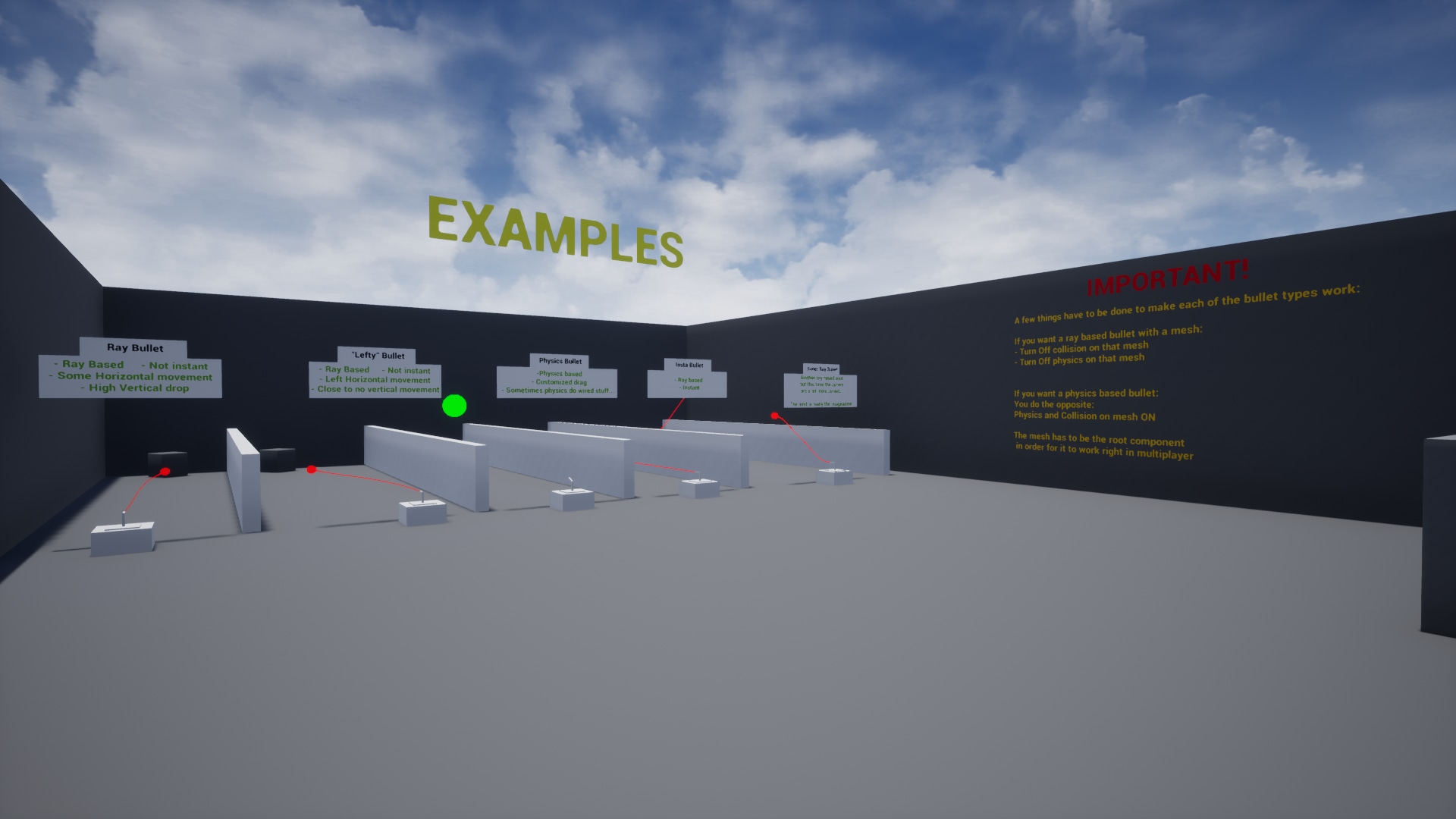
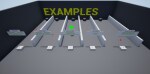
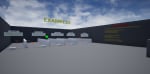
Warning: I am no artist so the showcase isn't some high-poly weapons but some arrows and boxes instead.
Custom bullets and damage handling provides all the necessary components to make some proper gun fights.
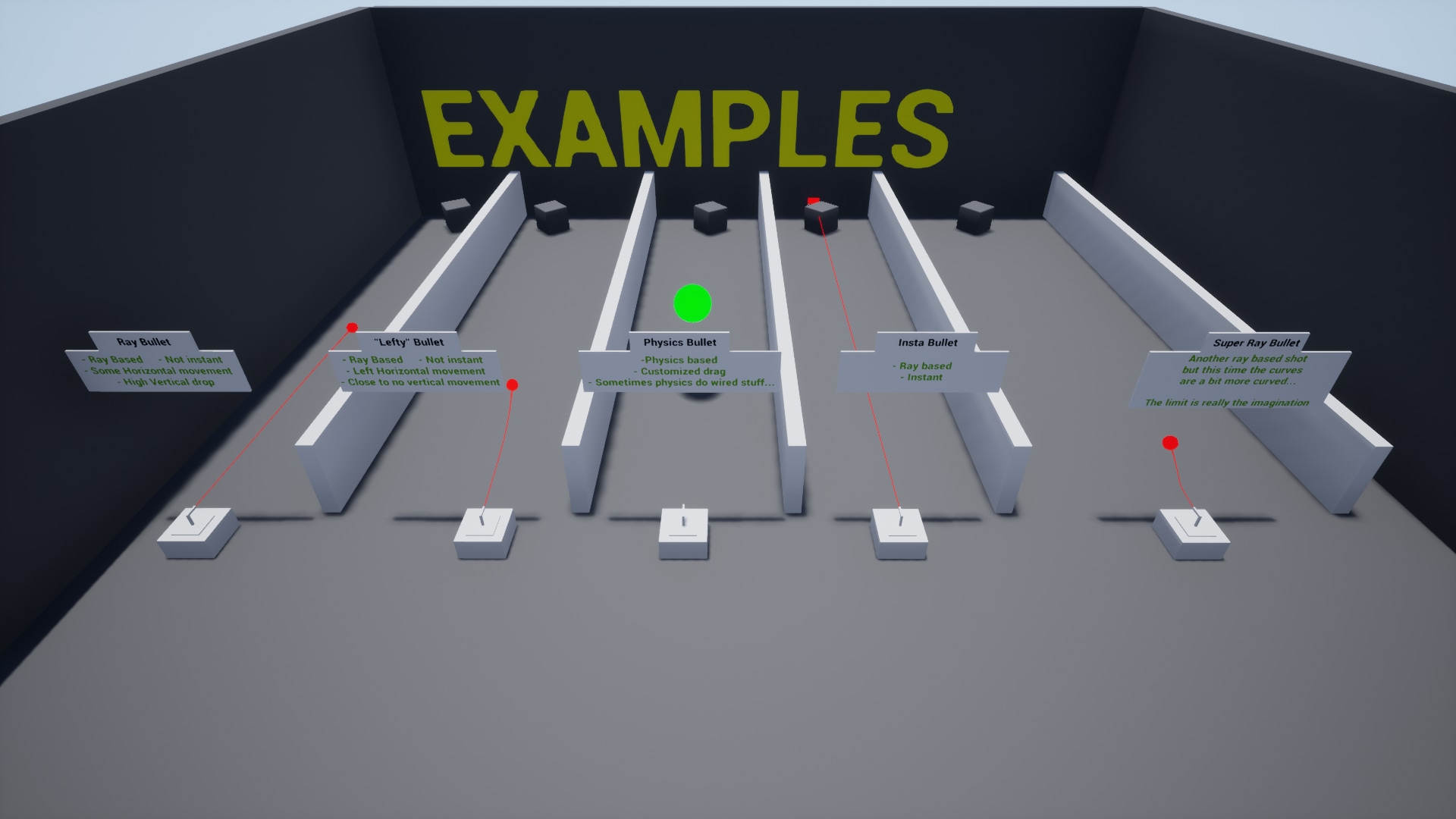
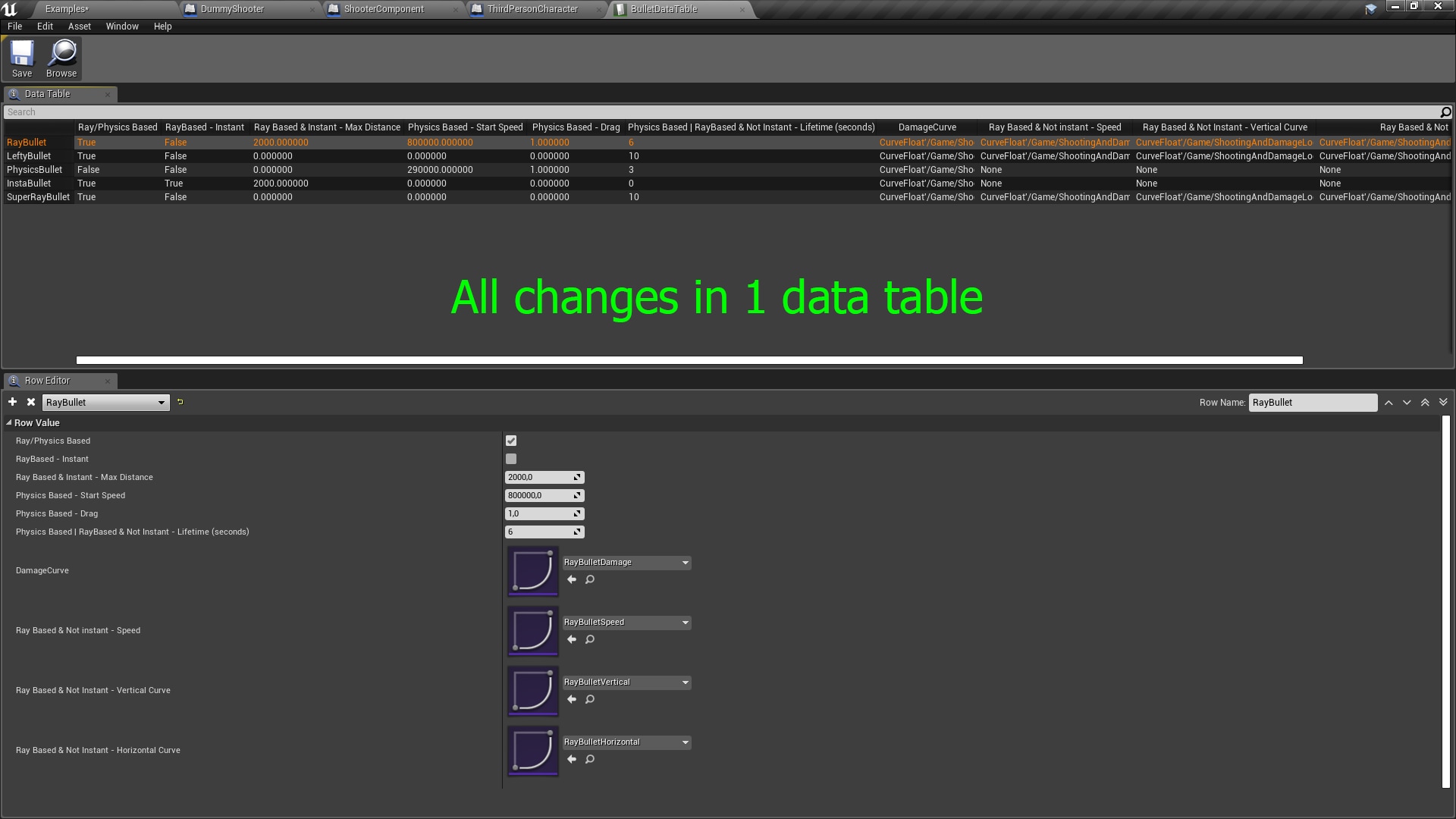
All bullets are defined in 1 main data table, the way they fly after being fired depends on the values you put into the table (for ray-based bullets). Any trajectory can be achieved with the right adjustment to the Vertical and Horizontal axis Curves. Bullet speed is also Curve based - yes the bullet can go forward then backwards and again forward at your will! Ever wanted to make a gun that when shot forward hits the person behind? Well now you can! (Without sitting hours on the math side of things, I already covered that for you)
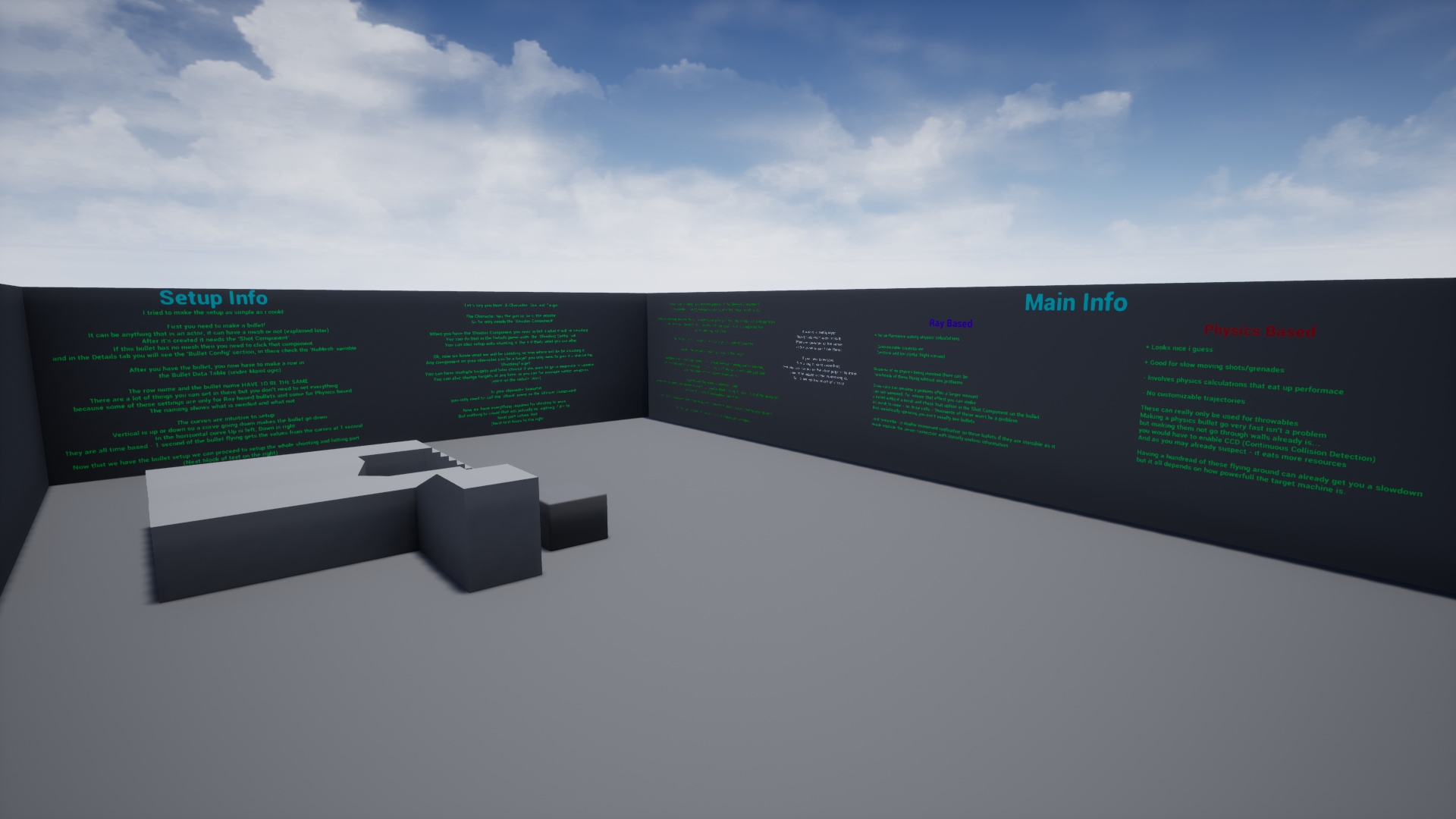
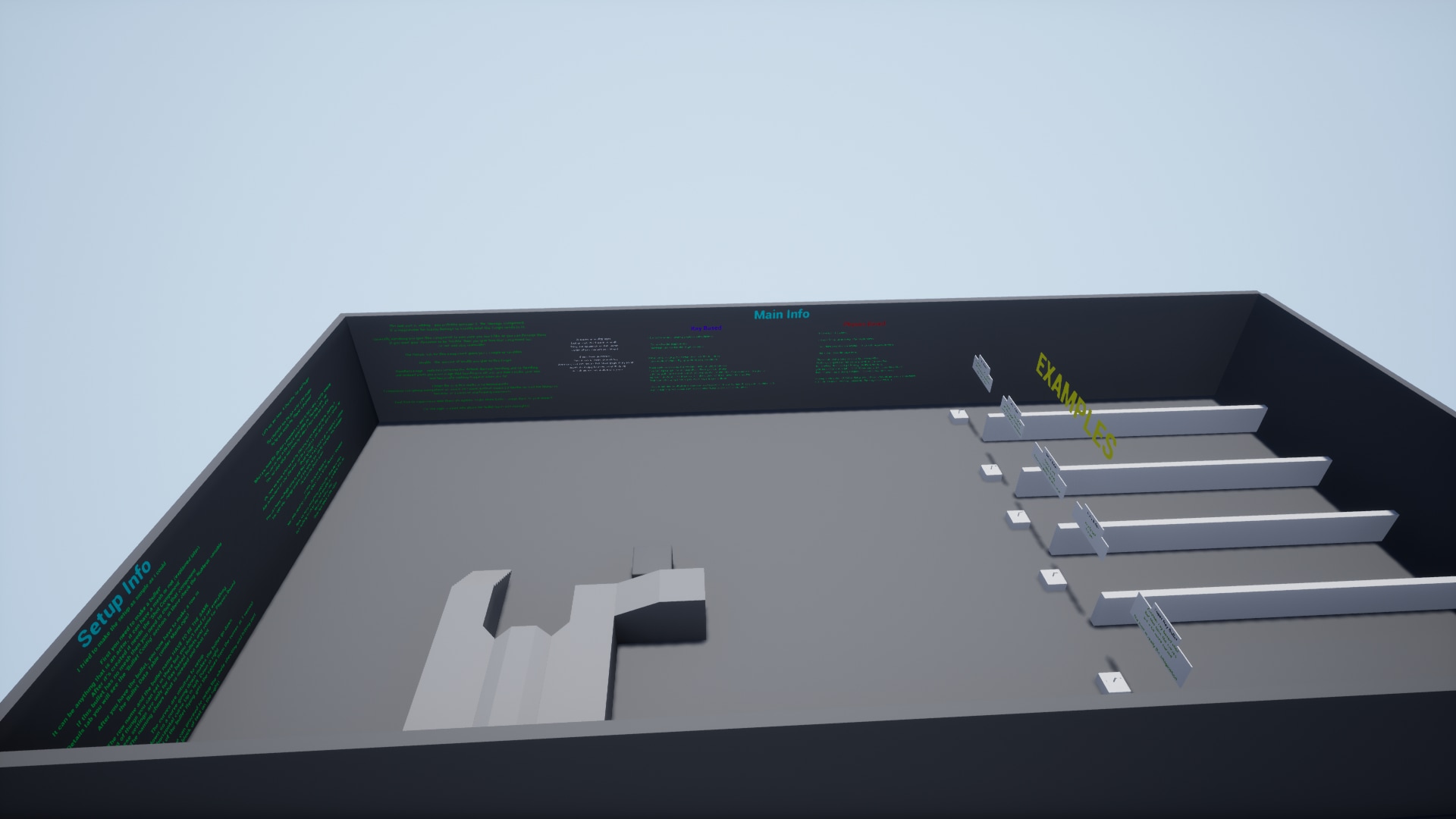
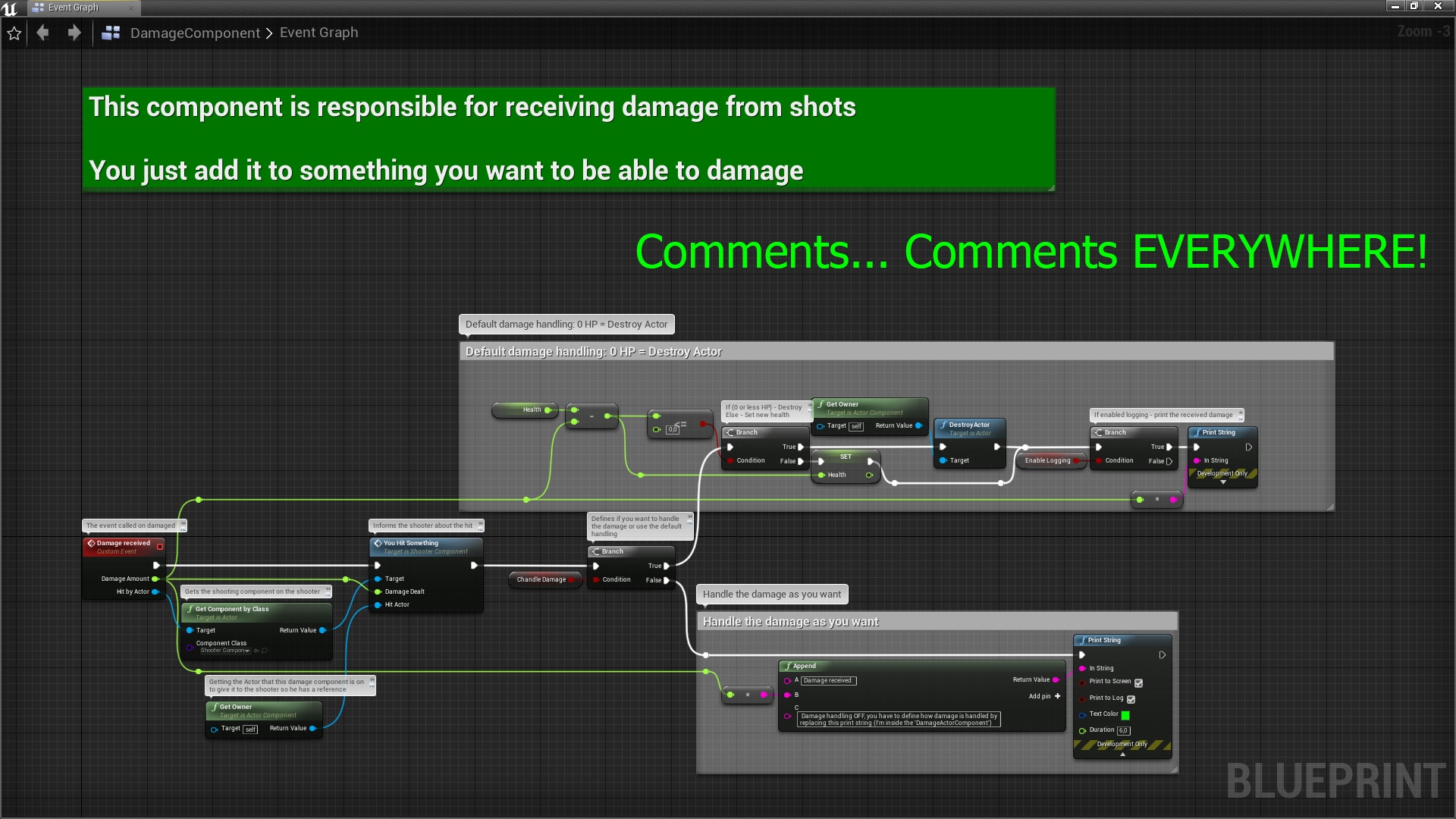
I cover most of the features in the video and if you want to see how it works you can have a look, comments are literally in every single blueprint so if you don't have the smallest idea how such a thing could work, you will get the idea once you read through and if you don't then you can always ask.
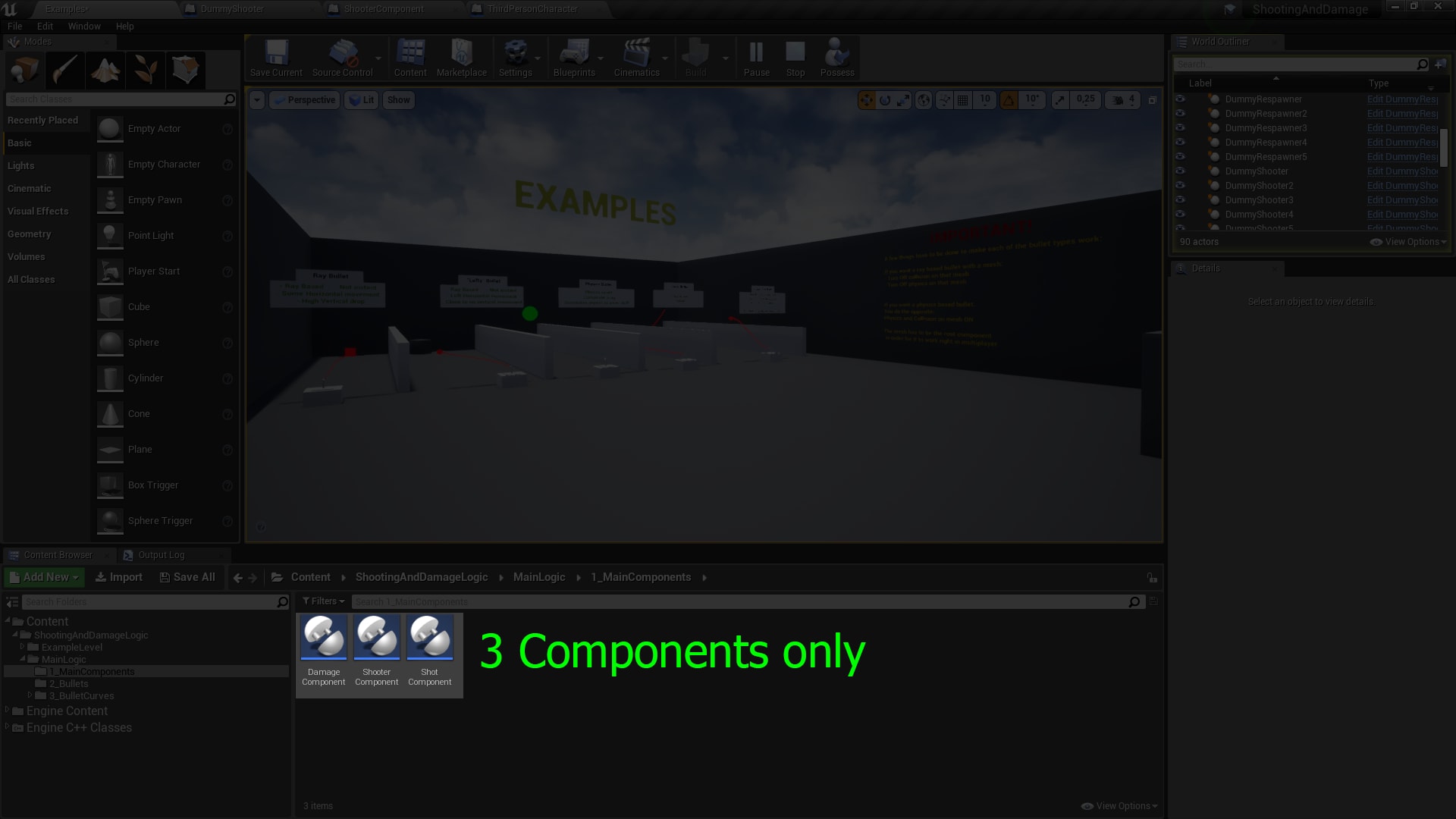
The bullets are good but kinda boring if they don't do anything after hitting the target and here comes the Damage Handling. You make the bullet (it can be any actor, with or without a mesh), give it 1 component then give 1 component to the actor that is supposed to shoot them and finally you give 1 component to whatever you want to damage and it works like a charm. Curves define many things and damage is no exception - you can make the damage falloff be what you want it to be.
Technical Details
Features:
- Only 3 components
- Simple implementation
- No limits to bullet trajectory
- Built-in damage handling
- Works with multiplayer
- Optimized - hundreds of ray based bullets possible (without mesh so draw calls are not the problem)
Number of Blueprints: 8 (3 main components, 5 example bullets and some additional ones for the examples)
Network Replicated: Yes
Supported Development Platforms: Made on PC, should work on any platform
Supported Target Build Platforms: All platforms, no usage of platform specific features
Documentation: All Blueprints are well documented, the video shows the setup process, examples are included and online docs over here: https://docs.google.com/document/d/1nM6SoEuwUkd_lGX2GSQJylhTVI4MSKUZV4P5TqqXo_c/edit?usp=sharing
Important/Additional Notes: I'm open for feature requests, ask and you will probably receive.