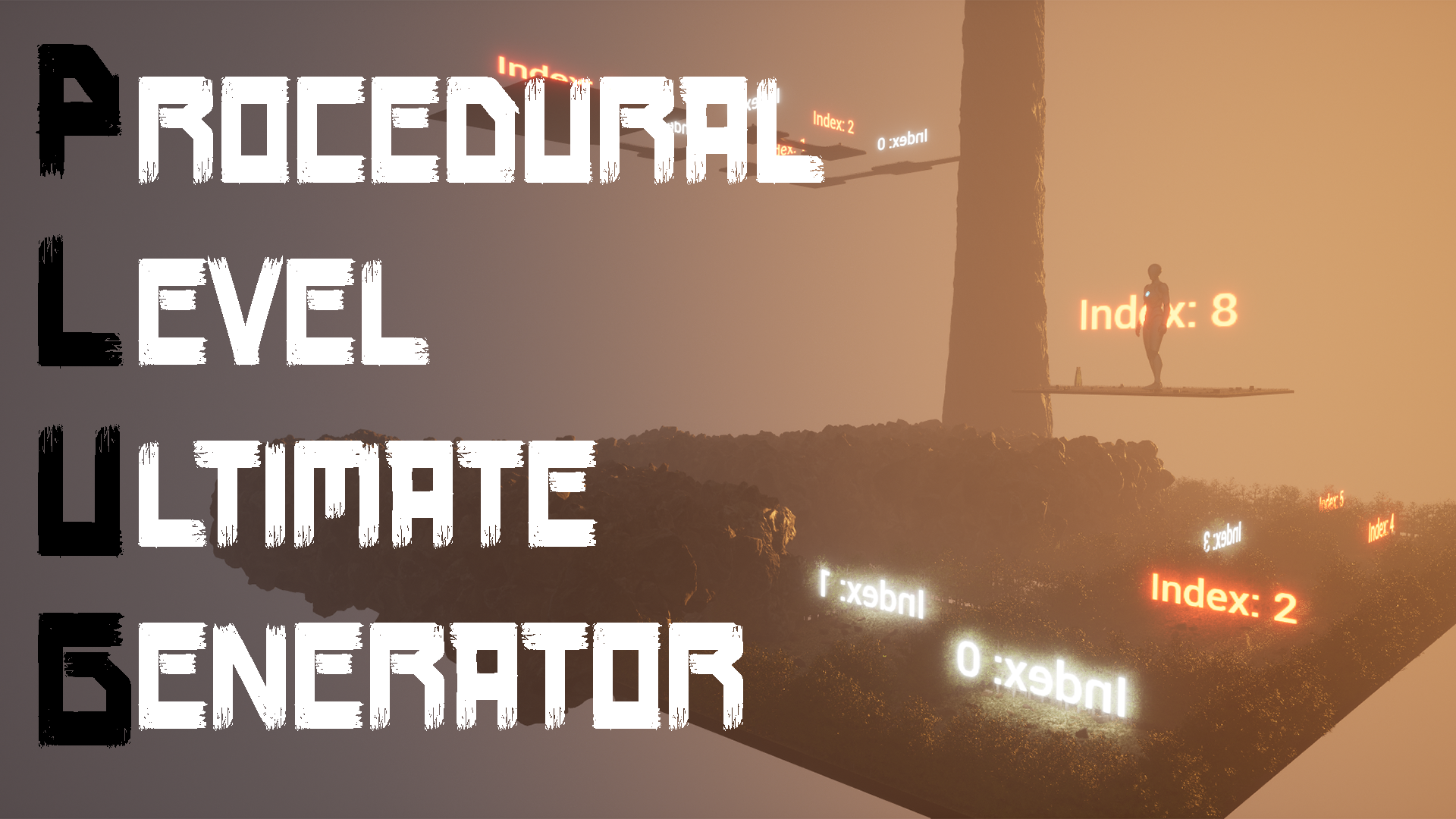






Procedural Level Ultimate Generator
Procedurally generate Dungeons, with a suite of tools to make the process as easy possible so you can focus on creating, not coding.
- Supported Platforms
- Supported Engine Versions5.2
- Download TypeAsset PackThis product contains an assortment of Unreal Engine assets which can be imported into a pre-existing project of your choice.
Description
Reviews
Questions
**Special Introductory Pricing**
As a thank you to my early supporters, I'll be offering the product at a significantly discounted rate. This is also my first Marketplace offering, and I'm sure there will be some hurdles I didn't expect as I go through this process (which I will fix promptly!). Once most of the promised features have been implemented and I feel the system has been sufficiently crowd tested, the price will be raised (quite a bit) to more accurately reflect the value I feel this suite offers.
*Dungeon Demonstration*
PLUG Dungeon Demonstration - YouTube
*Quick Start Video Guide*
PLUG Quick Start Guide - YouTube
*Quick Start Written Guide*
Quick Start | Plug Tools (plug-tools.com)
Demo Level included in the PLUG/Demo folder. Demo Level tutorial series coming soon.
Be sure to set your Game Mode to GM_PLUGDemo.
The initial load after adding PLUG to your Project may take a while as it loads in all of the Demo assets. Not to worry! Once everything has been fully added to the project you shouldn't have to go through this process again.
The Demo level contains some amazing, free assets from the team over at Poly Haven . Everything in the PLUG/Demo/Assets/PolyHavenAssets folder was pulled directly from them. The rest I modeled and used their textures. Please check out their work and support their Patreon if you enjoy it!
PLUG is a suite of tools that, at their core, allow you to procedurally generate a dungeon (and connect multiple dungeons in a future update).
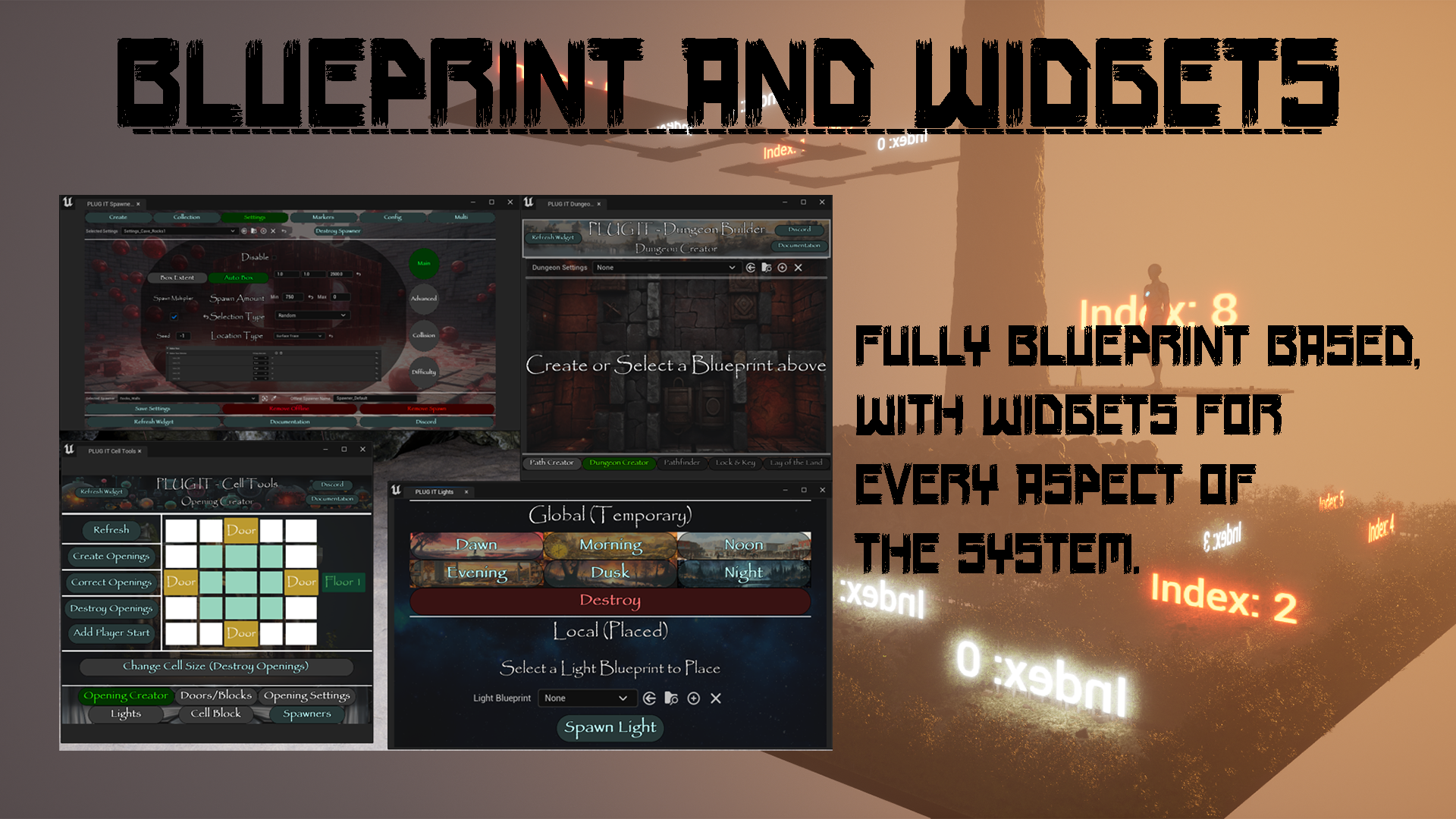
It is fully Blueprint based, and every aspect of the system has an accompanying Widget, which makes the process a breeze.
The system works with Cells (individual Levels) that you design, and stiches them together creating a singular Path through the Cells. You can then branch other Paths off of the initial Path, with their own start and end conditions.
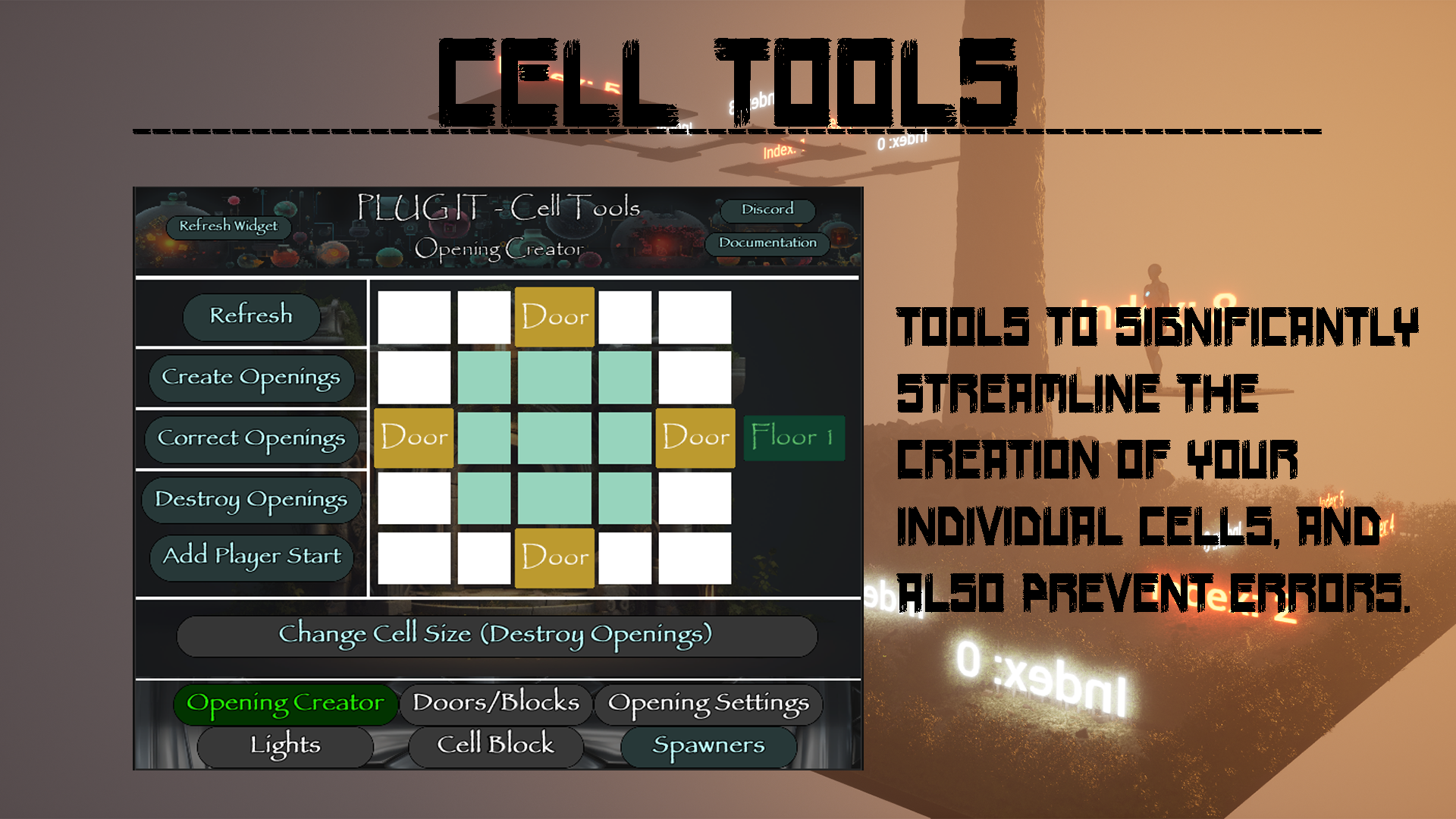
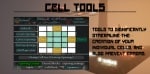
There are a number of tools to aid in this process, including an Opening Creator which guarantees your "stitch" points are correctly placed every time, and can correct if accidentally moved. It also makes sure each of your Cell Blocks (the Blocks used to contain your Cells) are correctly positioned and sized.
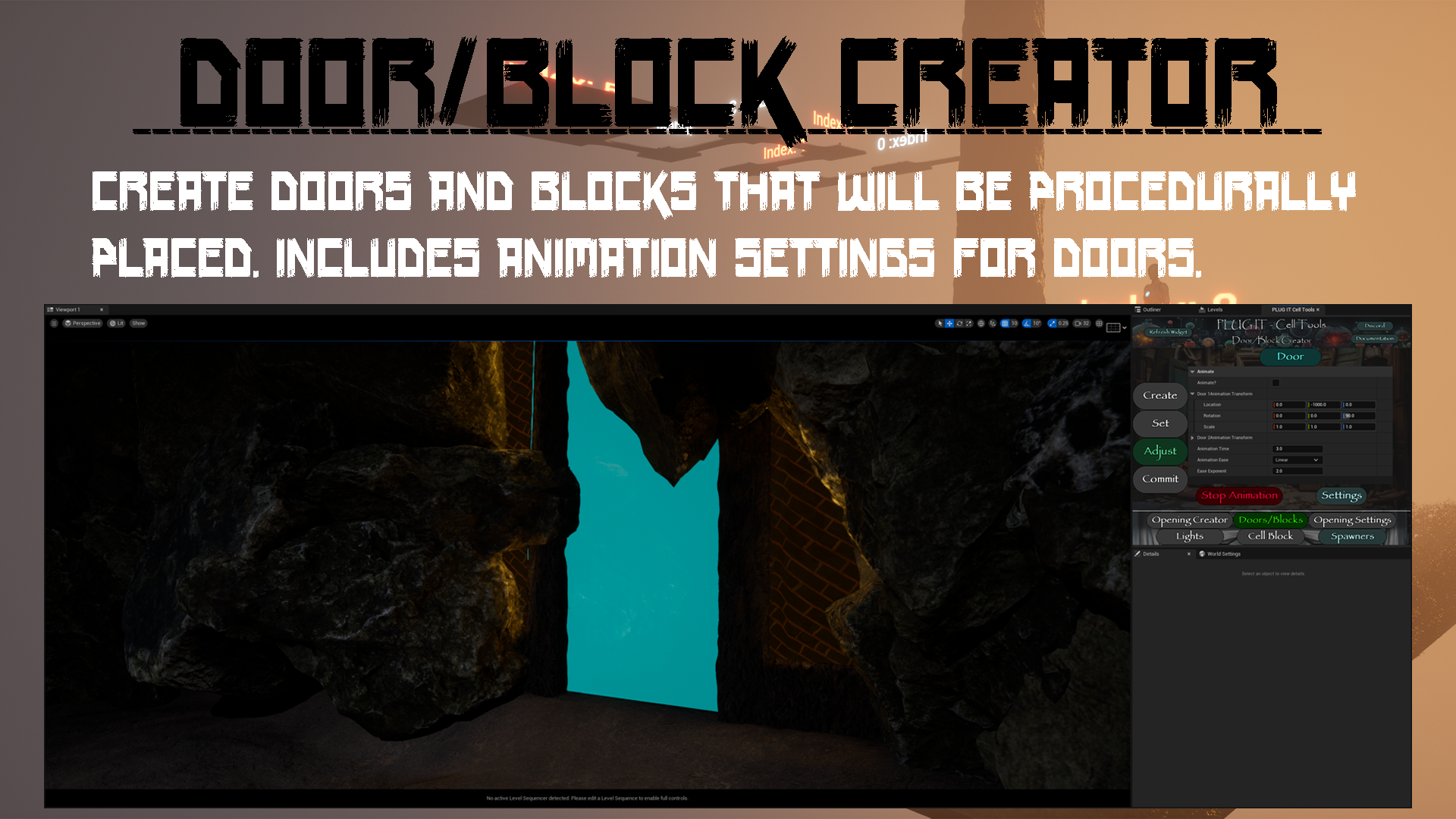
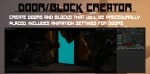
A Door/Block Creator tool allows you to create the Doors and Blocks that will be procedurally generated throughout the created Dungeon, and even animate the Doors!
Each Opening created in your Cell has settings for selecting which Door or Block is placed, as well as a Priority setting which can guarantee a specific Door spawns and is oriented a specific way, no matter which Cell it's connected to.
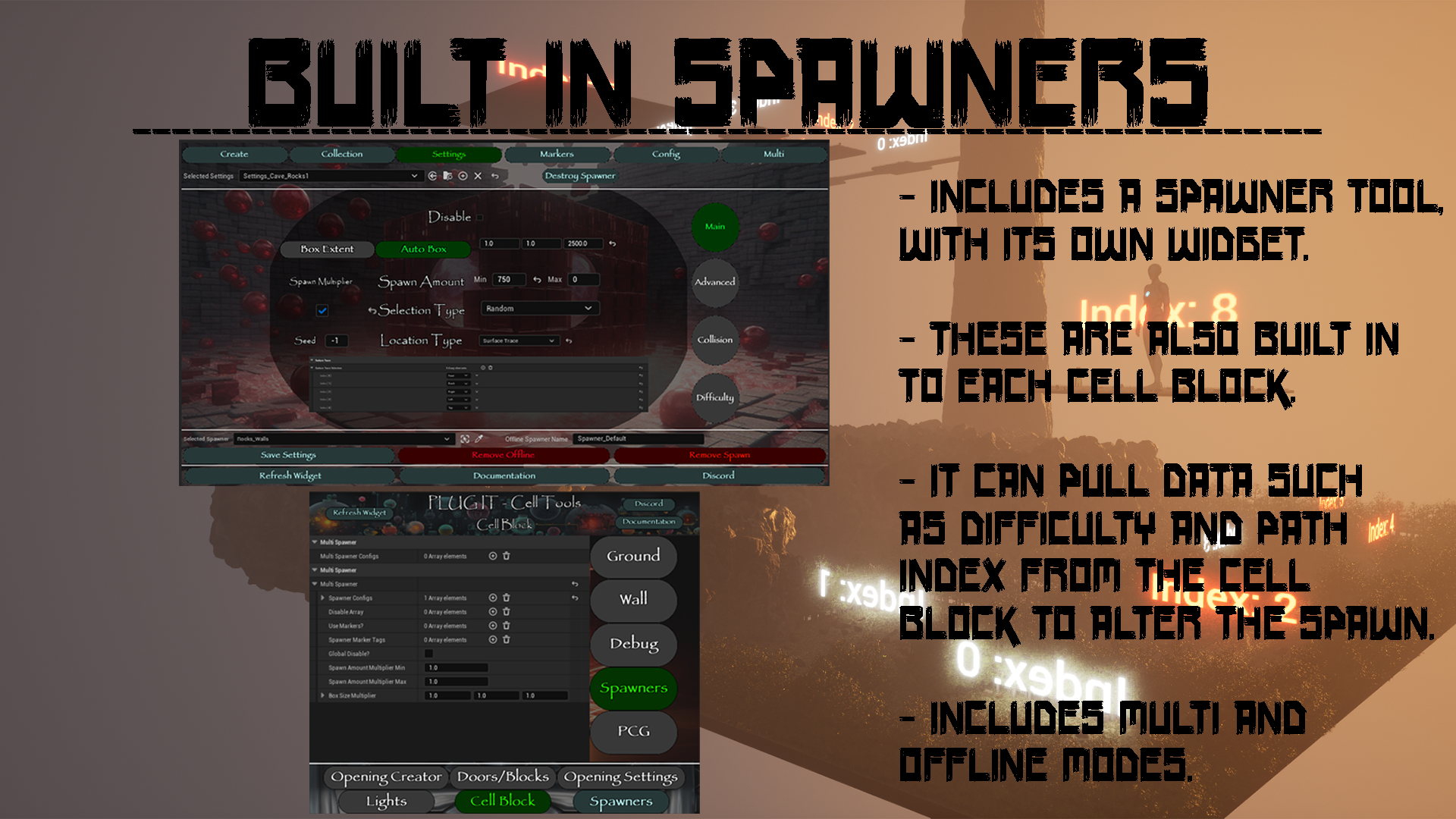
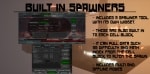
There is a Spawner tool which can be used to spawn meshes or actors, and this can be used as a standalone tool or integrated directly into the Cells. If connected to a Cell, it can use data such as Difficulty to alter the spawn.
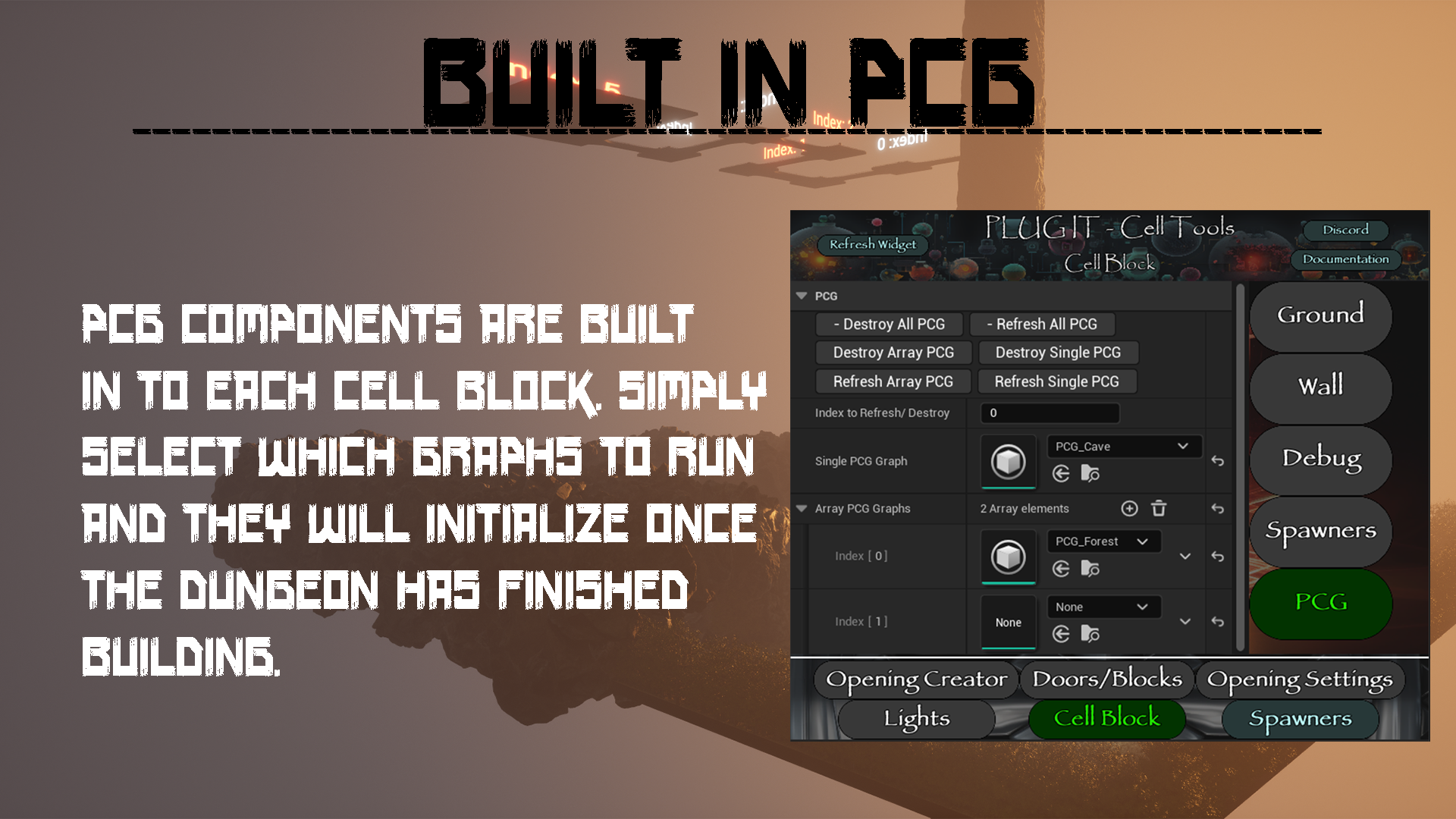
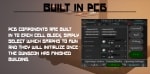
PCG has also been integrated into the Cell Blocks. Simply select the graphs you'd like to use and the Builder will automatically initialize them once it has finished creating the Dungeon.
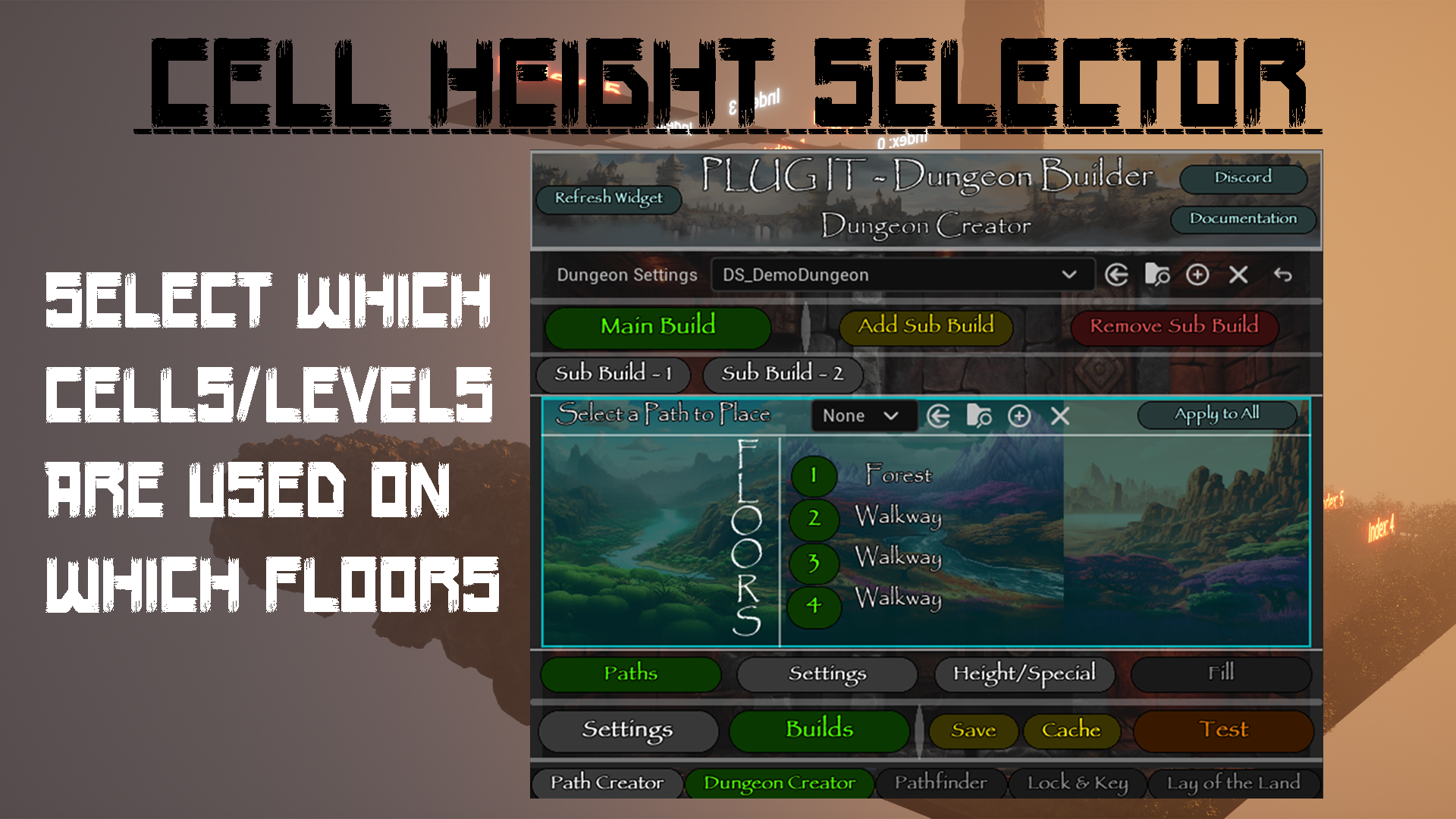
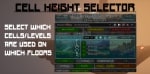
The Dungeon Builder itself has a number of settings, including options to select which Cells will be used on which Floors/Height. A single "Path" can have multiple Paths that automatically switch when the Builder switches floors, guaranteeing your Forest Ground stays on the ground Floor.
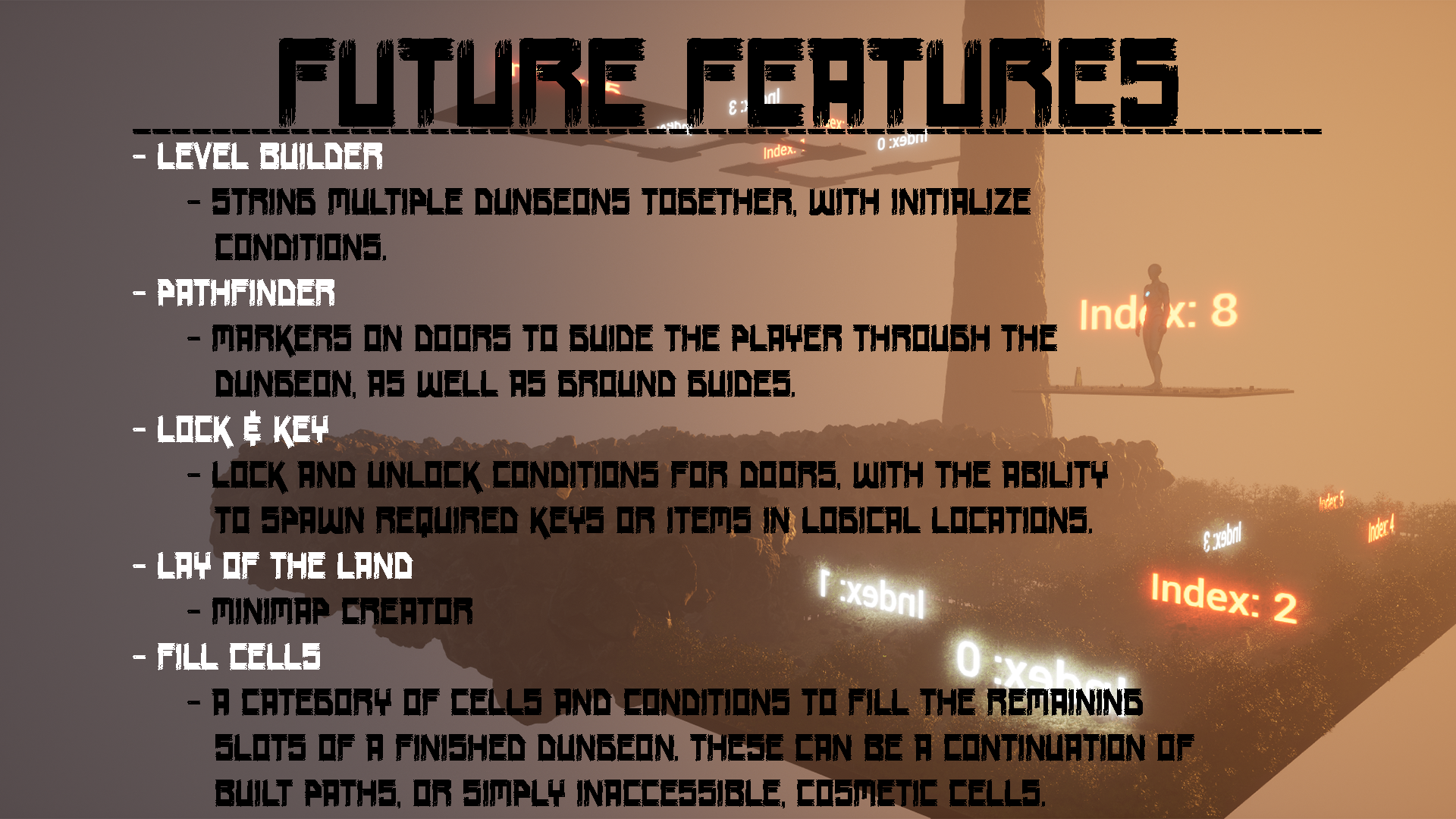
For more information and to see future features, please visit the website!
www.plug-tools.com
Discord link available through the Widgets.
Poly Haven Models Used:
- Rock Moss Set 01 ( Rock Moss Set 01 Model • Poly Haven )
- Rock Moss Set 02 ( Rock Moss Set 02 Model • Poly Haven )
- Grass Medium 01 ( Grass Medium 01 Model • Poly Haven )
- Potted Plant 01 ( Potted Plant 01 Model • Poly Haven )
- Potted Plant 04 ( Potted Plant 04 Model • Poly Haven )
- Treasure Chest ( Treasure Chest Model • Poly Haven )
- Wicker Basket 01 ( Wicker Basket 01 Model • Poly Haven )
- Wine Barrel 01 ( Wine Barrel 01 Model • Poly Haven )
- Wooden Bucket 01 ( Wooden Bucket 01 Model • Poly Haven )
- Wooden Bucket 02 ( Wooden Bucket 02 Model • Poly Haven )
- Wooden Crate 01 ( Wooden Crate 01 Model • Poly Haven )
- Wooden Crate 02 ( Wooden Crate 02 Model • Poly Haven )
- Wooden Lantern 01 ( Wooden Lantern 01 Model • Poly Haven )
- Wooden Stool 01 ( Wooden Stool 01 Model • Poly Haven )
Poly Haven Textures Used:
- Bark Brown 02 ( Bark Brown 02 Texture • Poly Haven )
- Bark Willow ( Bark Willow Texture • Poly Haven )
- Bark Willow 02 ( Bark Willow 02 Texture • Poly Haven )
- Dark Brick Wall ( Dark Brick Wall Texture • Poly Haven )
- Forest Ground 01 ( Forest Ground 01 Texture • Poly Haven )
- Moss Wood ( Moss Wood Texture • Poly Haven )
- Mud Forest ( Mud Forest Texture • Poly Haven )
- Old Wood Floor ( Old Wood Floor Texture • Poly Haven )
- Tree Bark 03 ( Tree Bark 03 Texture • Poly Haven )
- Weathered Brown Planks ( Weathered Brown Planks Texture • Poly Haven )
- Wood Stone Pathway ( Wood Stone Pathway Texture • Poly Haven )
- Wood Table 001 ( Wood Table 001 Texture • Poly Haven )
Technical Details
Features:
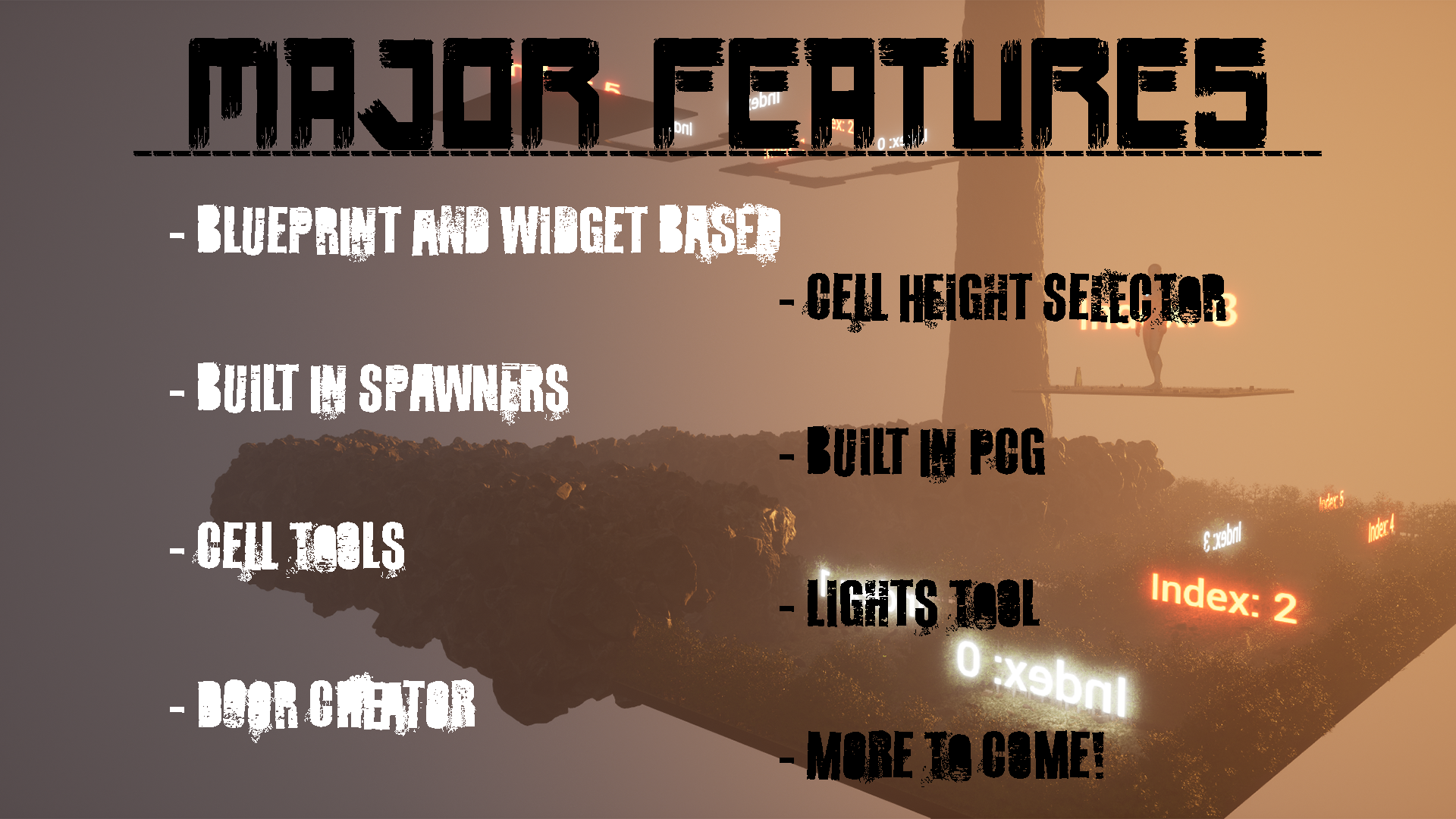
- Opening Creator - Automatically place the stitching points within your Cells, as well as a few other quality of life features.
- Door/Block Creator - Create the Doors and Blocks that will be procedurally generated throughout the Dungeon. You can also Animate the Doors.
- Opening Settings - Determine which Doors and Blocks can be used on each Opening, with a number of settings such as Priority, to ensure a specific door is always picked.
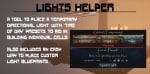
- Lights - A tool to place temporary lighting, with Time Of Day presets, so you can clearly design your Cells without having to remember to delete placed lights when you're finished.
- Cell Block - A number of settings are included on each Cell Block, including PCG and Spawner options that will intitalize at runtime. The Spawners can pull data from the Cell Block to change how they spawn.
- Spawners - A tool to spawn actors or meshes, which can be used either standalone or integrated with the Cell Blocks.
- Dungeon Builder - Grid Based Dungeon Creator, with the ability to have multiple floors, multiple paths, and specific settings for each, such as starting and ending locations/Paths, as well as different Cell Types, including Start, End, Special, Height, and Path.
Number of Blueprints: 151
Input: Gamepad, Keyboard and Mouse
Network Replicated: No
Supported Development Platforms:
Windows: Yes
Mac: Yes
Documentation: www.plug-tools.com
Important/Additional Notes: Requires the Procedural Content Generation Framework Plugin to be enabled.