This listing has not been migrated to FAB by the seller. It is only available to use from your Vault in the Epic Games Launcher.Learn more about Fab






Procedural Object Placement Tools
Tools to procedurally place objects with certain rules and distributions
- Supported Platforms
- Supported Engine Versions4.27, 5.0 - 5.1
- Download TypeEngine PluginThis product contains a code plugin, complete with pre-built binaries and all its source code that integrates with Unreal Engine, which can be installed to an engine version of your choice then enabled on a per-project basis.
Description
Reviews
Questions
Placement tools to use in level design, level prototyping, or to spawn blueprints or meshes during runtime.
Support: Discord server
Documentation: Google Docs
Technical Details
Features:
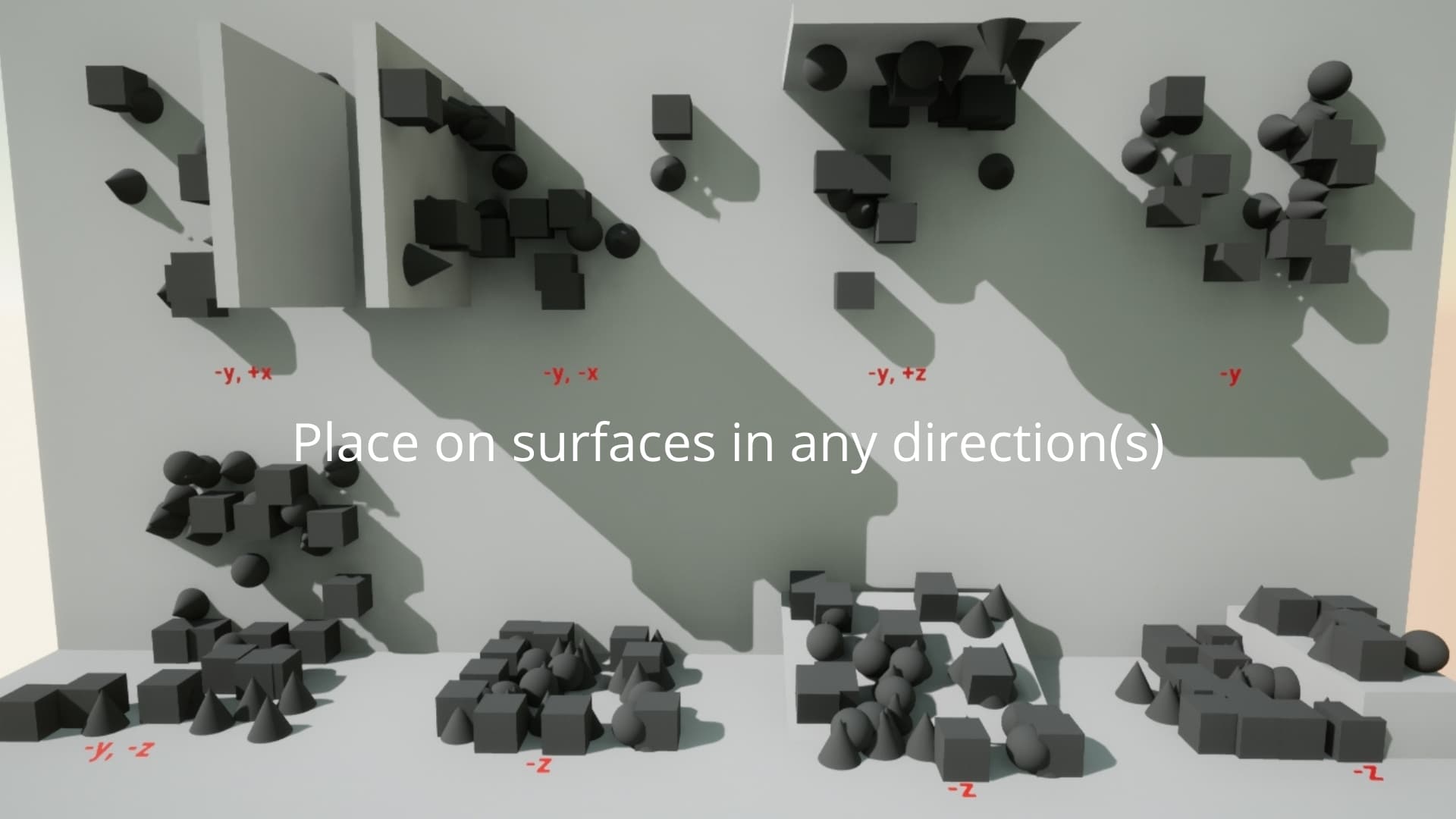
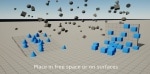
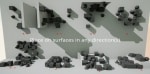
- Place objects on surfaces or in free space
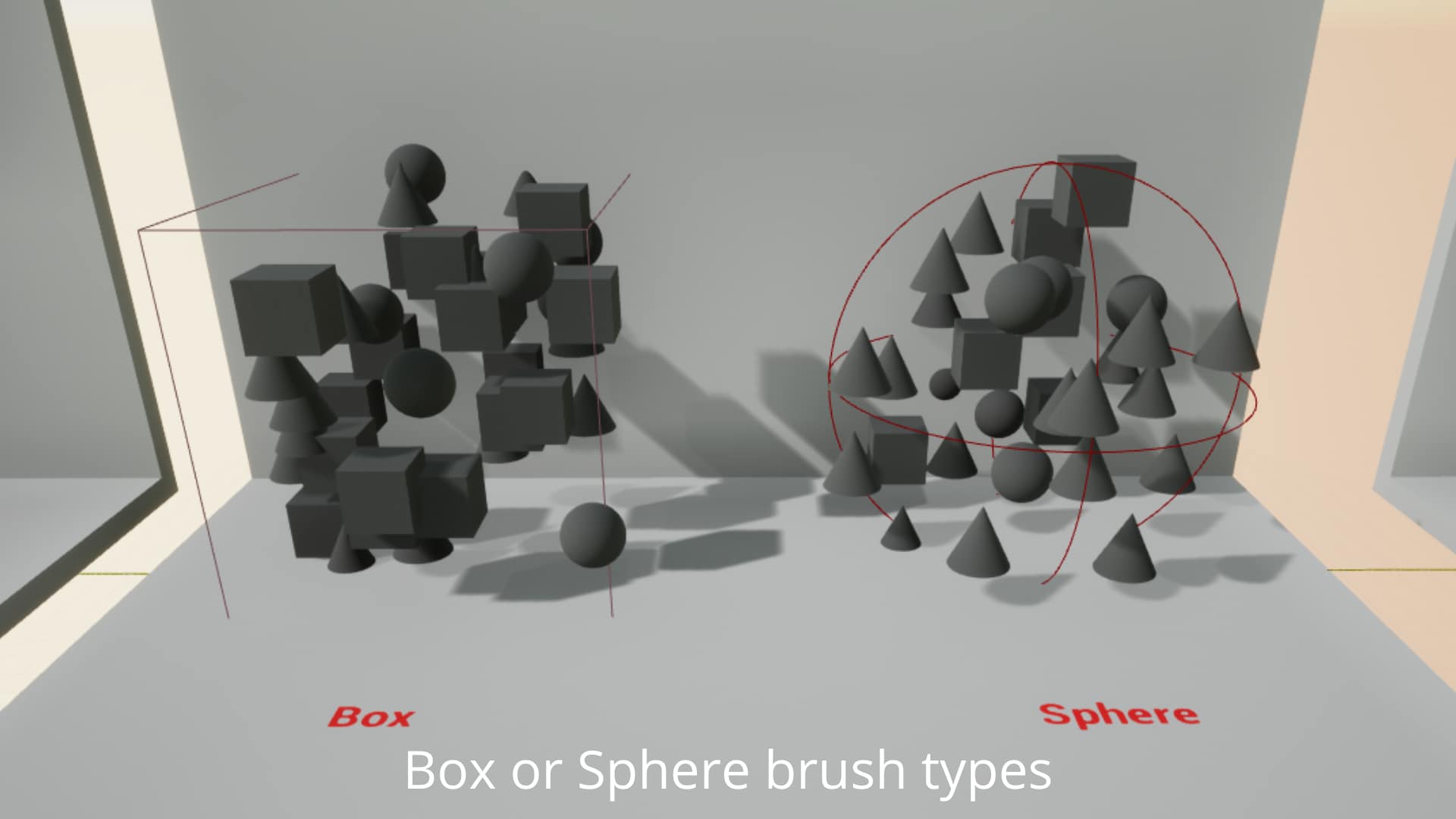
- 2 tool shapes (Box and Sphere)
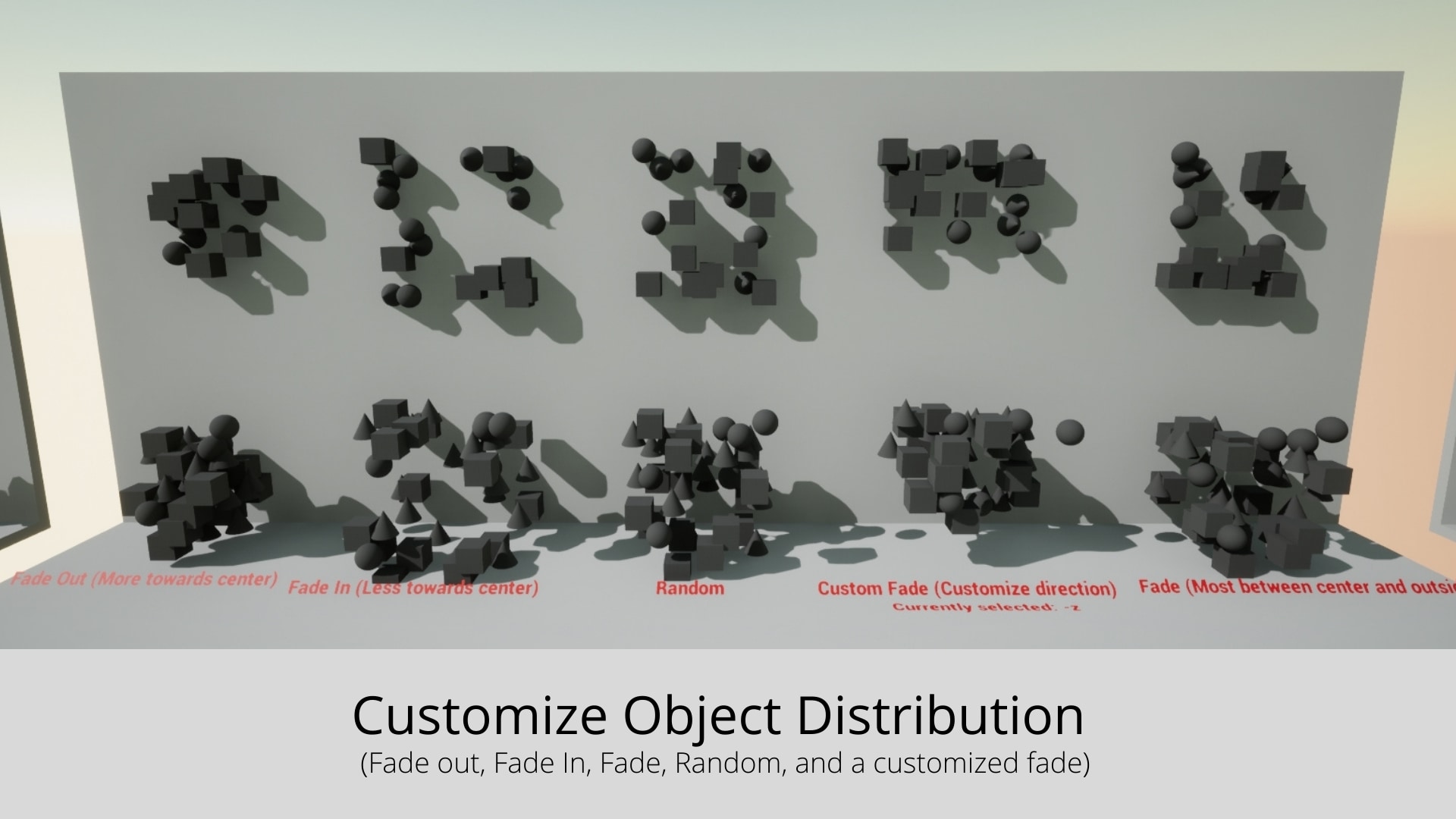
- Place objects with multiple different distributions (Fade, FadeOut, FadeIn, Custom Fade)
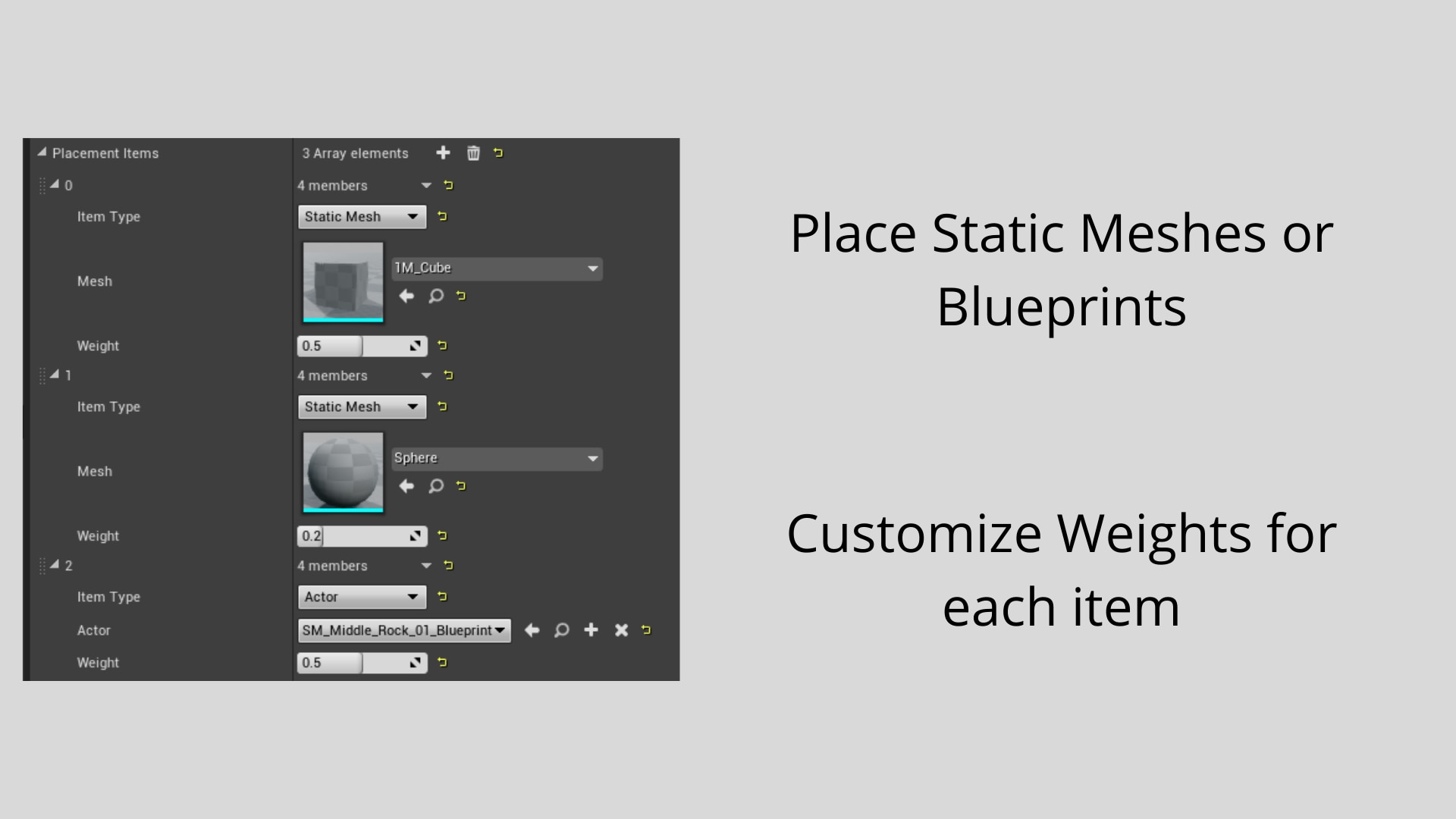
- Can place Static Meshes or Blueprints
- Adjustable weights to change the occurrence of spawned objects
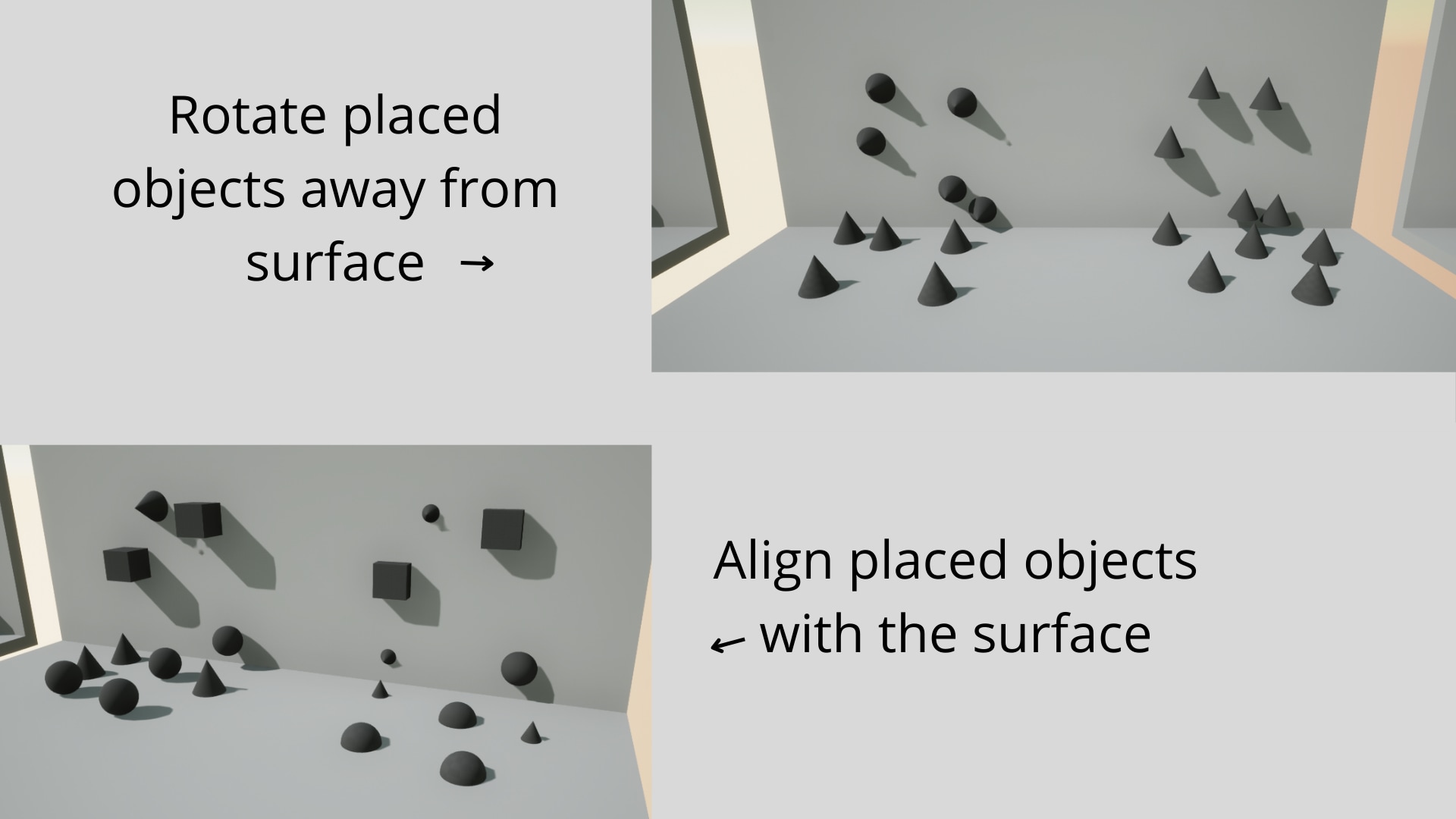
- Randomize scale or rotation of placed objects
- Uses seeded values, allowing for countless variations of the same ruleset
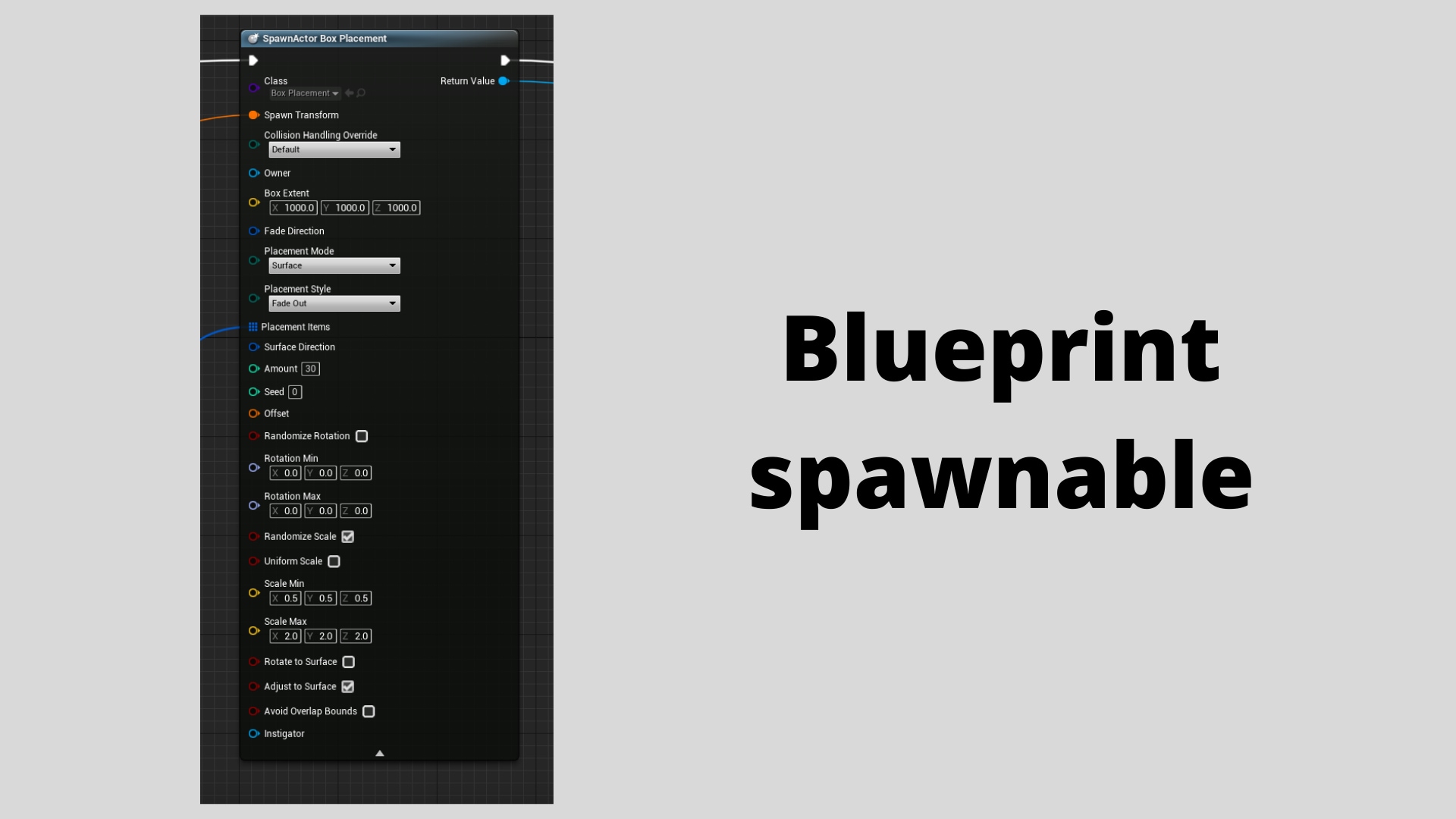
- Can be placed in runtime by blueprints or used in-editor
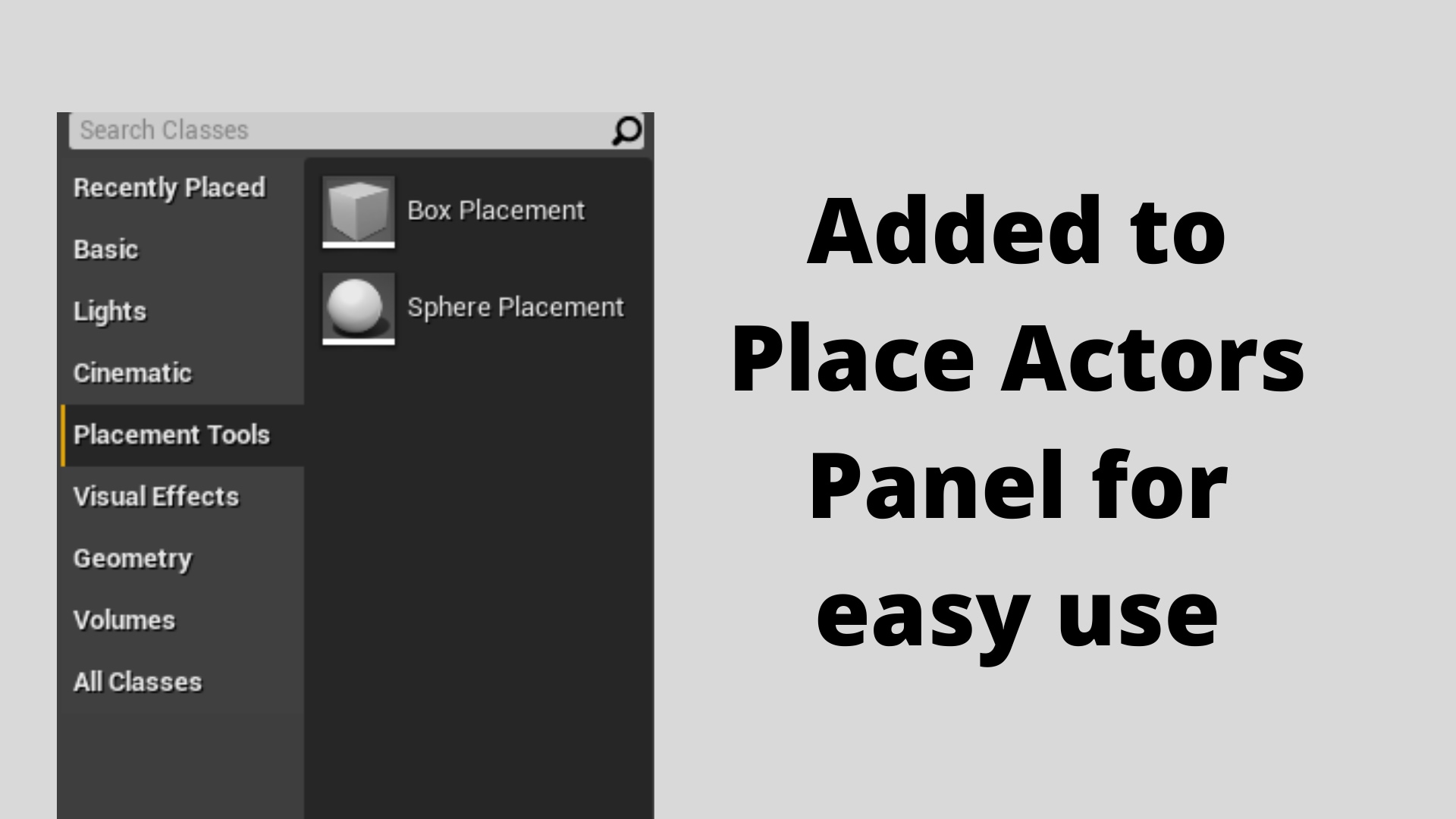
- Adds tools to a new tab in the Place Actors panel for easy access
- Button to easily move all placed actors into a separate folder in world outliner
Number of C++ Classes: 3
Modules:
- PlacementTools [Runtime]
- PlacementToolsEditor [Editor]