
Parametric Rail Modelling Tool (PRMT)
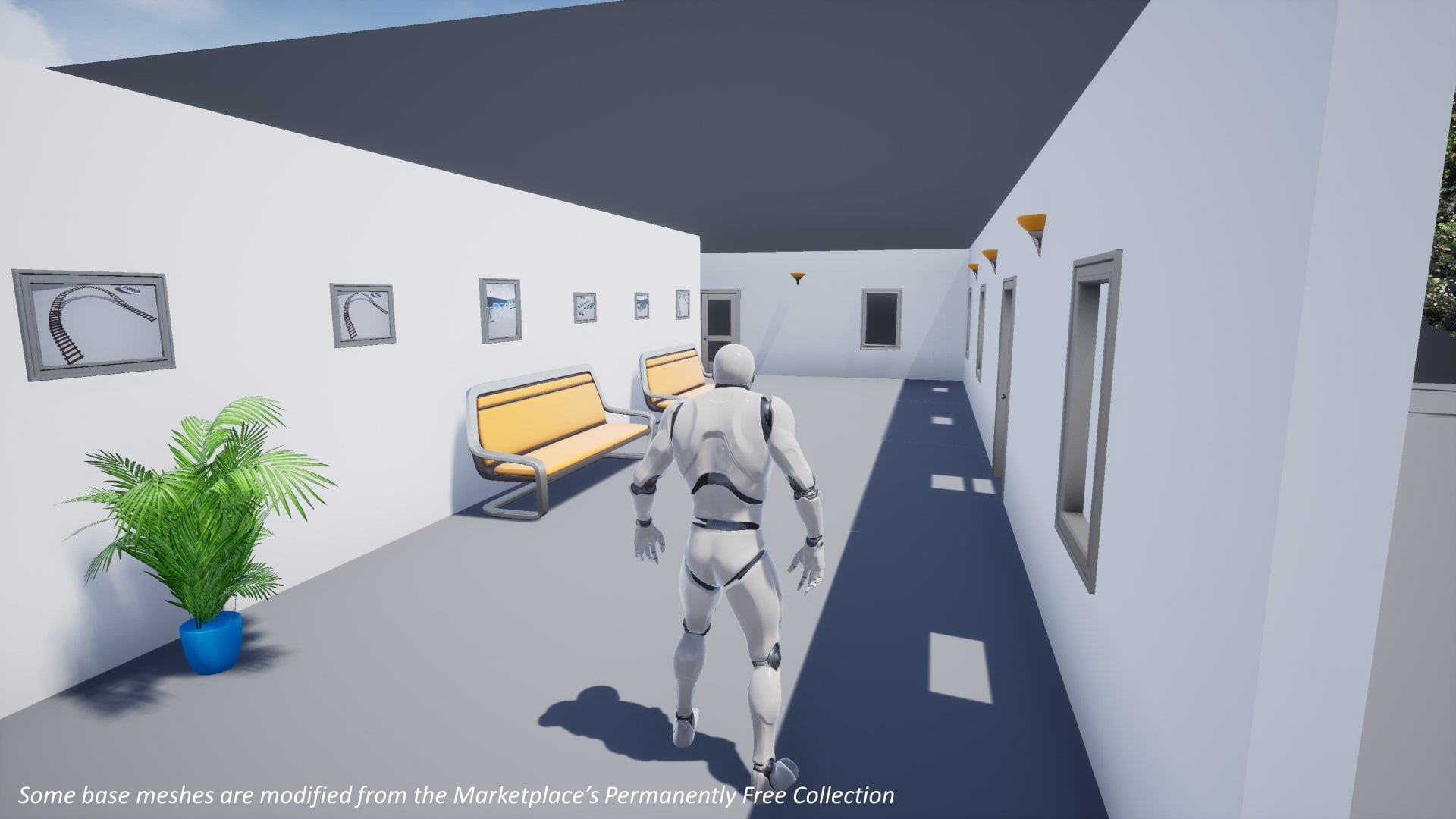
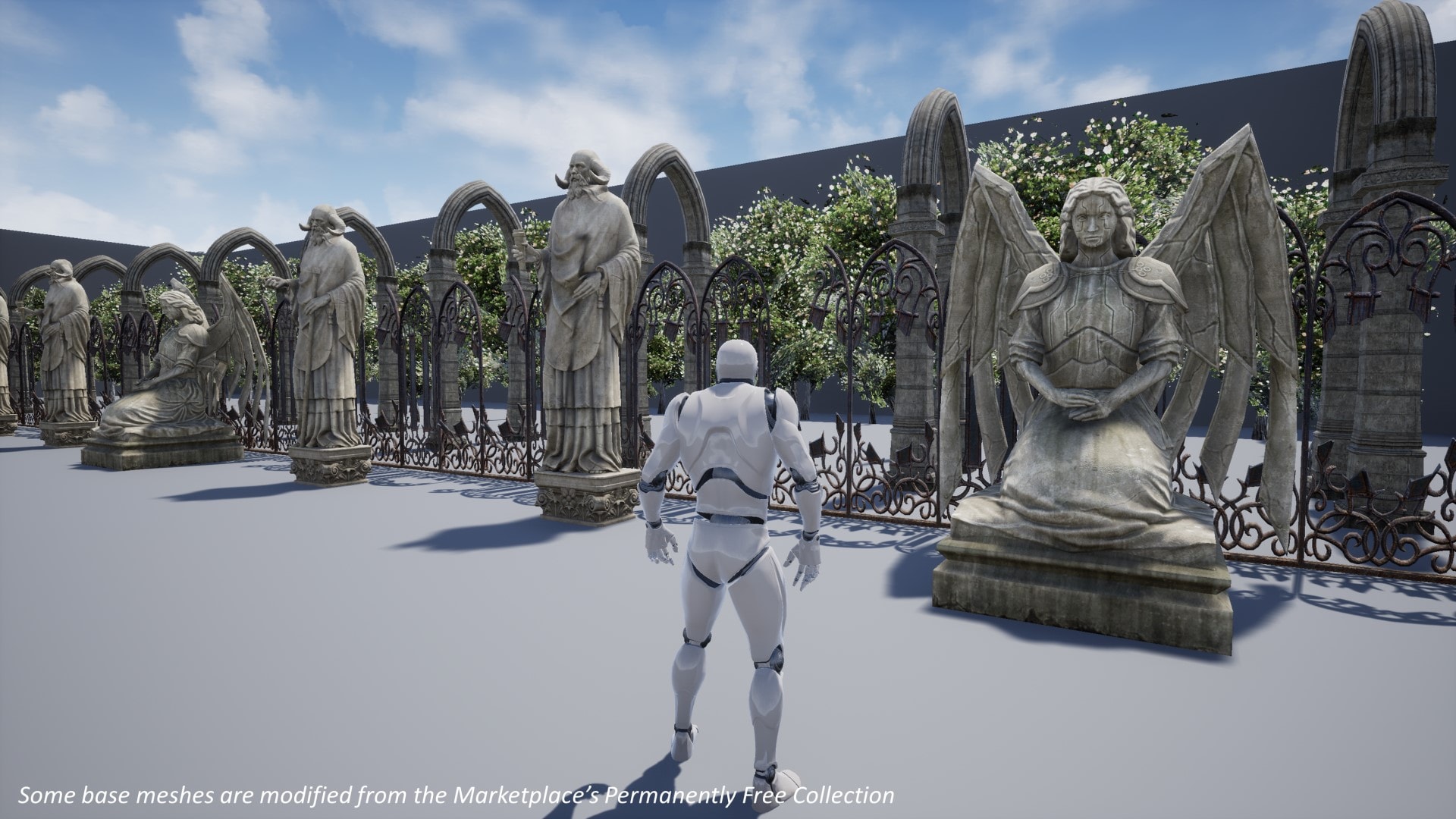
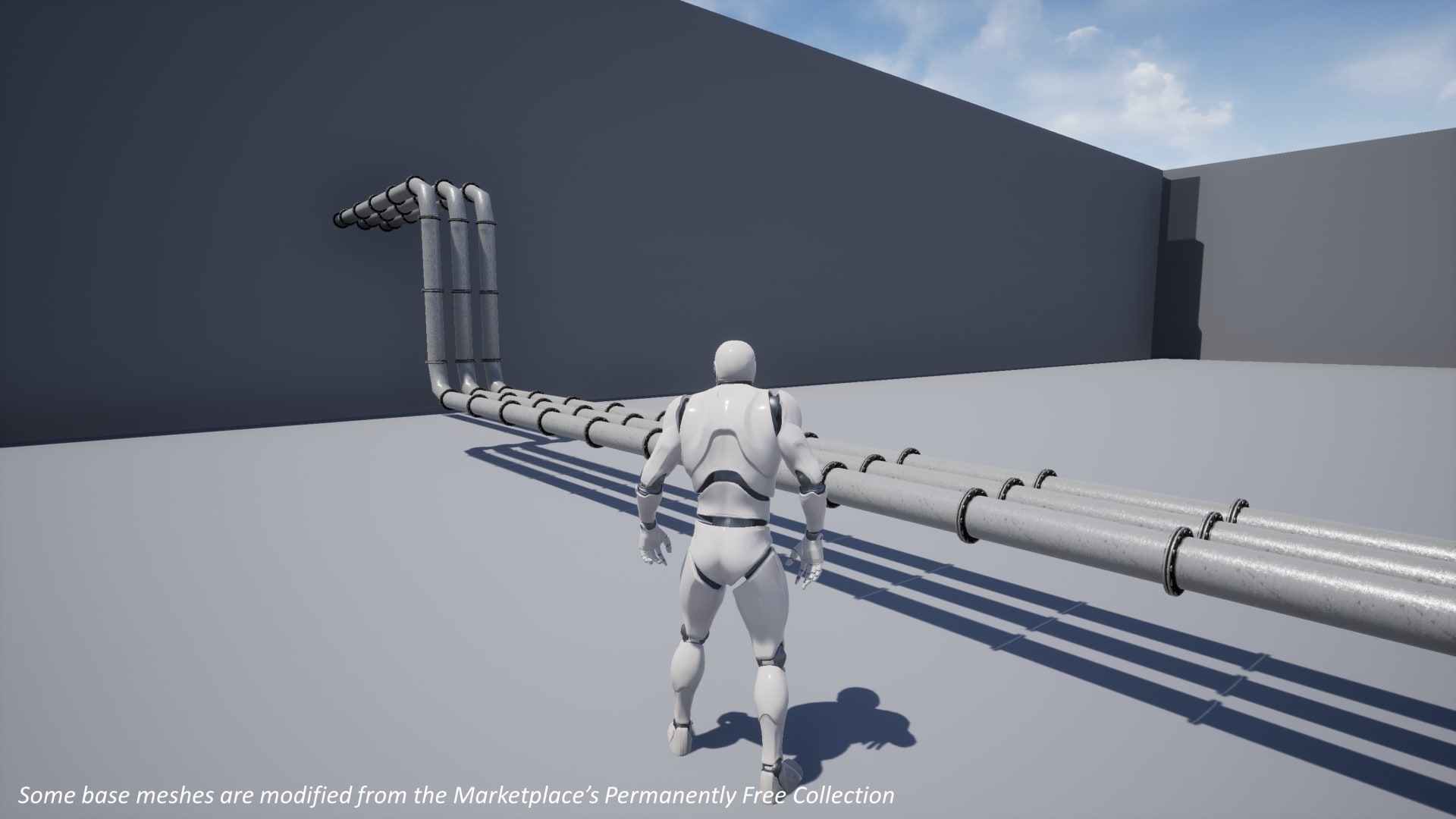
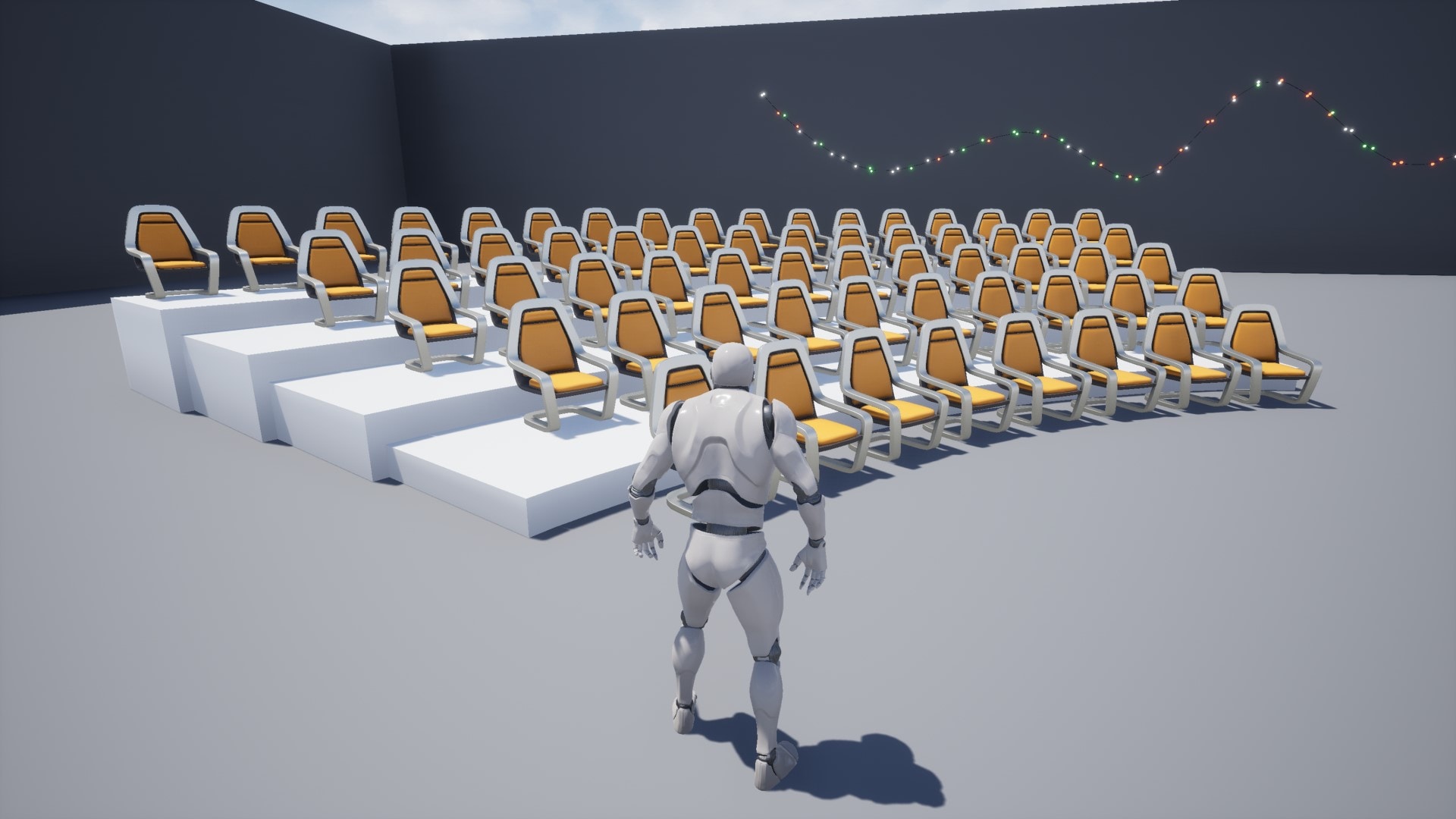
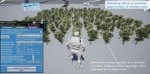
A flexible tool for creating spline-based objects (e.g. rail track, handrail), props (e.g. chairs, lamp posts, trees) and shapes (e.g. stairs) within minutes using hierarchical instanced static meshes and spline meshes. Works in both editor and runtime.
- Supported Platforms
- Supported Engine Versions4.22 - 4.27
- Download TypeAsset PackThis product contains an assortment of Unreal Engine assets which can be imported into a pre-existing project of your choice.
Description
Reviews
Questions
*****
Note to existing PRMT users - unfortunately I am not currently developing PRMT any more and the product is no longer listed in the marketplace. However, I would be happy to answer any questions you might have when using/looking to modify the tool for your project. Please email me instead of posting questions in marketplace as I am not able to make a reply.
If you are intending to use PRMT in UE5, please note that it is not fully compatible. I tried to upgrade previously but experienced an issue in packaged build. I have managed to narrow down the issue which seems to be relating to rebuilding the meshes in realtime only (i.e. if you are using the in-game edit UMG/functionalities). Simply using PRMT to populate your scene in editor should be ok. But please make sure to test by building and running the project at earliest possible.
Thanks for your support on the tool.
*****
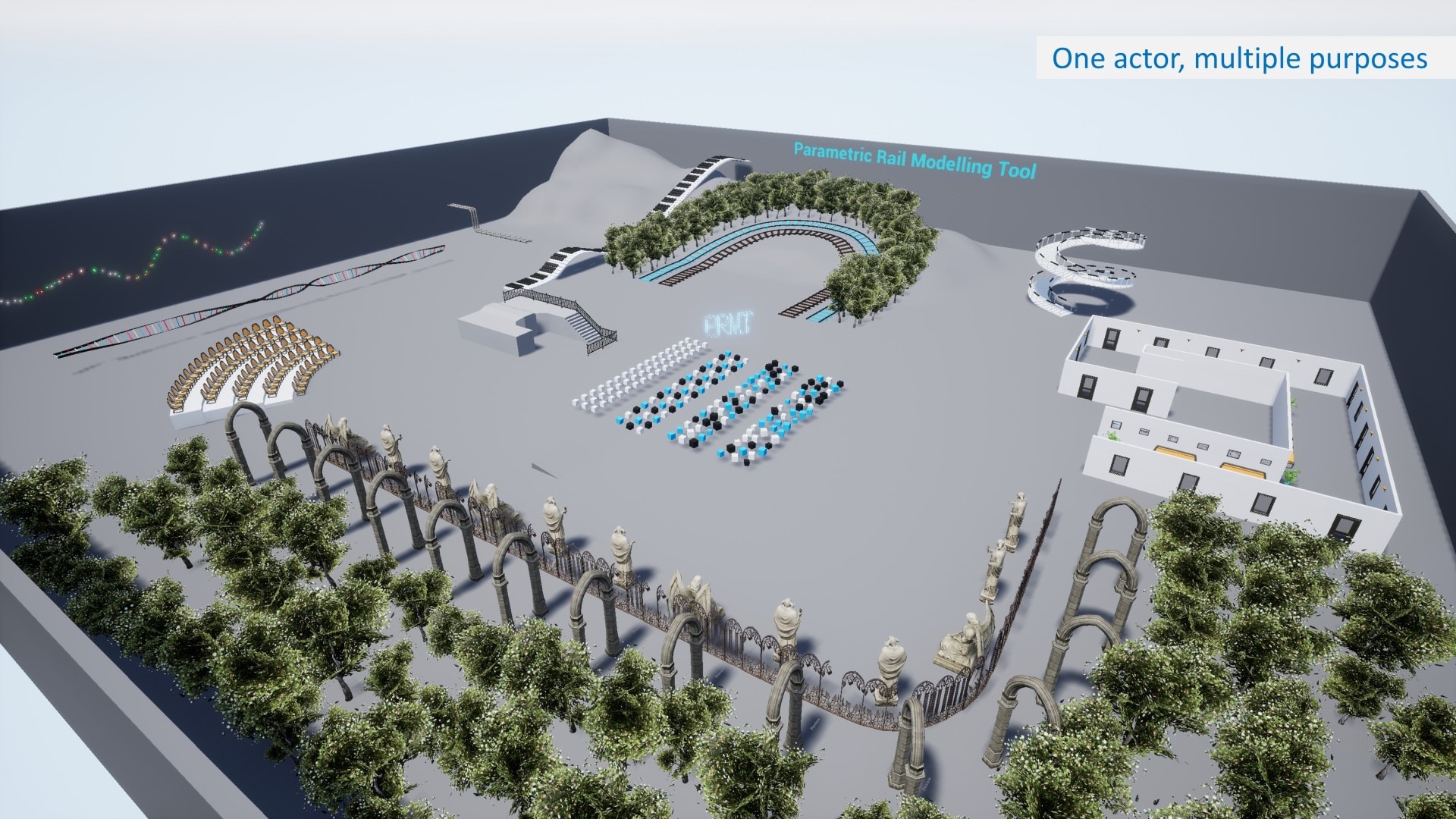
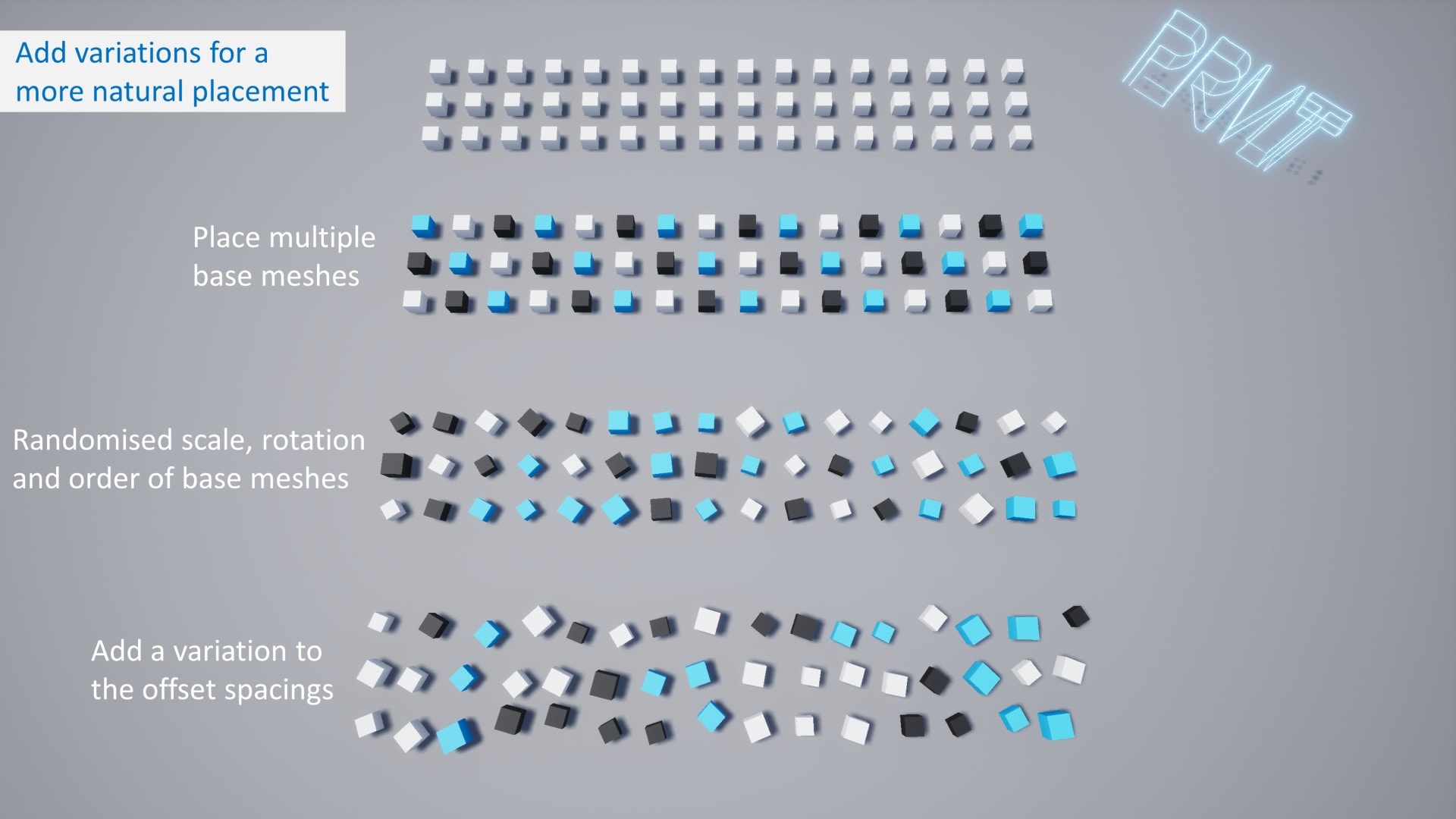
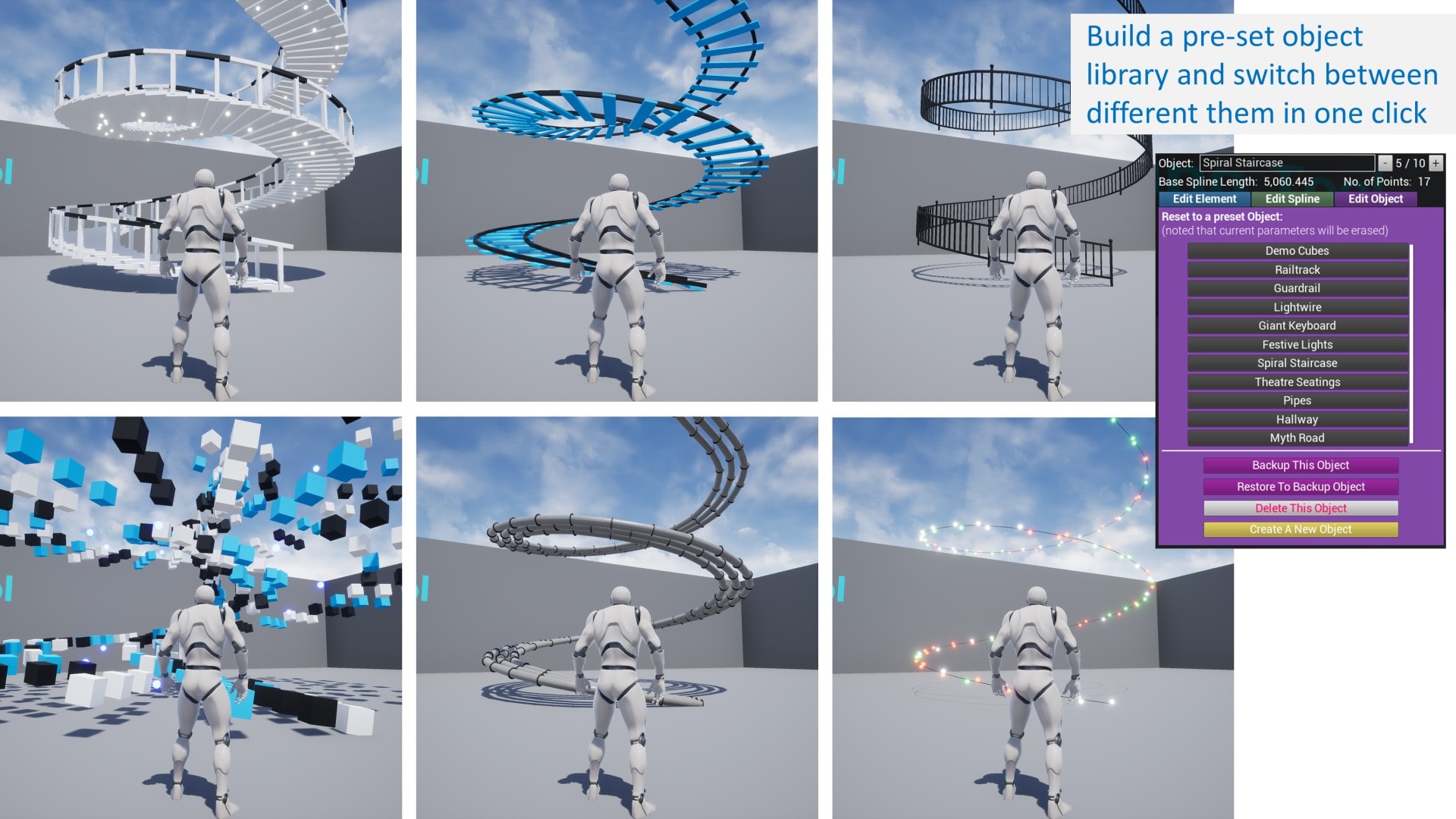
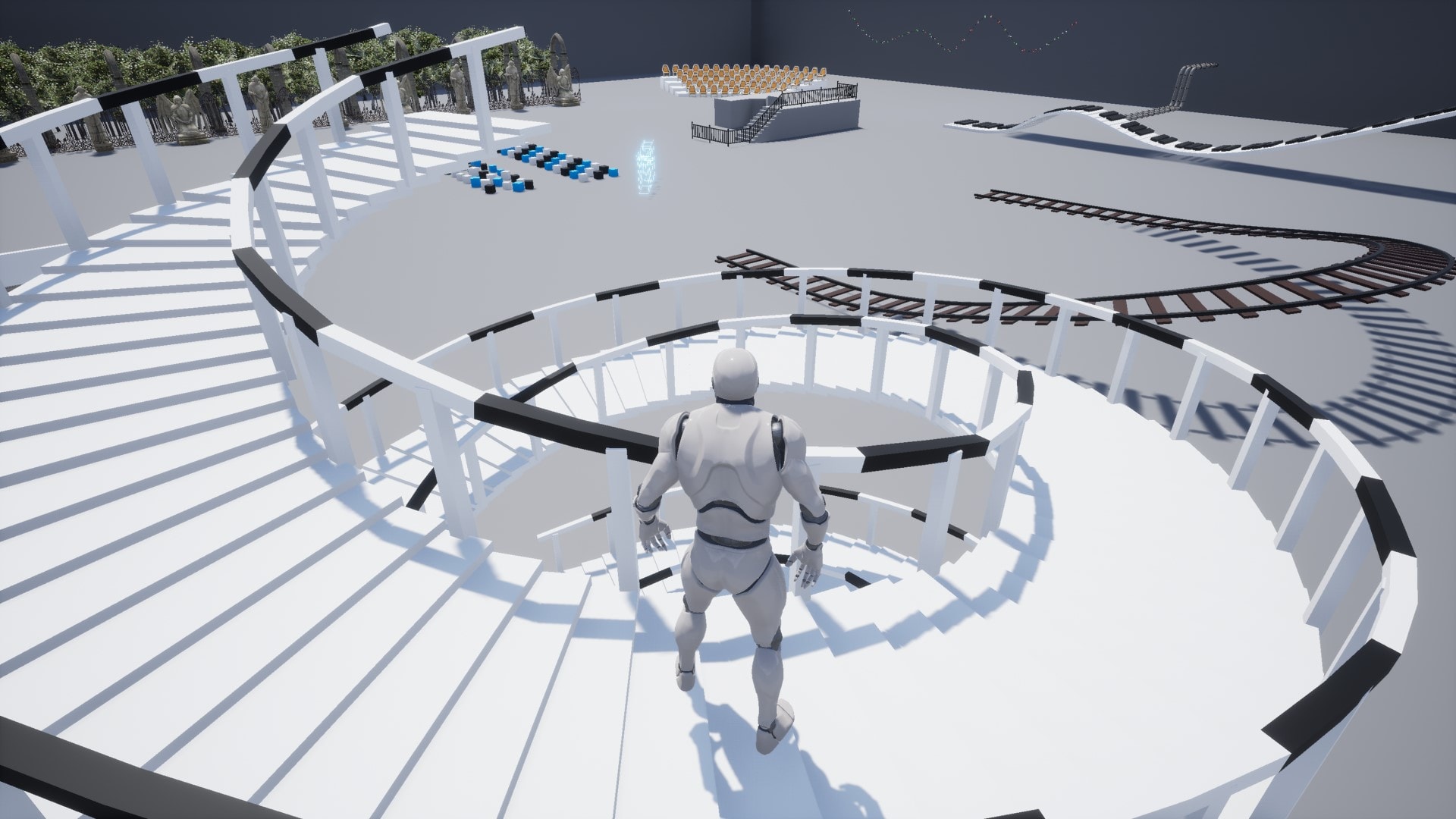
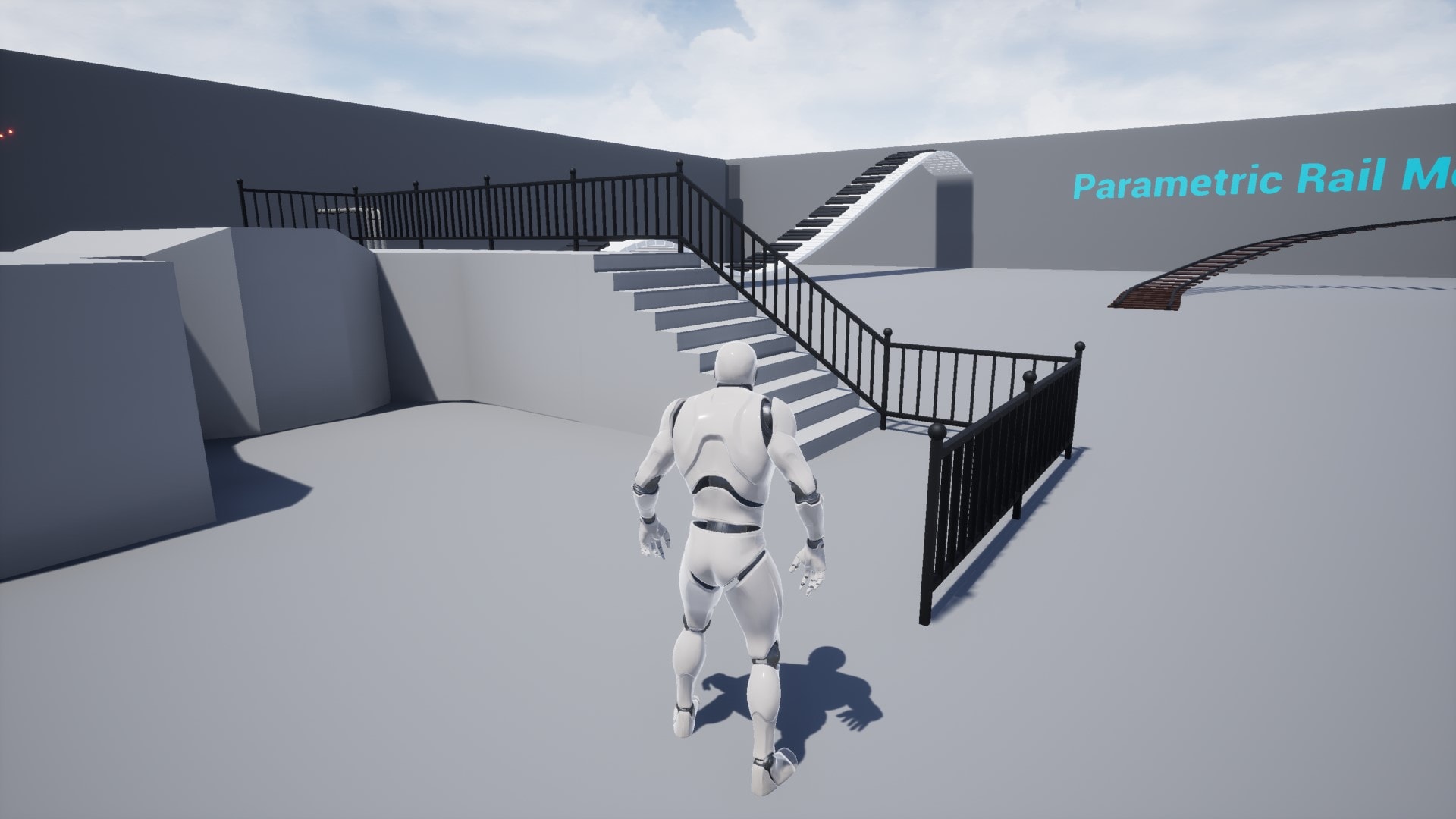
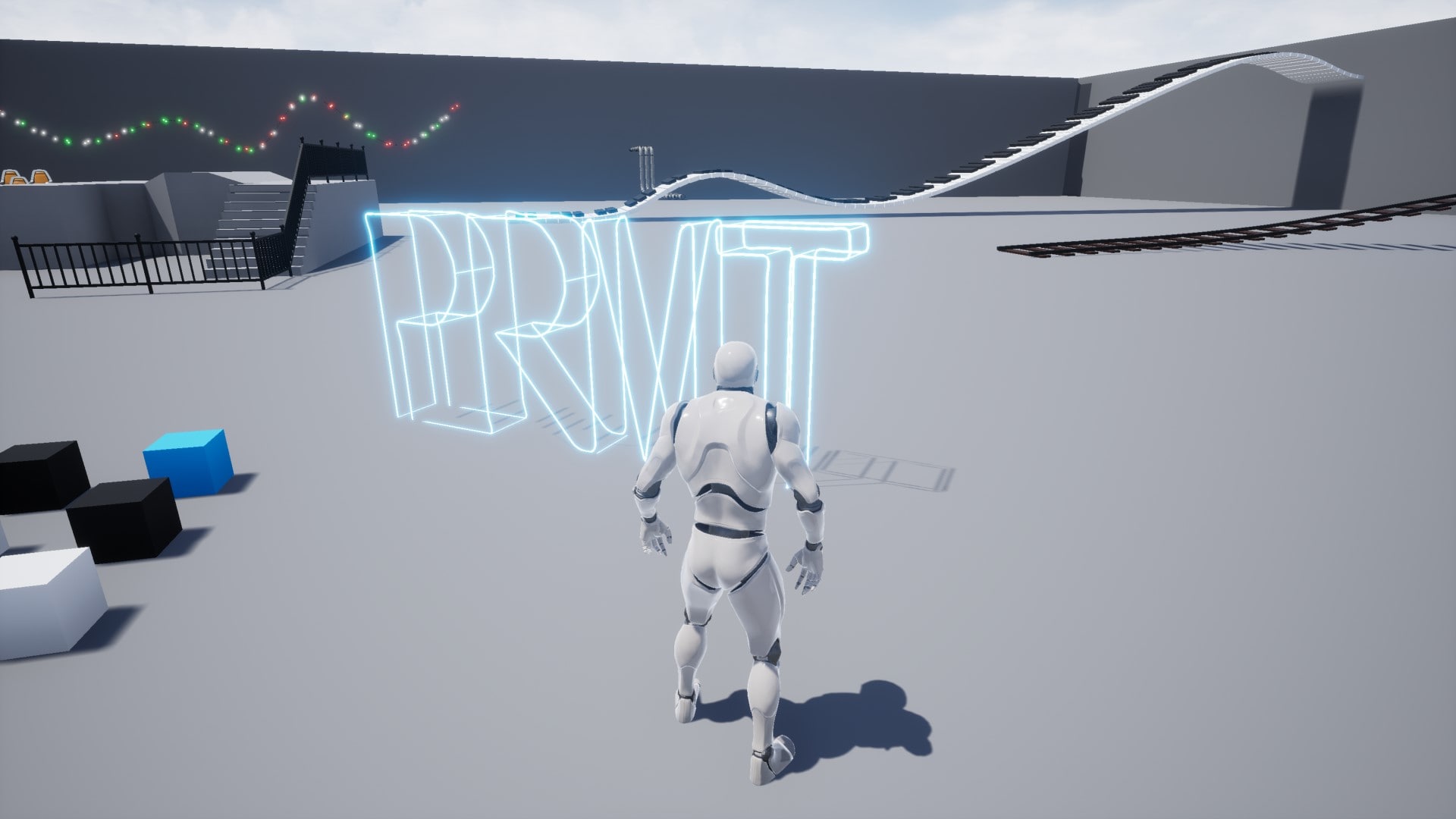
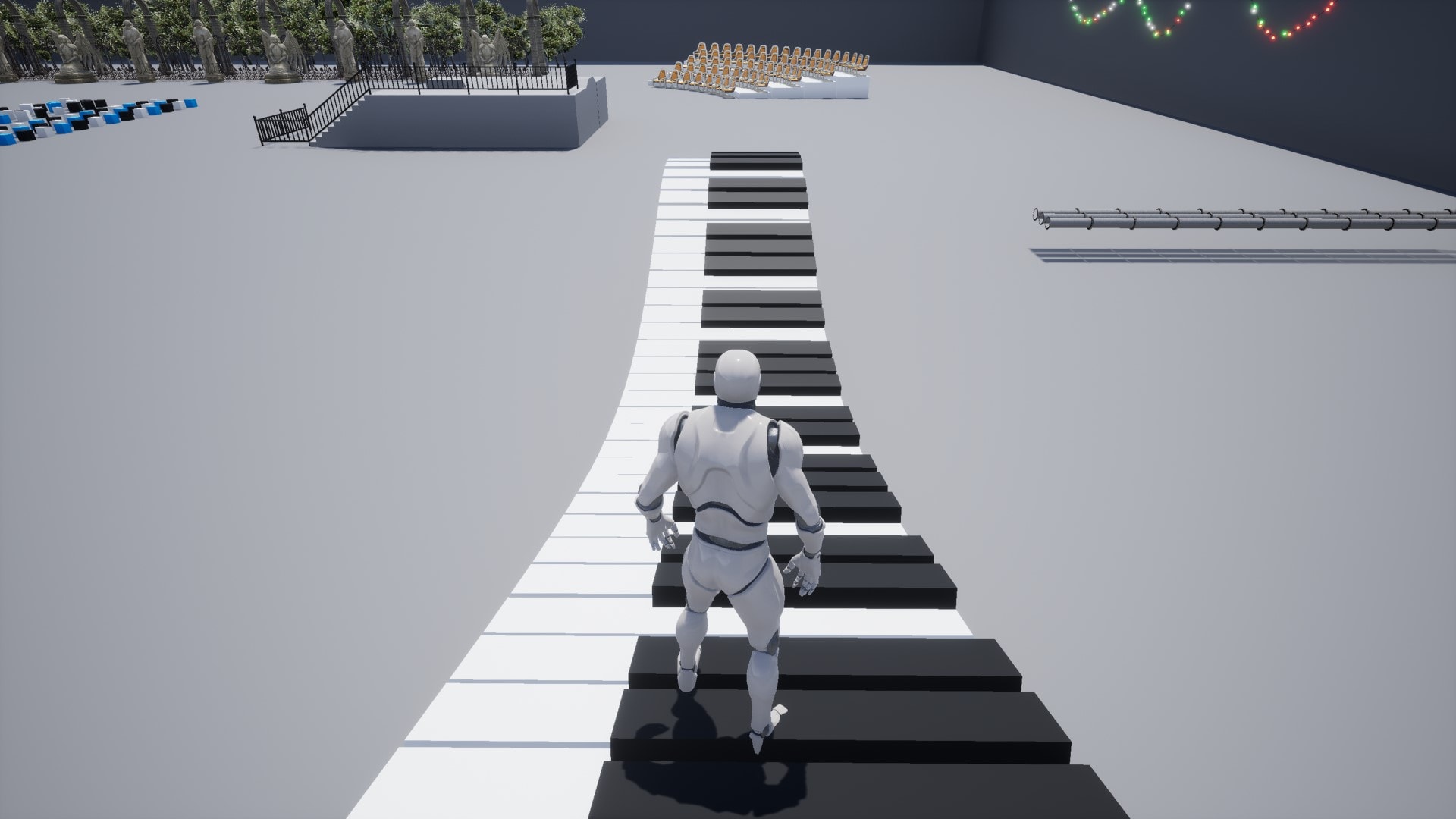
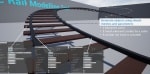
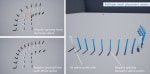
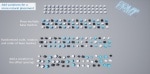
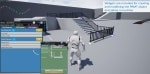
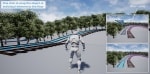
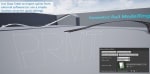
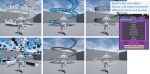
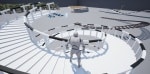
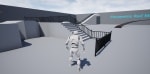
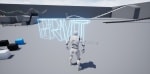
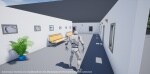
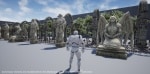
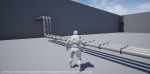
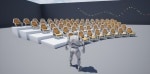
PRMT is a highly flexible tool for generating meshes along a spline. A range of objects can be generated using even just simple meshes. The example objects, including a rail track, handrail, staircase, giant keyboard, and lightwire were created in minutes using basic cube, cylinder, sphere only. You can also use this tool to generate more sophisticated objects using your own props and assets. PRMT provides options of using spline meshes and hierarchical instanced static meshes to optimise performance.
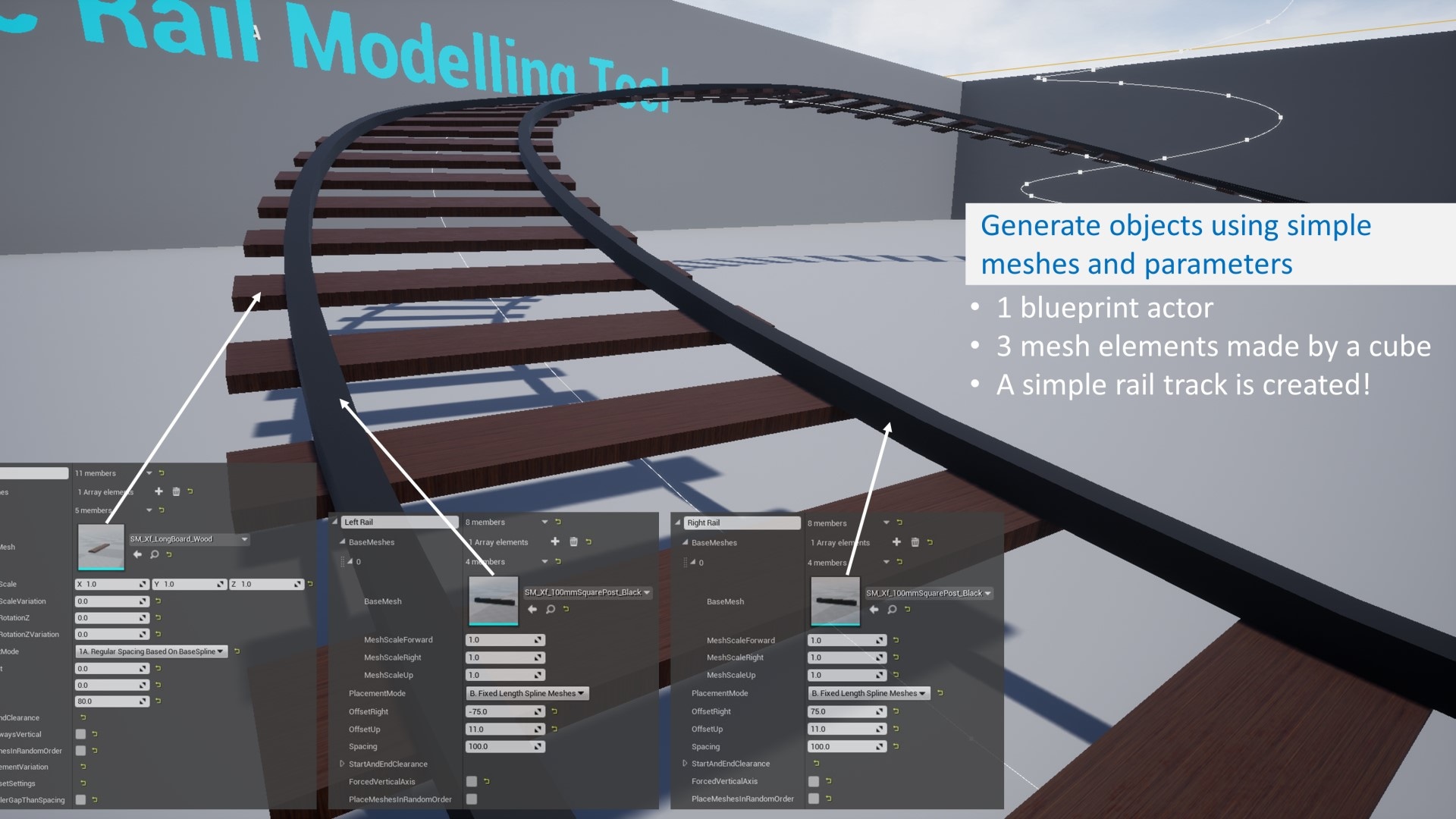
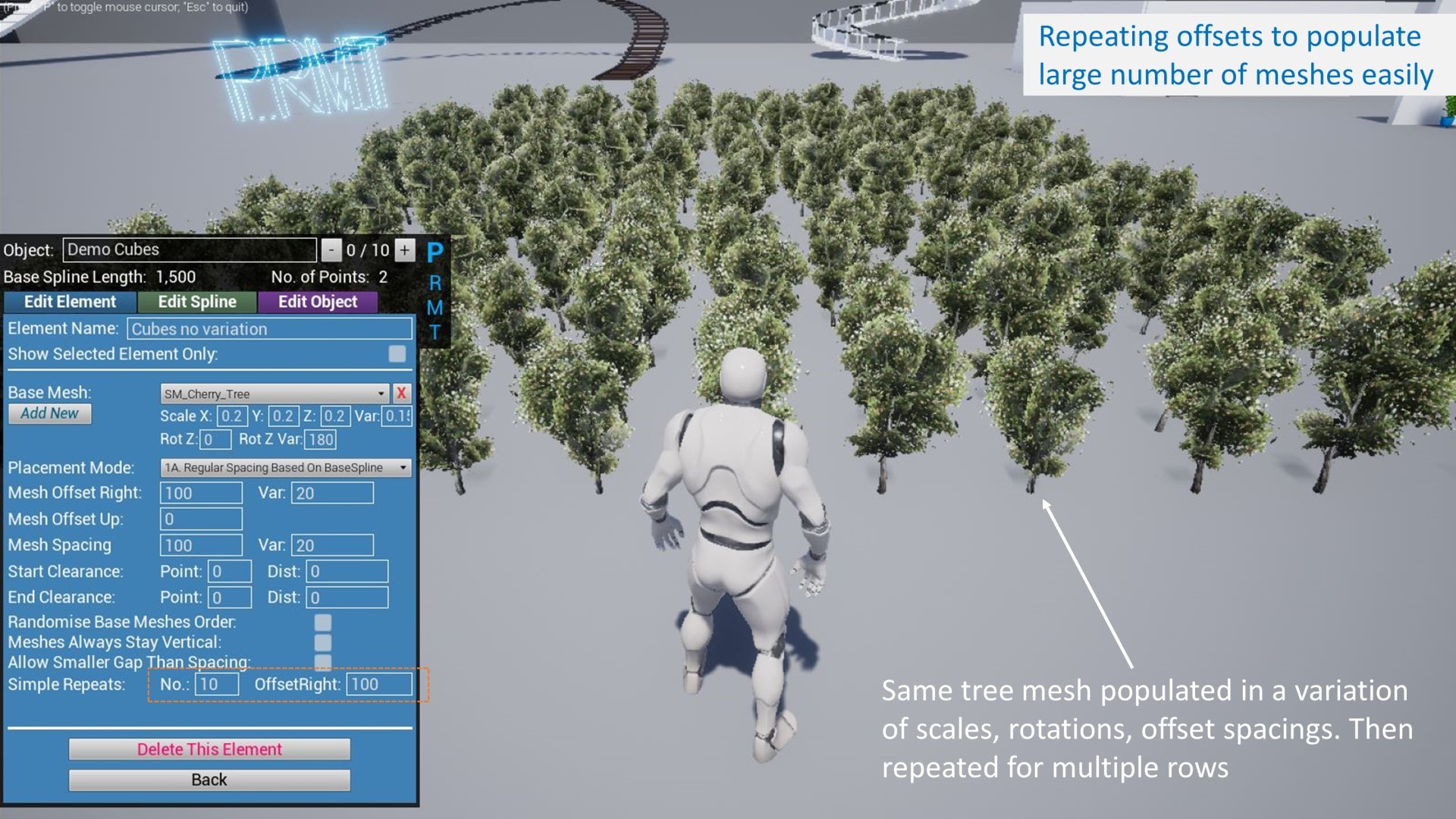
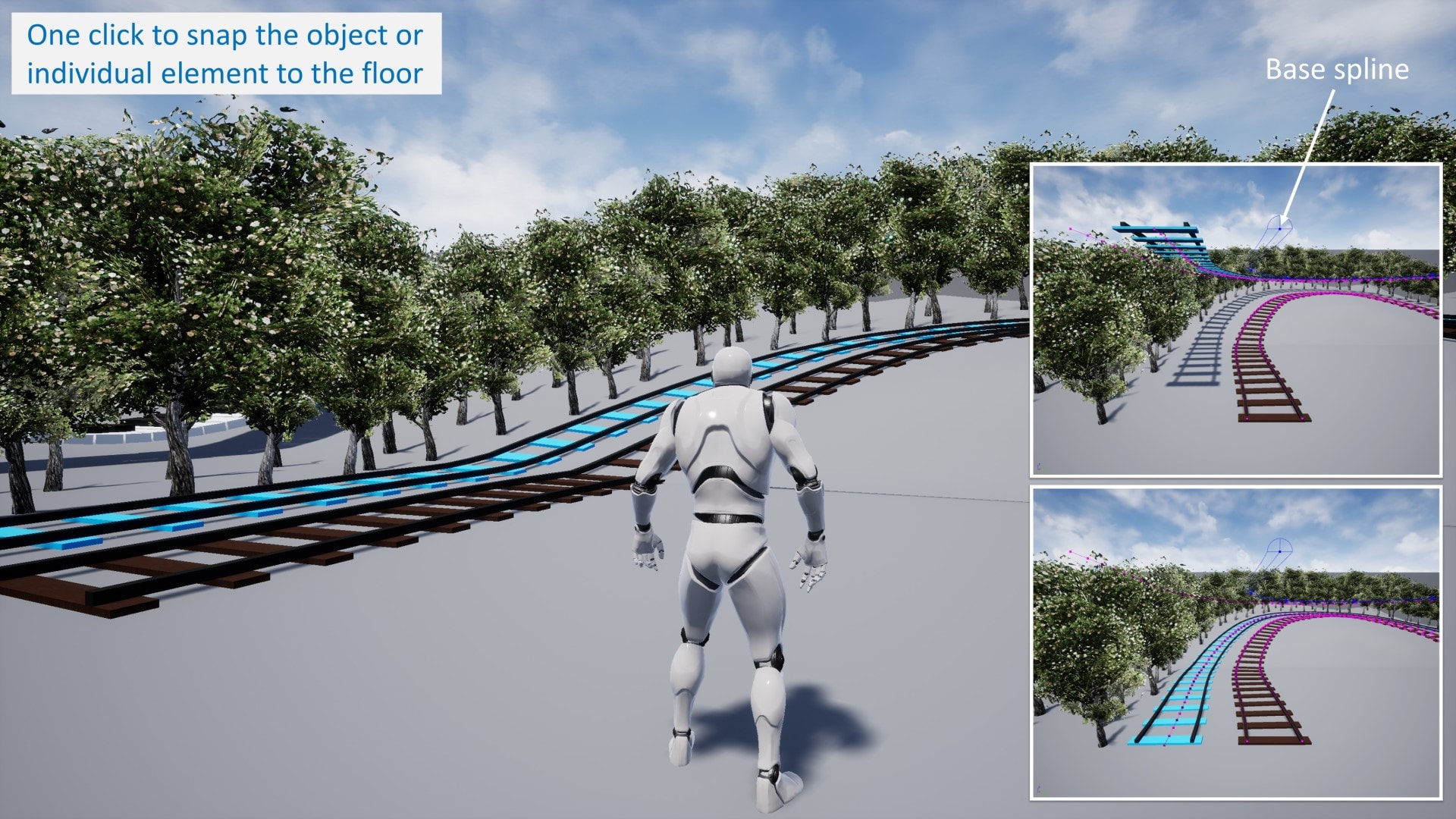
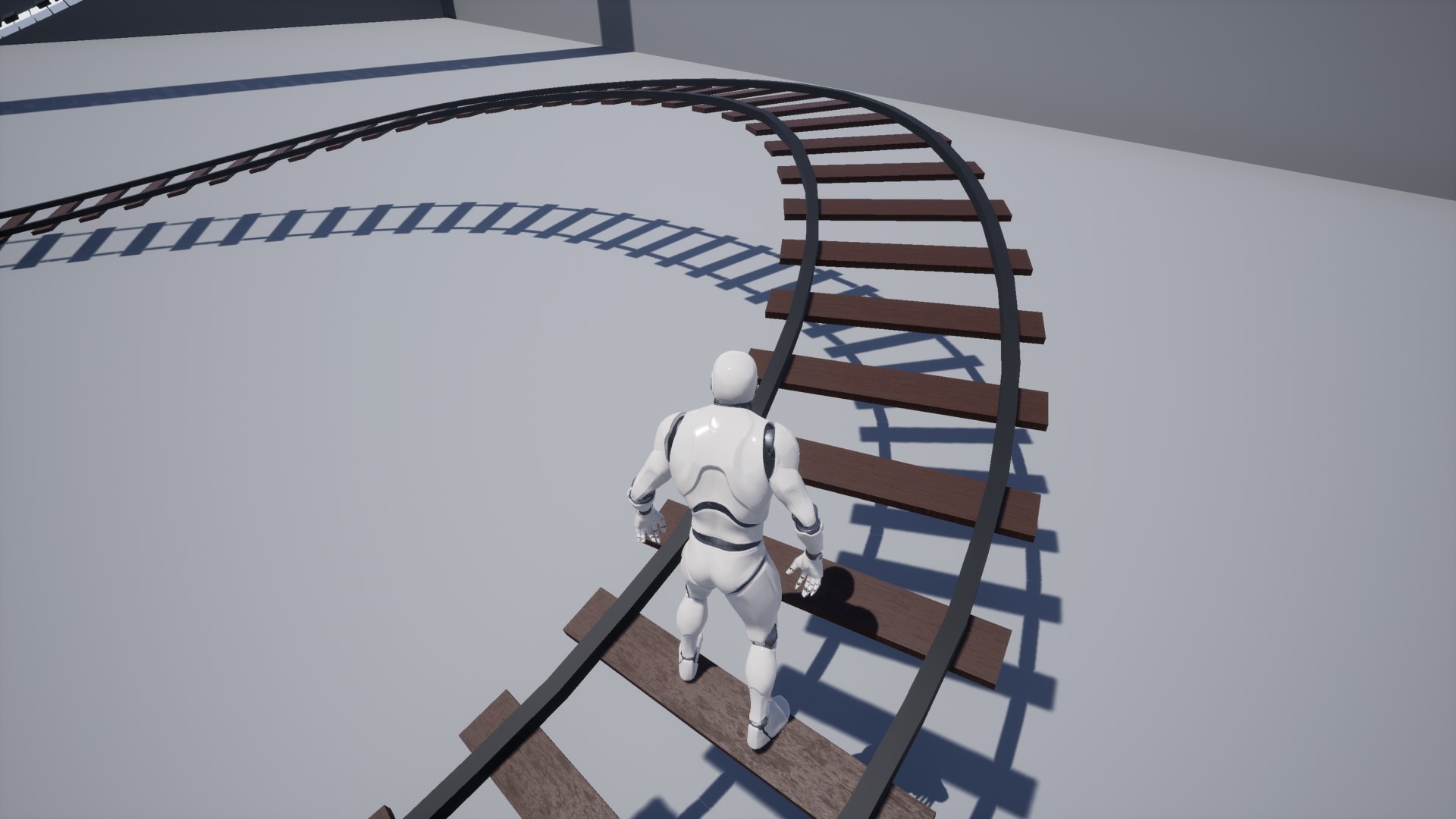
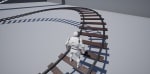
You can add multiple elements within a single blueprint to generate an object. For example, the rail track example consists of two ‘line elements’ (left rail, right rail) and one ‘point element’ (sleeper). There are multiple parameters you can use to place the meshes the way you needed.
Key Features:
-- Point & Line Elements with Enhanced Spline Offset --
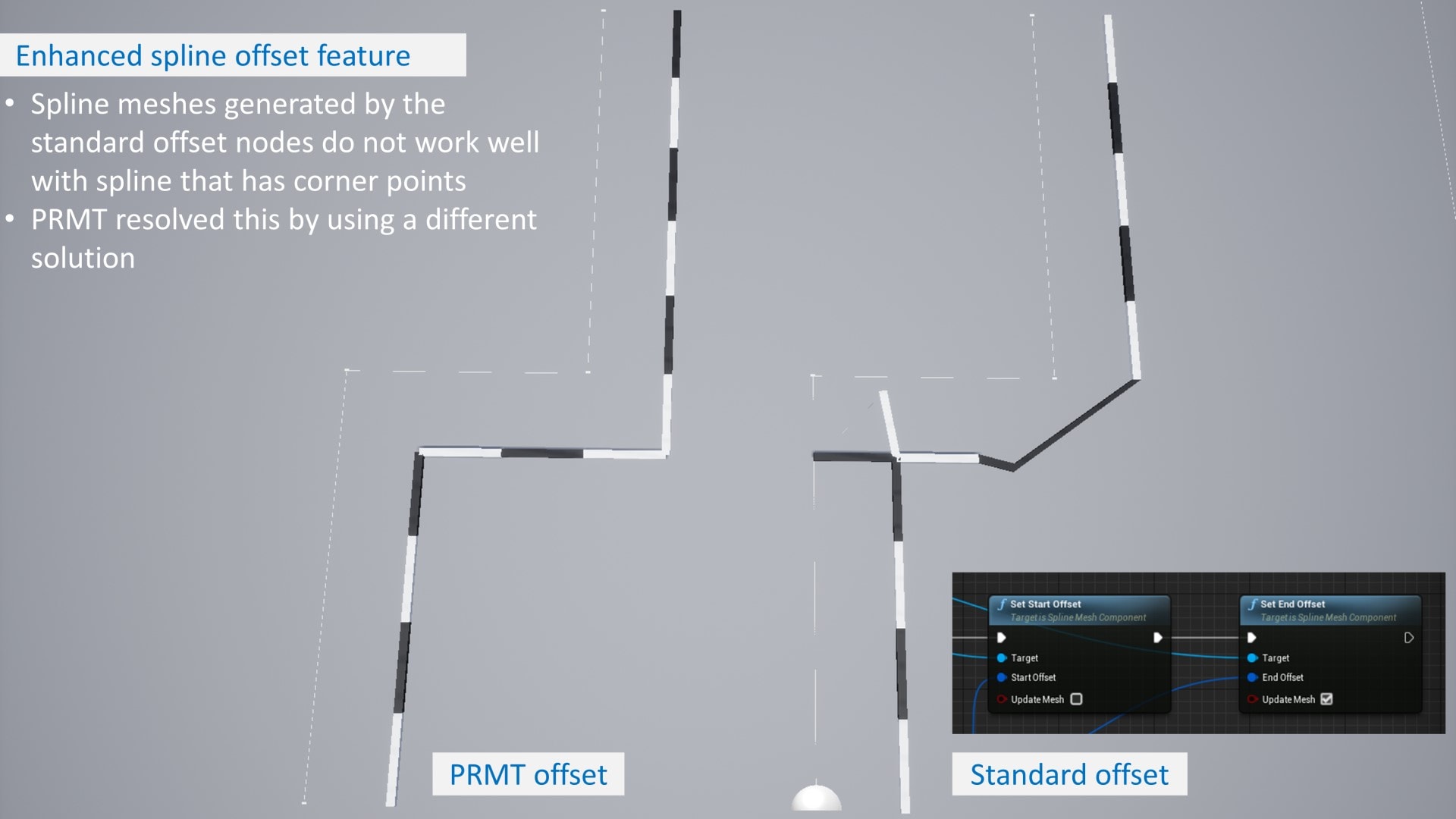
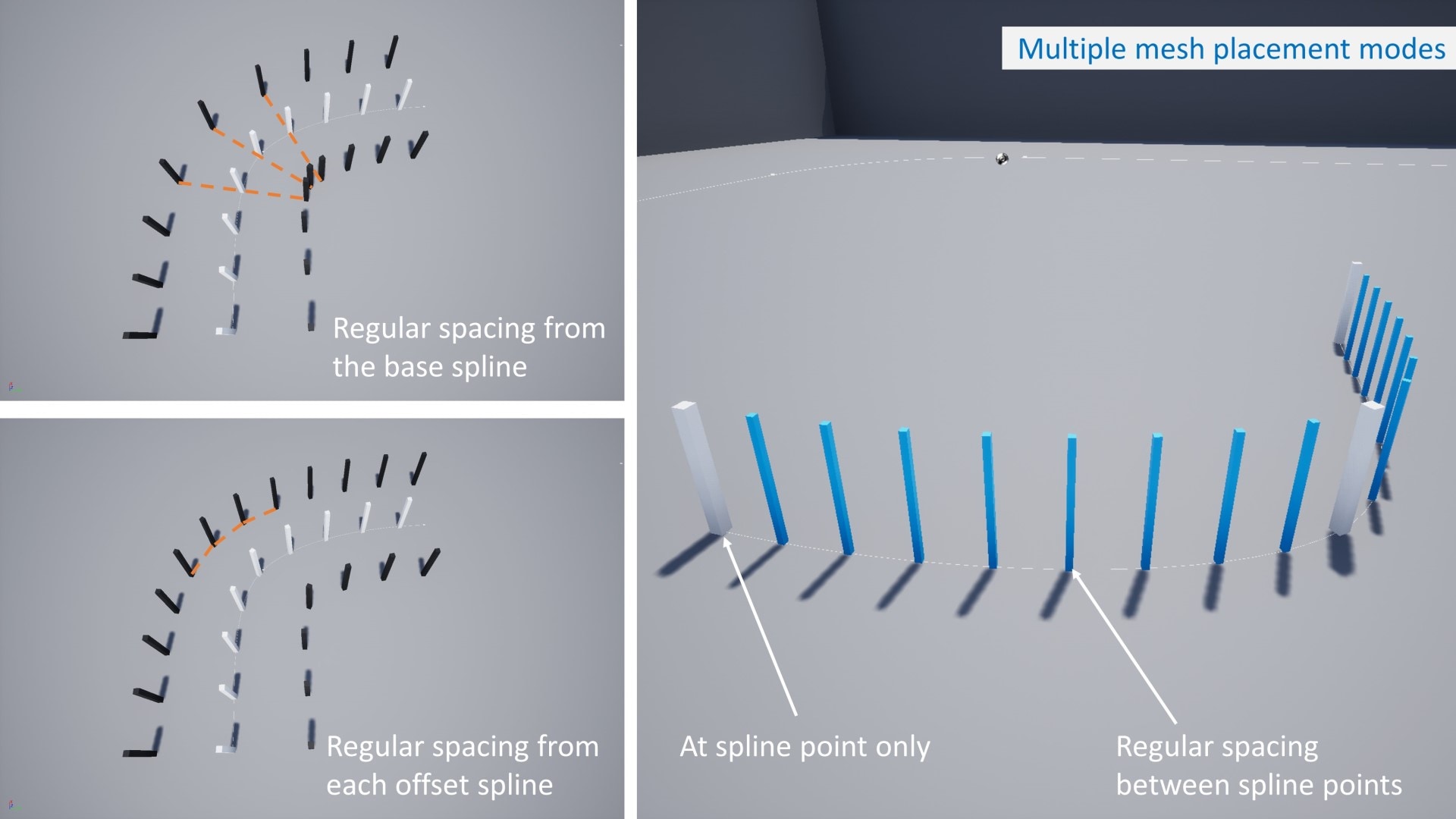
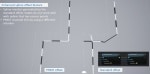
Two types of elements and multiple placement modes for different situations. PRMT also has an enhanced spline offset solution which can handle offset of spline that contains corner points (i.e. spline that is made of series of linear points)
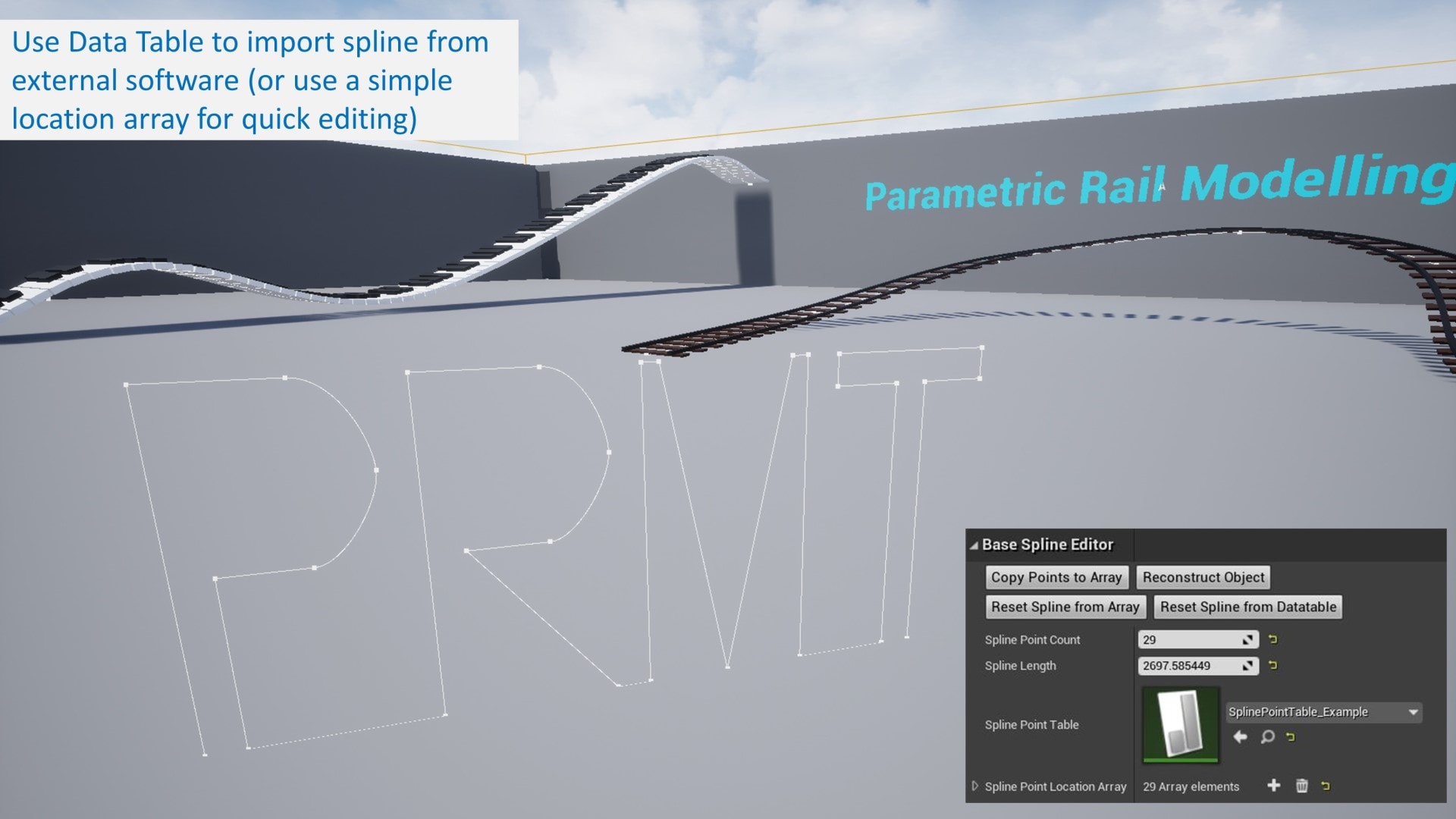
-- Edit Spline by Data Table (In-Editor only) --
If you are creating a spline from another software, you can export the points to a Data Table and PRMT will generate the spline accordingly.
-- Runtime Editor --
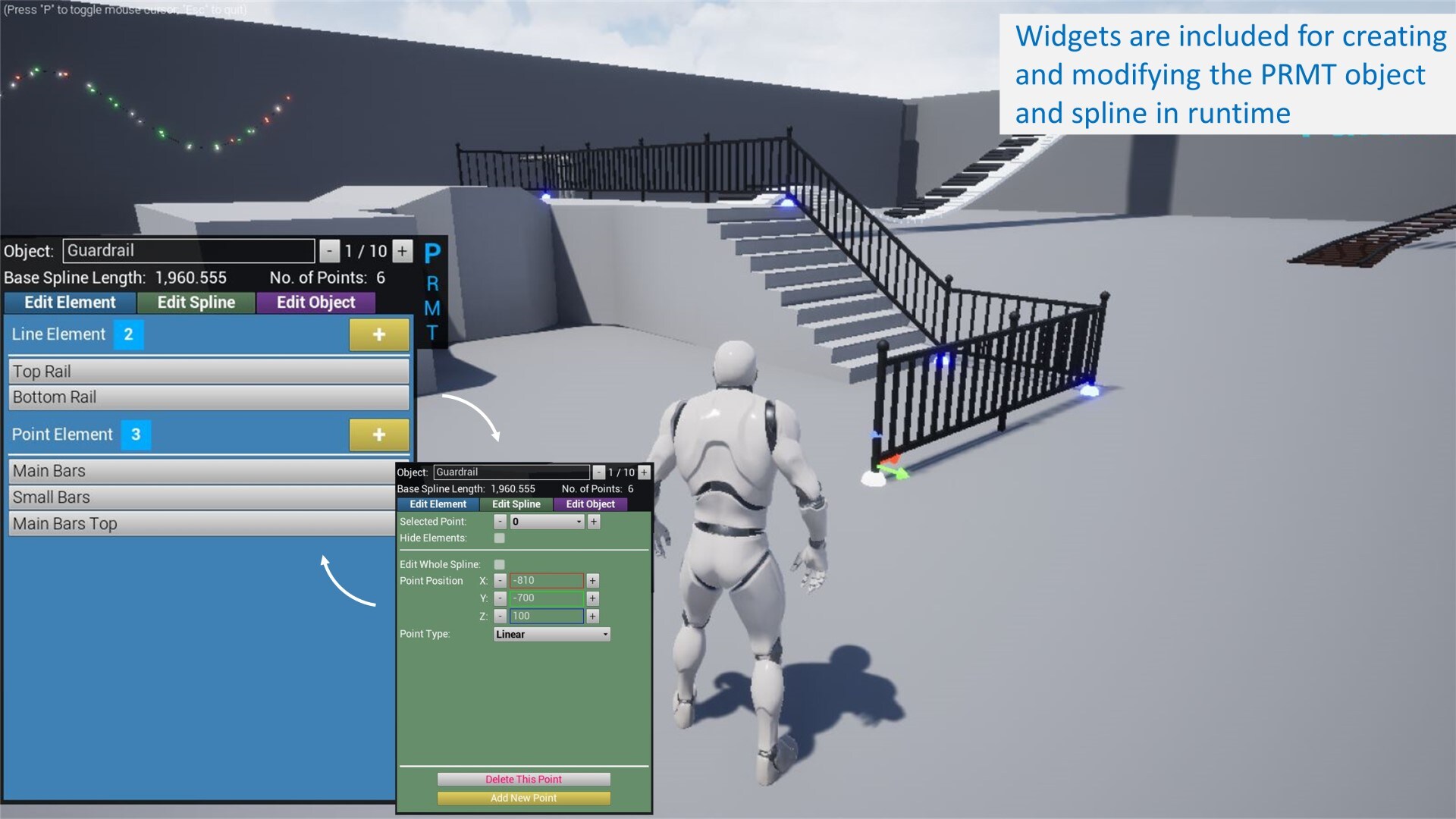
PRMT includes a controller blueprint and user widgets to handle the functionalities in runtime which means you can allow users to create/edit the spline and PRMT objects in your packaged project.
Technical Details
See user guides below for full technical details. Note that latest update is for 4.25+ only, 4.22-4.24 is still supported but will stay at v2.
For PRMT v3 (4.25+): Demo video | Sample packaged build | User guide
For PRMT v2 (4.22 - 4.24): Demo video | Sample packaged build | User guide
Latest Release (see Changelog for full details and before updating existing project):
v3.2 (13 Feb 2022) - new features and improvements
Number of Blueprints Actors: 2
Supported Development Platforms: Windows
Supported Target Build Platforms: Windows