

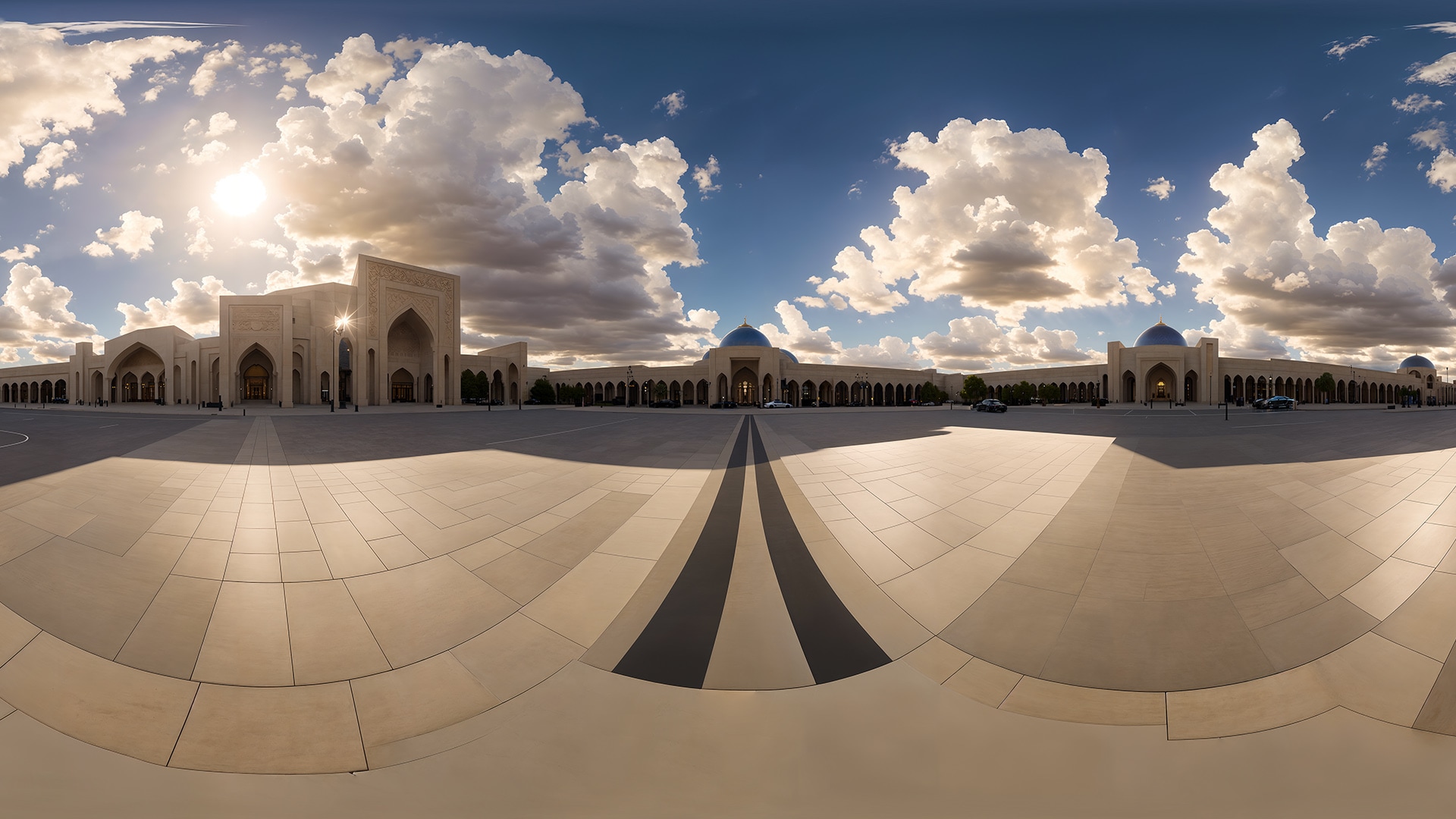
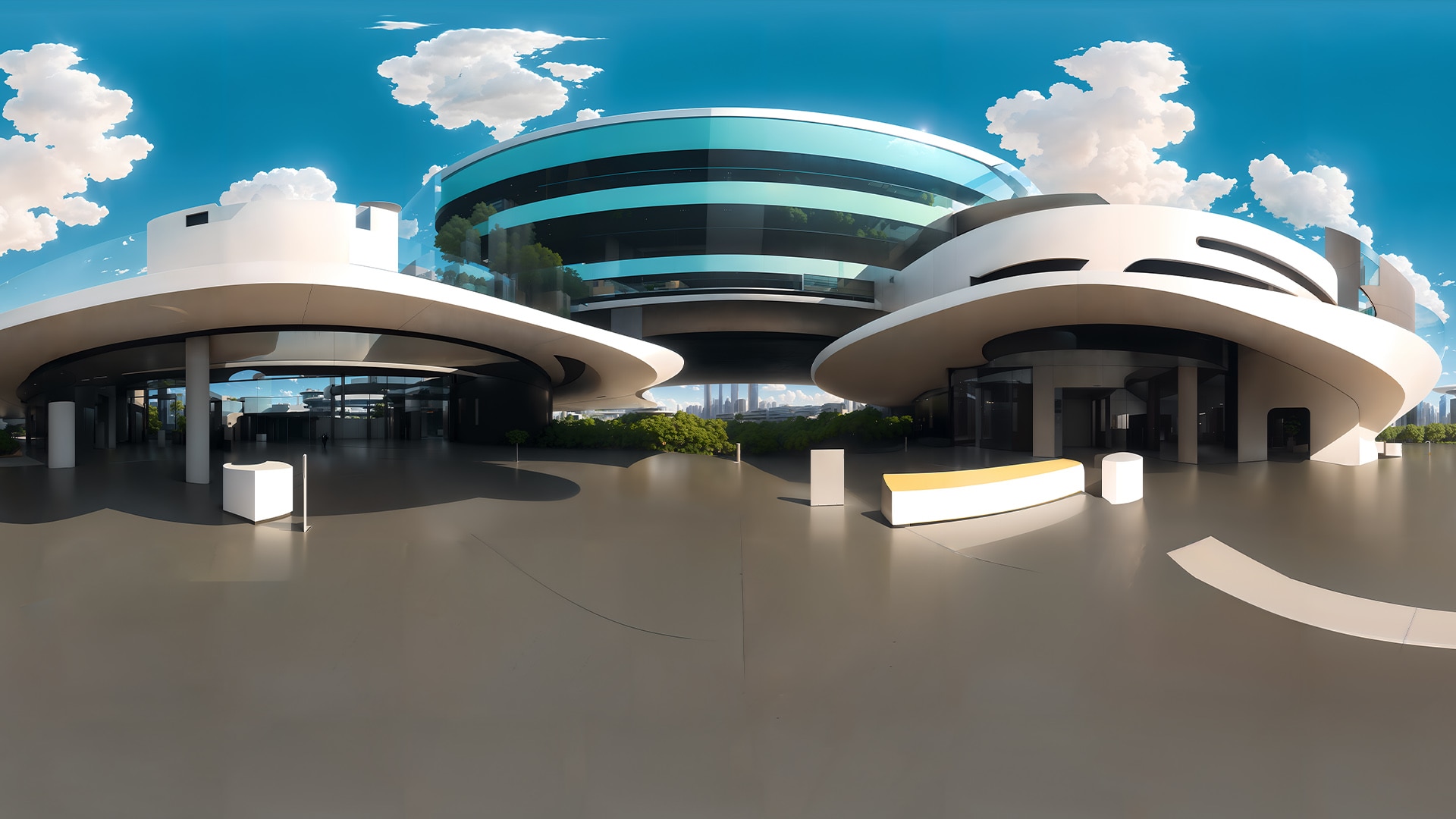

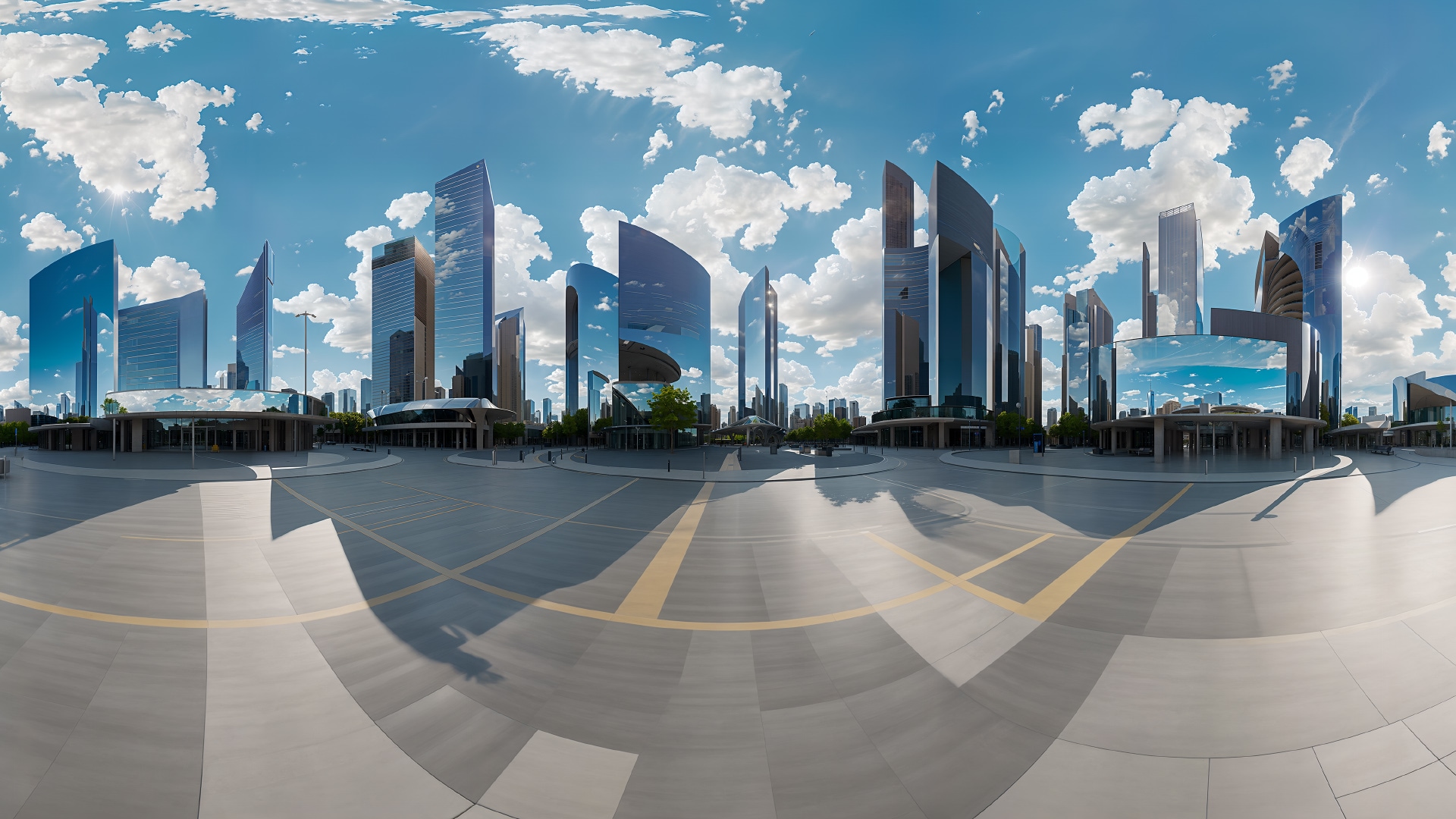
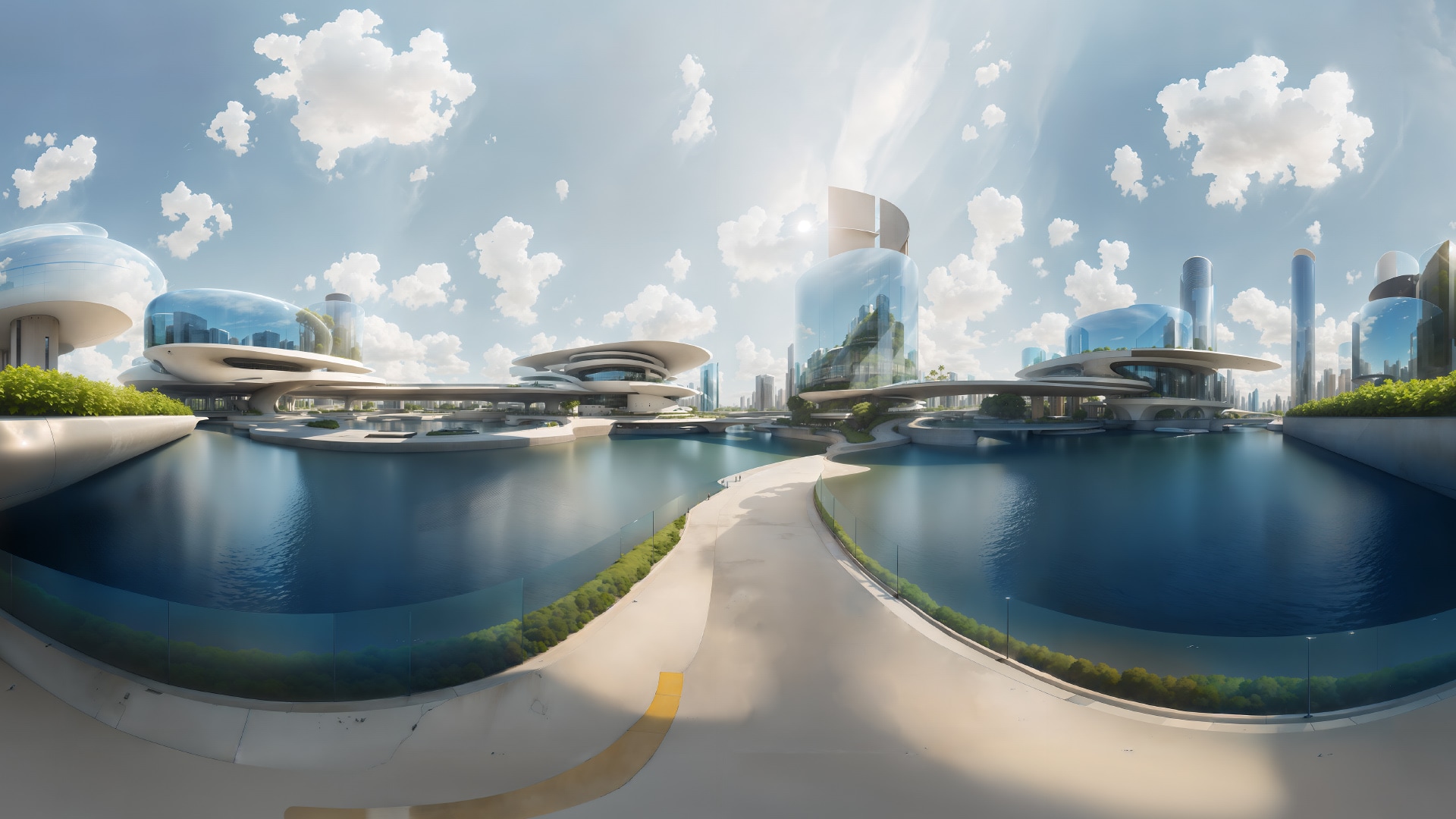
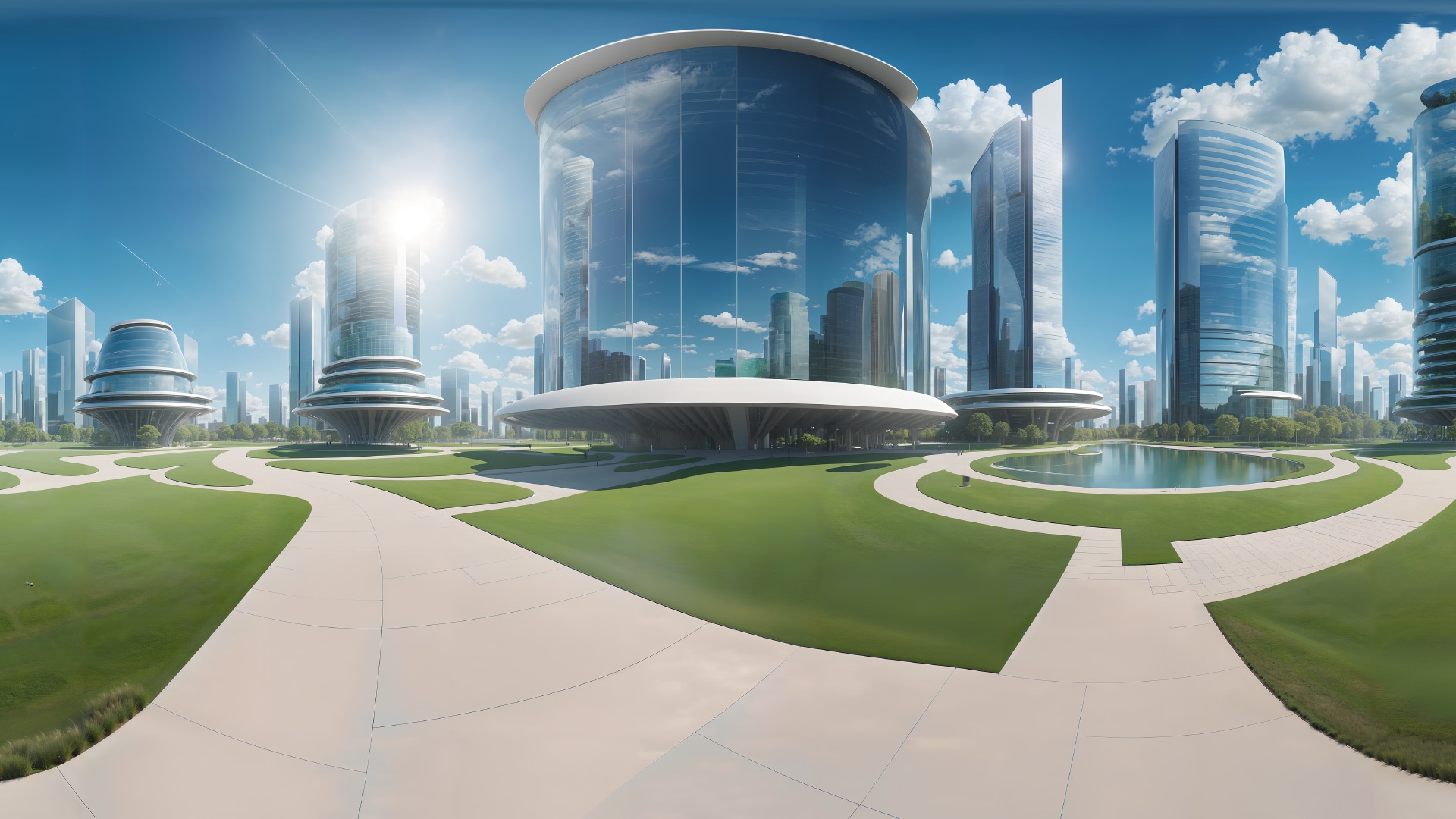
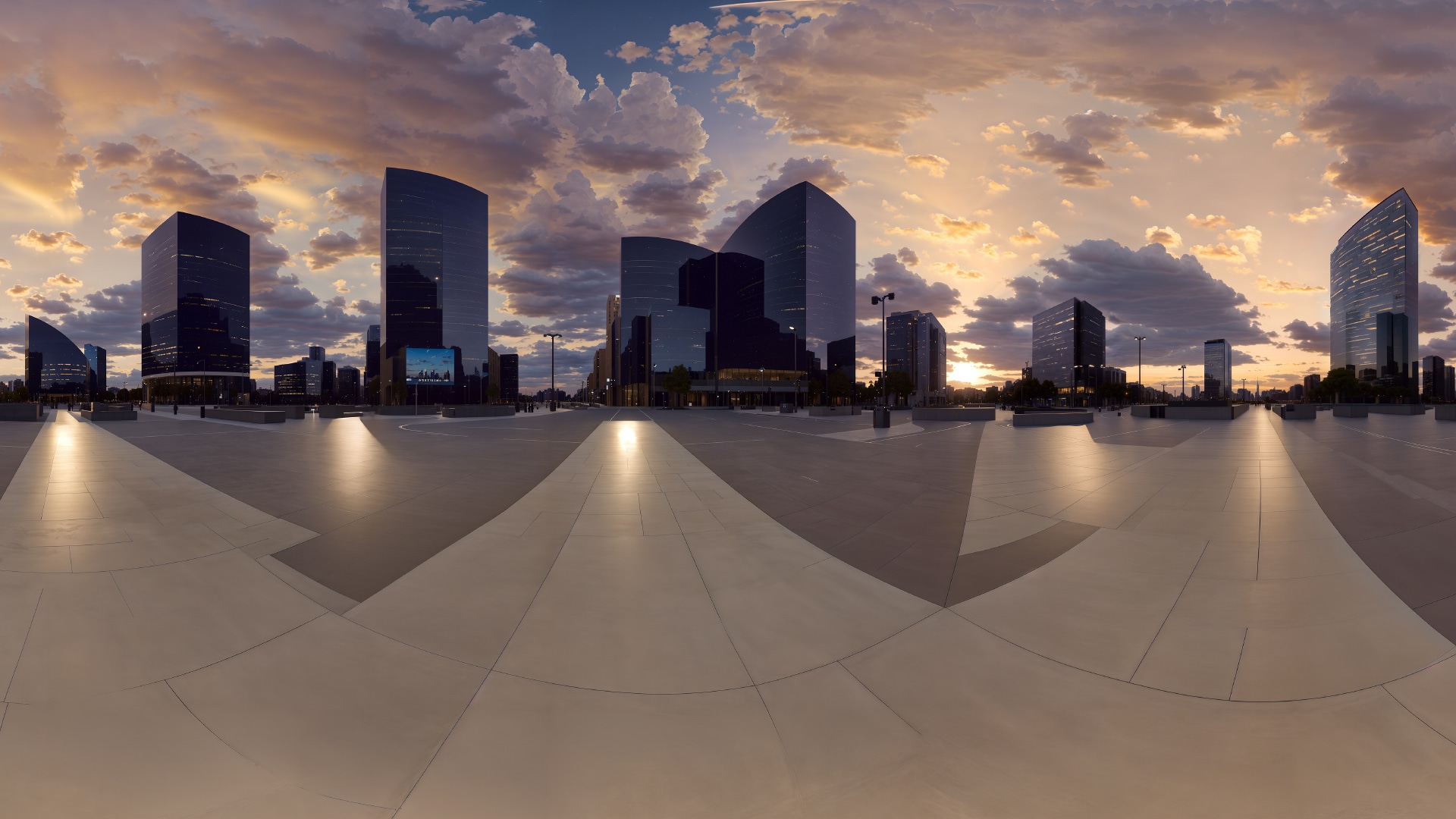
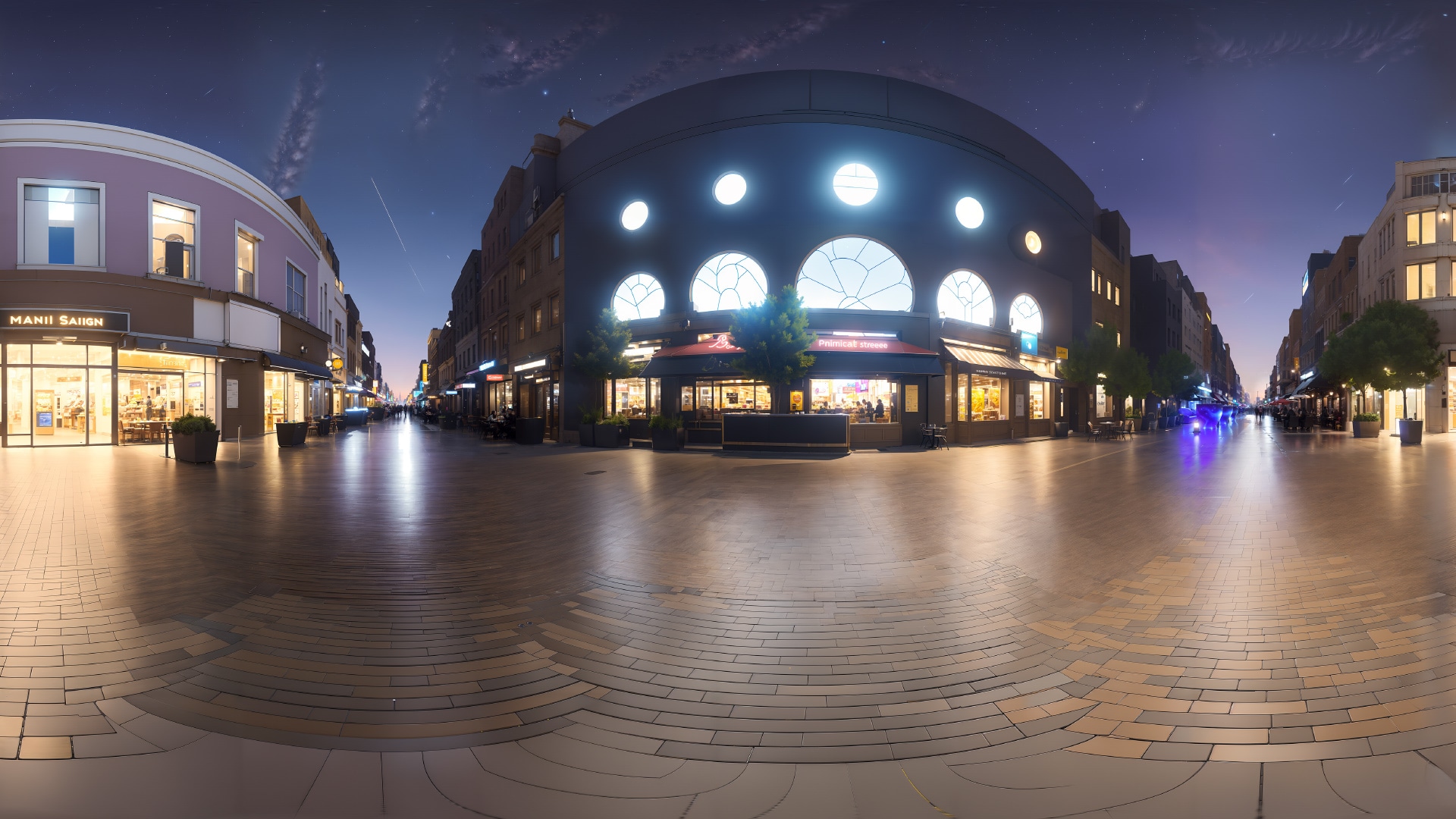

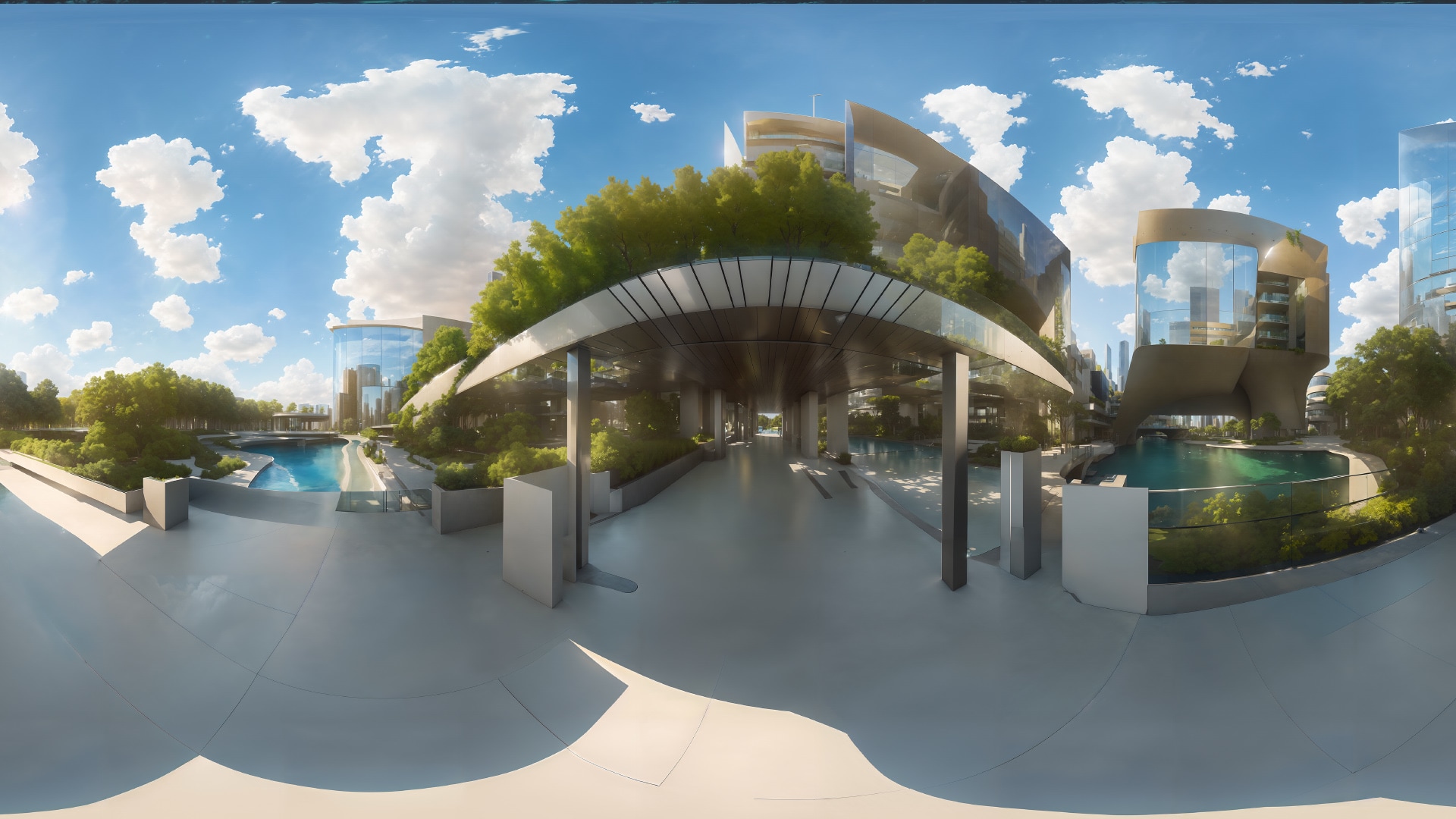
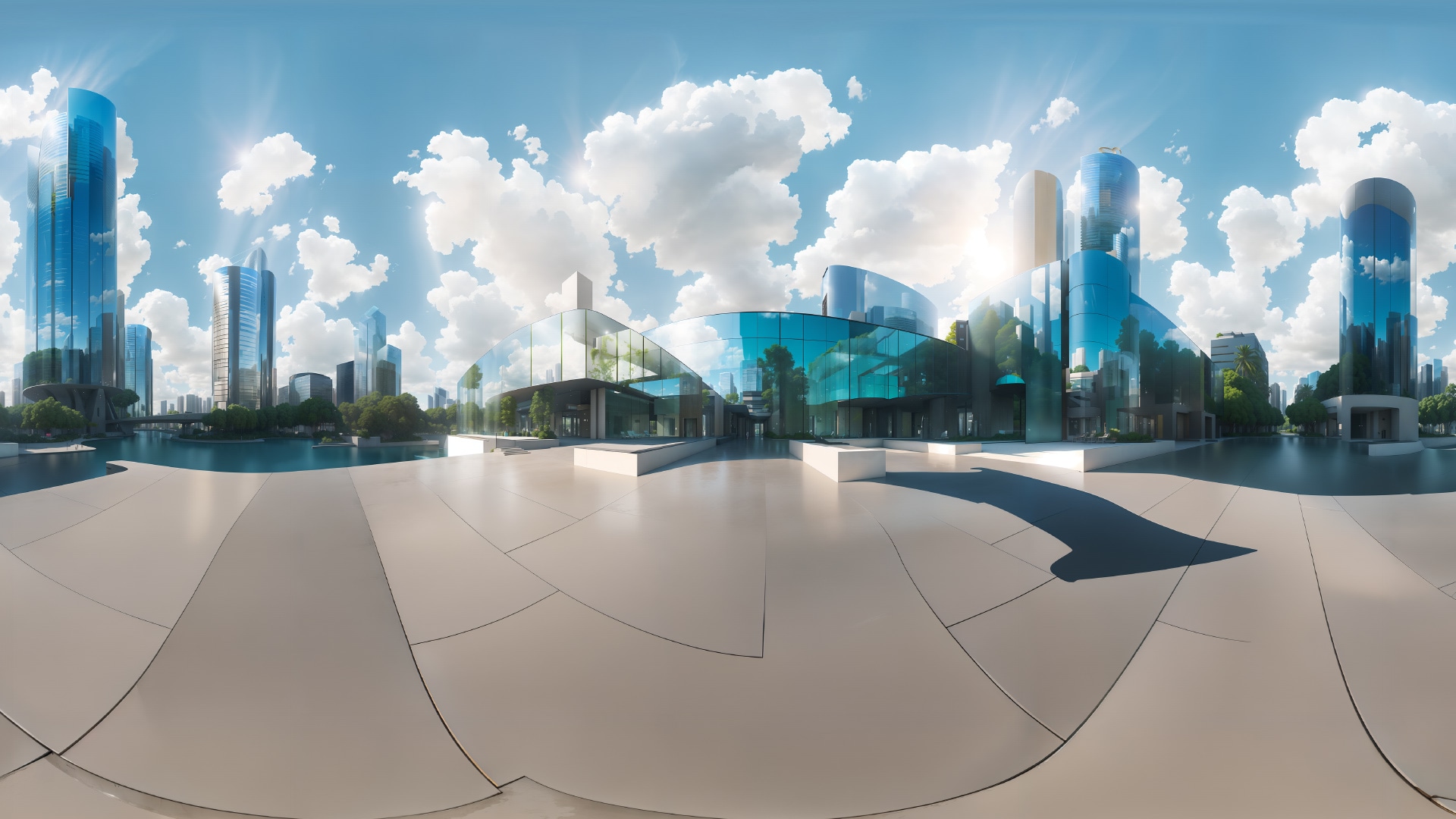


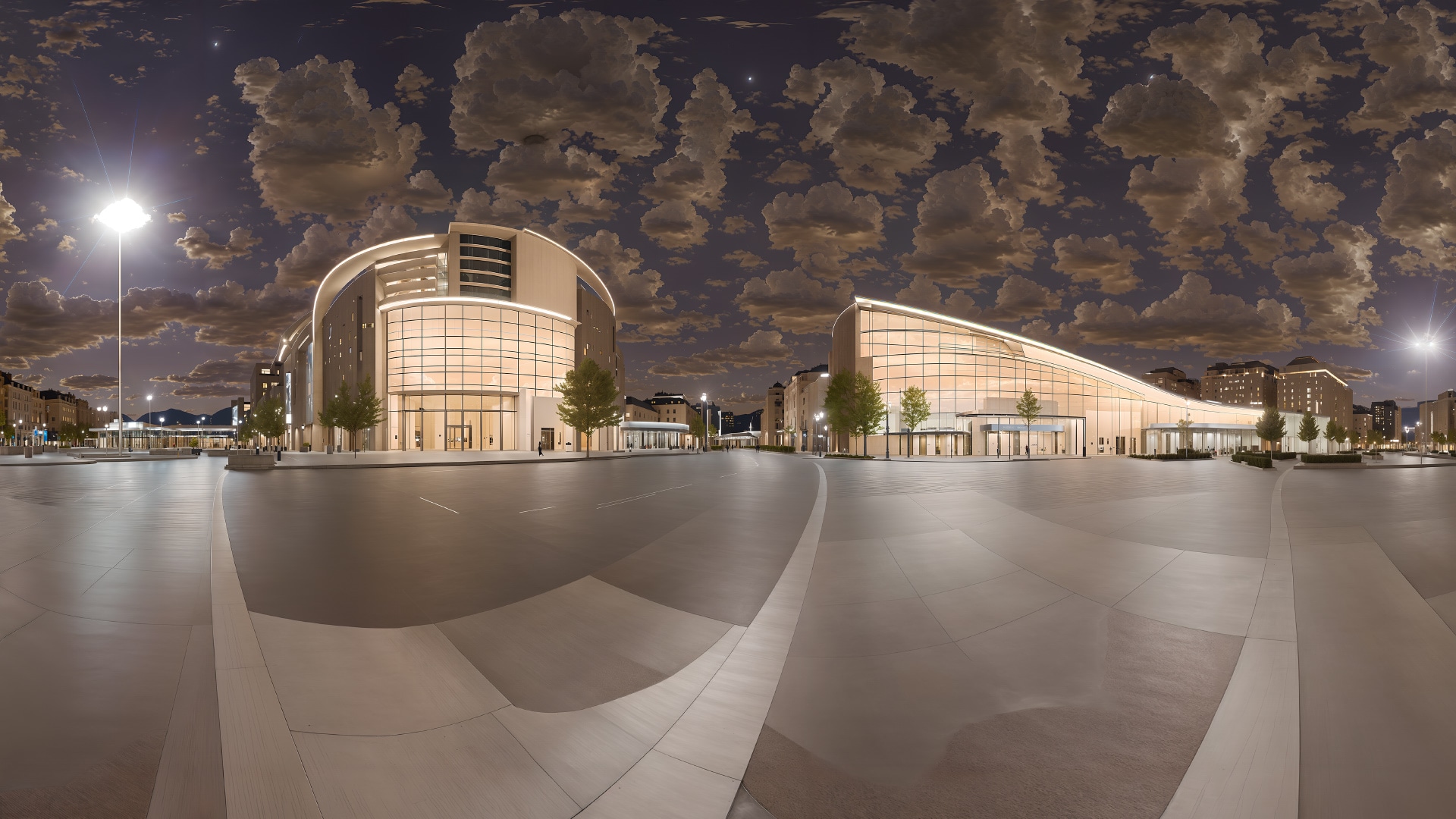
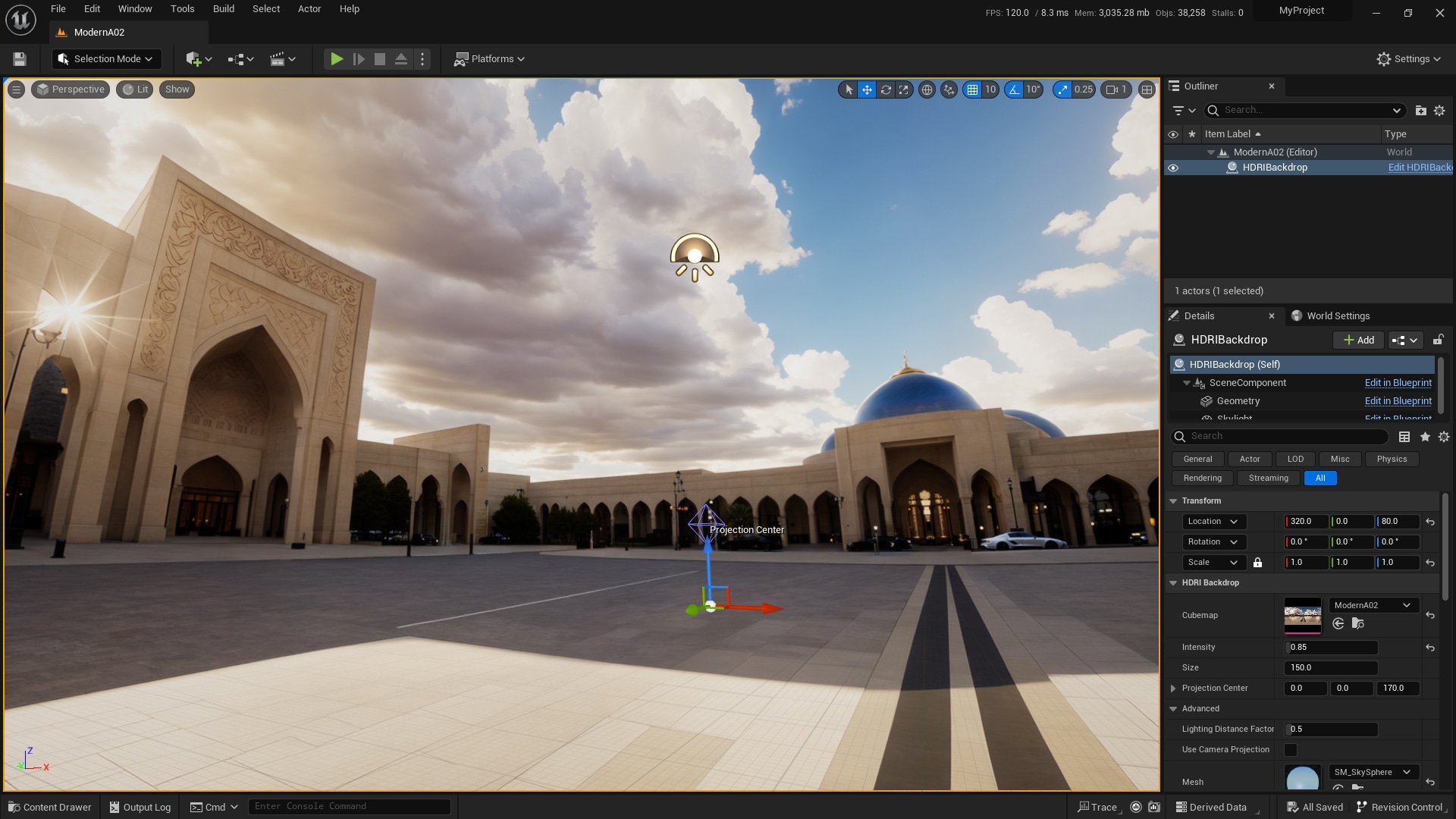
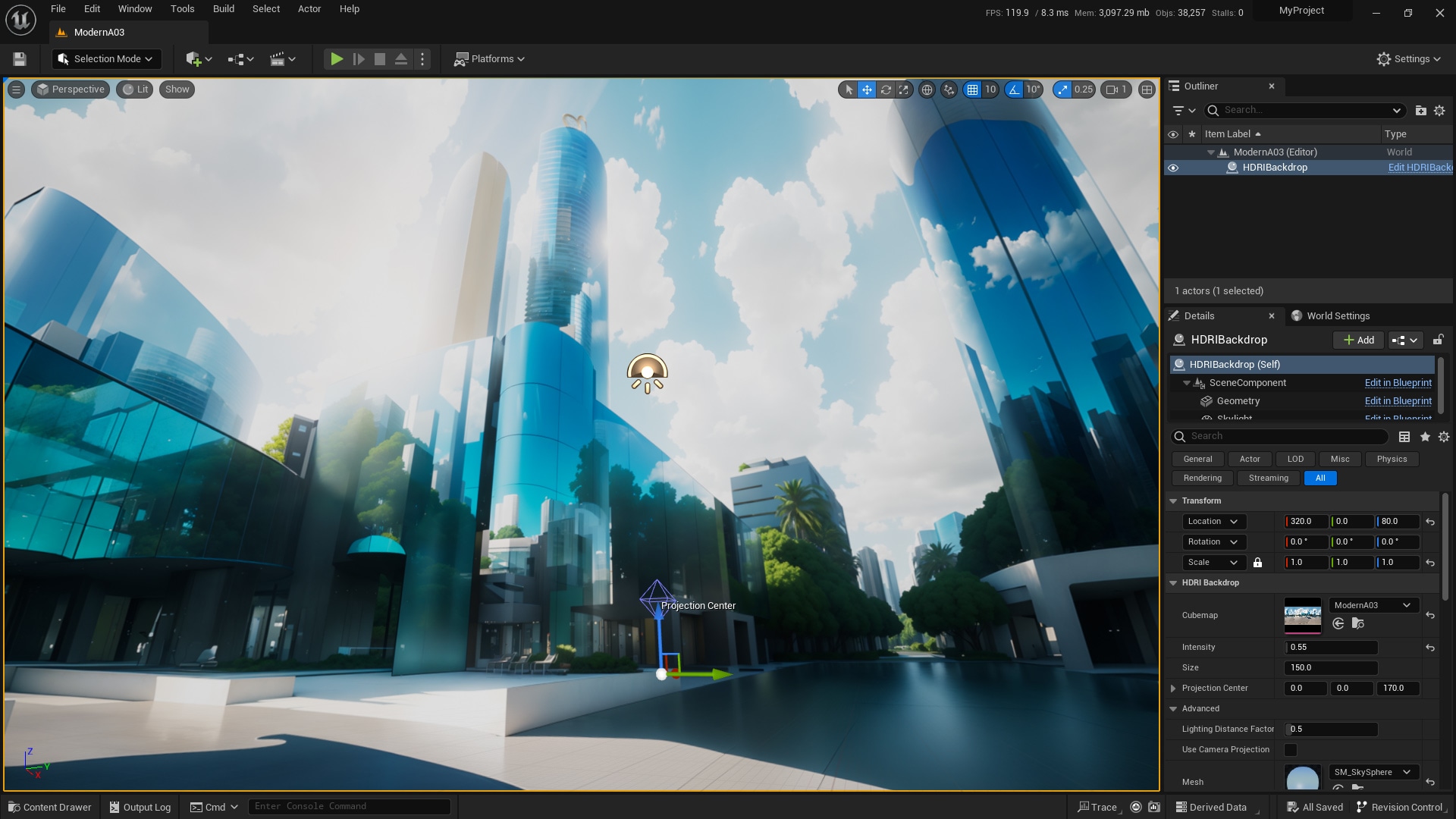
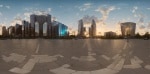
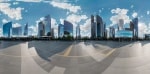
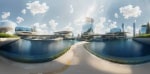
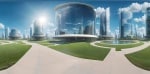
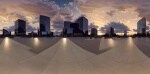
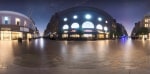
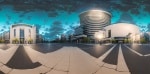
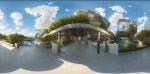
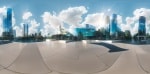
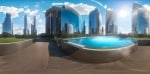
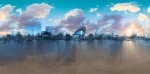
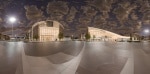
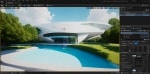
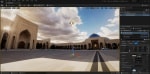
Modern Architecture HDRI
15 detailed enhanced and seamlessly processed anime sky HDRI images.
- Supported Platforms
- Supported Engine Versions4.0 - 4.27, 5.0 - 5.2
- Download TypeAsset PackThis product contains an assortment of Unreal Engine assets which can be imported into a pre-existing project of your choice.
Description
Reviews
Questions
[DISCLAIMER] I provide the product in JPG, HDR format images.
Usage Guide video:
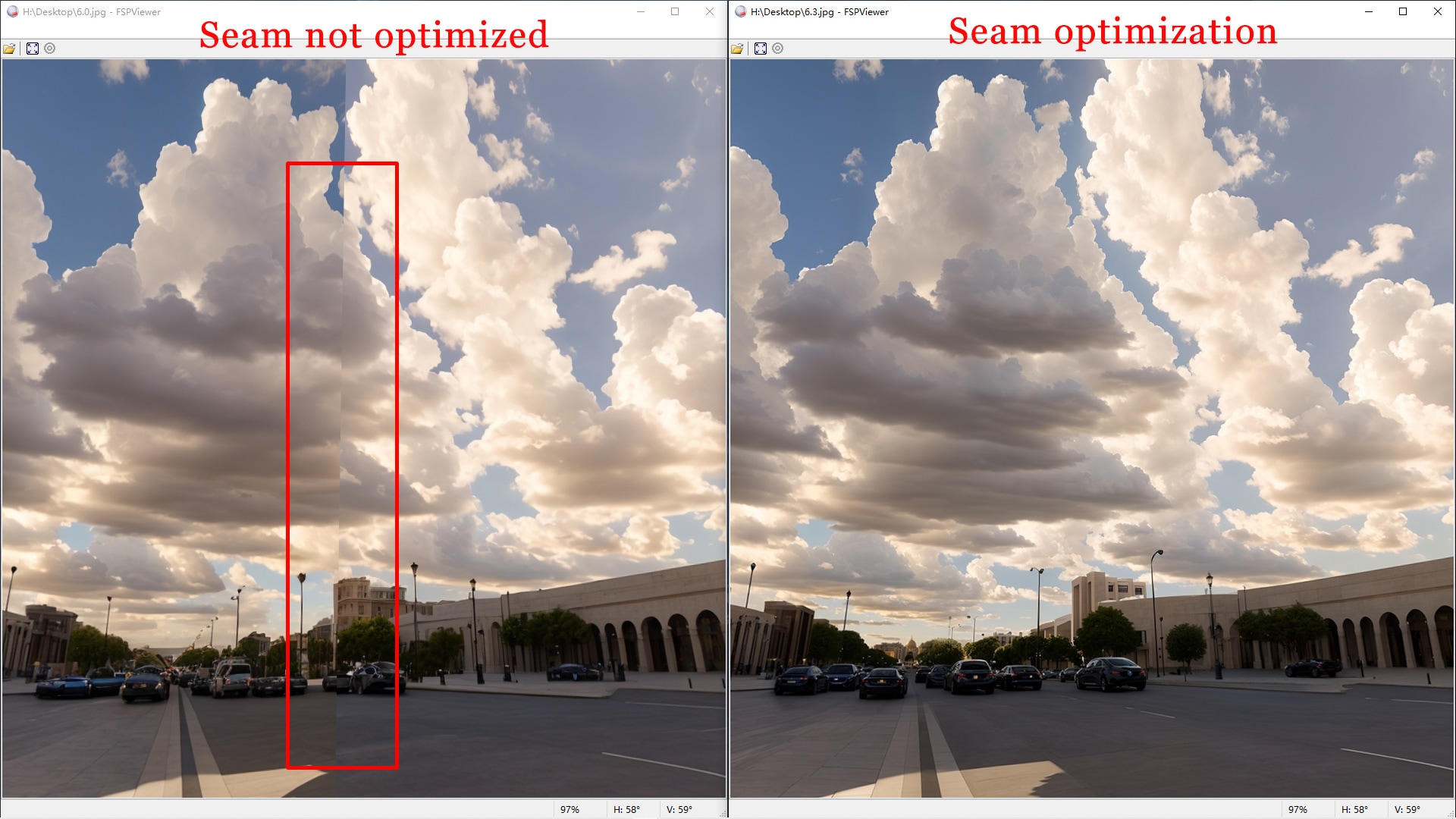
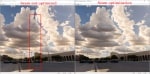
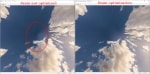
- Exclusive detail upgrade, exclusive seamless.
- As a background, with as little foreground occlusion as possible to match your 3D model rendering.
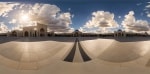
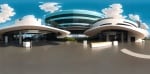
- Modernized architectural HDRI environment maps.
- Covering natural environments in different times of the day: dawn, noon, afternoon, dusk and night.
- Unique streamlined architectural design
- 6144X3072 HDRI images.
- Even at 6K resolution, the level of detail and richness of elements is higher than the 8K resolution on the market
- 15 HDRI images.
- Suitable for games, art or movies(even use it as your computer's Ultra HD desktop wallpaper).
Technical Details
Features:
- 15 HDRI panoramas
- 15 Map examples
- 15 JPEG textures
Texture Resolutions:
- 6144X3072 32-bit
Supported Development Platforms:
Windows: (Yes)
Mac: (Yes)
Important/Additional Notes:
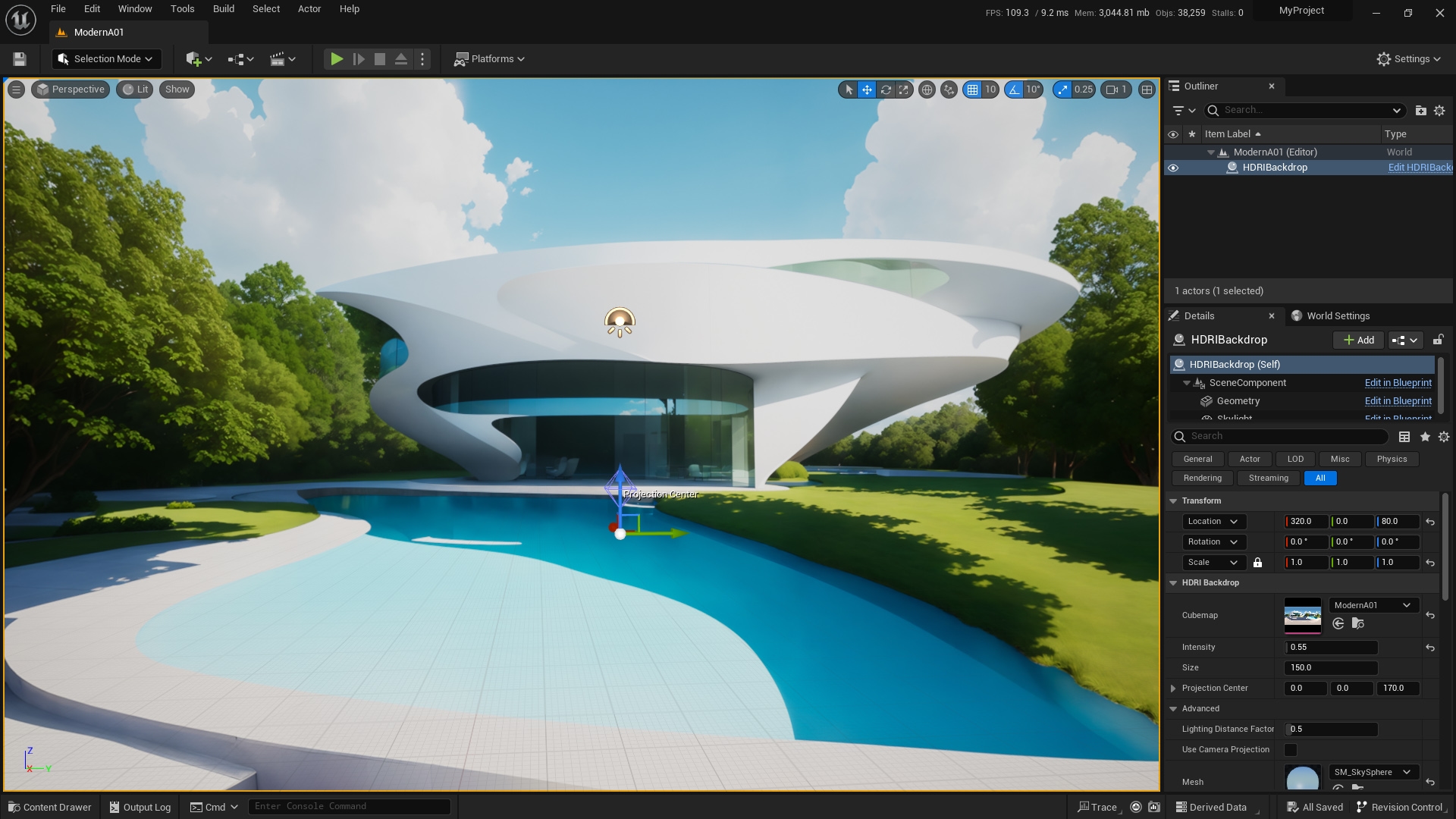
Must - Please enable HDRIBackdrop in Edit-Plugins before use (UE5 version has it built-in, UE4 earlier versions need to install it manually)
Optional - has been tested on UE versions 5.0, 5.1, 5.2 and works fine, if there is an issue with earlier versions you can locate the local HDR file and drag it into the UE's content panel.
Optional - Select SM_SkySphere or Sphere_inversenormals in Details-HDRIBackdrop(self)-Advanced-Mesh to display HDRI environment map (you can also try others)
Optional - HDRI images default installation path
\Your Projects\Modern Architecture\Content\Modern Architecture\Textures
Optional - You can adjust the HDRI environment brightness in Details-HDRIBackdrop(self)-Intensity (turn off auto exposure to take effect)
Optional - You can adjust the ambient light color that illuminates the objects in HDRIBackdrop(self)-Skylight-Light Color