MenuMapping
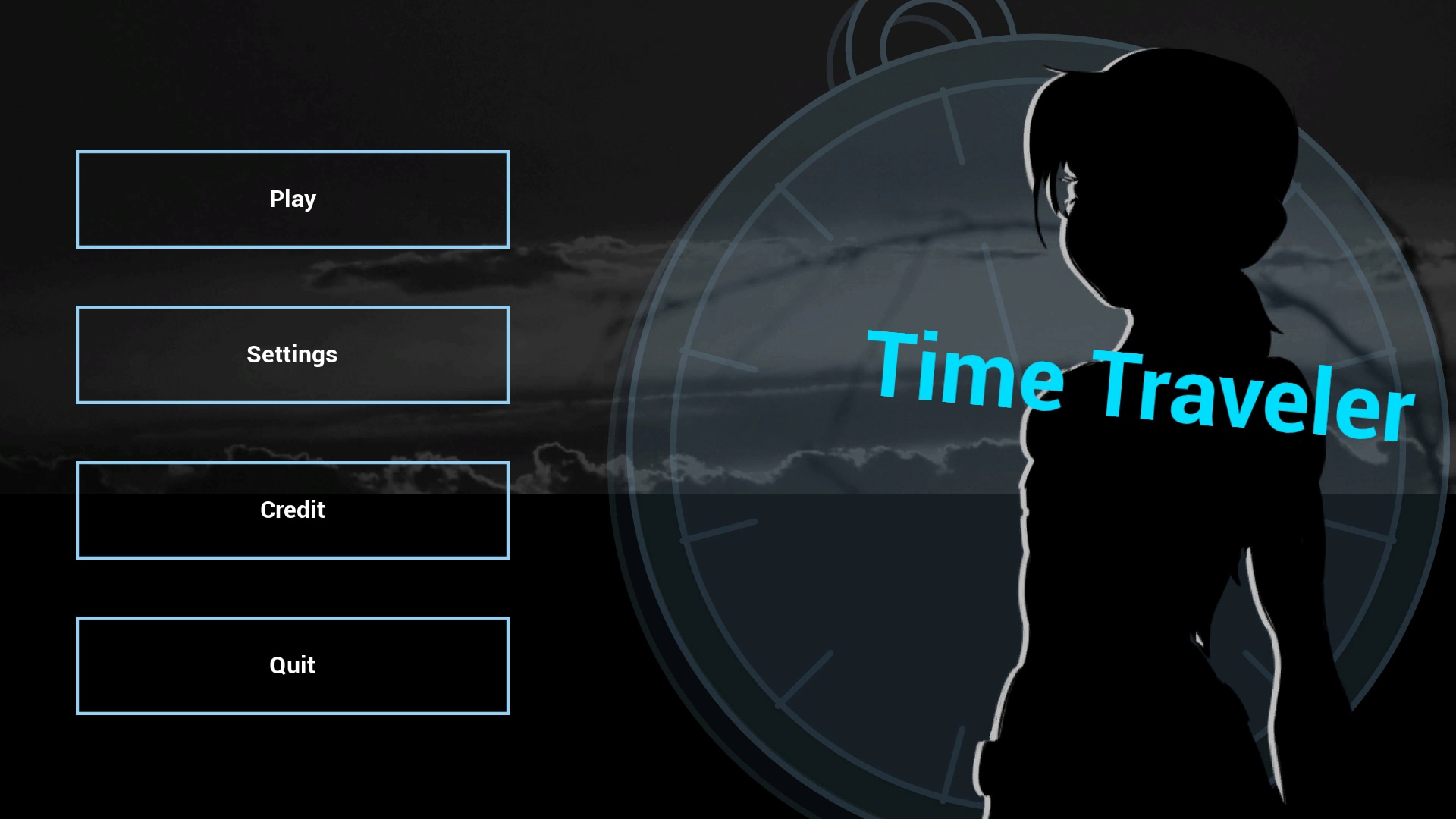
Create your own main menu and use graphic settings, input settings and credit integrated plug-in
- Supported Platforms
- Supported Engine Versions4.17 - 4.20
- Download TypeAsset PackThis product contains an assortment of Unreal Engine assets which can be imported into a pre-existing project of your choice.
Description
Reviews
Questions
Demo : https://youtu.be/D4zzriRjjuE
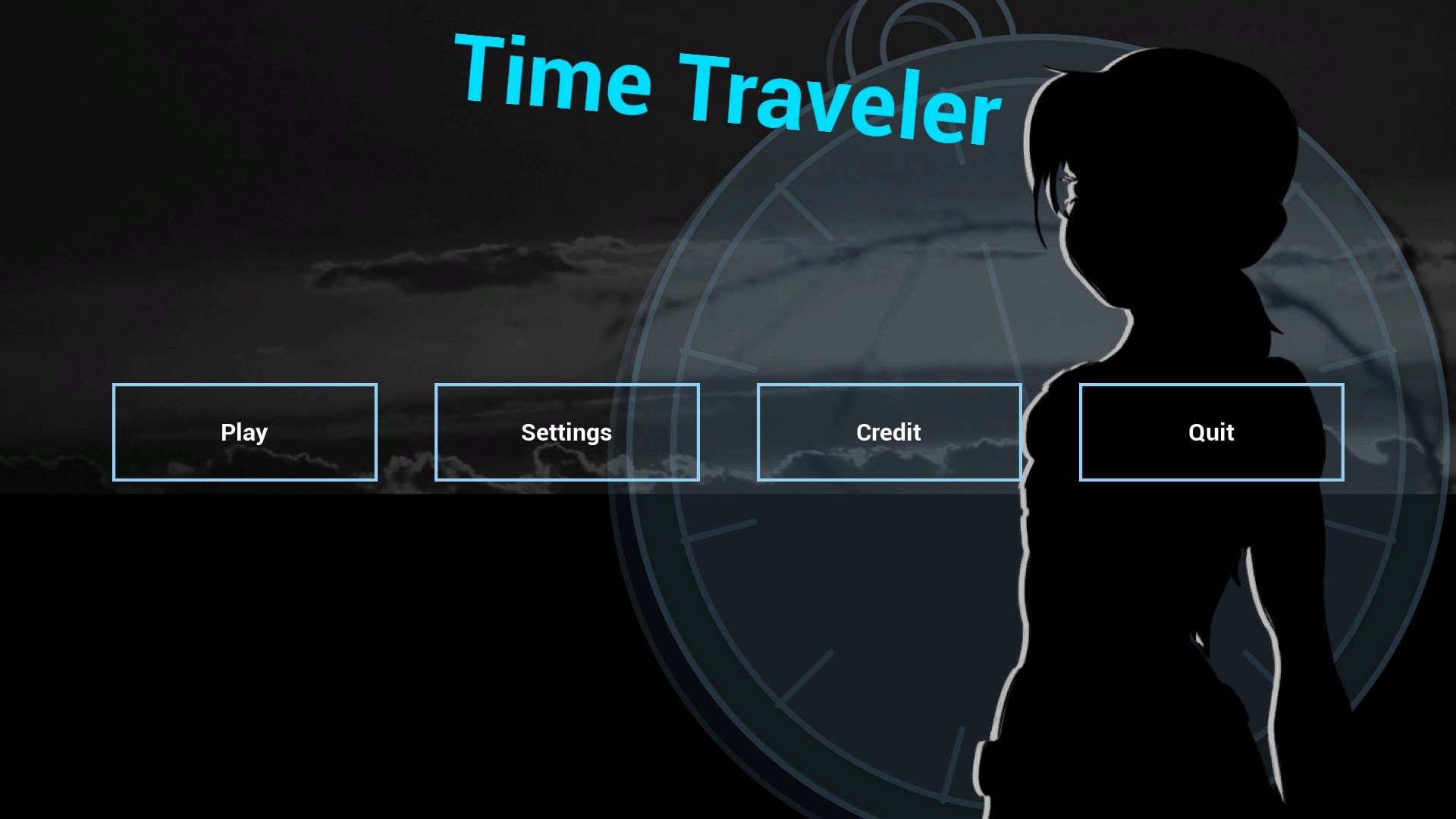
MenuMapping is a menu creator with Settings (graphics and inputs) and credits already integrated.
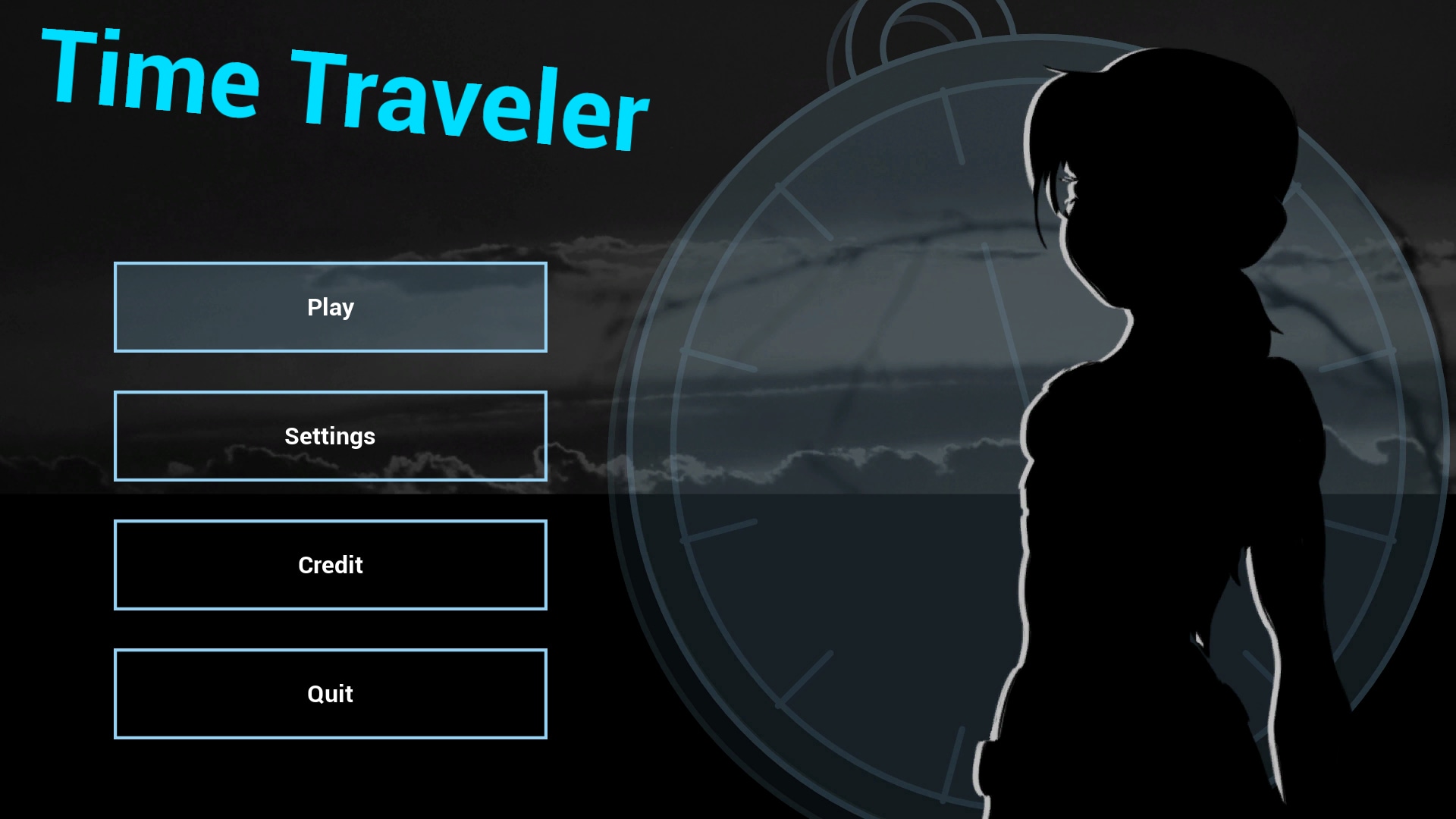
In the Main Menu, you can :
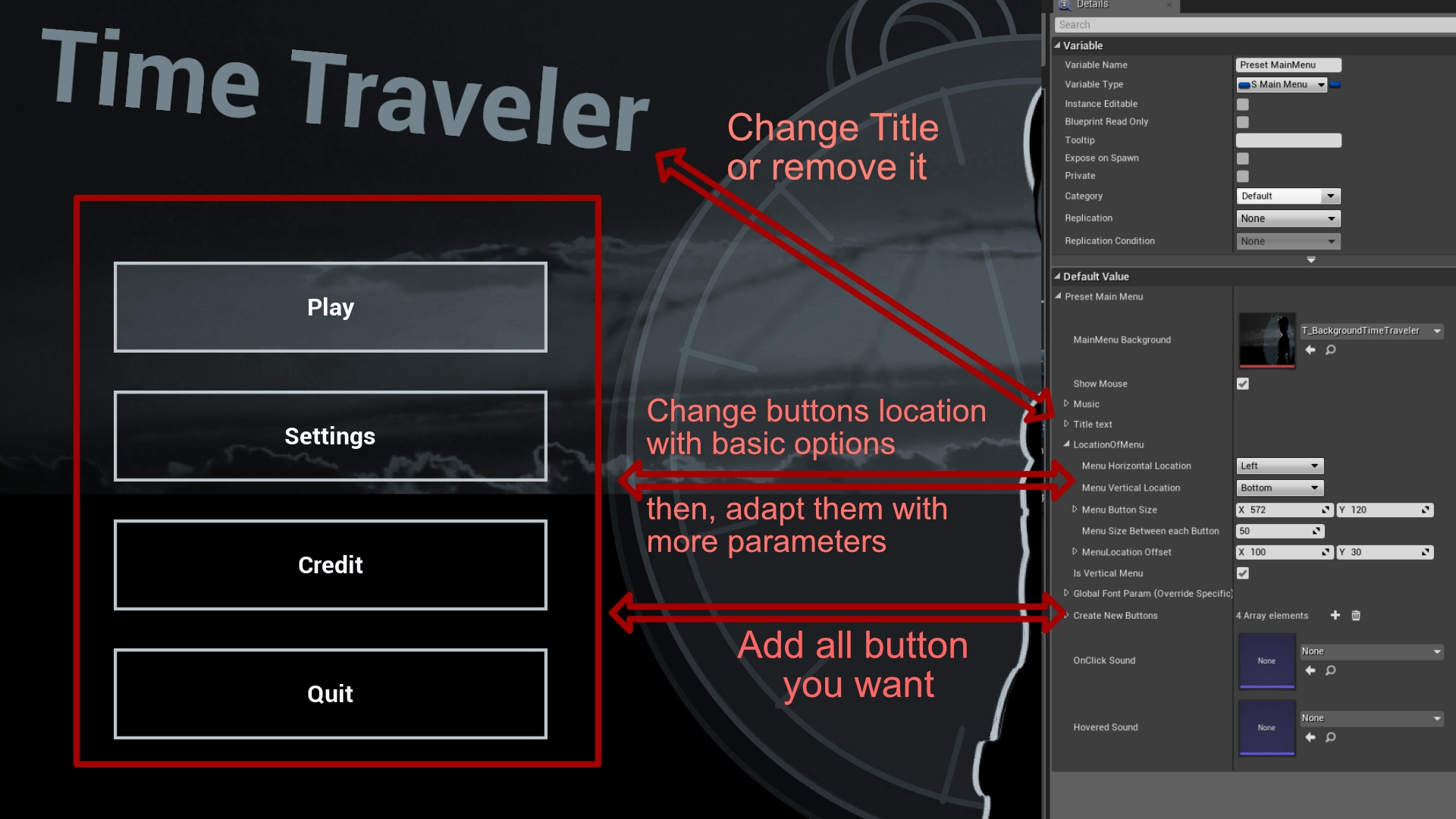
- Move buttons with basic options (Right, Left, Top, Bottom, Center)
- Adjust them with advanced options
- Add all buttons you want
- Change "Normal", "Hovered" and "On click" sounds and images easily
- Change names of buttons
- Change "Open Level" map on button you want
- Change Background
About Splashscreens (appear before the main menu) :
- Add splascreens with their own duration on screen (in second)
In the Settings :
- Change the Background (and sub-background)
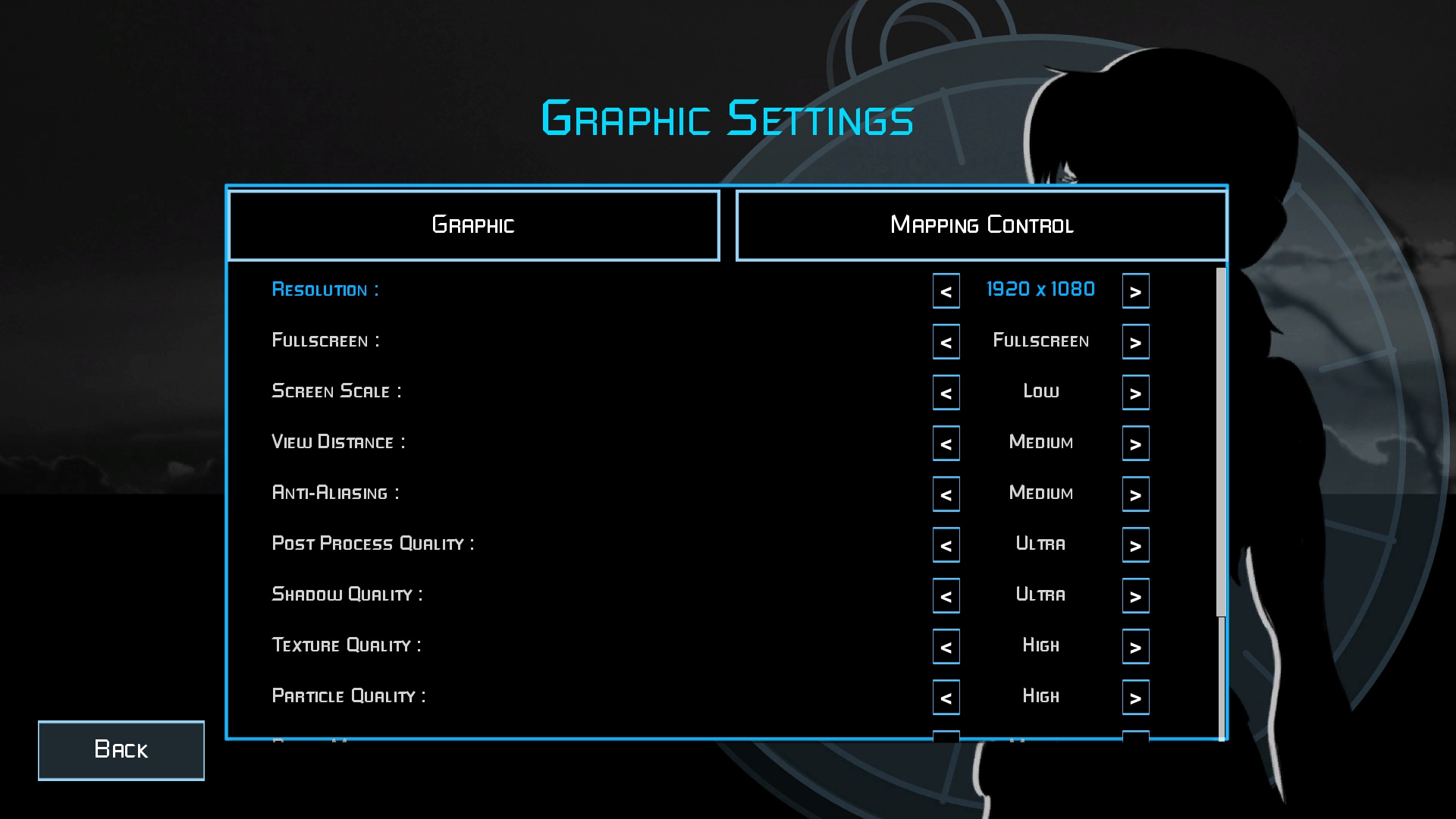
- Select Graphic options in game
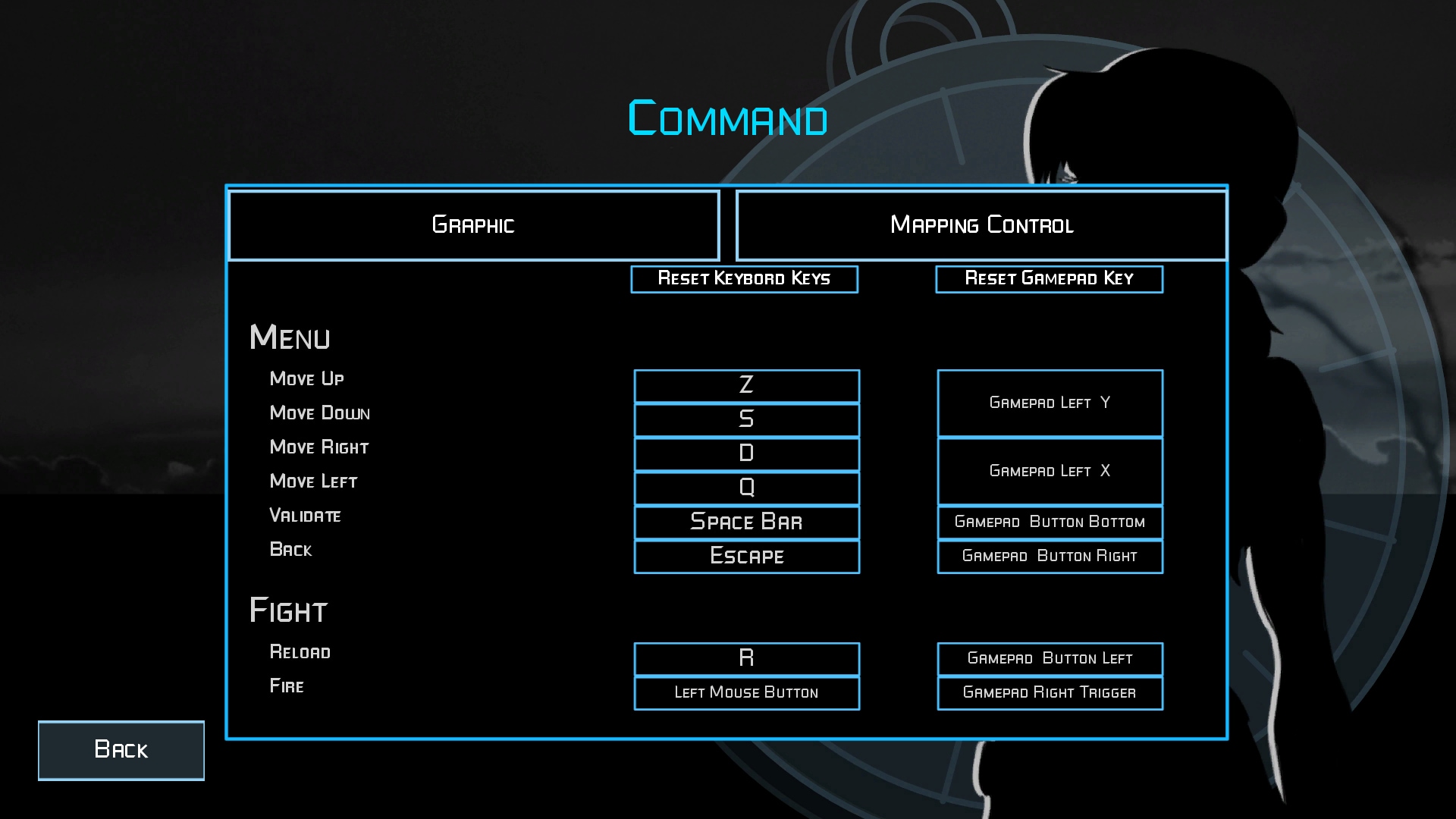
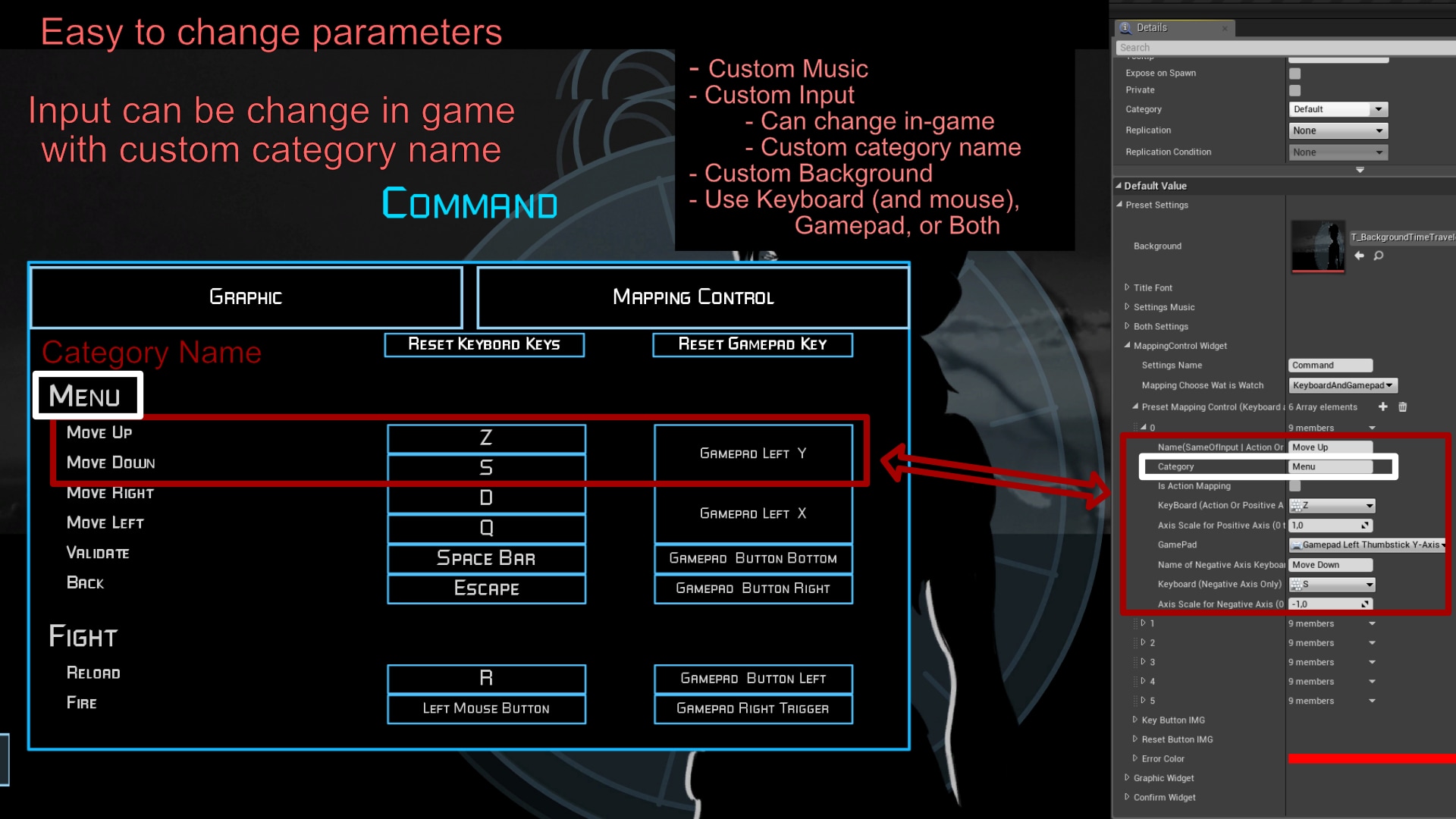
- Change Key input in game for Gamepad, keyboard and mouse
About credits (Two modes) :
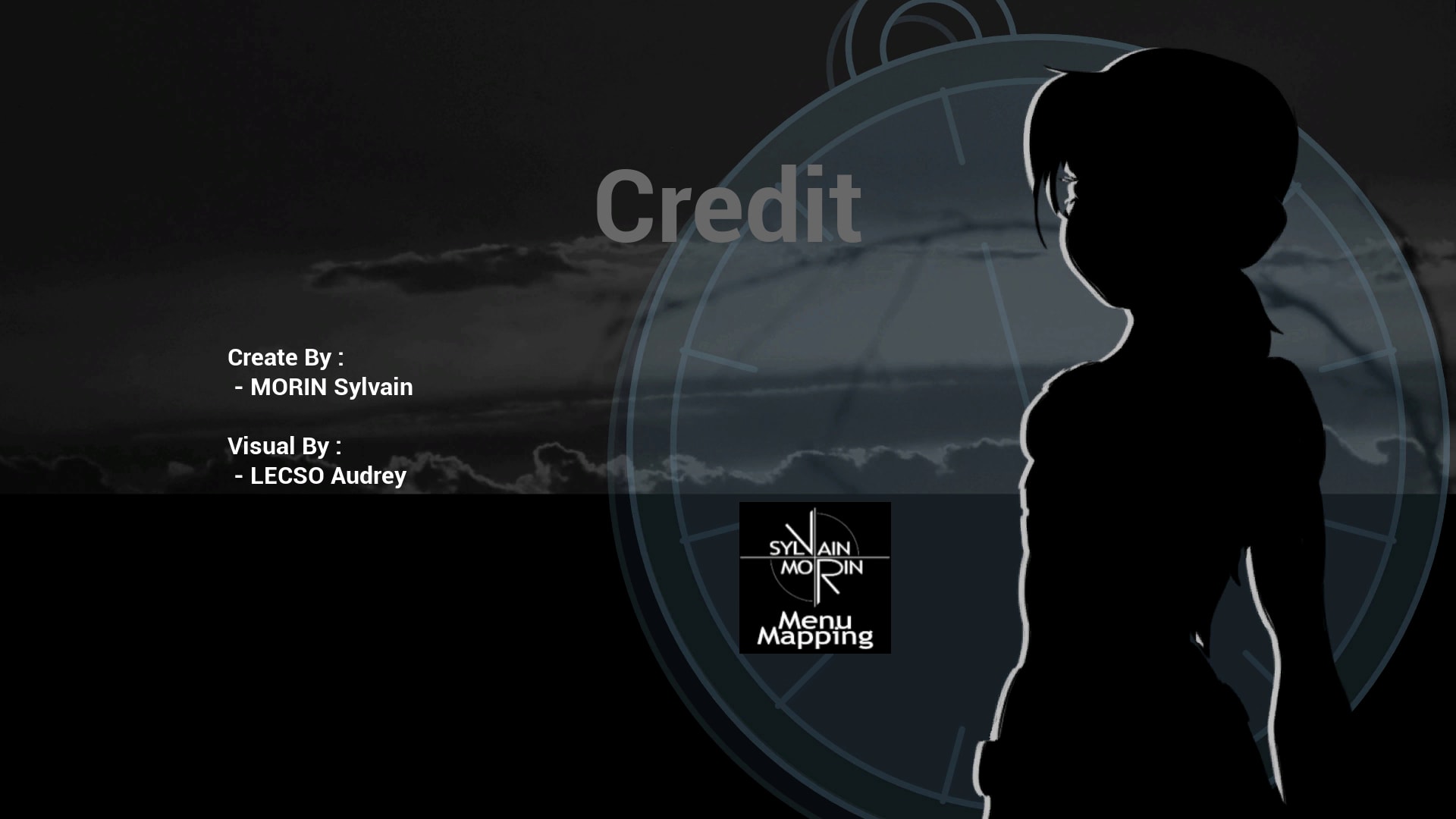
- Background credit
- Scrolling credit
- The scrolling speed can be change and you can add logos at the end
All parts (Main menu, settings, credit) can have different musics and all buttons can have "Hovered" and "On click" sounds.
Technical Details
Features:
All Menus can be use with Keyboard, Mouse and Gamepad.
Create your own main menu :
- Add or remove buttons, change their location, adjust them
Add Splashscreens before the main menu (Like UE4 Logo and project logo) :
- Choose different times for each logo
Settings already integrated :
- Change graphic settings :
- Resolution (Adapt to the computer), Fullscreen or windowed, Screen Scale, View Distance, Anti-Aliasing, PostProcess Quality, Shadow Quality, Texture Quality, Particle Quality
- Change input key in game :
- Can be sort by Category, Should be created on Player Controller
Credits :
- Use background or Scrolling credit (With logo at the end)
Inputs (Can be change in Player controller, cf "How to use" on youtube) :
- Mouse (basic buttons)
- "Z","S","D","Q" (Move), "Space" (Validate), "Escape" (Back)
- "Thumbstick Left" (Move), "Bottom Button" (Validate), "Right Button" (Back)
Number of Blueprints : 8 Blueprints, 8 Widgets, 21 struct/Enum
Network Replicated : No
Supported Development Platforms : Windows (Not test PS4, Xbox, Mac)
Supported Target Build Platforms : Windows (Not test PS4, Xbox, Mac)
How to Use: https://youtu.be/nHH5FvoKOPI