

Ground Outlines Pack
A pack of ground material outlines for pawns and buildings
- Supported Platforms
- Supported Engine Versions4.24 - 4.27, 5.0 - 5.3
- Download TypeAsset PackThis product contains an assortment of Unreal Engine assets which can be imported into a pre-existing project of your choice.
Description
Reviews
Questions
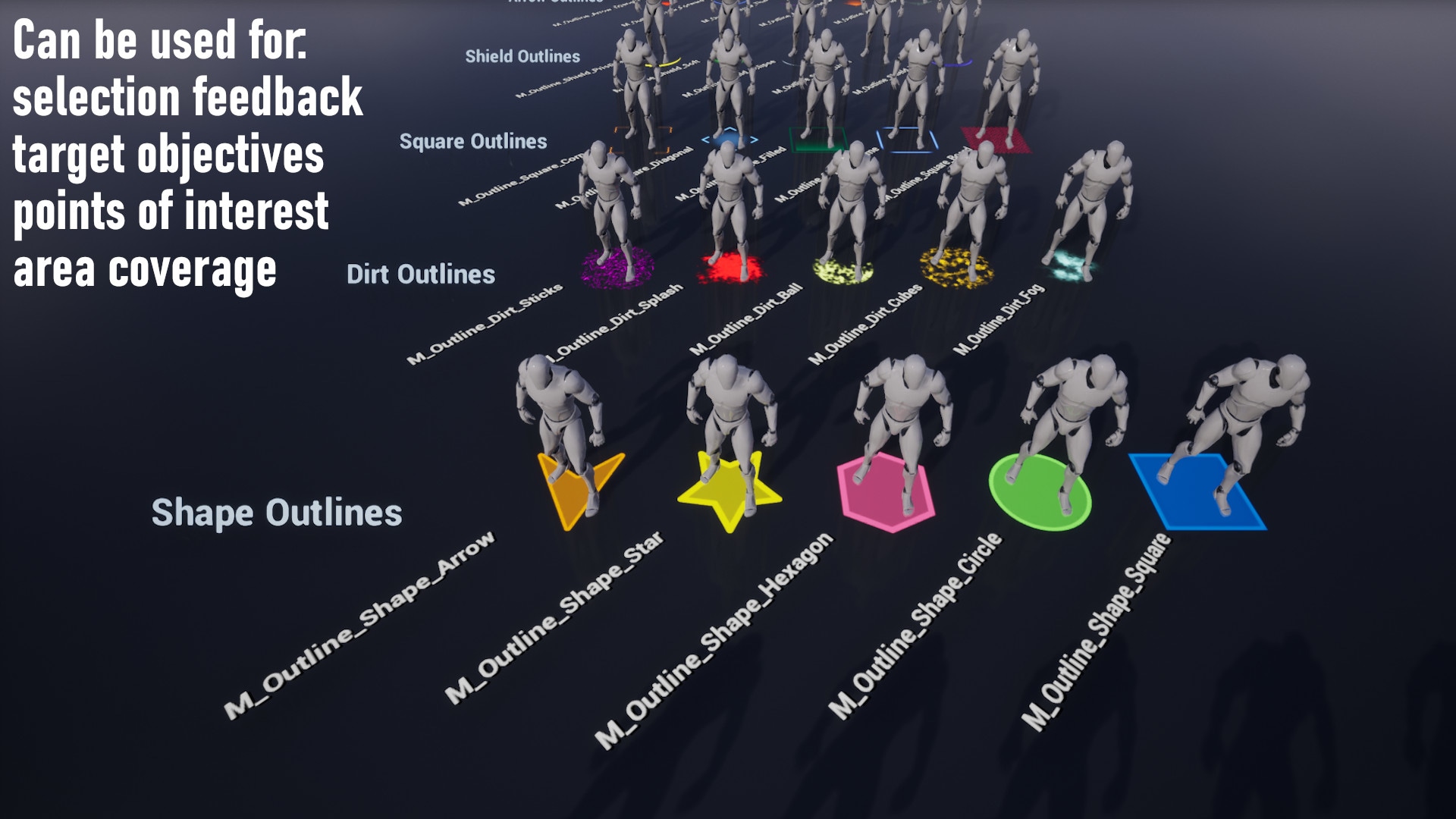
A pack of ground material outlines that can be used for:
- Mouse over feedback, indicating that something can be clicked
- Selected units or building structures
- Coverage area of a building
- Target locations (objective signal)
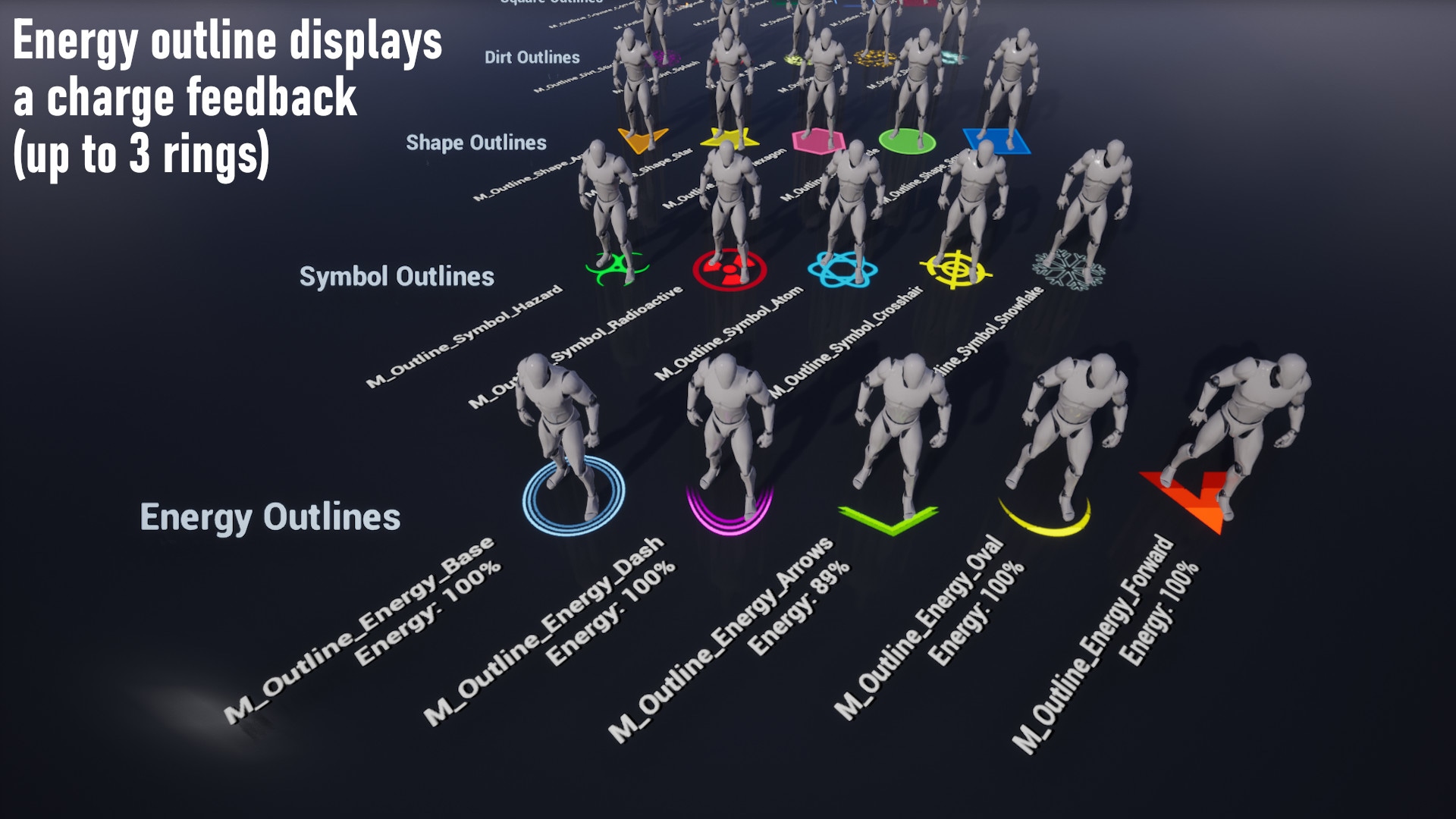
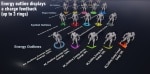
- Charge feedback with 3 levels
Provided outline types:
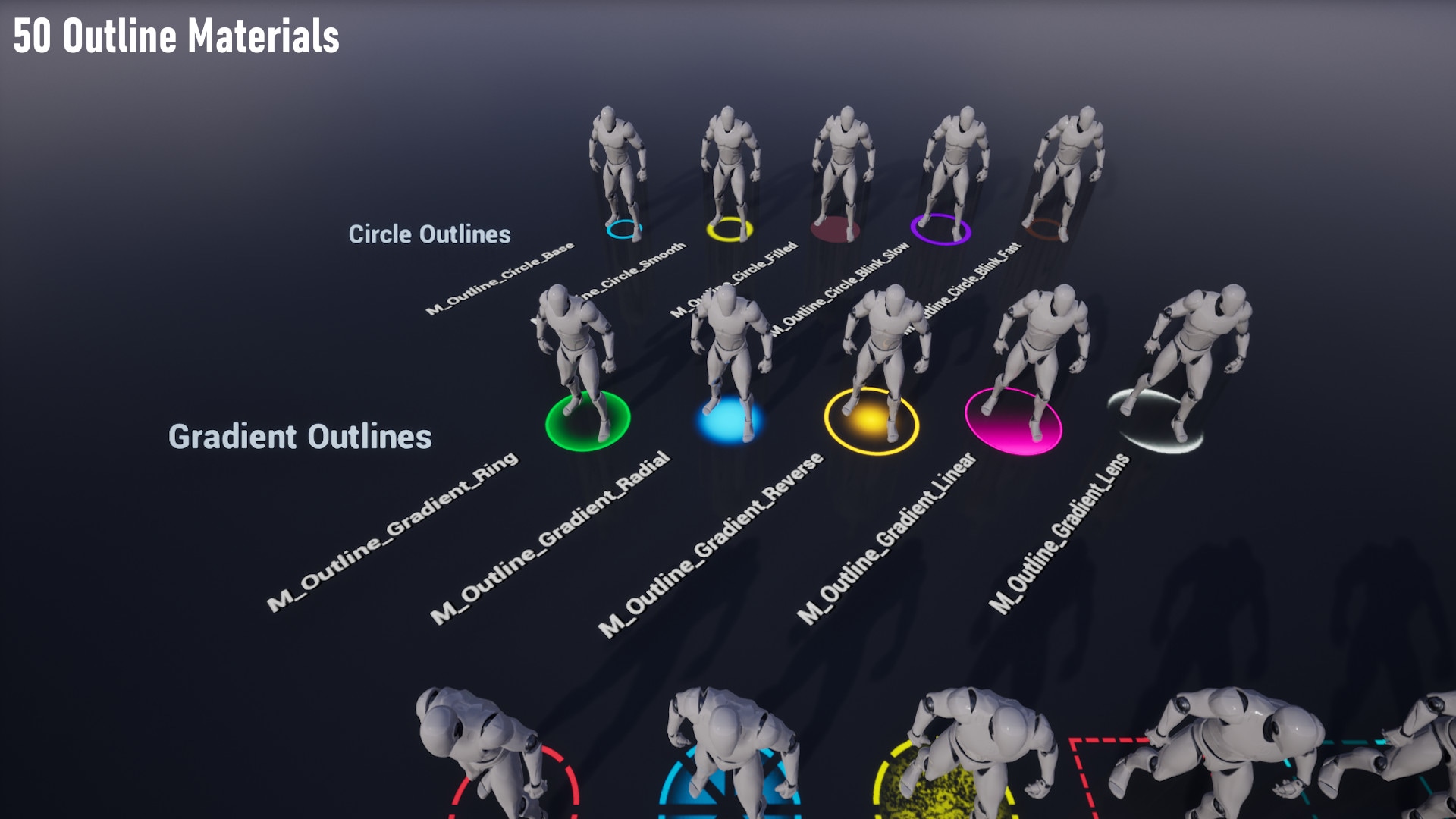
- Plain circle that uses no texture (lossless scaling)
- Texture based
- Energy rings (also texture based)
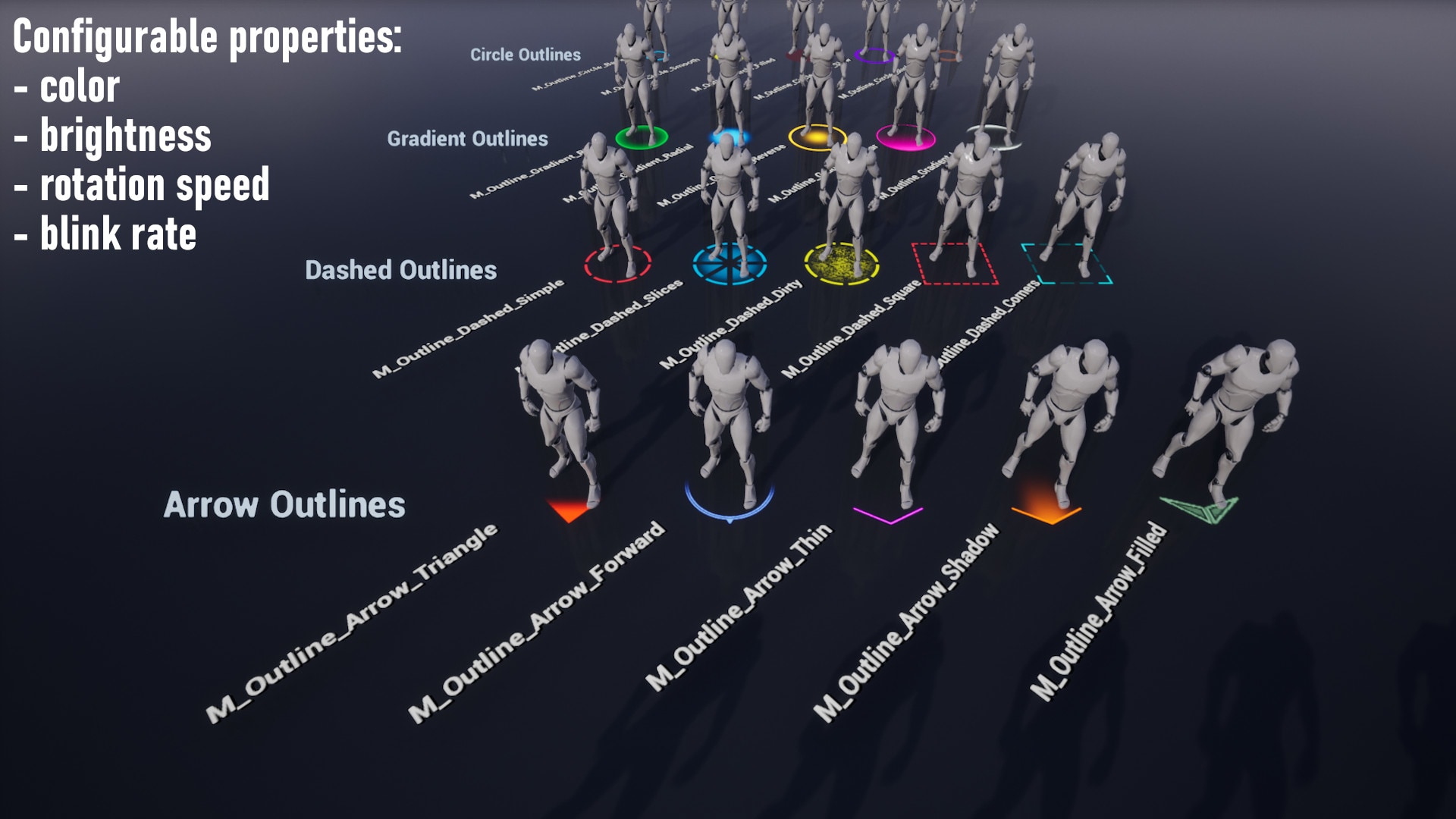
The outlines provide a few parameters to tweak their looks (color, brightness, blinking, etc), and if you use the OutlineComponent there's also a radius property to control its size. It's easy to add custom outlines: just follow the given texture examples. Also includes an energy level material that shows up to 3 rings giving the feedback of something that's being charged, based on a given scalar parameter (float value ranging from 0.0 to 1.0).
Showcase video
Documentation
https://docs.google.com/document/d/1g6pyB60_zxzDpDVOCX9PAIhdGIjj-JD-p9Q5VX7xMsA
Technical Details
Features:
- 45 textures of ground outlines
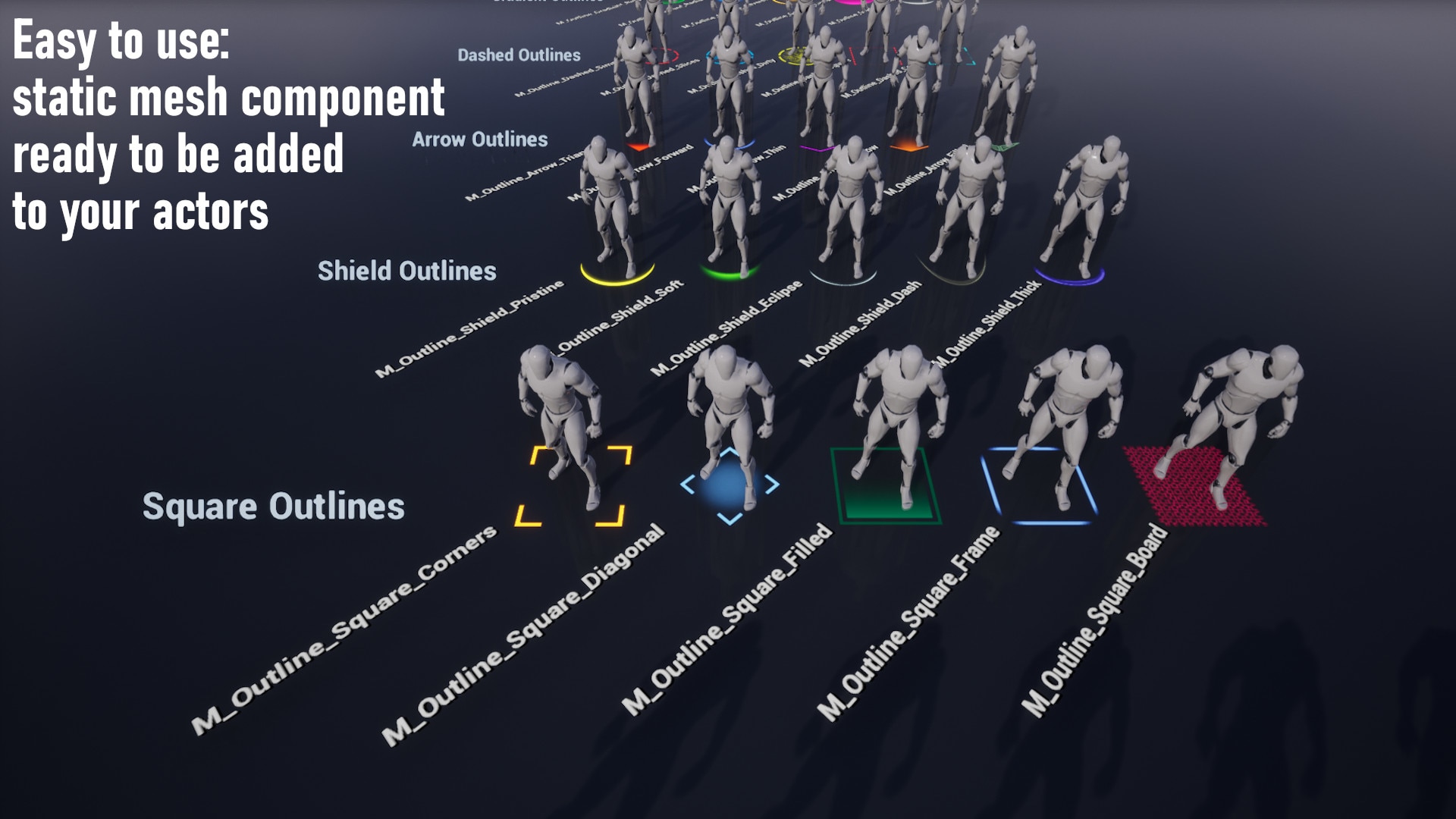
- 50 outline materials ready to be used
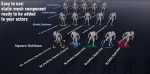
- OutlineComponent ready to be added to your actors (static mesh component)
Number of Unique Materials and Material Instances: 50 material instances
Number of Textures: 45
Texture Resolutions: 512x512
Supported Development Platforms:
Windows: Yes
Mac: Yes
Documentation:
- Showcase level included with all available outlines
- Documentation
Important/Additional Notes:
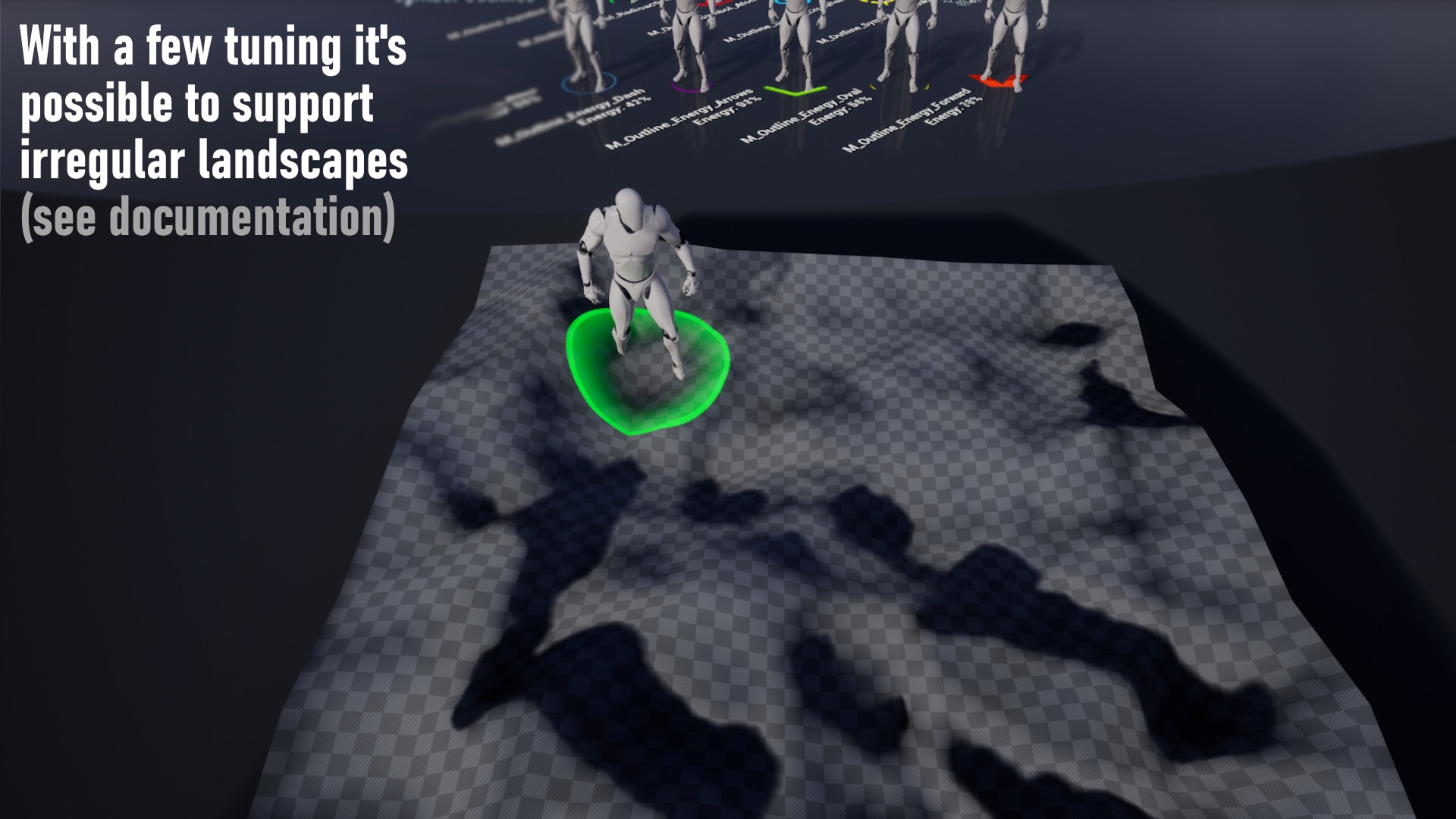
If you're using an irregular landscape, be advised that the outlines are not projected on the ground by default. However, the documentation has instructions on how to achieve that.