



DBBrowser
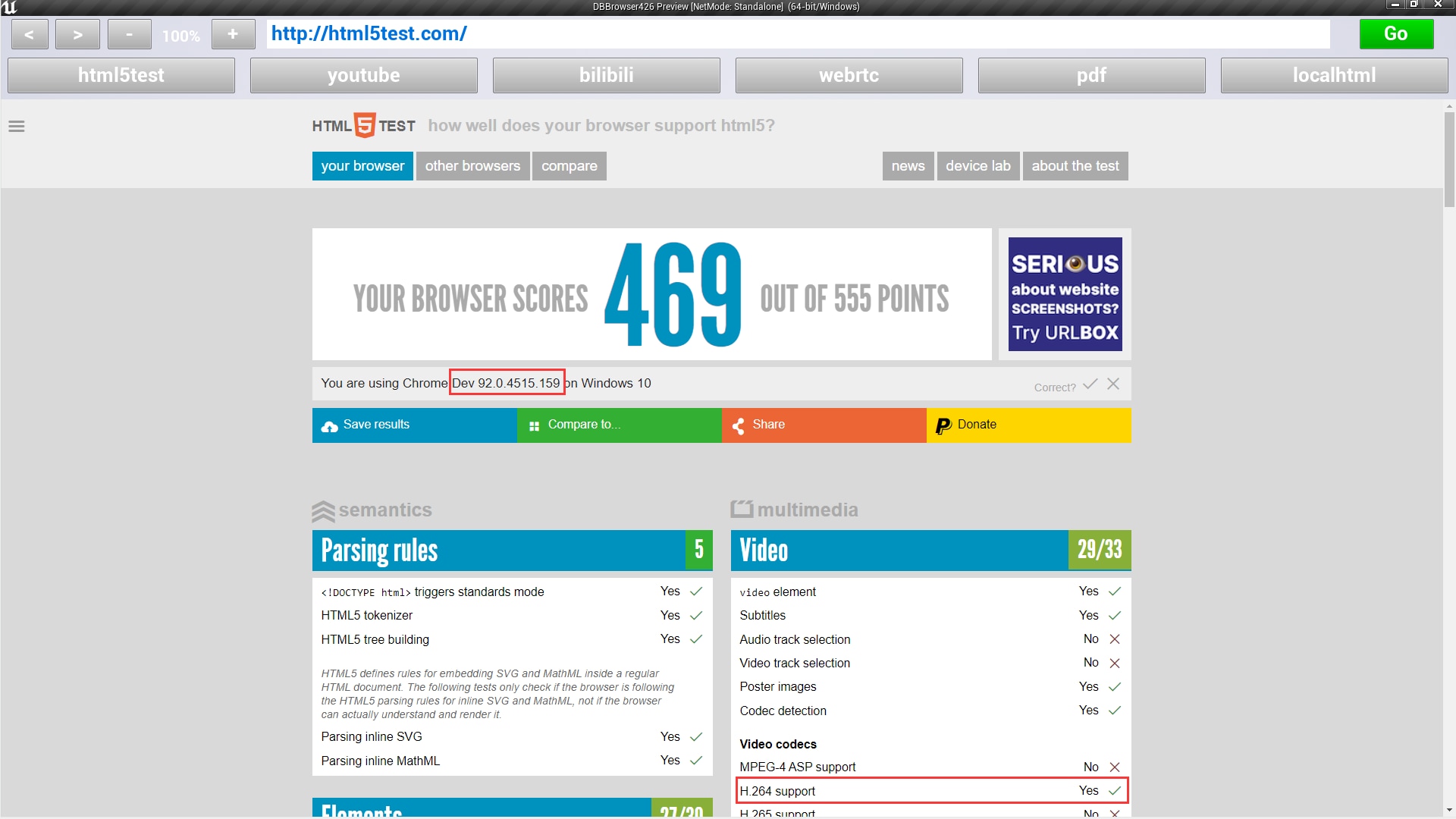
DBBrowser is a plug-in to display web pages, it support H264 video, using the latest Google Chromium kernel, support WebRTC ,H5 and WebGL
- Supported Platforms
- Supported Engine Versions4.26 - 4.27, 5.0 - 5.1
- Download TypeEngine PluginThis product contains a code plugin, complete with pre-built binaries and all its source code that integrates with Unreal Engine, which can be installed to an engine version of your choice then enabled on a per-project basis.
Description
Reviews
Questions
Version2.1:
Fix bug:Fixed bug where UE4 call Js function does not work when URL contains parameter changes
Version2.0:
optimize:Upgrade CEF kernel version to CEF92
optimize:Optimized limitations and performance of web and JS interaction
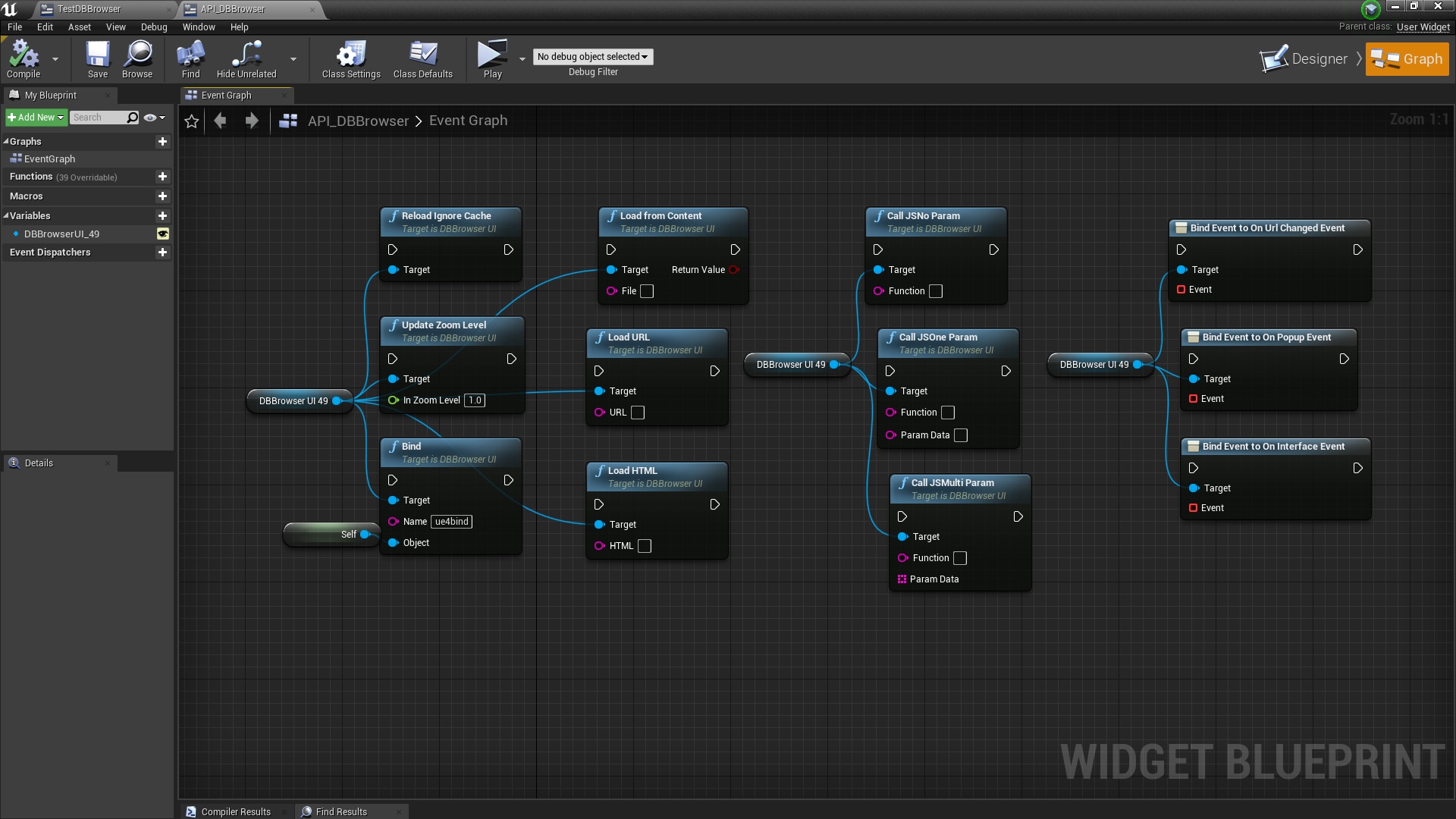
feature:Add API UpdateZoomLevel,Use to change the display zoom of a web page
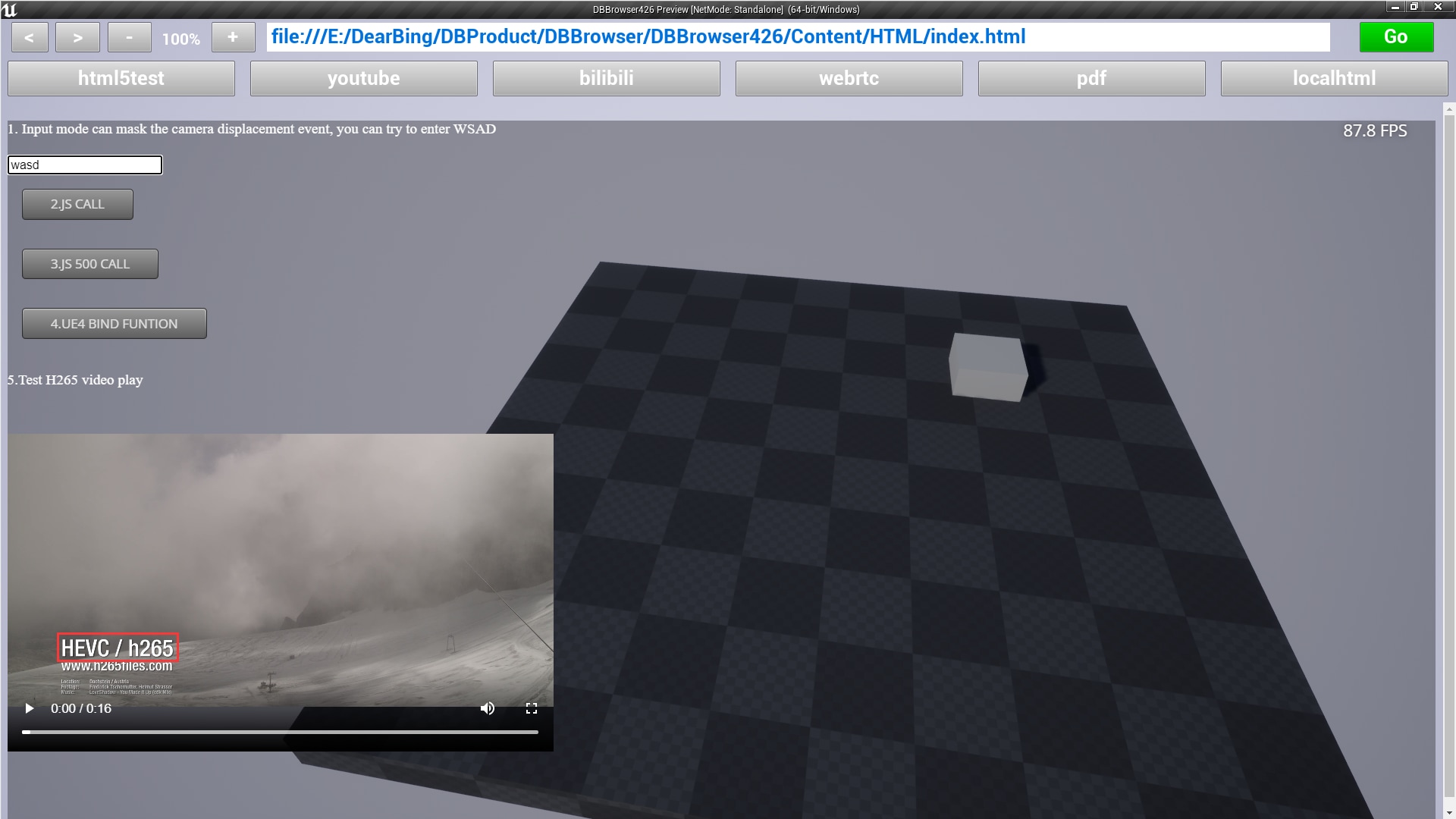
feature:Supports H265 video play
feature:Support for custom binding method Bind, which implements Js access to UE4 objects. When using Bind, use lowercase in Js
feature:support mask WSAD events when typing in a web page
Version 1.0:
This plug-in is based on the dynamic library of CEF3
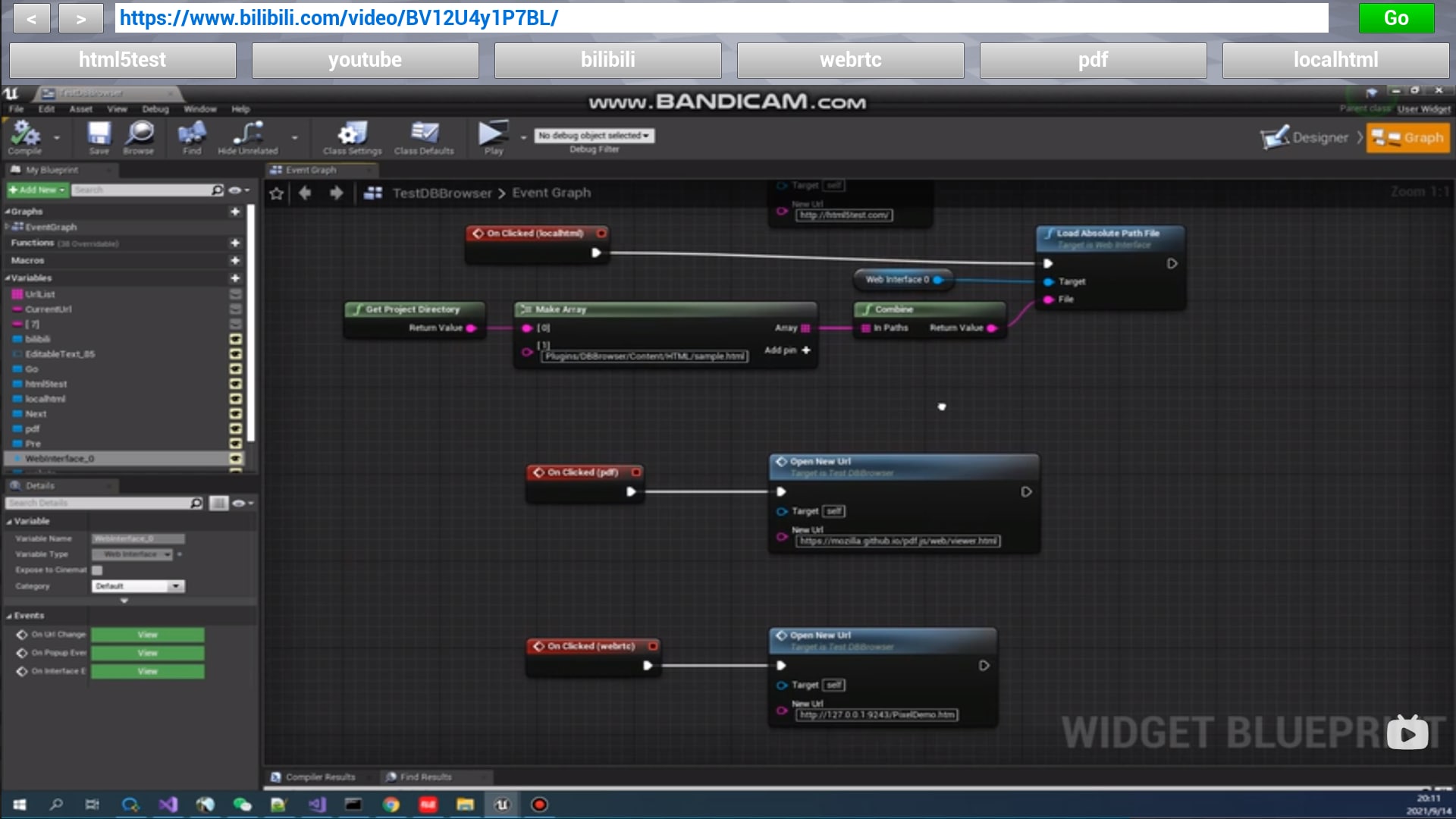
Video URL:DBBrowser Show Demo
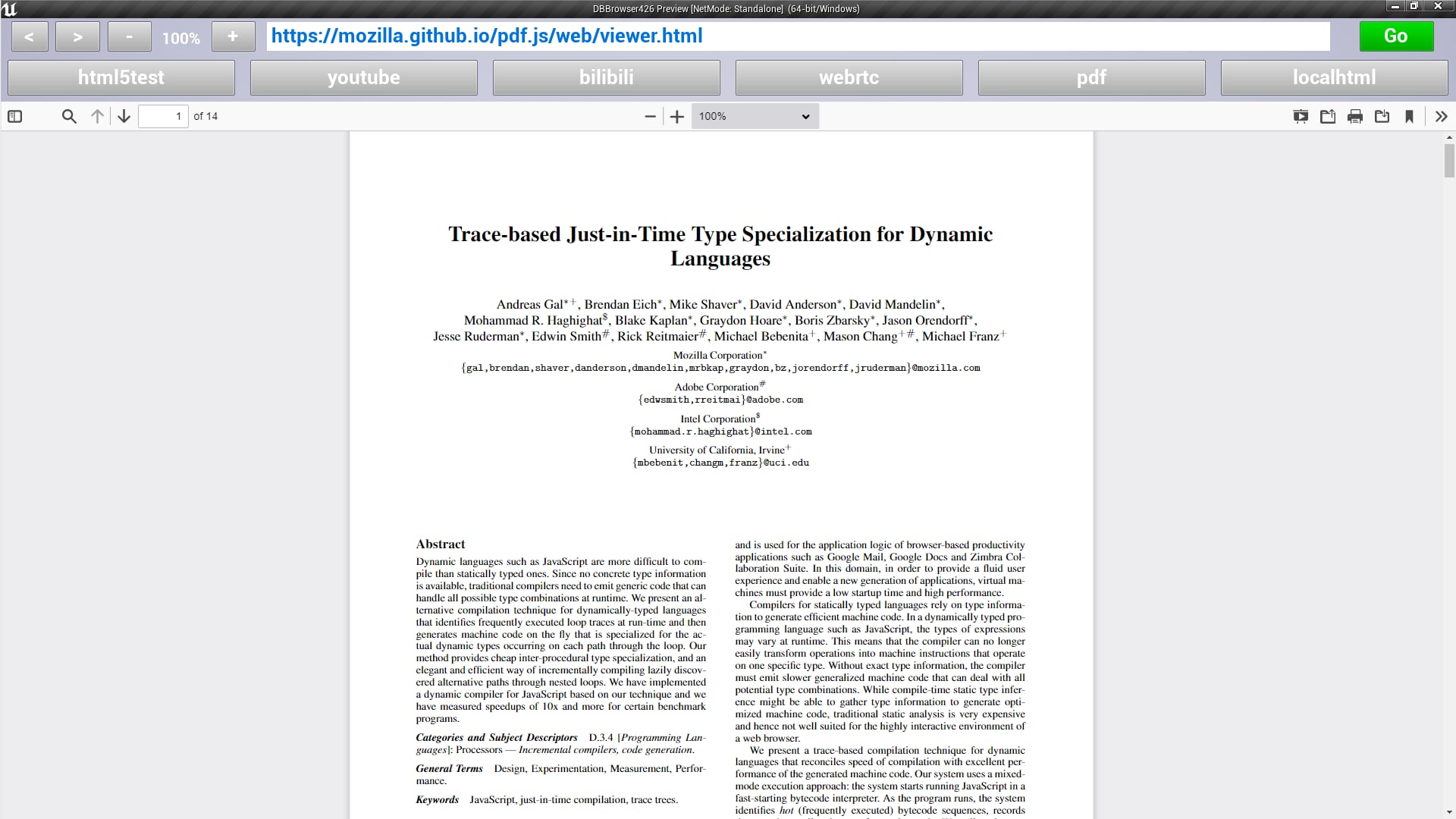
DBBrowser is a powerful web browser in ue4,DBBrowser uses CEF 92 as the kernel, and you can access the web just like Google Chrome. Can effectively play H264 MP4, WebrTC, WebGL, render SVG and PDF
Technical Details
Features: (Please include a full, comprehensive list of the features of the product)
- Support access to video websites
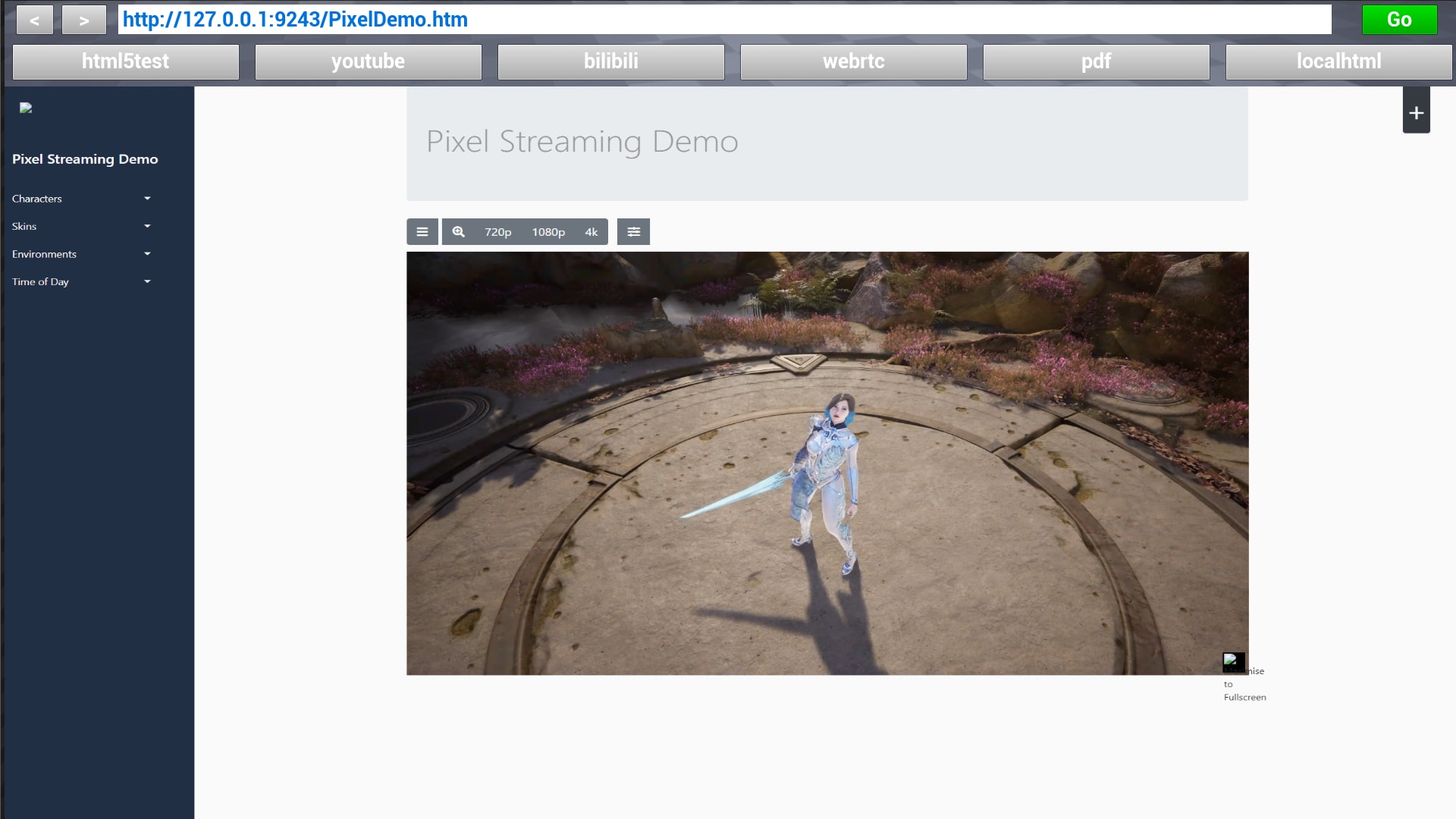
- Support access to web sites rendered cloud using WebRTC
- Support H5,Https,CSS and JavaScript
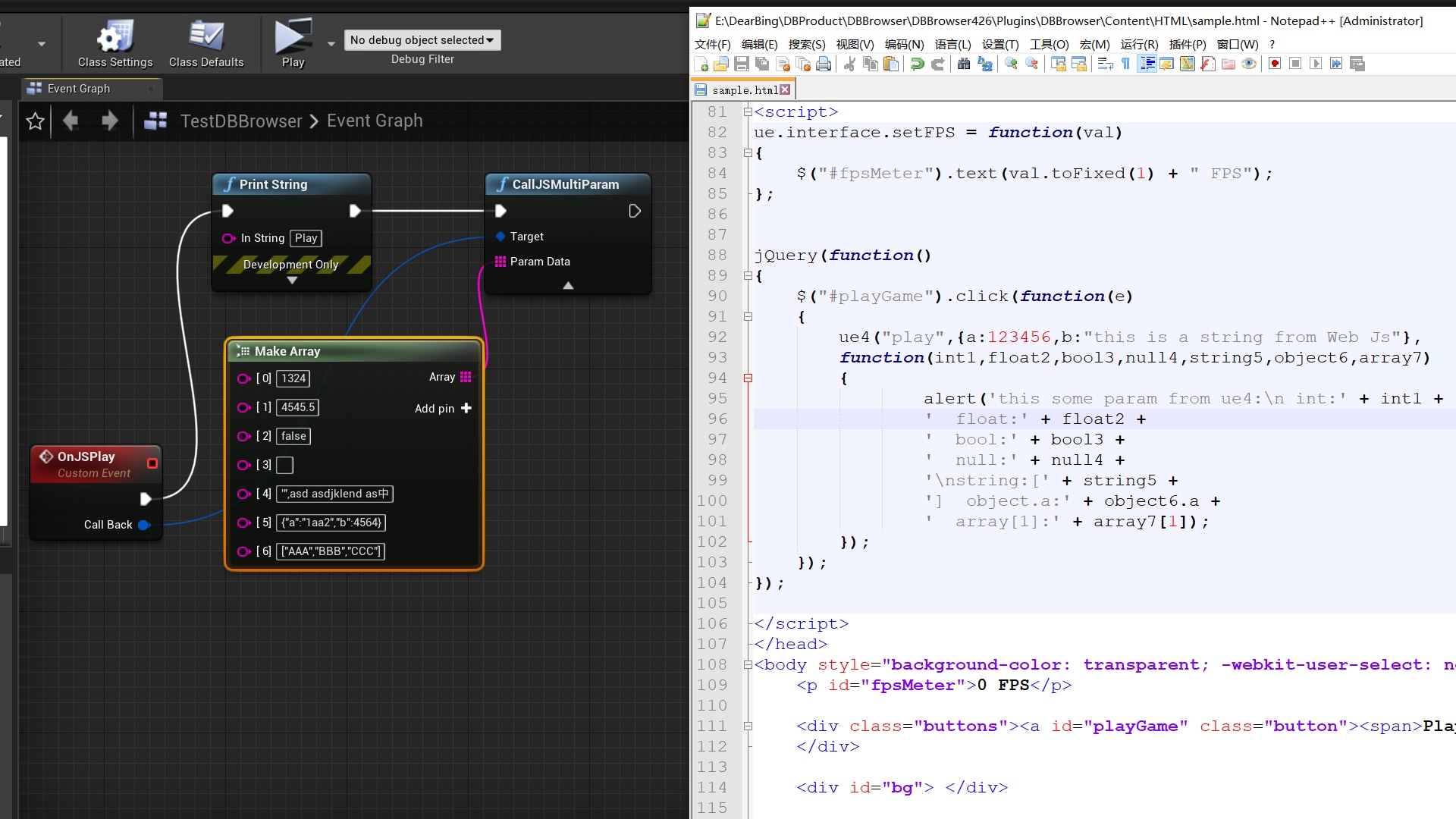
- Support Call JavaScript from UE4
- Support Call UE4 from JavaScript
- Transparent or opaque page background, set whether mouse events can pass based on transparency
- Controls: URL, back, reload, resize, and so on
- Support access local html
- Support Press Key F12 show chrome dev Tool
Code Modules:
- DBBrowser[runtime]
- WebBrowserUI[runtime]
Number of Blueprints:1
Number of C++ Classes:22
Network Replicated: (No)
Supported Development Platforms: (Windows)
Supported Target Build Platforms: (Win64)
Documentation: http://www.lexuehudong.com/cdn/usermanual/DBBrowser_UserManual.pdf
Example Project1 for UE5.0: http://www.lexuehudong.com/cdn/usermanual/DBBrowser500DemoProject.zip
Demo Exe:
Important/Additional Notes: This plug-in cannot be used in conjunction with the WebBrowser plug-in. So you must disable the WebBrowser plugin when using this plugin