




Enhanced Multiplayer Rolling Component
Simple to use component for character to perform dodges or play direction attacks with multiplayer support. Make sure that you are using root motion animations.
- Supported Platforms
- Supported Engine Versions4.26 - 4.27, 5.0 - 5.2
- Download TypeAsset PackThis product contains an assortment of Unreal Engine assets which can be imported into a pre-existing project of your choice.
Description
Reviews
Questions
NOTE: You must have root motion animations to use this component
User Manual \ Playable Demo \ Discord \ Showcase
NOTE: NOT INCLUDED
It is purely rough examle of real world Rolling Component use, but its enough to test example setup.
Adanced Playable Demo \ Advanced Showcase
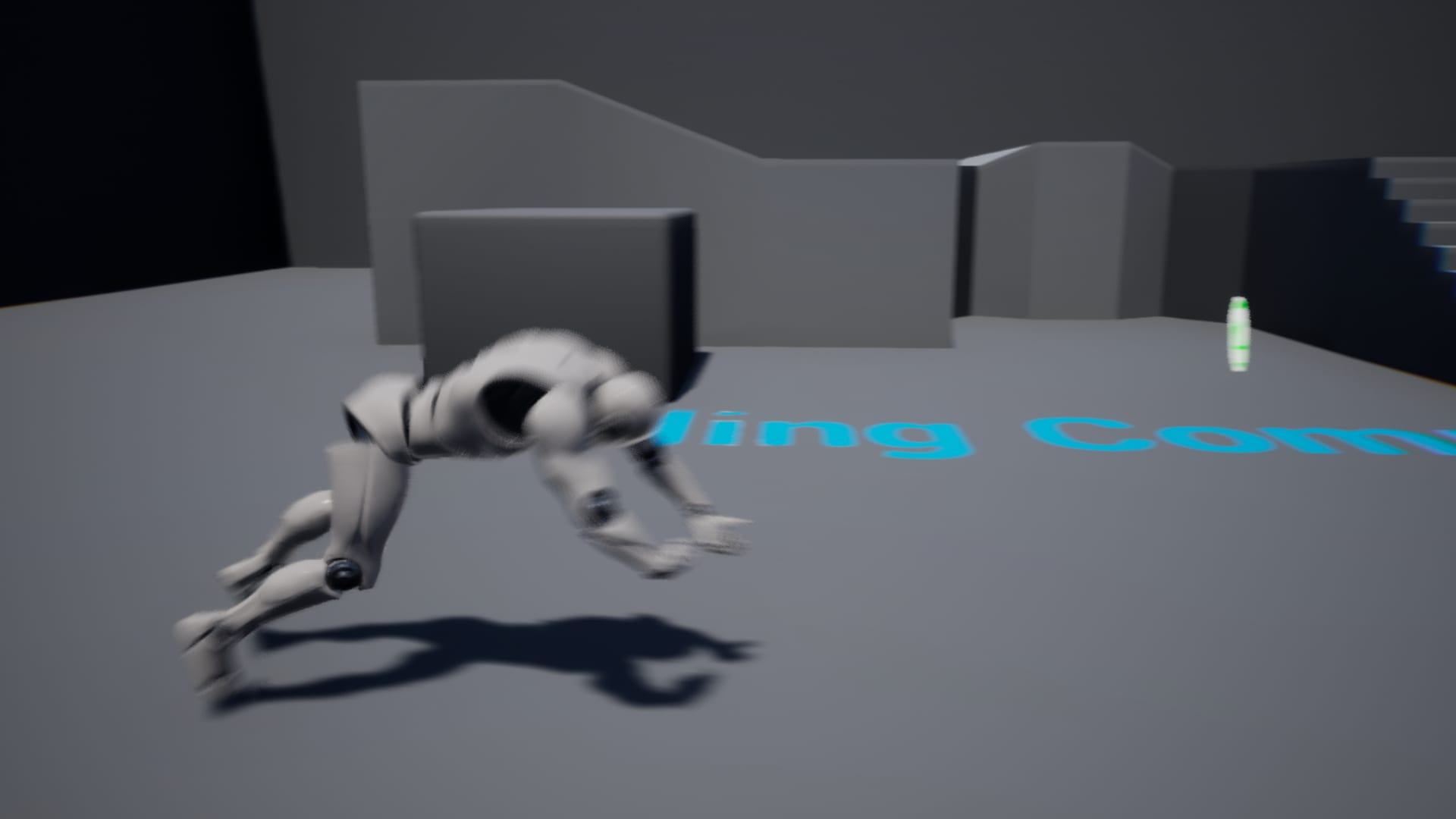
Rolling Component is easy to use and has a 1 node solution to add roll and dodge ability to your character.
While other components try to use user input keys, Rolling Component calculates direction in runtime and recognizes the direction to roll. Using Root Motion animations, your character will not have any delays before a dodge and will not strangly rotate for 1 frame. It will just roll in the right direction according to your input, or you may set a custom roll direction from -180° to 180°
If you have any questions, please feel free to write to: [email protected]
Changelog:
1.3.0
Now users who have a large list of directional rolls and other actions can now use Rolling Objects, which allows you to easily manage your rolls and create large arrays of actions.
- Added Rolling Object. Checkout RC_PlayerCharacter_RC_Object for more information
- RC_RollingObject. Now you can add your own via Panel or add Them with more complex way via code. Check RC_RollingObject_SimpleSettings and RC_RollingObject_AdvancedSettings
- Fixed Widget Blueprint Errors in network mode for Sample Content
1.2.0
- Now End Roll is client trust, so there will no be any lags even using Auto Roll End Event.
- Now Montage Stop is client trust, so server will not force client roll stop while rolling
- Fixed End Roll event spaming
- ~Client-Trust does not means that client will have fully authority. As component is now replicated, server still fix clients location if you are not using character's client-trust location. This fix is only visual, so the clients will have more fluid expirience while rolling.
1.1.4
- Fixed End Roll Event. Now it works as expected
- Fixed is Falling Check flag
- Added commentaries for is Falling Check
1.1.3
- Fixed "Unknown Struct Error"
- Fixed UI Bug in Samples
- Added Client Trust Roll to prevent action lag on client (It may not work well if you use auto end roll detection)
- Added Roll Component Category for search
- Added Chance To Roll Example in InputDirection Character. Checkout Forward roll.
1.1.2
- Added additional comments
- Added timer getters for Auto End Roll Detection for greater flexibility
GetRollTimeElapsed
GetRollTimeRemaining
GetTimerHandle
- Added Chance To Play for animations
Now you can use several animations for each direction.
For example, you can add 2 or more animations for the forward direction and set the playback chance for each animation.
The Rolling Component will randomize them for you according to the chance.
If you leave a 100% chance for each animation, they will be played completely randomly.
1.1.1
- Added AnimNotify End Roll Detection
- Added Montage Playing stop ability
- Added EndRoll(Manual) to force stop Roll event
- Added EndRoll(Local) to stop Roll gracefully
- Added Blend Out After Montage Stop
- Fixed DataTable Animation Set reading
- Fixed UI errors in multiplayer
- Documentation updated to 1.1.10
Technical Details
Features:
- Automatically recognize the direction of rotation
- 4 and 8 directional roll support
- Replication (network/multiplayer support)
- Automatic anti-spam roll prevention (optional)
- Support for custom direction input (you can check driving direction with general direction like with cameras)
- No any tick calculations
Requirements:
- Root motion animations
Number of blueprints: 3
Input: n/a
Platform Support: As its pure blueprints there is no any limitation to build it
Network replication: Yes