





Archviz Mesh Change/Transform Modification
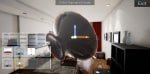
Archviz Mesh Change/Transform Modification is an easy implementation project that allow user to spawn, move, rotate, scale and change the mesh in real-time. Editing is simple as there is a lot of configurable settings for customization.
- Supported Platforms
- Supported Engine Versions4.22 - 4.27
- Download TypeComplete ProjectThis product contains a full Unreal Engine project folder, complete with Config files, Content files and .uproject file, which can be used as a template to create a new project.
Description
Reviews
Questions
Example Usage:
- Used on Archviz projects that allow user to edit their interior design.
- Editing mesh or map in game.
Video Preview: https://youtu.be/qnKZvlagqYI
Video Tutorial: https://youtu.be/KGDqrI6mZ_k
Long Description
1. Contain 2 types of behaviors:
- Attach to Actor (Static Mesh Actor)
- Independent (Blueprint Actor)
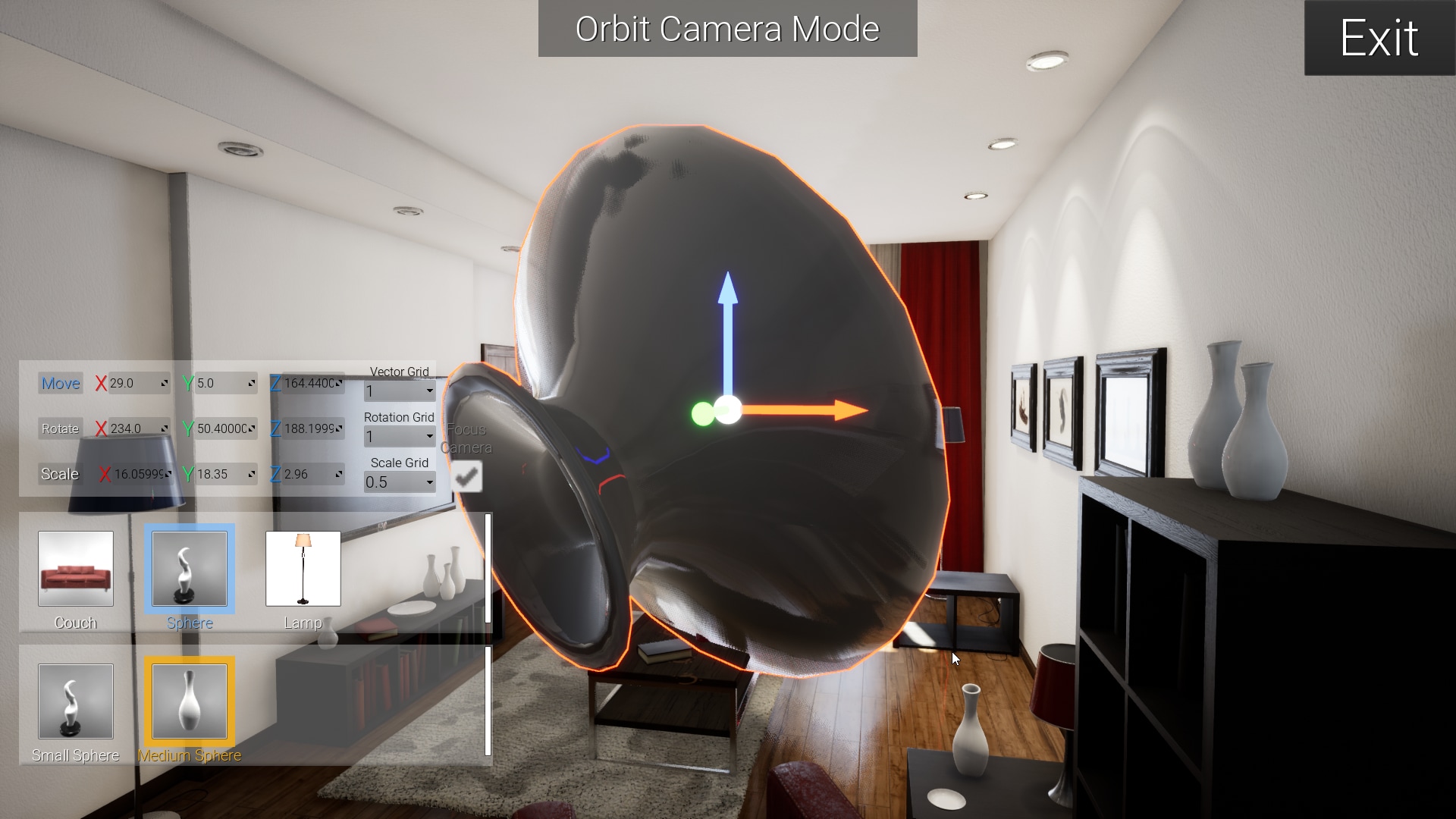
2. Mesh Changing
- Real-time mesh changing
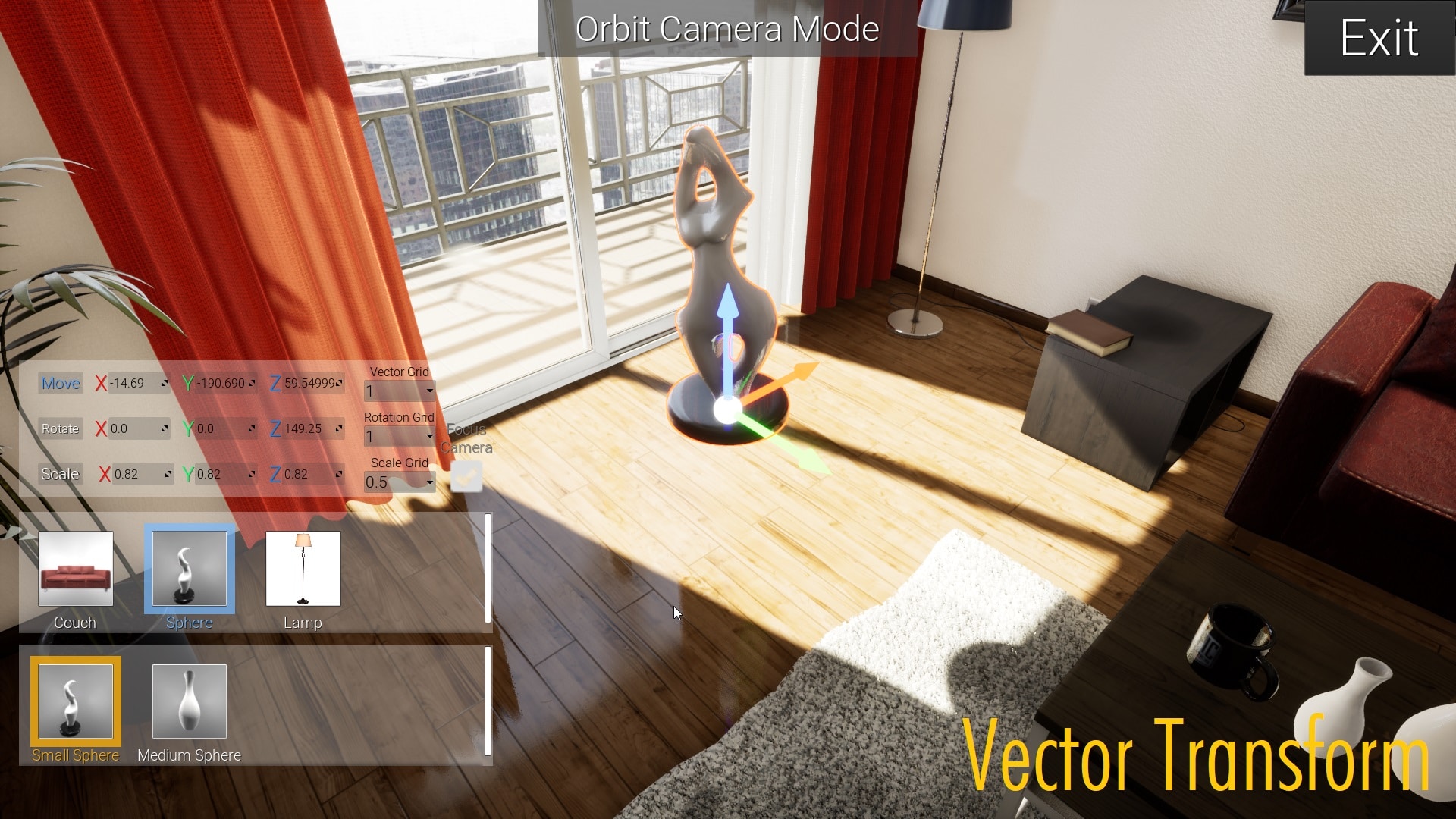
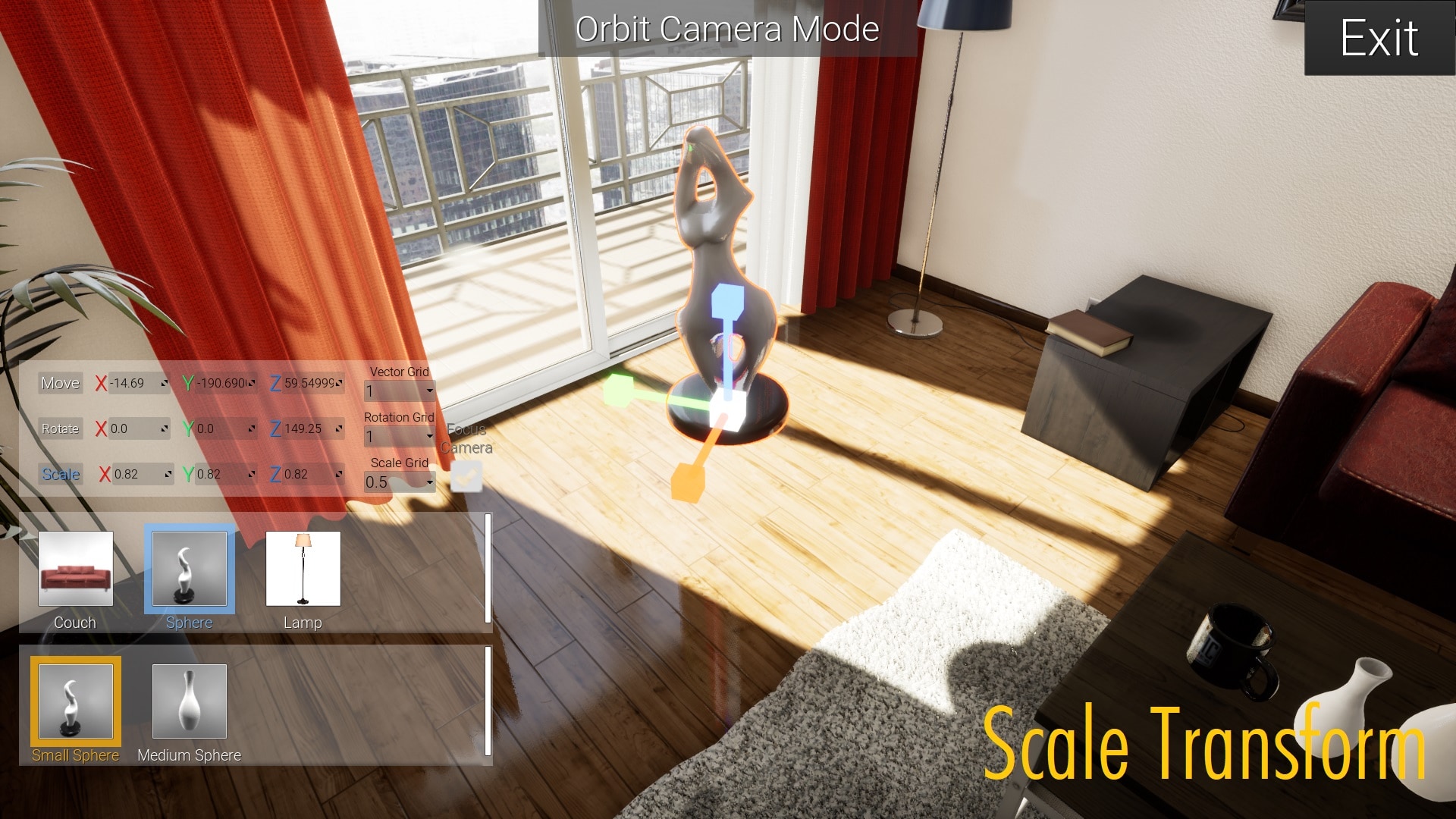
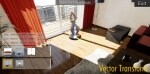
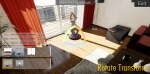
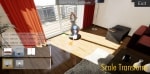
3. Mesh Transform (Change position, rotation and scale of an object in real-time by mouse interaction or edit value in spin box.)
- Transform of Vector, Rotate and Scale
- Grid Value Settings
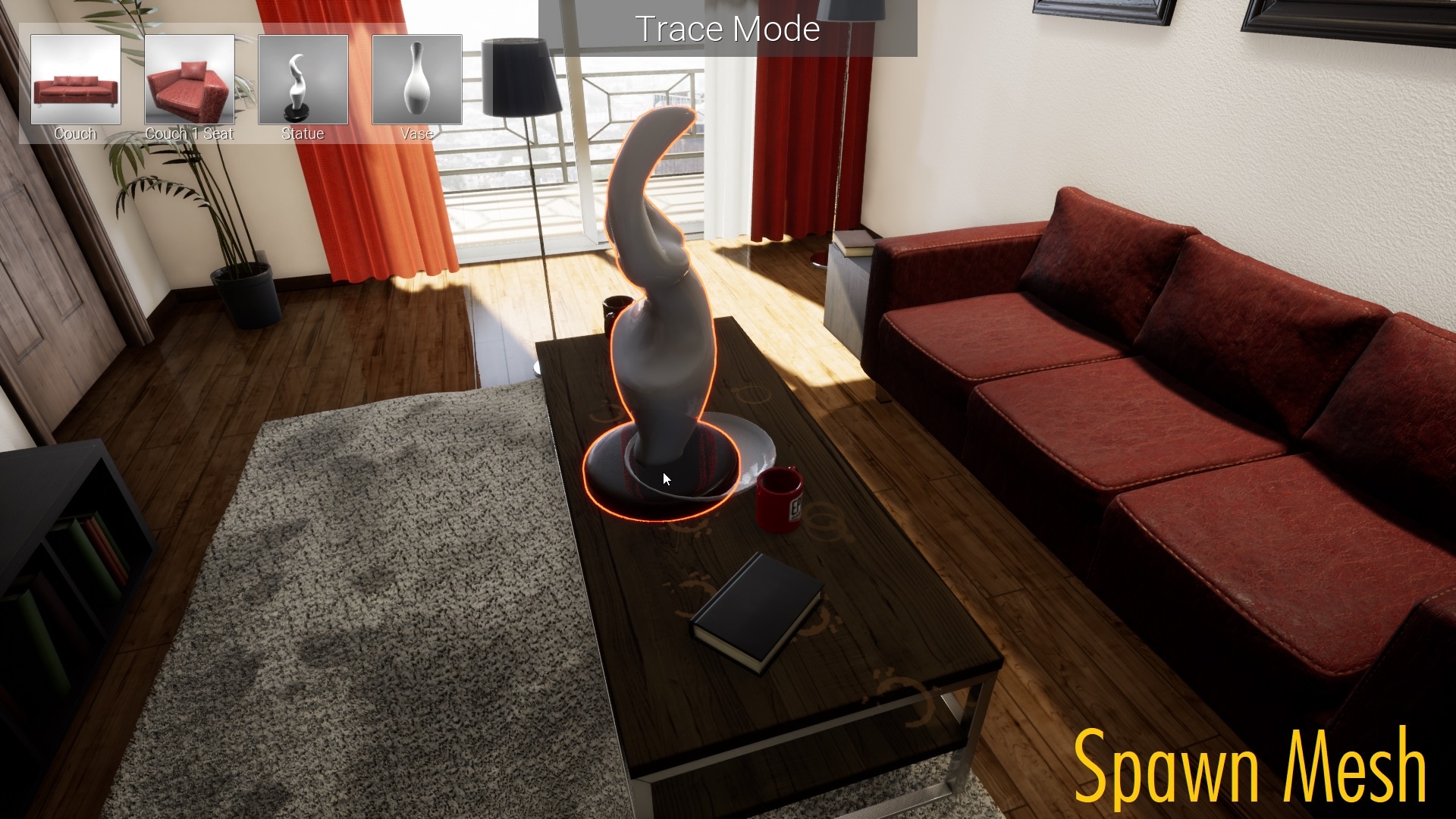
4. Spawn Mesh
- Spawn Mesh in Real-time
5. 2 Types of Camera Mode
- Free Camera (Free to Move Around in real-time)
- Orbit Camera (Focus on Object in real-time)
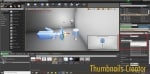
6. Simple Thumbnails Creator
- Create Thumbnails by Capture Scene 2D
7. Usable with your own character/pawn. (Supports Set Input Mode Game and UI Only)
8. Configurable settings such as tracking distance, outline color, toggle confirmation UI, Hidden Actors, Snap to Ground ETC.
9. Customizable data (data table):
Technical Details
Features:
- Fully in UMG and Blueprint.
- 2 types of control: Mouse + Keyboard and Only Mouse
- Includes 2 types of behaviors Blueprints and widgets are commented.
- Mesh Changing
- Mesh Transform
- Spawn Mesh
- 2 Types of Camera Mode
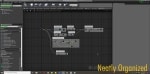
- All Blueprints are neatly organized.
Number of Blueprints: 3 Blueprint Actor, 2 Data table, 1 Actor Component, 1 Drag and drop, 2 Pawn
Input: Mouse and Keyboard or Only Mouse
Network Replicated: No
Supported Development Platforms: Windows
Supported Target Build Platforms: Windows
Documentation: https://drive.google.com/open?id=1JPUumQHT84a-HNrpd98GmTokD49Hy77A
Video Tutorial: https://youtu.be/KGDqrI6mZ_k