



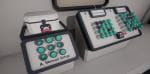
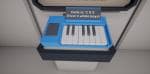
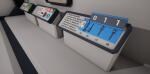
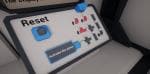
Button Prototype Kit
Create push buttons, sliders, rotating knobs, flip switches, levers, valves, and more. All with movable handles and custom positions. Define interaction rules to sync buttons and build simple puzzles.
- Supported Platforms
- Supported Engine Versions4.22 - 4.26
- Download TypeAsset PackThis product contains an assortment of Unreal Engine assets which can be imported into a pre-existing project of your choice.
Description
Reviews
Questions
Create interactive push buttons, sliders, turn and flip switches, levers, or other contraptions, and combine them to create puzzles.
Videos: Demo Map, Demo Usage, Tutorials Playlist
Docs: Online
Button handles can move: rotate or/and slide
Changing button positions/states, triggers state change events
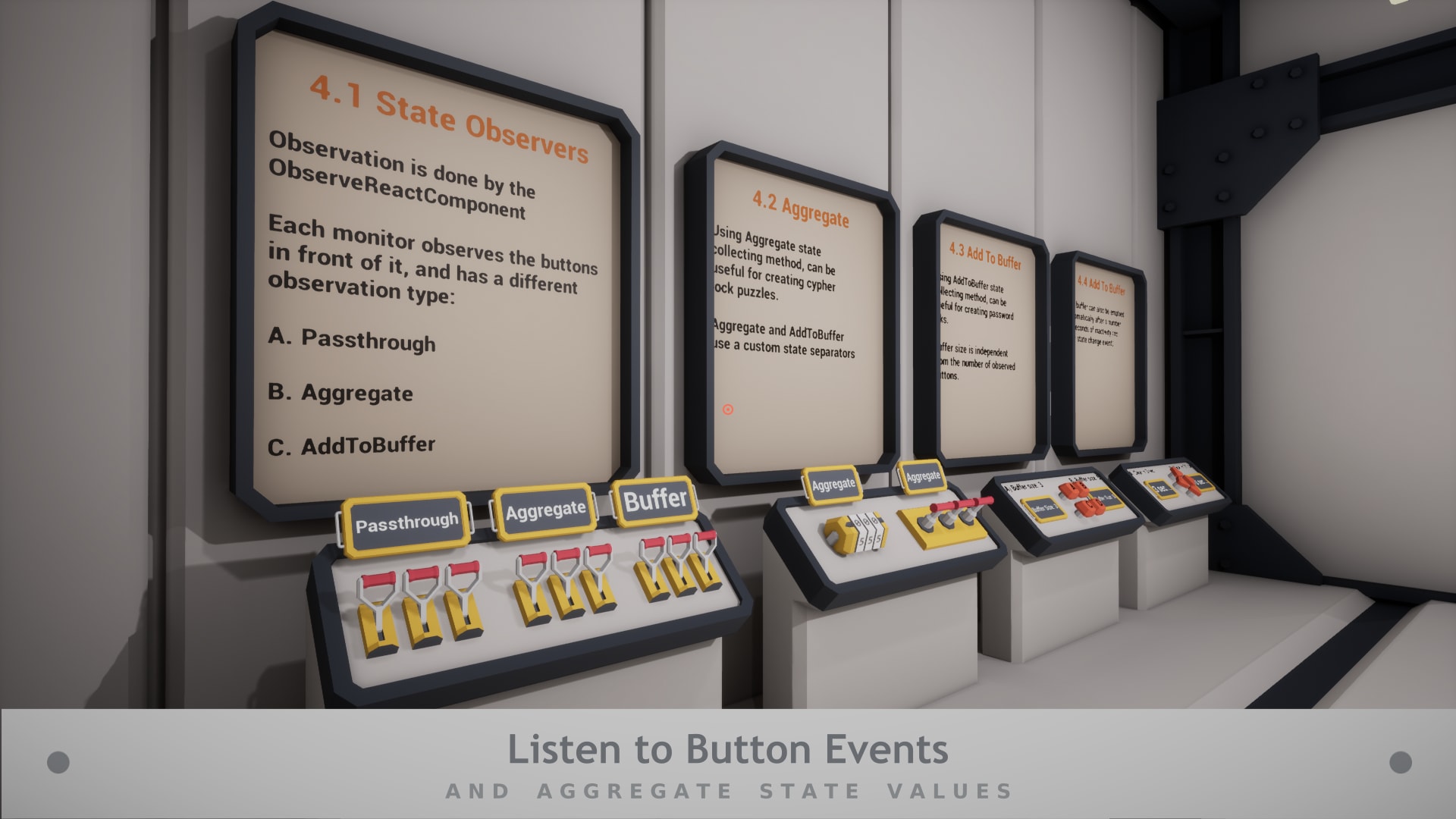
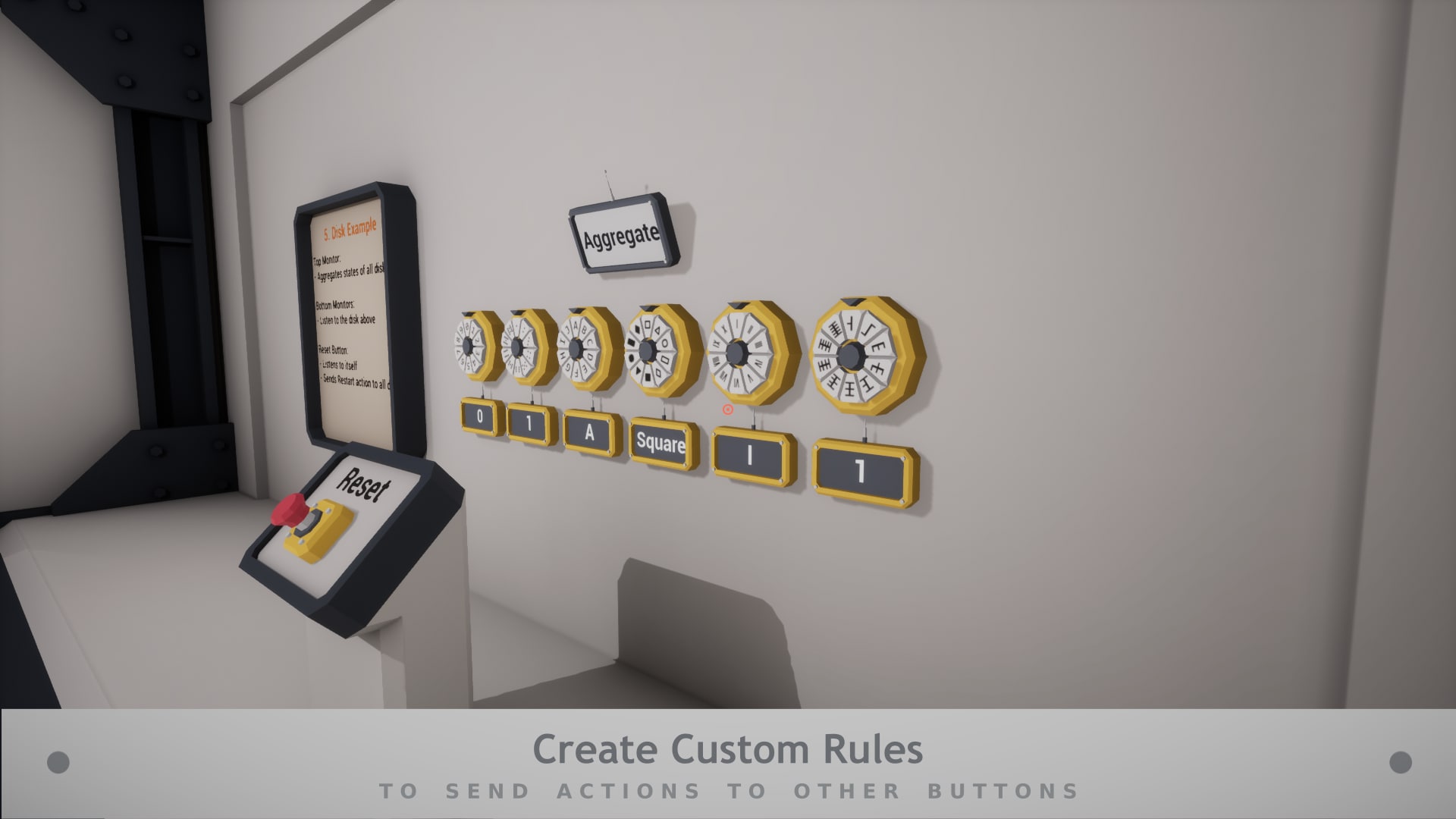
State changes can be listened to so you can define simple rules, based on state changes, to sync buttons movement
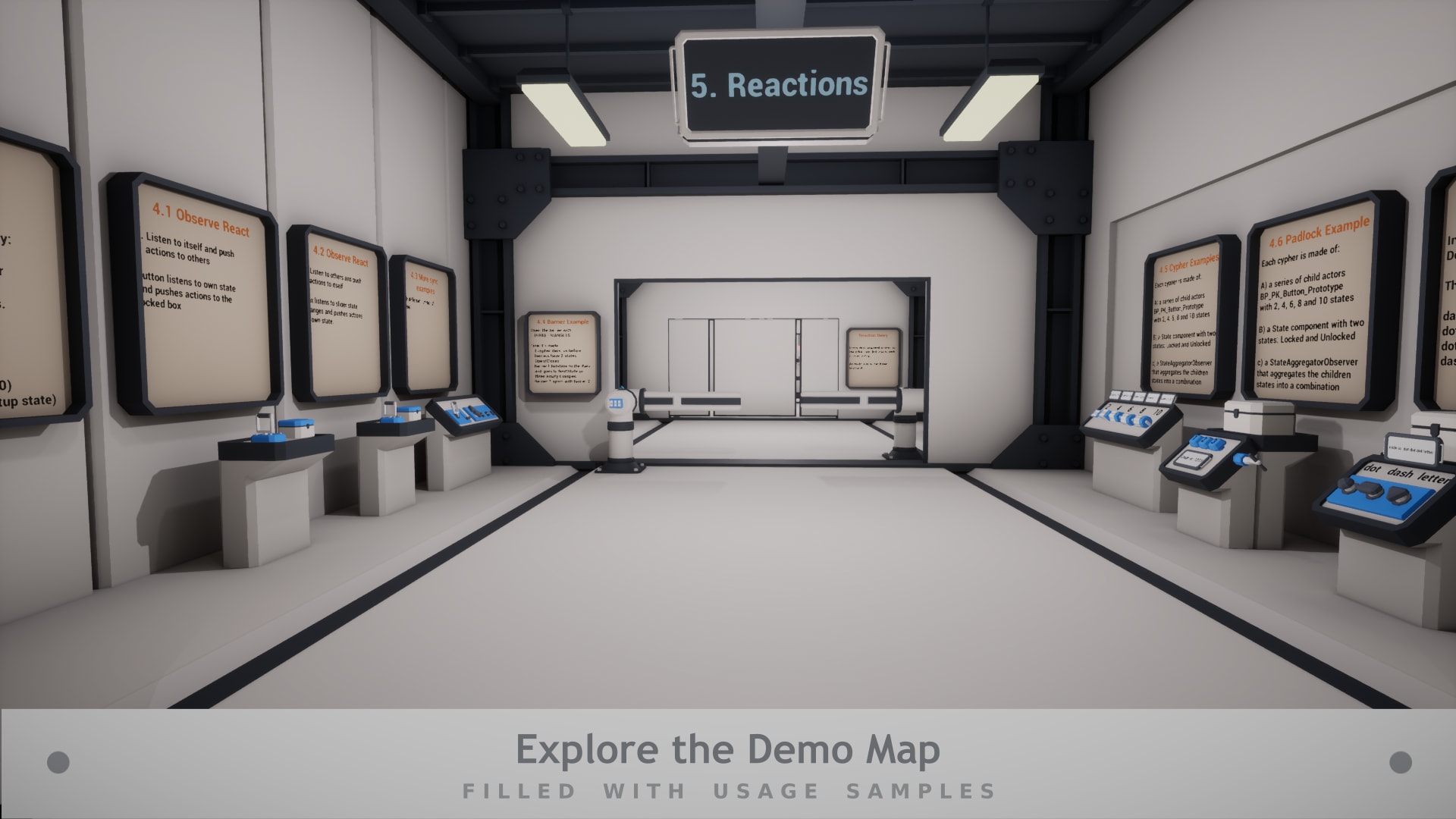
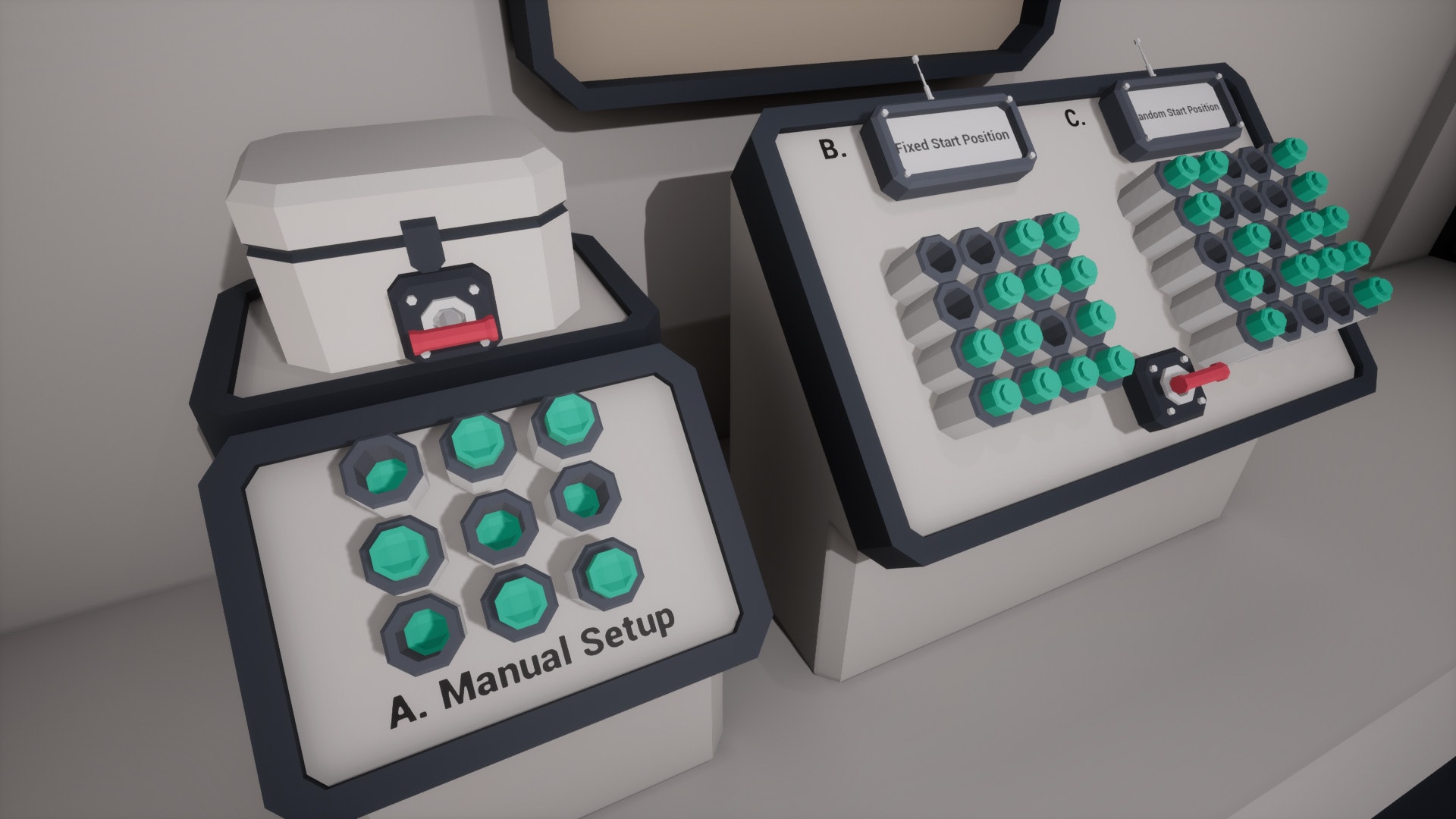
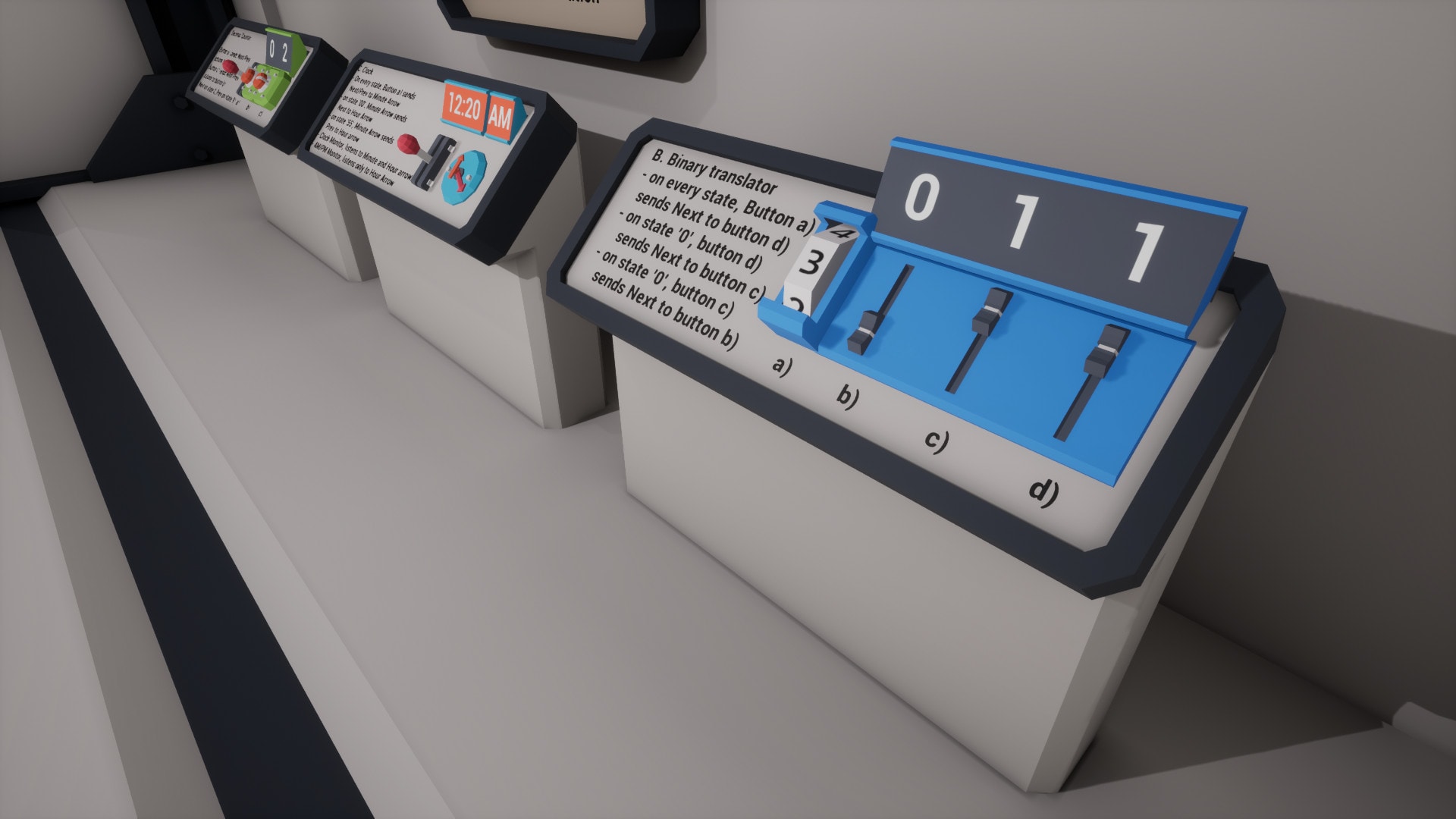
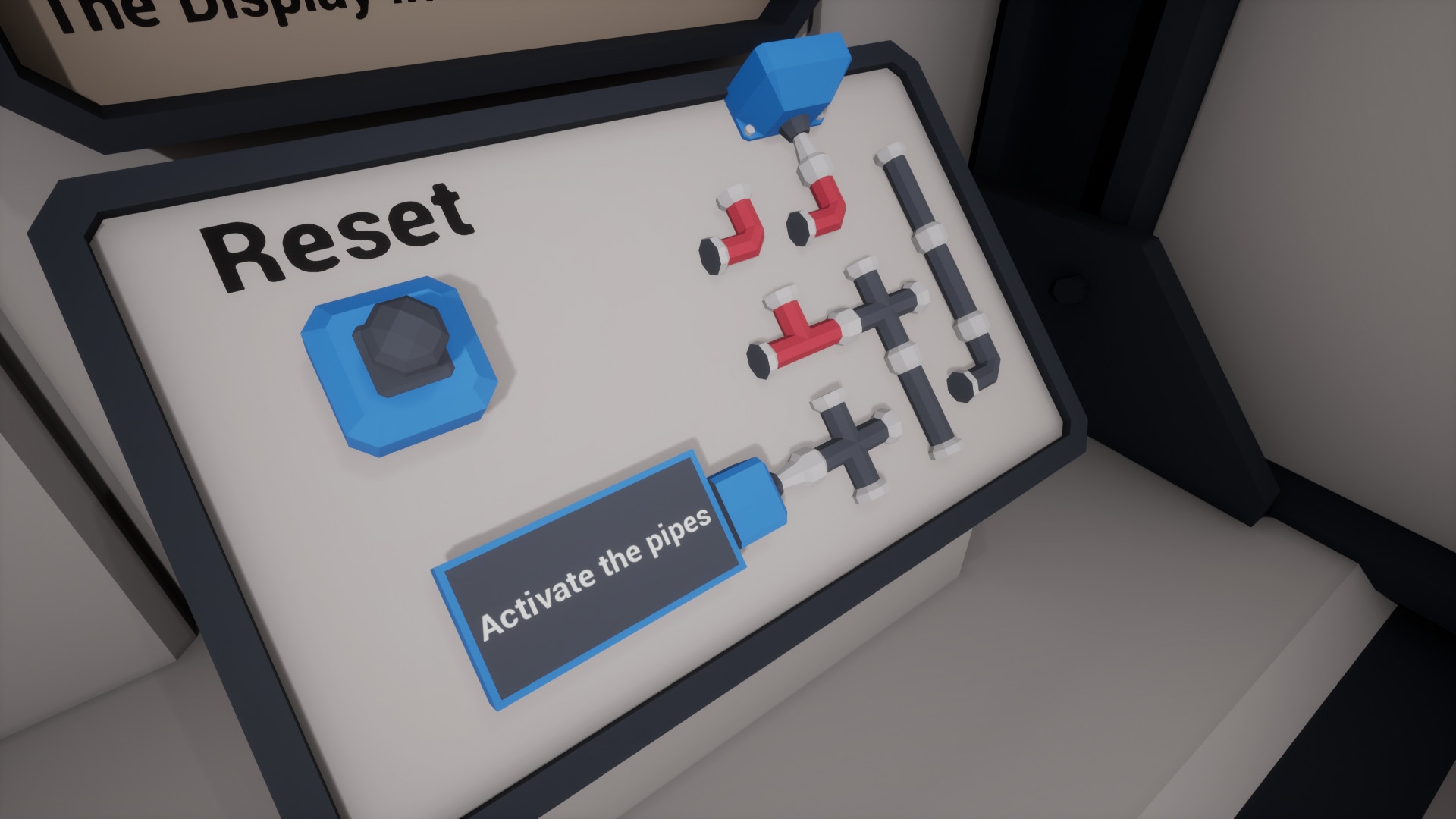
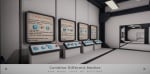
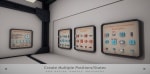
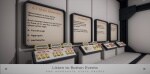
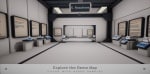
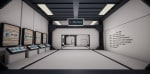
The Demo Level contains samples like:
- padlocks, combination locks, dials
- piano keyboard, pipe puzzle
- button puzzles
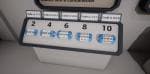
- decimal and binary counters
- collision triggers
- and more
So you can create your own puzzles and contraptions.
Note: Not tied to any input method. You need to manually call DoAction. (see demo character).
Technical Details
Features:
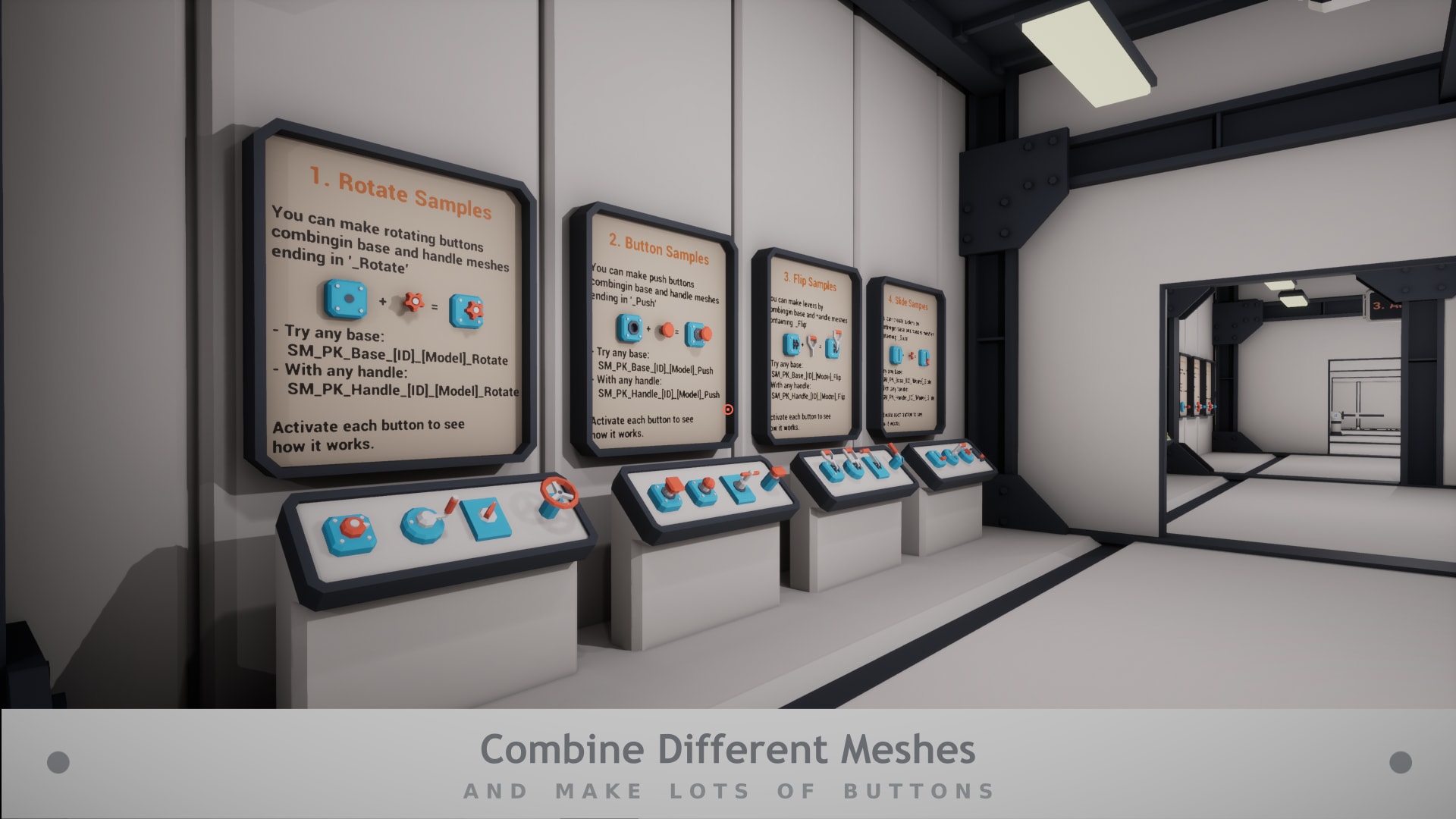
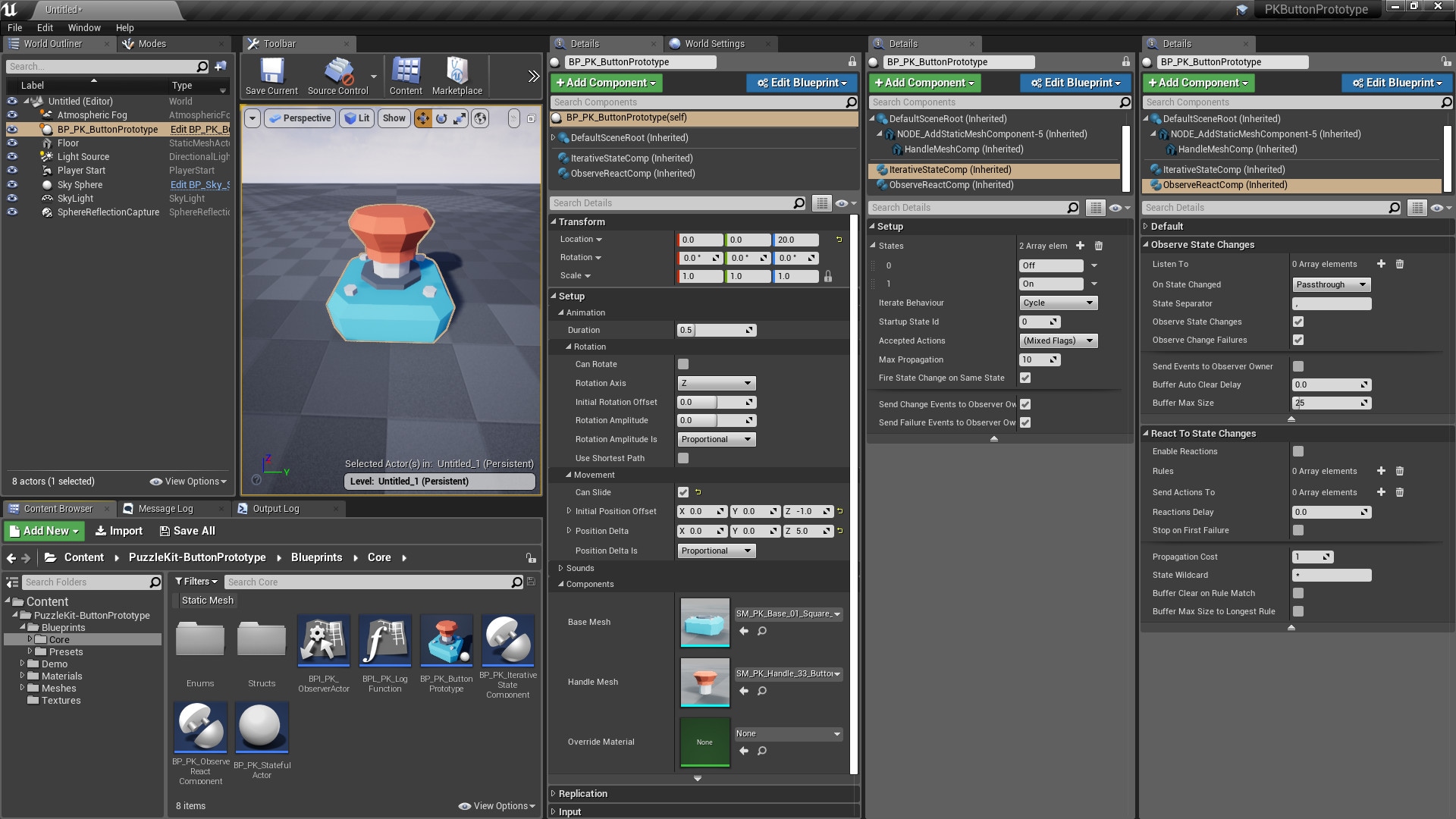
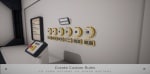
- Combine two meshes to create multiple types of buttons
- Mesh pack included (to create button combinations)
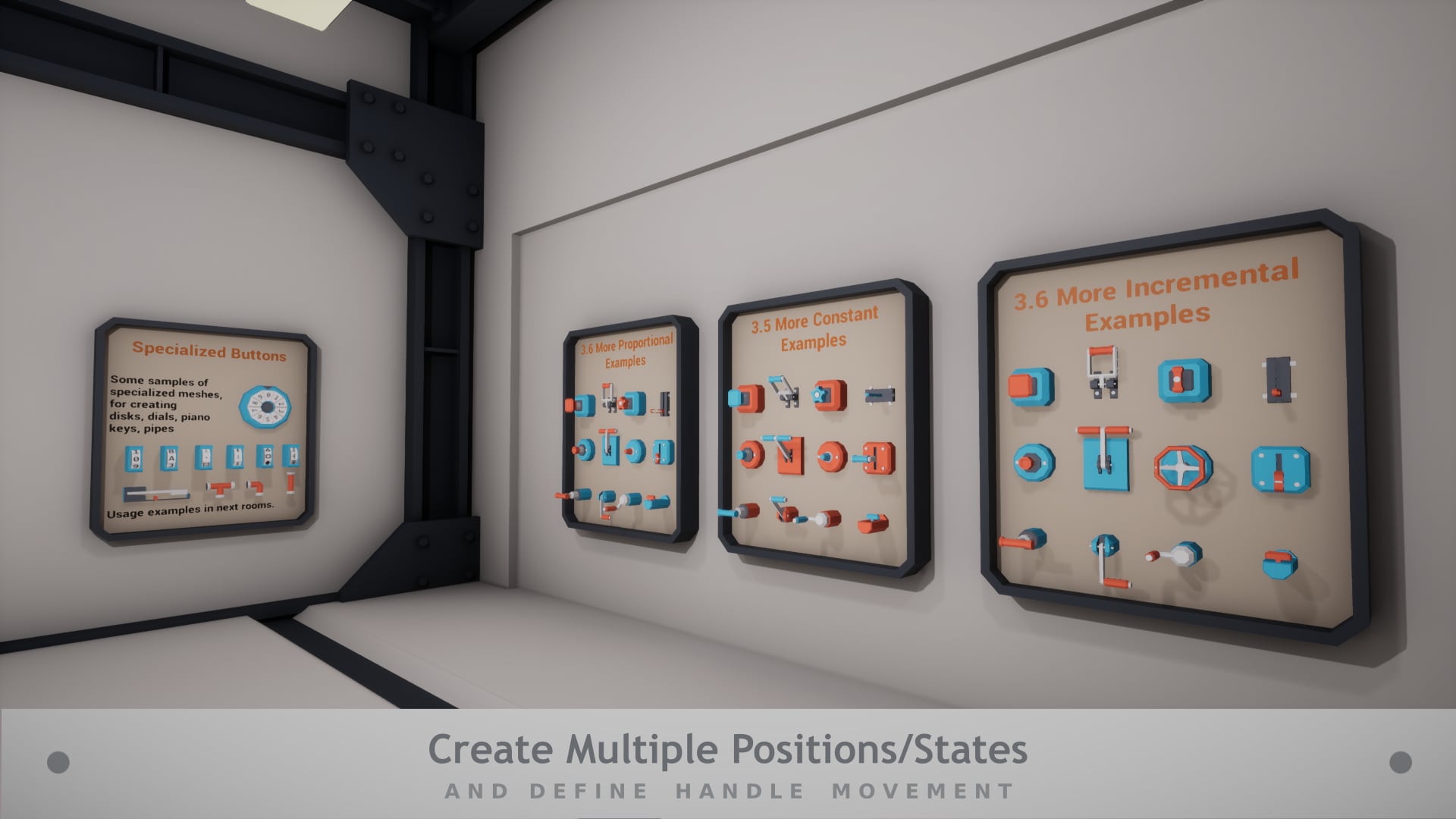
- Define multiple positions (states) for each handle
- Animate state transitions (rotate/slide) as handle movements
- Play sounds on state changes
- Interact with buttons by calling Next, Previous or Reset actions
- Listen to button movements and synchronize other buttons, by writing simple reaction rules
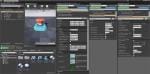
- States and Observe/React functionality are in separate actor components, so they can be easily reused.
Number of Blueprints: 6 Core (1 Multi Purpose Button Prototype, 3 ActorComponents, 1 interface, 1 base actor) and more presets/usage samples
Meshes: 125 Total (58 Button Handles + 20 Button Bases for making all kinds of buttons, levers and switches, 6 Cypher Disks + 14 for disk holders, 9 for building a piano keyboard, 6 for building Pipe puzzles, 12 Various size Displays)
Triangles: 24-306
Vertices: 46-516
Input: Mouse and Keyboard in the Demo Level, but is not tied to any input method.
Network Replicated: Yes (still room to improve)
Supported Development Platforms: Windows
Supported Target Build Platforms: Windows
Documentation: Online
Videos: 14 video tutorials
Important/Additional Notes: This asset pack was designed for prototyping purposes.